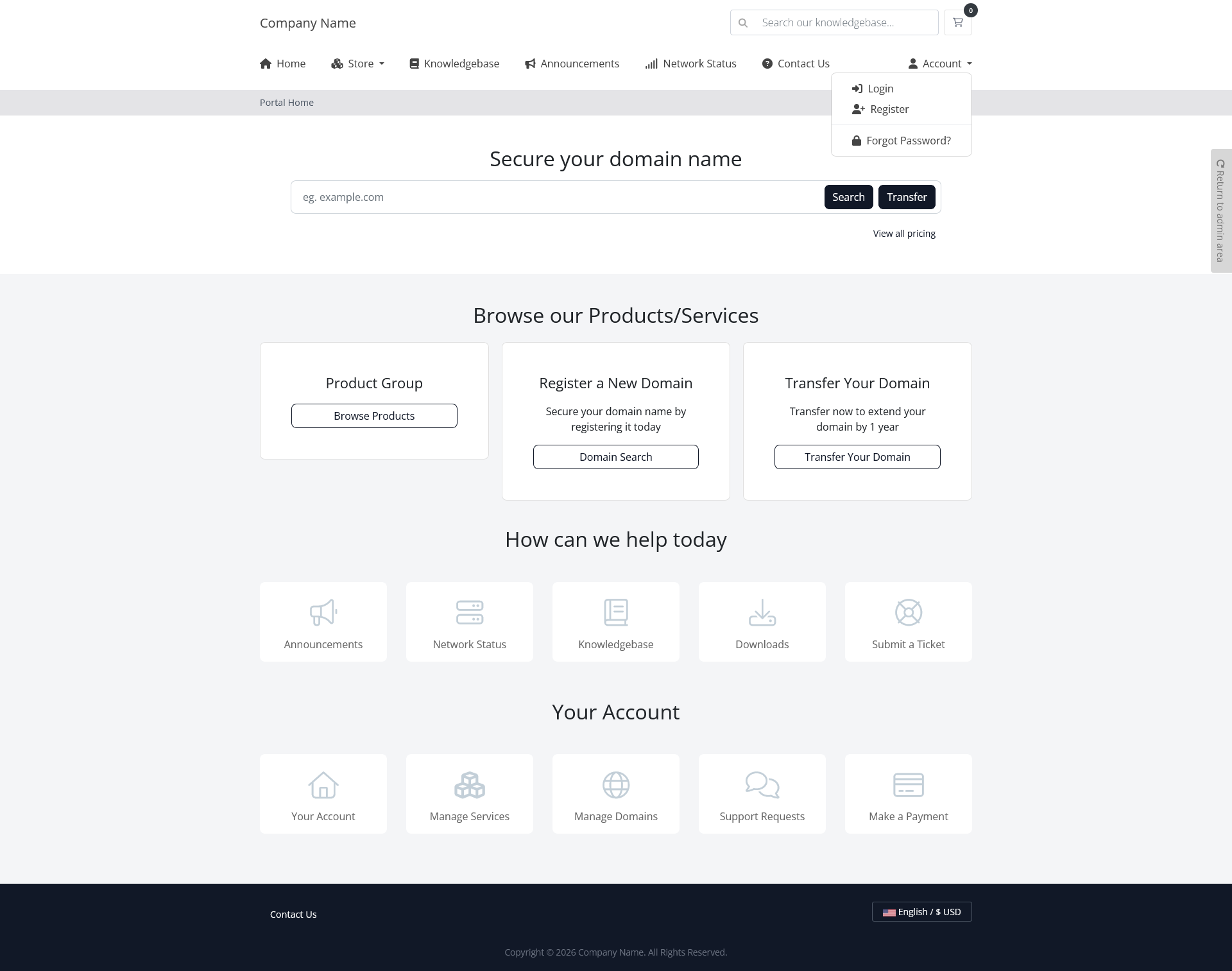
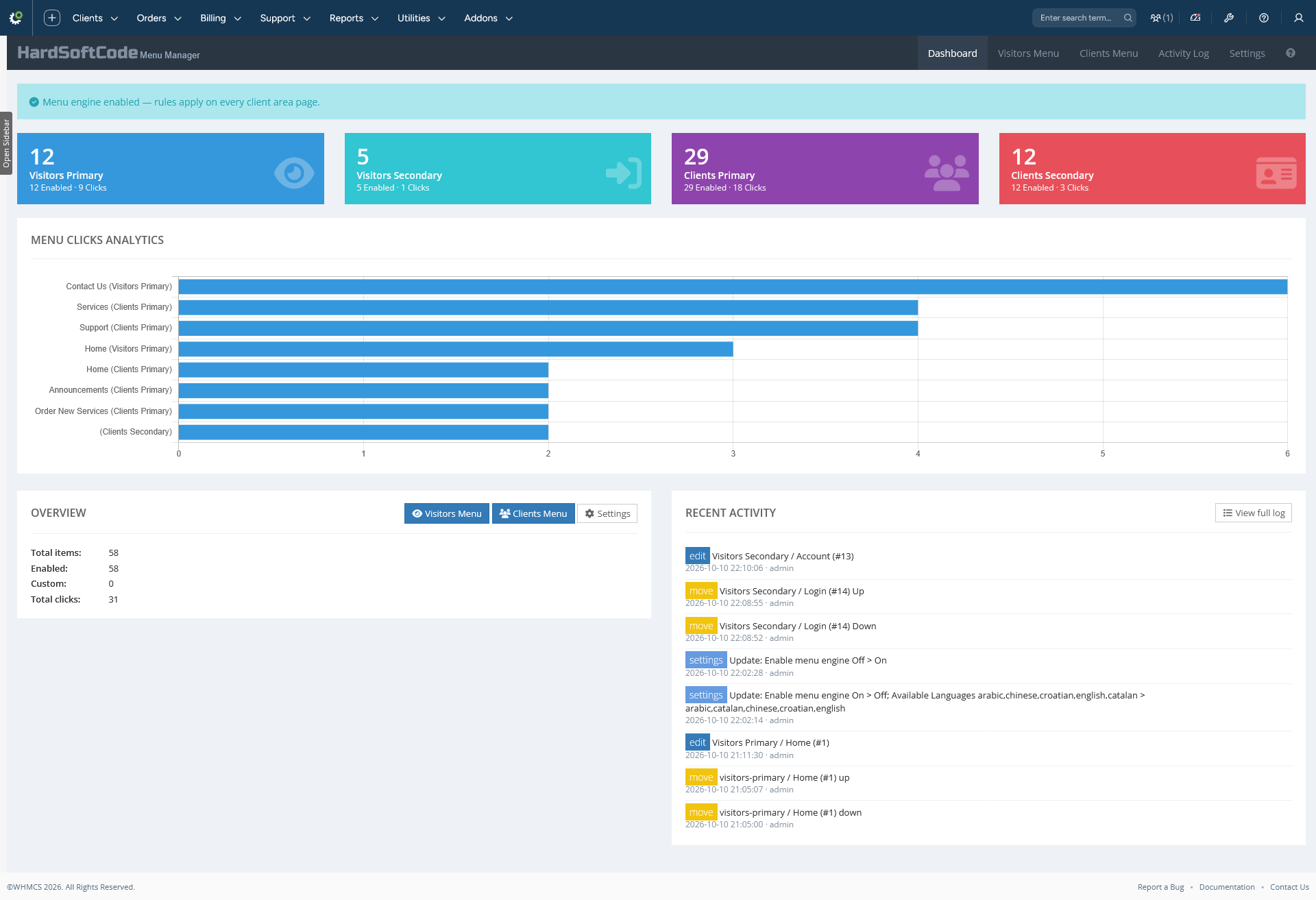
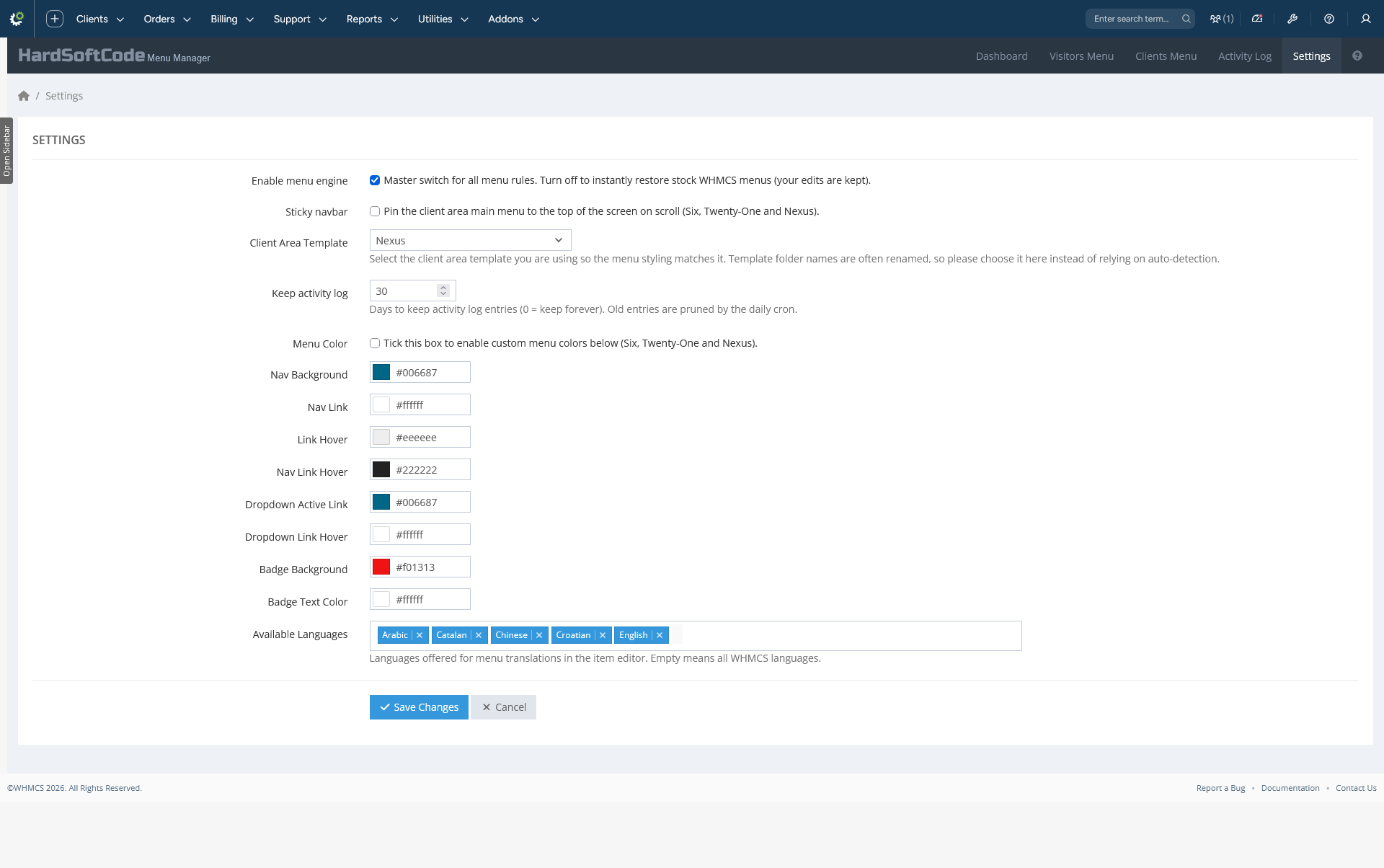
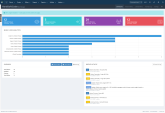
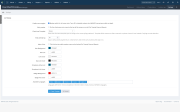
A complete navigation manager addon for WHMCS that lets system administrators control both client area menus — Visitors (logged out) and Clients (logged in) — each with its own primary and secondary navbars: rename items, change where they link, reorder them, hide or disable them, add custom links, translate labels per language, attach FontAwesome icons, extra CSS classes and live counter badges, track clicks, pin the navbar on scroll, recolor the whole menu, and audit everything in an activity log.
Menu Manager works directly on the WHMCS menu objects, so it supports the stock Six, Twenty-One and Nexus templates with no template edits — pick yours in Settings and the styling, box heights and wrap guards match it automatically. Everything is governed by modern, secure, CSRF-protected admin screens with AJAX saves and toast confirmations.
# for placeholder parents).fas fa-star); emptying the field removes the icon.lang/*.php and untranslated items fall back to the default label.#rrggbb.Update: Keep activity log 90 > 30); searchable/sortable DataTables grid, per-action colored badges, retention in days pruned by the daily cron, plus a Clear Log button.storage/menus.json, creates the settings table and seeds Available Languages with your WHMCS default client language.We also offer full source code licenses for all of our products. Source code access for Menu Manager is available for $280 USD. Please contact our support team for further details or to request a purchase.
The best place to start if you need help with a specific product is to contact the developer. All WHMCS Marketplace developers have both a website and support URL listed.
Fresh rewrite on the modern addon architecture (namespaced classes, Smarty admin UI, AJAX grid).
New features
index.php?m=menuManager&action=click controller).Updates & improvements
Fixes

Working comfortably with ResellerClub's products and services through your WHMCS system requires additional tools.

The module developed to add meta description and meta keywords and change the page title


This module will integrate WHMCS with Dropbox to upload a copy of WHMCS database onto the cloud. You will never have to worry about losing data any more.



Daniel McD @danse
Great Support, awesome Products, thank you for your good Work!!