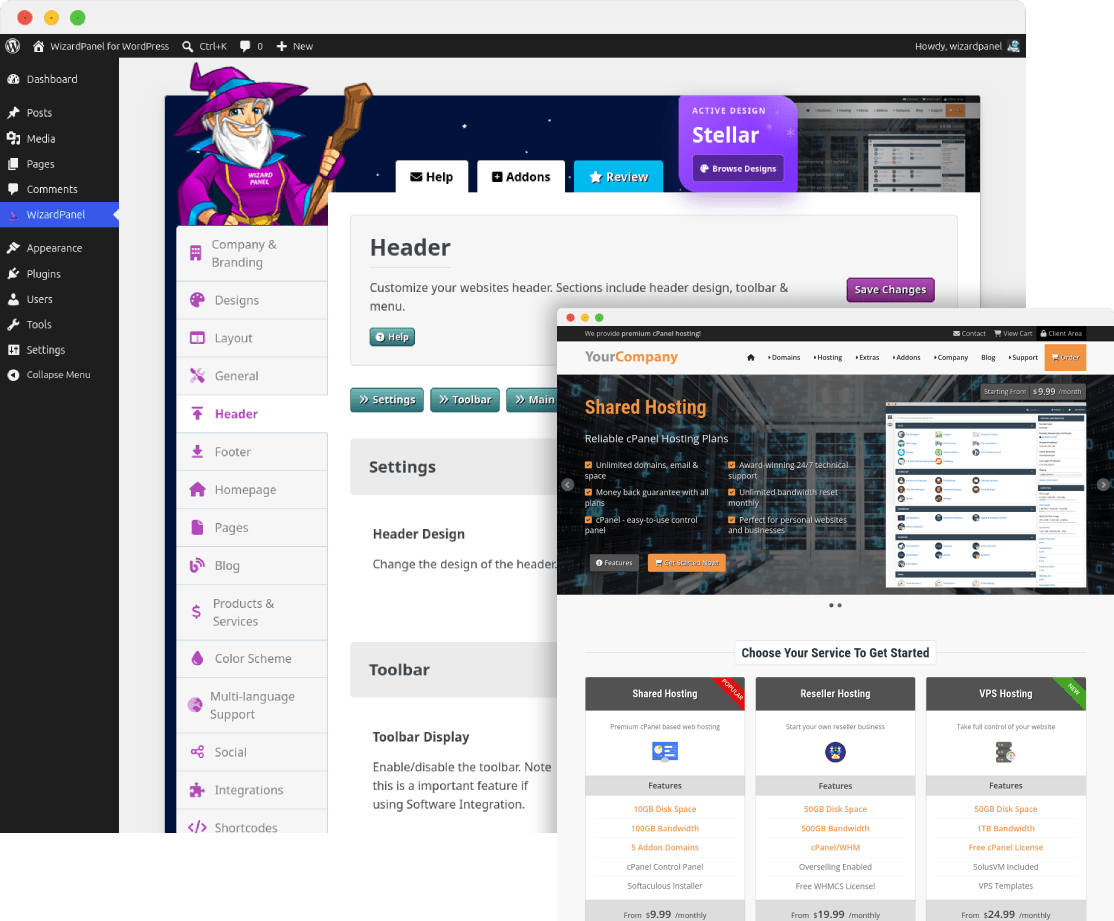
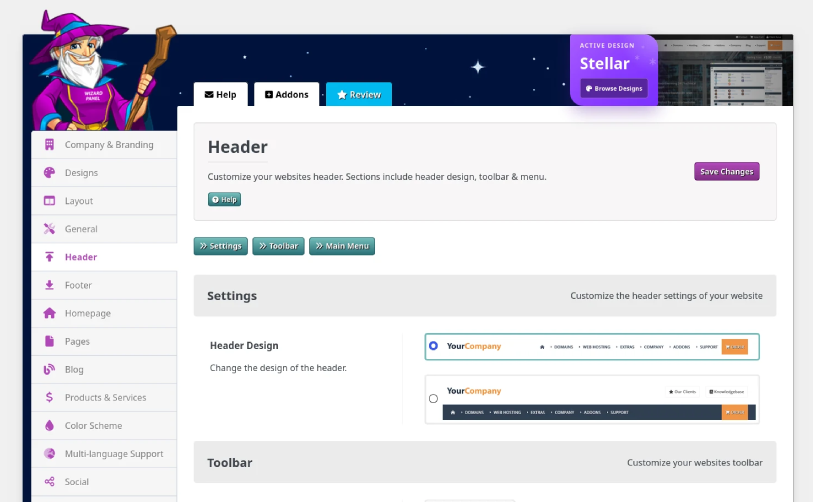
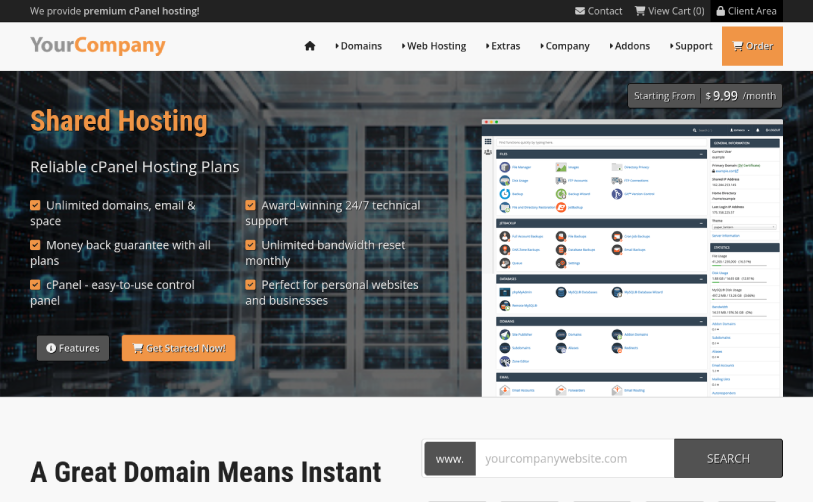
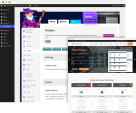
WizardPanel for WordPress is a complete website framework built specifically for web hosting businesses. It combines the flexibility of WordPress with ready-made hosting designs, service pages, plan displays, shortcodes and software integrations to help you launch a professional website faster.
^ Please view the links above to learn more about WizardPanel for WordPress.
WizardPanel is a feature-rich WordPress framework built specifically for hosting businesses:
WizardPanel includes a wide range of ready-made pages and content that can be customized using WordPress:
All pages are designed as a professional starting point and can be edited, expanded or removed to suit your business.
WizardPanel for WordPress includes a WHMCS integration template at no extra cost. The recommended setup is:
domain.com/ = WordPress + WizardPanel
domain.com/clients/ = WHMCS
WizardPanel can generate a copy of your WordPress website header and footer, including your content, customizations and settings. This can then be applied to the included WHMCS integration template using our copy and paste process, creating a consistent design between your main WordPress website and WHMCS.
The integration is static, so changes made to your WordPress header or footer do not automatically update the WHMCS template. When required, simply generate the latest header and footer and apply them again using the documented process.
Your WordPress website can be used for your main website, hosting plans, sales pages and content, while WHMCS handles client accounts, ordering, automation, invoices and support tickets.
WizardPanel also includes integration templates for Blesta, Clientexec, WISECP, HostBill and FOSSBilling.
As a Zomex customer, you can expect the following as standard:
Zomex has built a strong reputation within the web hosting industry over many years. Reviews of our products, services and support can be found through the WHMCS Marketplace, Google and established hosting communities such as Web Hosting Talk.
Zomex has been providing professional website products and services for web hosting businesses since 2009. Over the years, our WHMCS templates and WordPress products have continually evolved based on industry changes, new technologies and customer feedback.
Today, that experience is built into WizardPanel, our modern website framework available for WordPress and WHMCS.
We focus on the details that matter: professional design, practical hosting-focused features, regular updates, clear documentation and reliable support.
If you have any questions about WizardPanel for WordPress, integrations, compatibility or setup, you can contact us through the Zomex website or email sales (at) zomex com.
WizardPanel for WordPress is available as a one-time purchase and includes 1 year of updates and support.
After the first year, updates and support can be renewed optionally. If you choose not to renew, your WizardPanel license remains active and you can continue using the version you already have.
The best place to start if you need help with a specific product is to contact the developer. All WHMCS Marketplace developers have both a website and support URL listed.
New Menu - We have implemented a new menu which can be selected in WizardPanel > Header. This menu supports a mega menu dropdown with optional panels and a 3 level standard dropdown. The menu also includes customizable actions buttons, a CTA and a completely new mobile menu.
Framework Assets - WizardPanel now loads shared images, CSS, JavaScript and fonts directly from the framework instead of individual designs, reducing duplication and centralizing frontend updates. We have also implemented a very strong dependency system, for example JS is only loaded when it's required.
Color Toggle - We have updated the design of the color toggle to a modern dark/light icon based switch.
Design Enhancements - We have made a lot of changes to the design including replacing old images with modern Font Awesome icons. We have also removed icons from buttons to give a more premium look. You will also notice enhancements to the colors/contrast of all designs. We have made a lot of improvements to the mobile design including making all buttons use 100% width.
Snow Fall - A new effect option in WizardPanel, when enabled your website will display a snow fall animation. This has been implemented as a simple on/off feature that is a perfect way to add flair to your website during the coming Christmas holidays.
IPTV Replaced - We received a report from a user that their payment processor did not like IPTV mentioned on their website. So we have decided to completely remove all IPTV content/images and replace the page with WordPress Hosting. You can still use the old page, create this page/services but it's no longer a default page.
Version 3 marks the beginning of an exciting new chapter for our WordPress products. WizardPanel has evolved from a theme options panel into a powerful standalone framework, with all core functionality now managed independently from the design itself.
This allows our designs to share the same features, updates and integrations while remaining fully interchangeable. Existing customers can switch between designs more easily while benefiting from a more reliable, scalable and future-proof platform.
This new architecture provides the foundation for future designs, integrations and features, ensuring WizardPanel can continue to grow while maintaining the stability and ease of use our customers expect.
Key Benefits
Migration Notes
New Features:

- Implemented a dark color scheme with a toggle option to instantly switch between light and dark - a highly requested feature from clients. - Currently supports WHMCS integration. Other software to be added in time.
- Customized some image colors to suit both light and dark colors
- Adjusted RTL support to support the new Font Awesome icons display within the main menu. Also fixed some bugs with RTL display.
- PHP v8.3 support (Wizard Panel v2.8)
- Added a new setting to the Software Integration tab named Sub-domain. When set to on Font Awesome will be loaded locally within the integration files - required to stop the breaking of icons.
- Wizard Panel - Fixed display error box of feature boxes, social icons and domain TLDs

Elementor:

- Better handling for Elementor pages.
- Create new CSS for the Elementor Pro element - Pricing Tables (matching the themes pricing tables design).

Software Integrations:

	- WHMCS - Added support for dark mode - Made CSS enhancements.
	- Blesta - Added support for dark mode - Made CSS enhancements, fixed bugs.
	- Clientexec - Added support for dark mode - Made CSS enhancements, fixed bugs.
	- WISECP - Added support for dark mode - Made CSS enhancements, fixed bugs, login/signup pages now wrapped with the Stellar header/footer.
	- HostBill - Added support for dark mode - Made CSS enhancements, fixed bugs.
	- FOSSBilling - Added support for dark mode - Made CSS enhancements, fixed bugs, login/signup pages now wrapped with the Stellar header/footer.
- Removed CSS based heading capitalisation - Upon request we have stopped the CSS automatically capitalising all headings. Instead this is now controlled by the text itself allowing more control.
- Implemented a function which should stop the homepage slider jumping pre-load
- Every one of the main menu colors and some spacing can now be customized using the new CSS variables found in variables.css. Using these variables you can easily override any single color from the main menu. This update is in preparation for the dark color scheme option.
- Replaced image based main menu icons with Font Awesome - Using Font Awesome icons instead of images is faster and allows the colors to be customized with CSS (instead of editing images).
- Highlight tag (new, hot) support added to the single dropdown. Previously only available for the mega menu.
- Single dropdown now uses a font awesome icon for each dropdown item. Can be removed by setting the icon in variables.css to empty.
- Used a new and much more efficient method for displaying the mega menu image icons - this new method reduces required CSS from 10+ lines to 3.
- Fixed formatting issue with non-shortcode content. The new fix ensures correct formatting of all WordPress content.
- WHMCS multi brand support - Added the ability to define a WHMCS template to use for the WHMCS integration. This allows you (contact Zomex for extra licensed domains) to use a single WHMCS for multiple brands (installs of WordPress) by having each brand select a unique template.

- Fixed missing HostBill Templates on addons page.
v2 - 20th April 2023
We have completely re-developed our Stellar theme from the ground up. Every line of code has been re-written from scratch to be as efficient as possible. We have also made many design enhancements and v2 has at least 10x the features of v1. This is our biggest update yet, having had well over a year of development time.
Theme Features
Added lots of new shortcode options with more control. Set pricing, terms, highlight badges, set columns to use and easily duplicate rows/blocks of shortcode to adapt the content.
New Mega Menu - The menu has been re-developed and functions perfectly on all devices making use of a burger dropdown for tablets/smart phones. Also supports a standard dropdown menu. Along with full control over icons, highlighting & descriptions. Also set the columns on a per dropdown basis.
Slider Layout - We have added shortcode for a slider layout. By default this layout is seen on the VPS Hosting page. You can free to use this on any page of your choice.
Theme Widgets - We have added theme widgets which are edited via Wizard Panel. They are the company information block in the footer and the social icons.
Page Highlighting - Added more highlighting options including new, hot and free. Found both within the homepage feature boxes and most of the shortcode.
Column Support - We have added column control to as many elements as possible. We supports 1 to 6 columns for the homepage feature boxes, plan display shortcode, content shortcode.
Slider/banner - The slider now supports up to 10 slides along with complete control over each individual slide. Background image & positions, background color, opacity, content image, 2 buttons along with font awesome icons and even video support.
Set a unique slider/banner per page - Each of the 10 sales pages now include a unique and targeted banner (including unique background image). This will allow you to better show off the features of each product/service you provide. It's displayed using fully customizable shortcode and you can now set a custom banner for any page making use of custom fields (guide provided).
Affiliate Program page - All new commissions table - easily set your own specific commissions for the products/services you provide using the new data table shortcode. Marketing tools section added with 3 default banners (PSD files included)
All of the default content has been re-written.
Font Awesome icons - The majority of icons now use font awesome, you can easily replace any icon with a choice of over 7000
CSS Variables - The theme now utilises CSS variables. A CSS variable allows a value to be inputed once but used though-out the file. This is especially useful for changing the color scheme of Stellar. Change it in one location to update every color within the theme. We have a full guide on how to change the color scheme of Stellar using the new custom.css file (safe from updates).
Addons pages - New design of all elements.
Version control files - more clear version control.
Wizard Panel
Complete re-development of Wizard Panel. Enhanced design and improved UI. We have added 10x the settings added from v1.
Header Design - We have added 2 header design options set via Wizard Panel. (menu to the right of the logo or menu underneath the logo)
Menu Design - Switch between a mega menu or standard dropdown menu
Footer - Edit all of the content of the footer via Wizard Panel (CTA, Partners Image, Link Blocks, Legal Logos)
Slider - Control more aspects of the slider (pause time, speed, pager etc). Each slide allows full edibility via Wizard Panel (text, icons, background image, color, position, main image + mobile image, buttons, video support and more). We have also added support for using a custom slider instead of the theme default (Bxslider). For example you could use Slider Revolution for full video sliders.
Subbanner - Customize all aspects of the sub banner via the Pages tab.
Homepage Feature Boxes - Column support, add content above/below, icons, highlighting, full pricing control, display order, animation & more.
Apply your company name to instantly update all references within the theme.
Layout control - Set between boxed and full width layouts. Override text sizes & spacing.
Currency Suffix support added
RTL Language Support - Aligns all content from right to left across the theme.
Social - Added lots of social profile options, the ability to change display order and full control over displaying the sidebar and/or side widget.
Software Integration - Enable/disable, select software from 6 of the best in the industry. Set your software URL. Easy copy/paste software integration to match your WordPress theme.
Shortcode - Large array of shortcode options so you can generate your own easily customizable pages. We have also added a preview of each shortcode. Each shortcode now supports multiple options including highlighting, icons and column control.
Theme Settings - Full control over WordPress specific features including the admin bar, version display, global CSS, RSS and more.
License - More clear license control and design.
Software Integration
We have replaced the old WHMCS sync with a static integration process. The old system was slow and unreliable. The new system of integration is lightning fast and reliable 100% of the time. It is a static integration so requires you to complete the integration process every time you want to sync the header/footer of your theme with WHMCS. But the process is quick and easy.
The new WHMCS Integration template is setup as a child theme of the WHMCS Twenty One template. So 99% of client area files are pulled from WHMCS making maintenance easy.
Links within the theme are now applied automatically to the general software pages (Client Area, Register, Cart, Knowledgebase) based on the software you choose. Simply active the software and set your software URL. Optionally you can replace the cart links with specific order URLs provided by the software (guide provided).
All of our software integration are kept separate from your WordPress Theme. So all of the customizations are applied to the theme directly meaning updates to the software integrations are very quick and easy without loss of customisations.
Aside from just WHMCS we have added support for all of the best software in the industry:

Modern and fully responsive WHMCS email template, containing 3 different styles.
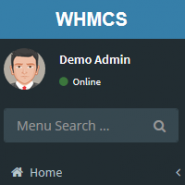
Lara is a WHMCS Admin theme, using the open source AdminLTE package.

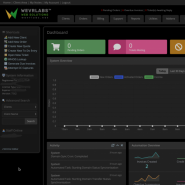
Fully responsive WHMCS client area theme offering the choice of different styles and layouts for the ultimate user experience.


Carl Chandler @carl9181
This makes setting up a website so much easier, it saves a lot of time. A++++
Tran Binh @tran4470
I love zoomex as it has great tools and services to choose from, especially, for someone like me who has no knowledge on IT & Technology. Also, the support is always great when there is a need. 5 stars for Zoomex.
Zomex .com @zomex
Thanks for your feedback Tran!
Owner@ZomexCarlos Nogales @carlos3957
Hemos contratado varios servicios a Jack y su trabajo, precio y atención son insuperables.
Estamos muy contentos con Zomex.
Sin duda un acierto comprar esta plantilla.
Zomex .com @zomex
Thank you very much for your feedback Carlos
Owner@ZomexJonathan Cousar @JonYork
This is an aptly named theme because it truly is stellar! The WordPress functionality makes it very easy to add content whenever you like, which has always been a huge problem with WHMCS. And brilliant design too!
If you've ever used themes for your site you know the actual design and functioning of the theme is only half the story. The other half is how well the company supports their products. And in this case, I've been working with Zomex, I think for about 10 years now, and Jack has always been there and continues to be there. Always very willing to help out in any way I've ever needed help. Words you never hear from Jack are, "I can't do that" or "I won't answer that question because it falls outside of what I do."! He always helps me out even when I ask him things that aren't directly related to his products and services. It's always a true pleasure to work with Jack and Zomex.
Zomex .com @zomex
Wow what a fantastic review, thank you very much Jonathan.
Owner@ZomexI'm very happy to hear of your positive experience over the last 10 years. We (Zomex) and I (Jack) look forward to working with you over the next 10 years and beyond!
Olivier @olivier4339
A great product and a great support team. Thank's to Jack for his professionalism, his involvement and his willingness to provide solutions. I strongly recommend.
Zomex .com @zomex
Thanks for your feedback Olivier!
Owner@Zomex