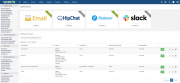

Delivers WHMCS notifications to the Pushover app (iOS, Android, Desktop).
curl extension enabled
Pushover account
https://pushover.net (one-time purchase ~$5)
Pushover application
Create one at https://pushover.net/apps/build
Copy the Pushover/ folder into:
/path/to/whmcs/modules/notifications/Pushover/
Add a logo (optional but recommended):
Place a logo.png file (64×64 px recommended) inside the module folder.
Log in to the WHMCS admin area and go to:
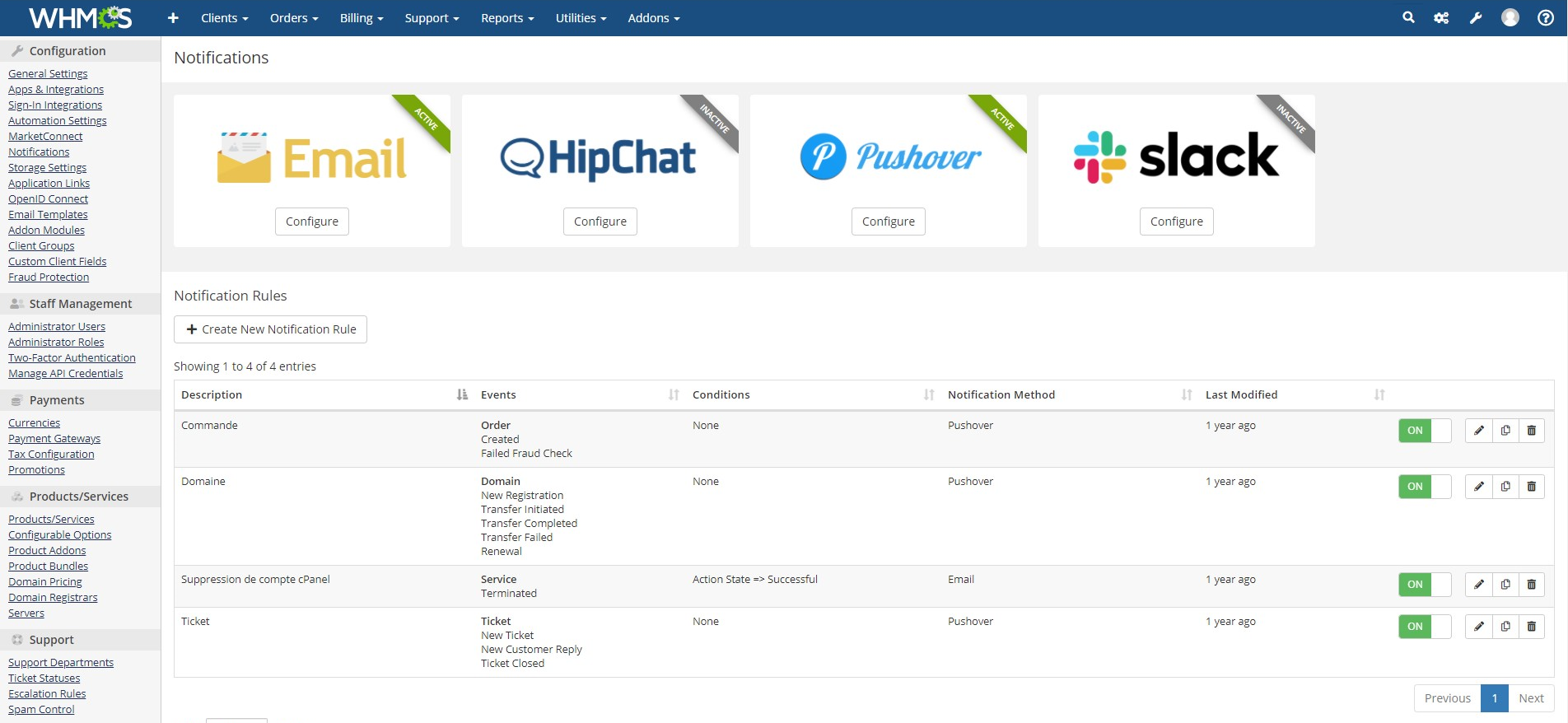
Setup → Notifications
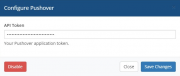
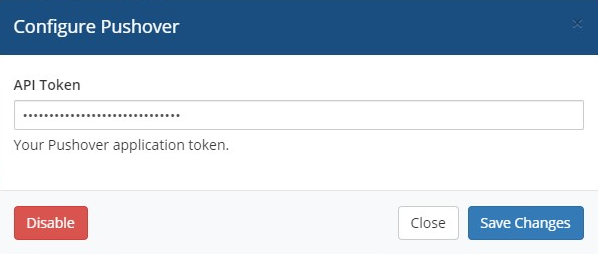
Enable the "Pushover" provider and fill in:
Click "Test Connection" to validate the credentials.
Create your notification rules and select Pushover as the provider.
Each notification rule can configure:
Setting Description Target Device Pushover device name to send to (leave blank for all devices). Separate multiple names with commas. Priority Low (-1), Normal (0), or High (1) Sound Sound to play on delivery (full built-in Pushover sound list included) HTML Formatting Enables HTML rendering in the message bodymodules/notifications/Pushover/
├── Pushover.php ← Main module class
├── logo.png ← Logo displayed in WHMCS (provide your own)
└── README.md ← This file
retry/expire parameters. Add it manually if needed.
Be the first to review Pushover notifications.
The best place to start if you need help with a specific product is to contact the developer. All WHMCS Marketplace developers have both a website and support URL listed.
Completely rewritten

A simplistic, free & open source hook allowing instant Discord notifications when an action is triggered.

Netgsm Sms addon provides you sending customized bulk sms and creating sms templates.

MSG91 WHMCS SMS plugin gives you the power and flexibility to stay connected with your customers by sending them an SMS and OTP's for 2FA at the crucial steps that matters the most.