

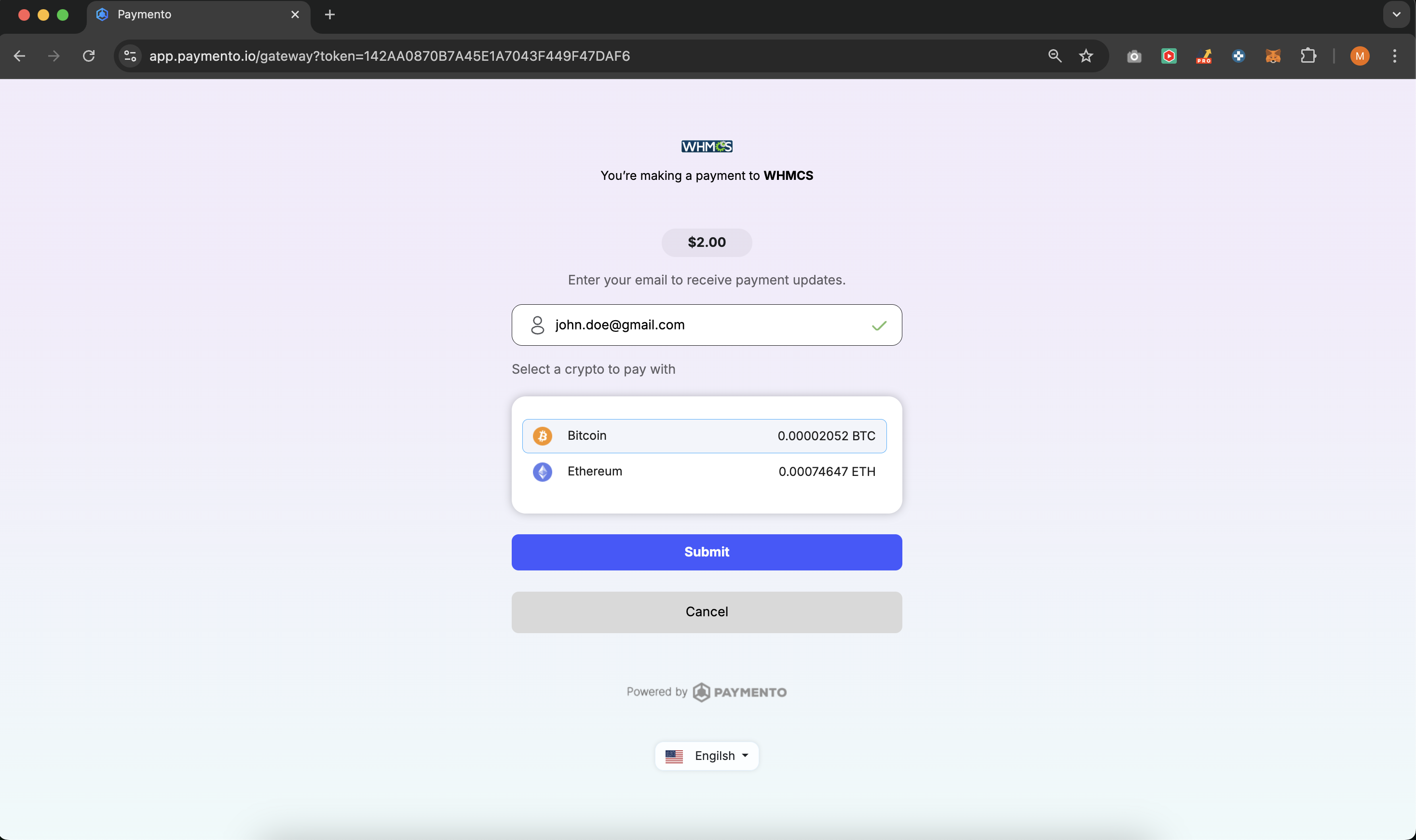
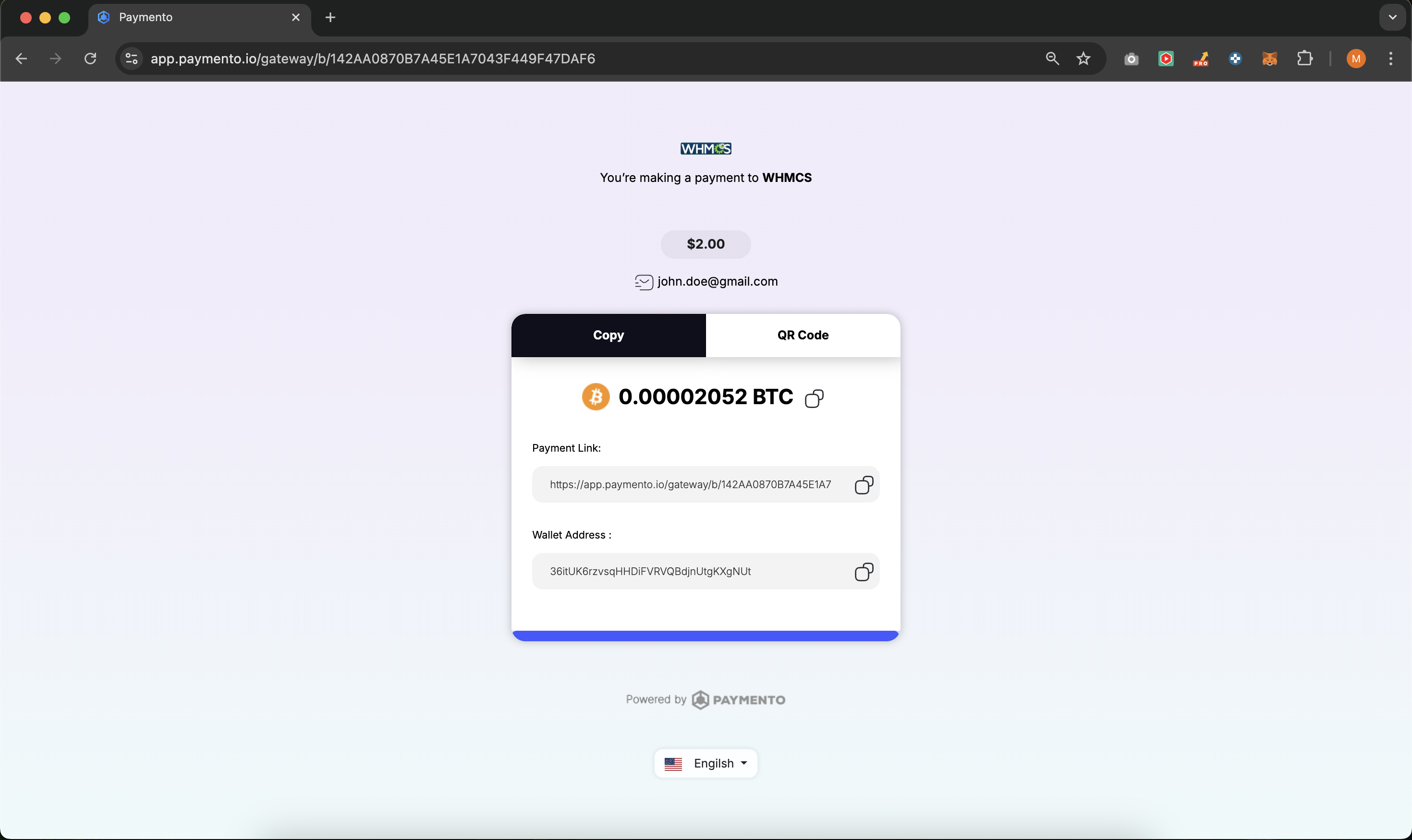
Accept crypto payments directly in your WHMCS store with Paymento, a non-custodial payment gateway that ensures full control over your funds. No middlemen, no custodial risks—just seamless, direct crypto transactions to your wallet.
Non-Custodial Payments – Receive payments directly in your own wallet, ensuring security & ownership.
Multi-Chain Support – Accept Bitcoin, Ethereum, USDT, Tron, and more!
Seamless WHMCS Integration – Easy setup with API keys, no complex configurations required.
Automatic Order Processing – Instantly verify transactions & complete orders without delays.
No KYC Required – Start accepting crypto payments without additional compliance barriers.
Low Transaction Fees – Keep more of your revenue with competitive fees.
Automatic payment verification for seamless transactions
Enjoy a secure, non-custodial payment solution with automatic payment verification, low fees, and full control over your funds.
WHMCS version 7.0 or higher
PHP 7.2 or higher
cURL extension enabled
A Paymento merchant account - Sign up for free at https://app.paymento.io/
Download the latest release here.
Extract the contents of the ZIP file.
Upload the modules folder to your WHMCS root directory, merging it with the existing modules folder.
In your WHMCS Admin Panel, go to Setup > Payment Gateways.
Find "Paymento" in the list and click "Activate".
After activation, go to Manage Existing Gateways and find Paymento.
Enter your Paymento API Key and Secret Key.
Configure additional settings as needed.
Click "Save Changes".
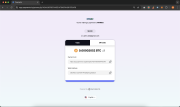
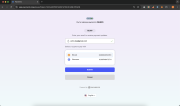
Once configured, Paymento will appear as a payment option at checkout. Customers can select it to pay using their preferred cryptocurrency instantly.
Need help? Contact us anytime or open an issue in our GitHub repository. We're here to assist you!
The best place to start if you need help with a specific product is to contact the developer. All WHMCS Marketplace developers have both a website and support URL listed.
Developed By Paymento - Non-custodial crypto payment gateway
This update adds detailed logging for failed payment requests.
When a payment request fails, the plugin now records the available failure reason and related error details, making it easier to identify payment issues, troubleshoot gateway responses, and resolve transaction problems faster.
This release fixes a vulnerability that allowed invoices to be marked paid without a completed payment. All previous versions are affected, including v1.0.1. Every WHMCS store using this gateway should update.
modules/gateways/paymento.php
modules/gateways/callback/paymento.php
Step 2 is required, not optional. It re-registers your IPN URL with Paymento. If your WHMCS is installed in a subdirectory, the URL registered by earlier versions was wrong and payment notifications were never reaching your store.
Note: the gateway will now refuse to save unless both the API Key and the Secret Key are filled in. The Secret Key is what authenticates payment notifications — a blank one is why some stores silently received none.
getallheaders() normalises header case differently depending on the
PHP SAPI, so valid notifications failed on Apache mod_php. Now matched
case-insensitively.$_SERVER['HTTP_HOST'] assuming the document root. Now derived from
your configured SystemURL.Requires: WHMCS 7.0+, PHP 7.2+
Changelog – Version 1.0.0 ?
Initial Release
✅ First stable release of the Paymento Crypto Payment Gateway for WHMCS ✅ Supports Bitcoin, Ethereum, USDT (ERC20 & TRC20), and more ✅ Non-custodial payments – Receive funds directly to your wallet ✅ Automatic payment verification for seamless transactions ✅ Pending payment status support to handle unconfirmed transactions ✅ Easy installation & configuration within WHMCS ✅ Compatible with WHMCS v8.x (tested on latest version) - Tested on WHMCS v8.x. Compatibility with older versions (v7.x) is unconfirmed but likely to work.


Easily accept Bitcoin, Tether, Ethereum and many other crypto payments on your WHMCS website

No Fees, Easy Setup. Accept cryptocurrencies like: Bitcoin, Bitcoin Cash, Ethereum and Litecoin!

Open your web site to shopping with the advantages of PayTR. Take your payments securely.

With this WHMCS module, you'll get the payment gateway fees from your clients directly.
Sam @sam2668
a hidden gem for crypto payments!