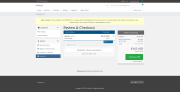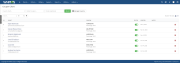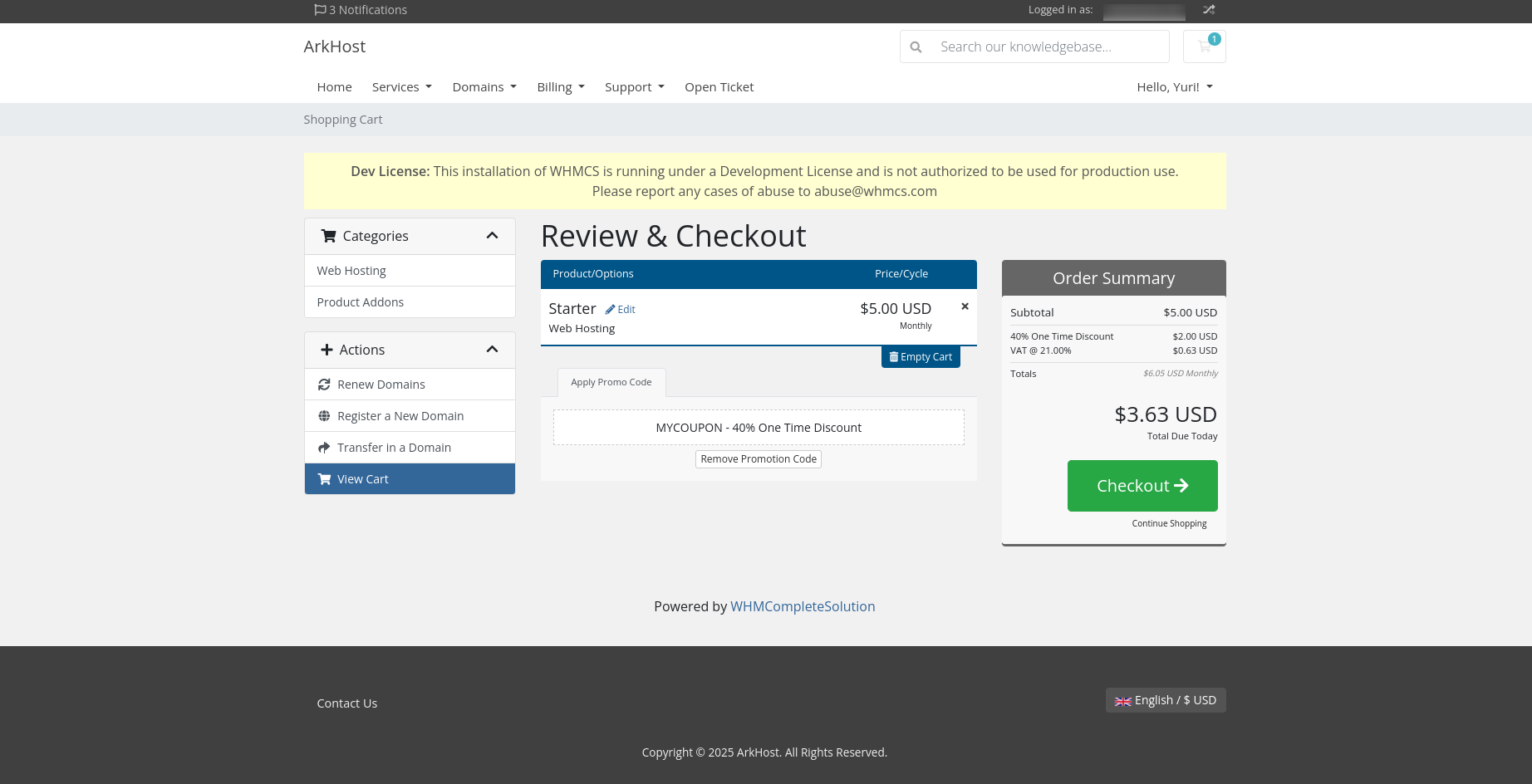
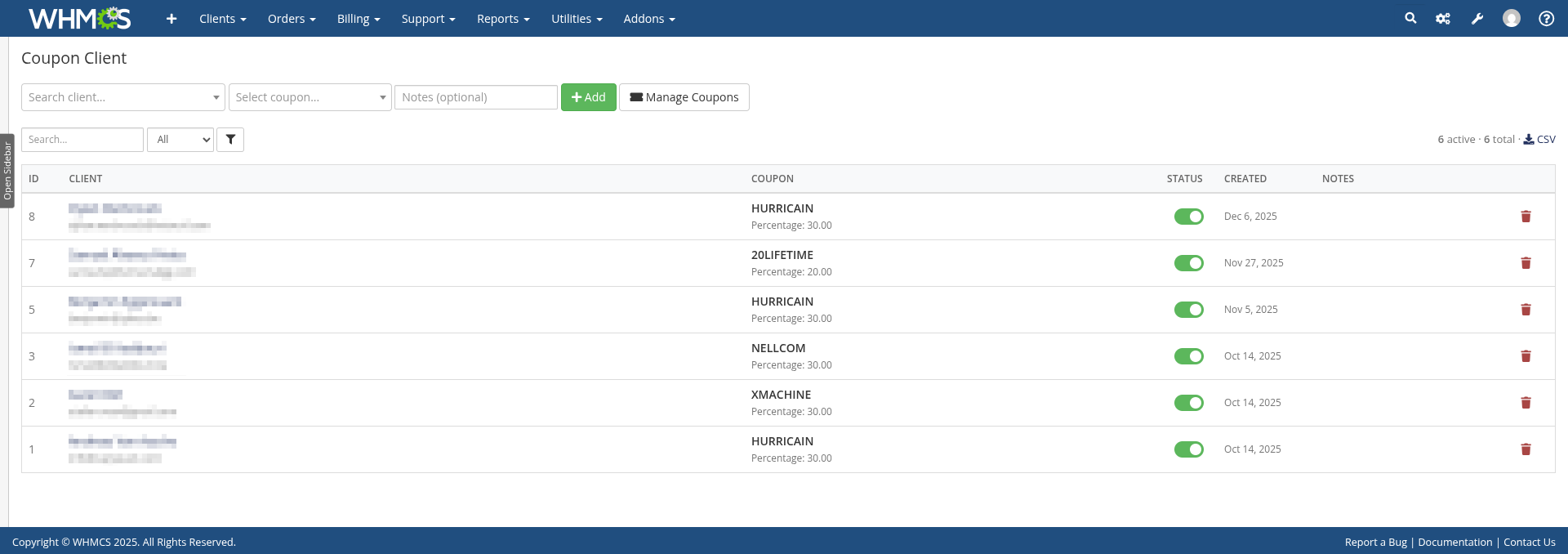
Auto-apply coupon codes to assigned clients. Keep discounts exclusive with Locked coupons, or allow normal manual use with Unlocked coupons.
Links clients to coupon codes. When that client views their cart, the coupon applies automatically.
Use cases:
modules folder to WHMCS rootDatabase table creates automatically. Hooks load from module directory.
Auto-Apply Mode
Silent: No notification (default)Notification: Shows message when appliedPriority Mode
Client First: Auto-coupon overrides manual entry (default)Manual First: Manual entry winsChoose a policy when assigning a coupon, or change it in the association list. The policy belongs to the coupon and applies to every client assigned to it.
Policy is separate from priority. In Client First mode, the assigned coupon still overrides another manually entered code; choose Manual First if manual entry should take priority.
One active coupon per client. Create multiple associations but only activate one.
Search/Filter:
Actions:
Validation:
Client must be logged in. Anonymous users can't have auto-coupons.
Back up the module files and database, replace the module directory, then open Addons > Coupon Client to initialize the policy table automatically. Do not deactivate the module or delete assignments. Existing assignments remain Locked.
Module-owned tables: mod_coupon_client and mod_coupon_client_policy.
Be the first to review Coupon Client.
The best place to start if you need help with a specific product is to contact the developer. All WHMCS Marketplace developers have both a website and support URL listed.
Coupon restriction system:
Bug fixes:

Easily accept Bitcoin, Tether, Ethereum and many other crypto payments on your WHMCS website


As WHMCS does provide tax rules options where you can configure your GST tax but we have some extra features in our module that makes it stand out and necessary to use.

A handling fee are the costs that business owners incur when processing payments from customers.