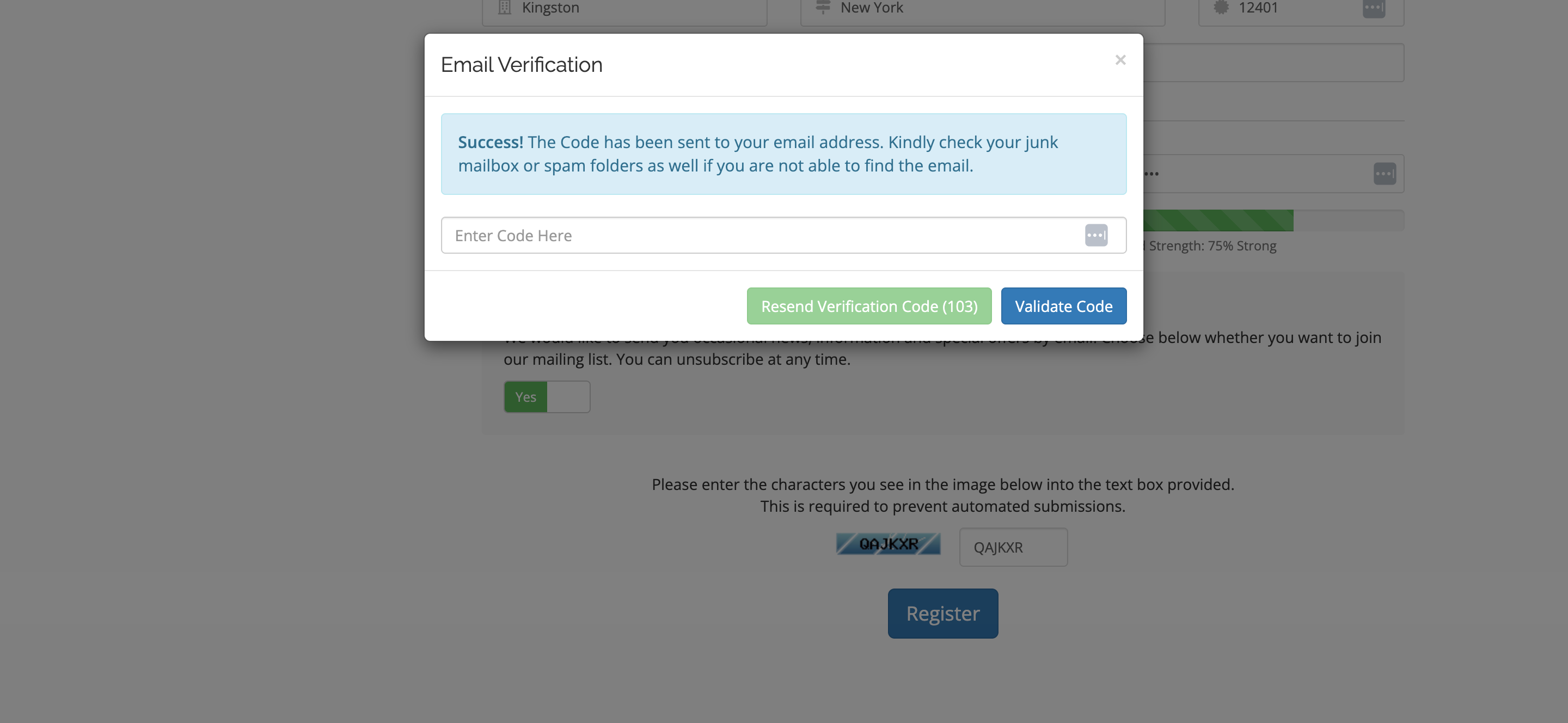
The Email Verification for WHMCS module enhances the security and integrity of your client registration process by verifying user emails before account creation. Unlike WHMCS’s default behavior, which creates inactive users until verification, this module stops account creation entirely until the email verification is completed — ensuring no spam or fake users ever make it into your system. Admins can also manage and block specific email domains, preventing registrations from disposable or untrusted sources (like temporary mail providers). The result is a cleaner client database, reduced spam, and improved operational efficiency. Whether you run a hosting company or manage client sign-ups, this module provides a smarter, more secure way to manage registrations — protecting your business from fraudulent activity.
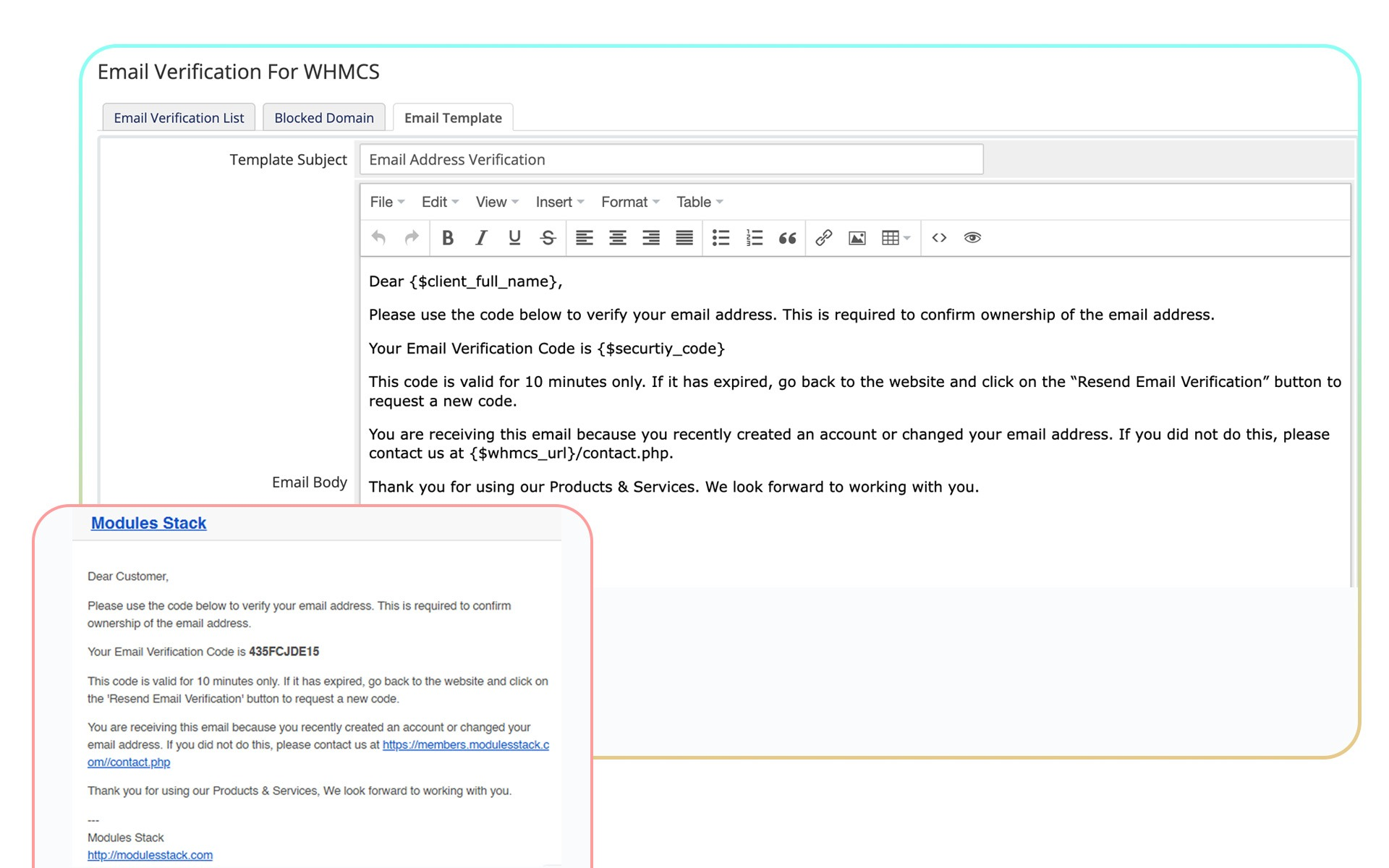
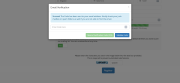
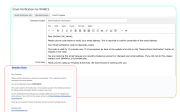
In this update, admins can now customize the email template used to send verification codes to users. This allows for a more personalized touch and the ability to align verification messages with your business’s tone, branding, or specific needs. You can easily modify the content, subject line, and style of the email to better suit your business requirements.
What’s new in v2.0?
v2.0 introduces customizable email templates and multi-language support, removing hardcoded emails and giving admins full control over communication.
Can I send emails in different languages? *Yes, you can customize and edit the email templates in your preferred language, ensuring that your verification emails are localized to suit your global audienc
How is this different from WHMCS’s default email verification?
WHMCS allows users to register first and only limits access until they verify their email. This module prevents account creation entirely until verification is complete, blocking fake accounts from ever being created.
What happens to unverified users?
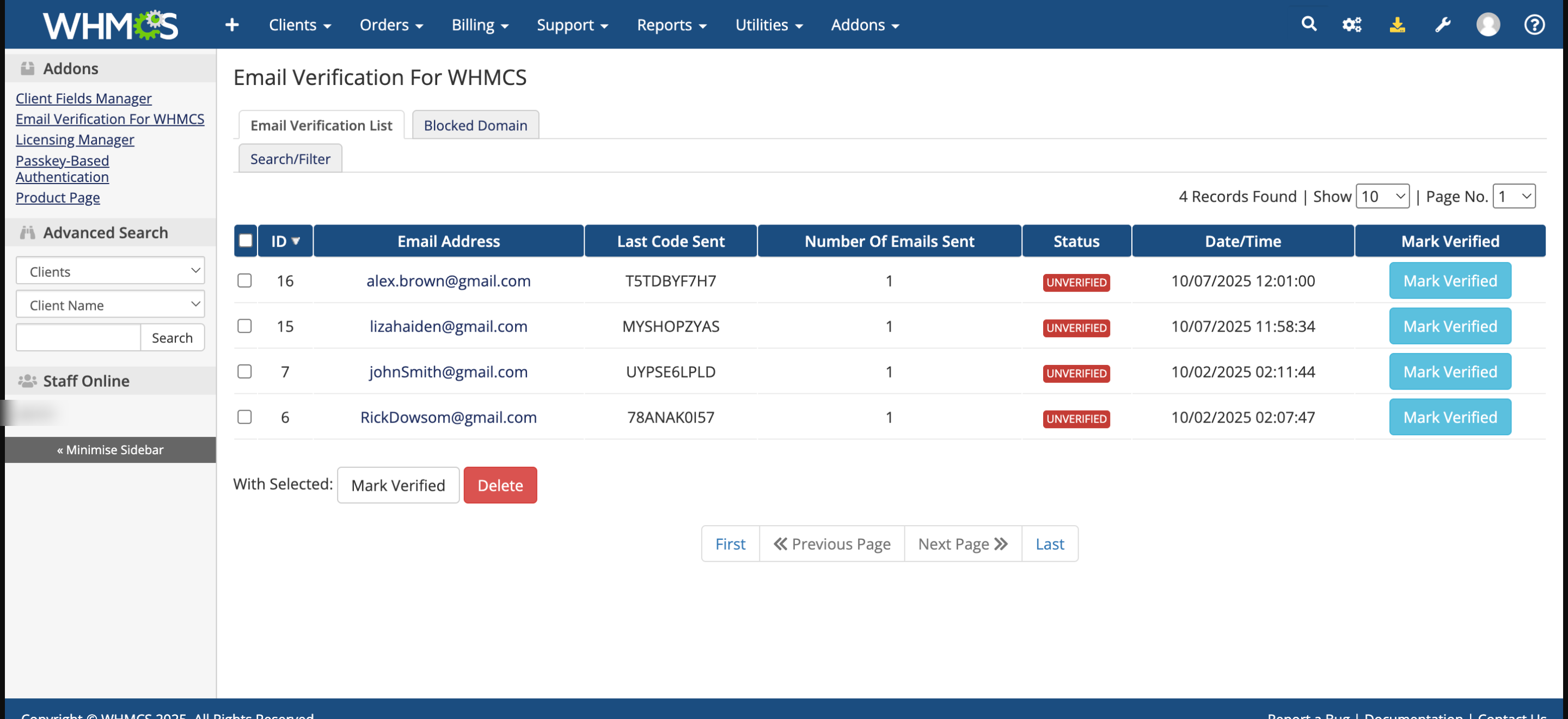
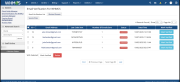
Their registration data is securely stored temporarily. If they complete verification, the account is created automatically. If not, admins can delete their record from the pending list.
Can I manually verify users if needed?
Yes. Admins can mark a user as “Verified” directly from the WHMCS admin panel, allowing flexibility for manual approvals.
Q4: Can I block certain email domains (e.g., disposable mail services)?
Absolutely. You can easily specify domains to block, preventing registrations from untrusted or temporary email sources.
Does it affect existing users?
No. This module only affects new registrations in the future. Existing clients remain unaffected.
Does this module support multiple languages?
Yes, the module fully supports multiple languages, allowing you to provide localized verification messages and emails for your global clients.
Do you provide a trial?
Yes, we offer a 7-day free trial so you can experience module before committing.
The best place to start if you need help with a specific product is to contact the developer. All WHMCS Marketplace developers have both a website and support URL listed.
Custom Email Templates: Fully customizable verification emails.
Enhanced Admin Controls: Manage, approve, or delete unverified users easily.

Working comfortably with ResellerClub's products and services through your WHMCS system requires additional tools.

The module developed to add meta description and meta keywords and change the page title


This module will integrate WHMCS with Dropbox to upload a copy of WHMCS database onto the cloud. You will never have to worry about losing data any more.


Alestair @alestair6668
A powerful WHMCS security module that blocks fake registrations by requiring email verification before account creation, keeping your client database clean and secure.
Edward Lewis @edward6574
Great for improving security and reducing spam users.
Alberto Simmons @alberto3101
Very useful module to stop fake registrations easily.