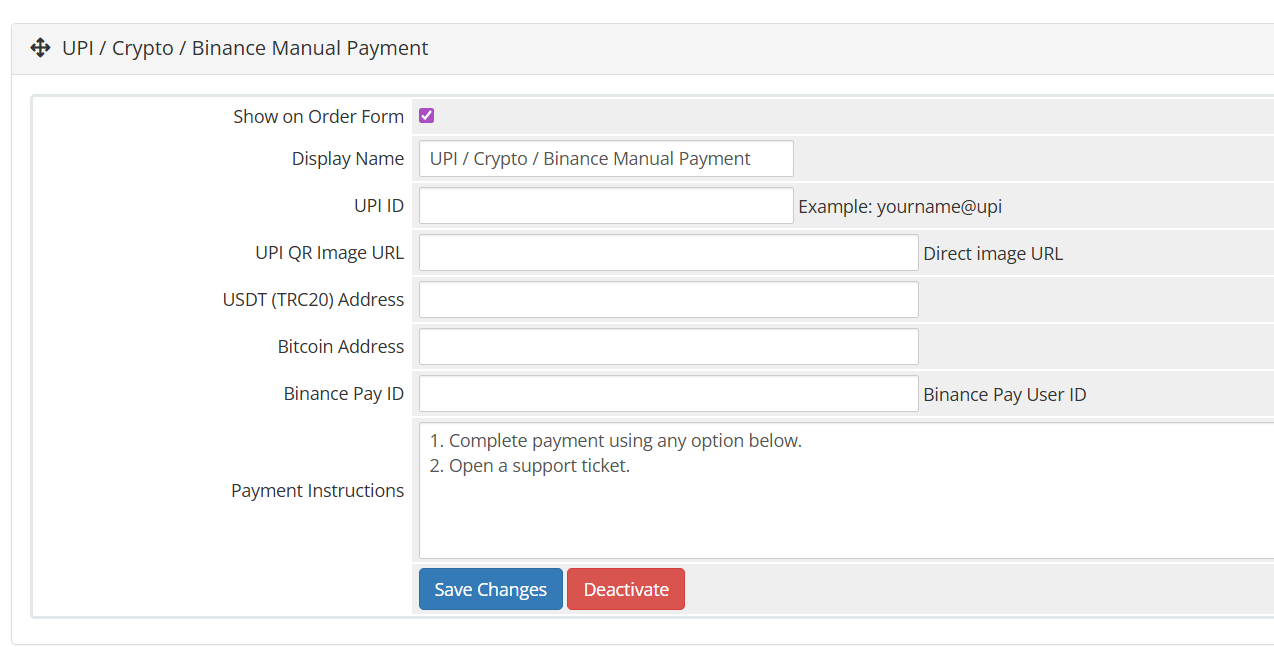
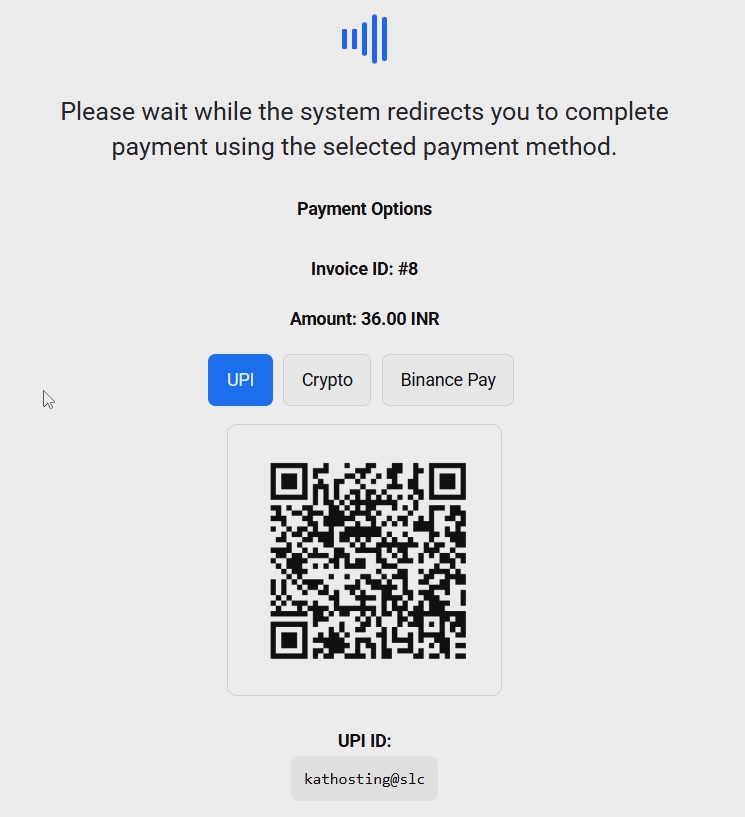
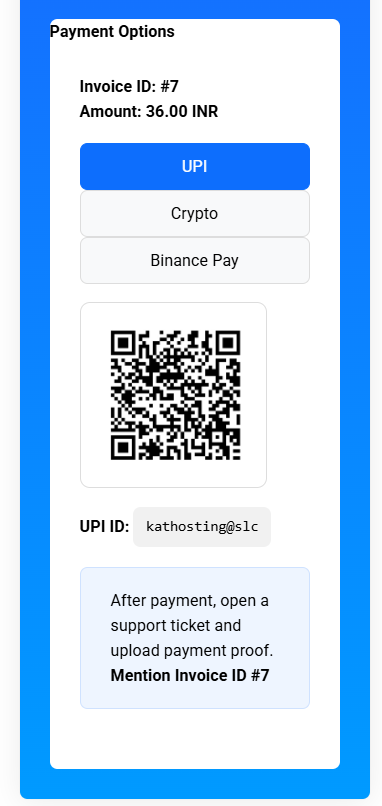
This module is designed for regions where instant gateways are not always available or where merchants prefer manual confirmation for UPI and crypto transactions. Clients can choose their preferred payment method, view payment details (UPI ID, QR code, or crypto wallet address), complete the payment externally, and submit the transaction for admin verification.
How It Works
Client selects UPI or Crypto on the WHMCS invoice page
Payment details are shown (UPI ID / QR / Wallet Address)
Client completes the payment outside WHMCS
Admin manually verifies the payment
Invoice is marked Paid after confirmation
Step 1: Upload Module Files
Download the module files.
Upload the folder to your WHMCS installation:
modules/gateway
Step 2: Activate the Gateway
Login to WHMCS Admin Panel
Go to: Settings → Payments Gateways → Visit Apps & Integration
Find UPI Crypto Manual
Click Activate
For support Whatsapp +918007090956
Be the first to review UPI Crypto Manual Payment Gateway For WHMCS.
The best place to start if you need help with a specific product is to contact the developer. All WHMCS Marketplace developers have both a website and support URL listed.
Initial release of UPI Crypto Manual Payment Gateway For WHMCS


Easily accept Bitcoin, Tether, Ethereum and many other crypto payments on your WHMCS website
No Fees, Easy Setup. Accept cryptocurrencies like: Bitcoin, Bitcoin Cash, Ethereum and Litecoin!

Open your web site to shopping with the advantages of PayTR. Take your payments securely.

With this WHMCS module, you'll get the payment gateway fees from your clients directly.