SecureSoftPay Payment Gateway

SecureSoftPay Payment Gateway

Developed By SecureSoftPay

Compatible with WHMCS v8.12

SecureSoftPay: Your Self-Hosted WHMCS Payment Gateway

Take full control of your payment processing with the SecureSoftPay Gateway for WHMCS. This module is more than just an integration; it's a complete, downloadable script that runs on your own server, giving you unparalleled security, flexibility, and control over your financial data.

Key Features:

  • Self-Hosted Control: Your data stays on your server. No need to rely on third-party services for core processing.
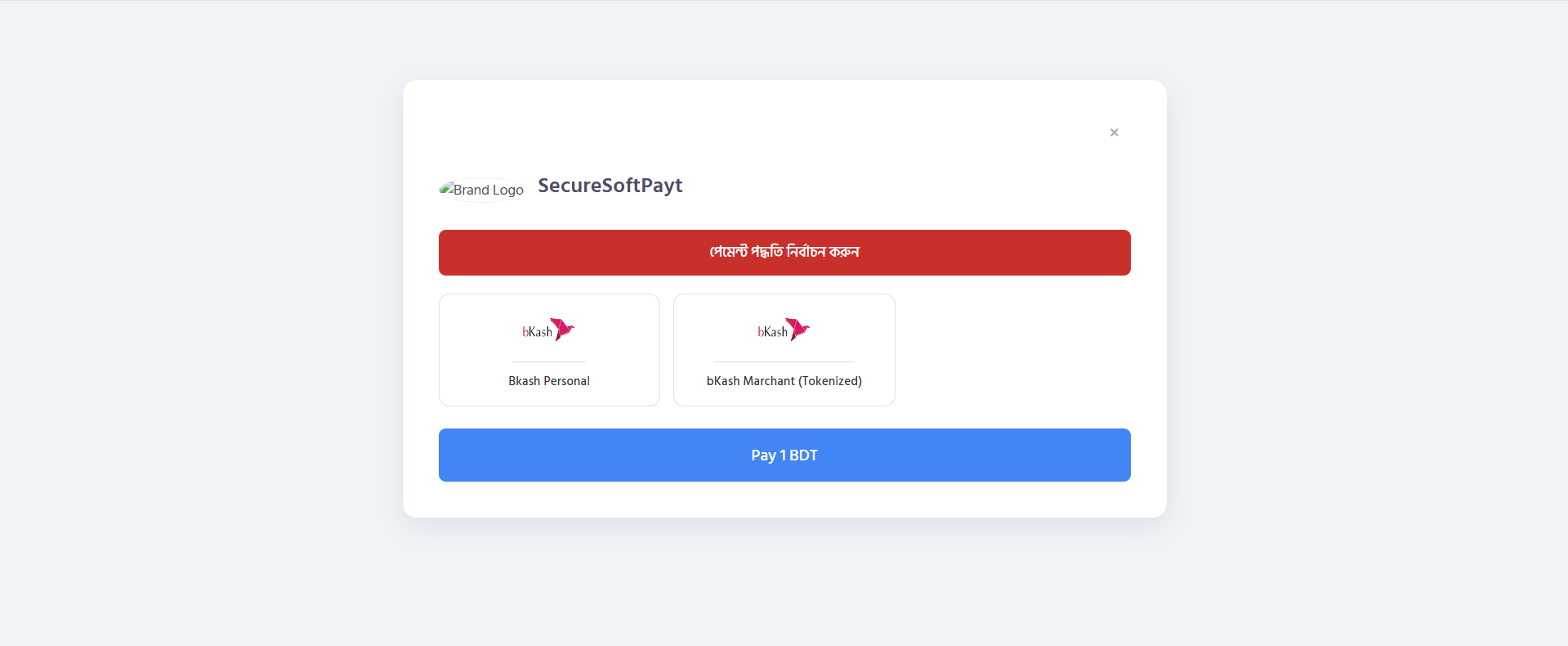
  • Multiple Gateway Support: Easily add and manage various payment methods, including popular local options like bKash and Nagad (both Personal and Merchant).
  • Automated SMS Verification: Connect our official Android app to automatically parse transaction SMS messages and verify 'Send Money' payments in real-time. This eliminates manual work and speeds up order processing.
  • Powerful Admin Dashboard: Get a comprehensive overview of all transactions, manage customer data, generate reports, and configure your branding all from a user-friendly dashboard included with the script.
  • Custom Payment Links: Create unique, shareable payment links for any product or service. Perfect for one-off invoices, social media sales, or accepting payments without a full ecommerce setup.
  • Developer-Friendly API: A robust RESTful API allows for deep integration with other applications, websites, or mobile apps.
  • Full Branding Customization: Control the look and feel of your checkout page with your own logos, colors, and business information to provide a seamless and trusted experience for your customers.

Installation & Configuration Guide

Setting up the gateway is a simple three-step process.

Step 1: Upload the Module

First, unzip the downloaded file (SecureSoftPay-WHMCS-Gateway-main.zip). Inside, you will find a modules folder. Upload this folder to the root directory of your WHMCS installation. The files will be placed in their correct locations automatically.

Step 2: Activate the Gateway

  1. Log in to your WHMCS Admin Area.
  2. Navigate to Setup > Payments > Payment Gateways.
  3. Click on the "All Payment Gateways" tab.
  4. Find "SecureSoftPay" in the list and click to activate it.

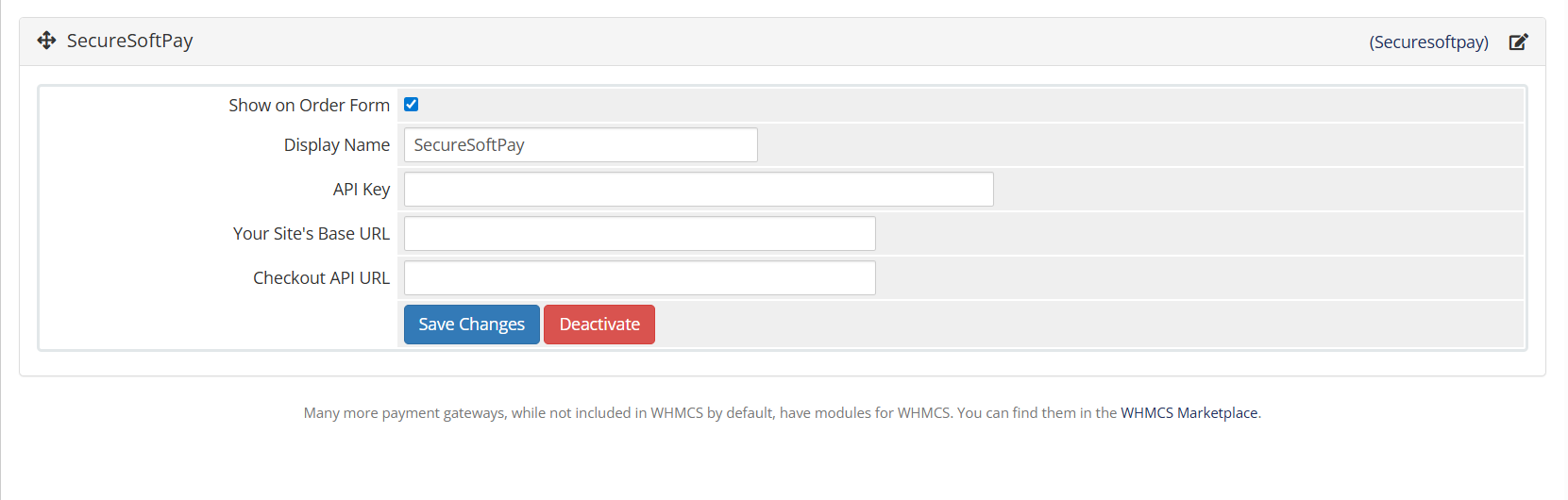
Step 3: Configure the Settings

After activating, the configuration fields will appear. You need to provide three key pieces of information from your self-hosted SecureSoftPay dashboard:

  • API Key: Enter the secret API Key generated from the "API Settings" page of your SecureSoftPay dashboard. This key is required to authenticate requests.

  • Your Site's Base URL: Enter the "Base URL" found on your SecureSoftPay "API Settings" page. This URL is used to verify that payment requests are coming from an authorized source.

  • Checkout API URL: Enter the full "Payment Initiation Endpoint" URL, also found on your SecureSoftPay "API Settings" page. This is the endpoint WHMCS will use to create a new payment session. Finally, click "Save Changes". Your gateway is now configured and ready to accept payments!

This module is the perfect solution for businesses and developers who need a reliable, automated, and secure way to accept payments through WHMCS. Get started for free and revolutionize your billing process today.


There are no reviews yet!

Be the first to review SecureSoftPay Payment Gateway.

Version Compatibility


Compatible with WHMCS v8.12

Full Version Compatibility


  • Selected versions of WHMCS v9.0
        9.0.0
  • All versions of WHMCS v8.12
  • Selected versions of WHMCS v8.10
        8.10.0
  • Selected versions of WHMCS v8.8
        8.8.0
  • All versions of WHMCS v8.6
  • All versions of WHMCS v8.4
  • All versions of WHMCS v8.2
  • All versions of WHMCS v8.0

Support for this product

The best place to start if you need help with a specific product is to contact the developer. All WHMCS Marketplace developers have both a website and support URL listed.


Developed By SecureSoftPay

Changelog

v1.0.0 Released December 28th, 2025

Latest Version


  • Initial release of the SecureSoftPay payment gateway.
  • Secure payment processing via API.
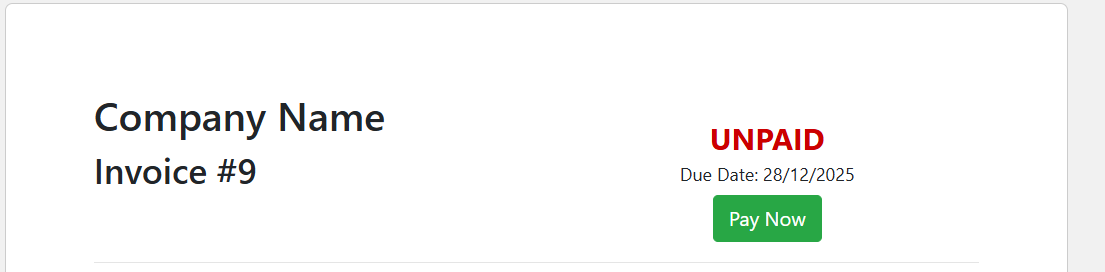
  • Automated invoice handling and service activation.
  • Easy configuration from the WHMCS admin panel.


See also

WHMCS Bitcoin Payments

Accept Bitcoin payments on your website

Free
Accept Bitcoin and cryptocurrency payments - CoinGate for WHMCS

Easily accept Bitcoin, Tether, Ethereum and many other crypto payments on your WHMCS website

Free
Coinbase Commerce

No Fees, Easy Setup. Accept cryptocurrencies like: Bitcoin, Bitcoin Cash, Ethereum and Litecoin!

Free
PayTR Virtual Pos iFrame API

Open your web site to shopping with the advantages of PayTR. Take your payments securely.

Free
Gateway Fees for WHMCS

With this WHMCS module, you'll get the payment gateway fees from your clients directly.

Free