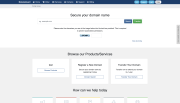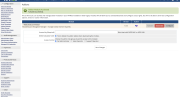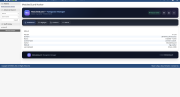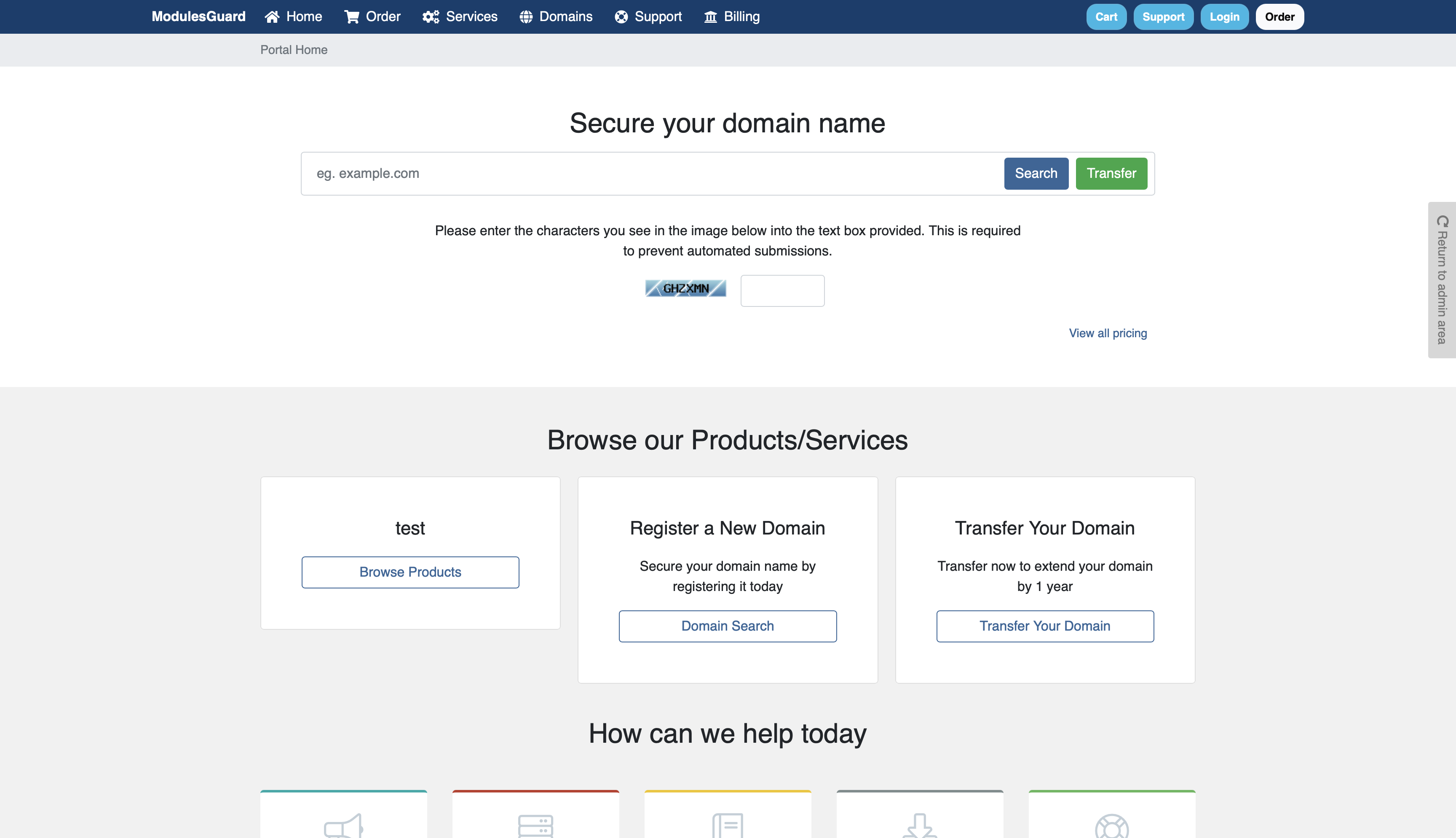
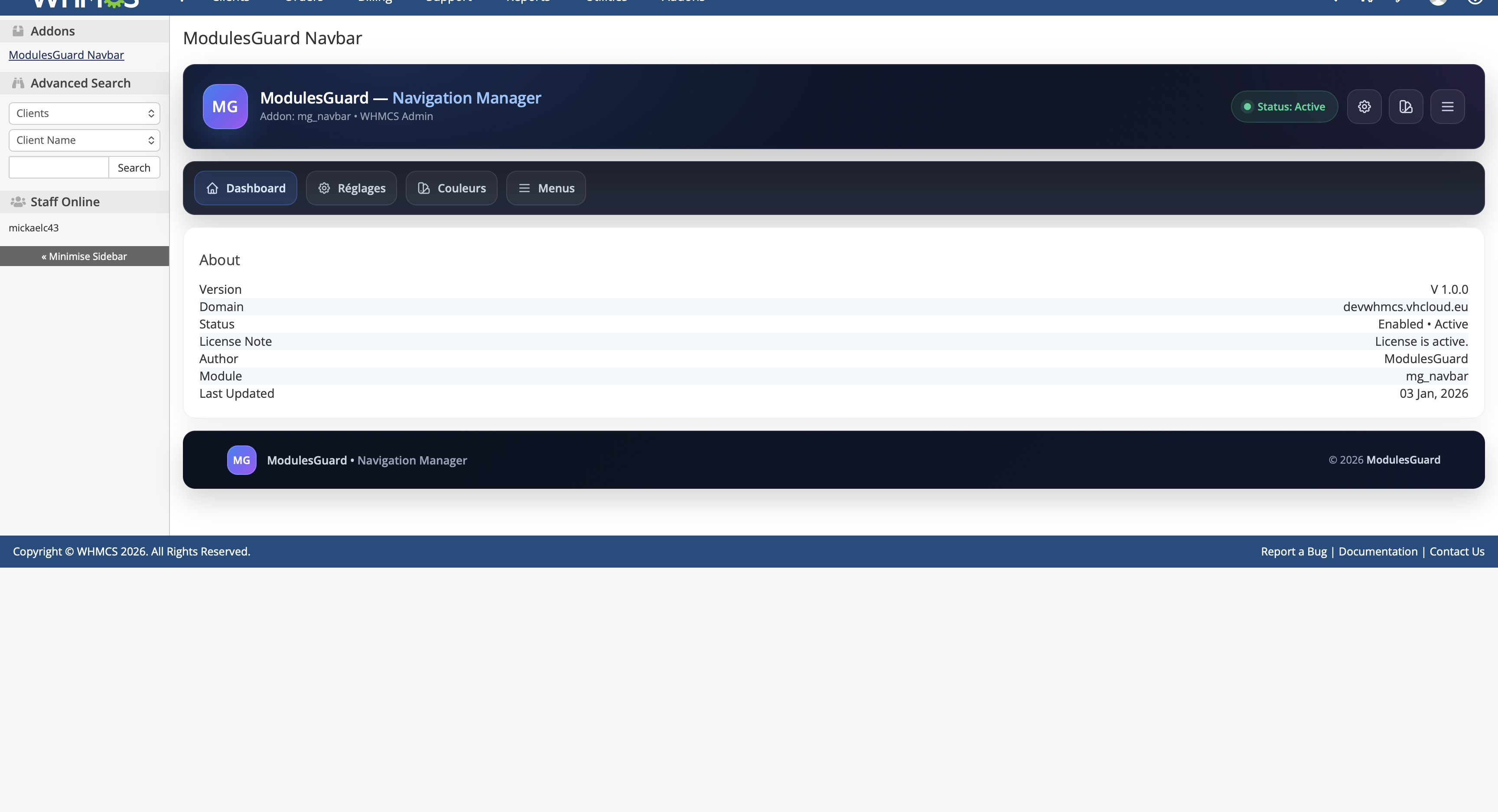
ModulesGuard Navbar replaces the default WHMCS client area header with a clean and fully configurable navigation bar without modifying WHMCS core files.
The module is compatible with standard WHMCS themes and is fully manageable from the WHMCS admin interface.
Header replacement
Responsive navigation
Optimized desktop layout
Mobile-friendly navigation
Advanced menu management
Unlimited menu items
Dropdown or nested menus if enabled
Font Awesome icon support
Visibility rules
Visible to everyone
Guests only
Logged-in clients only
Custom URLs
Native WHMCS pages
Clean integration
Compatible with common WHMCS themes including Six and Twenty-One
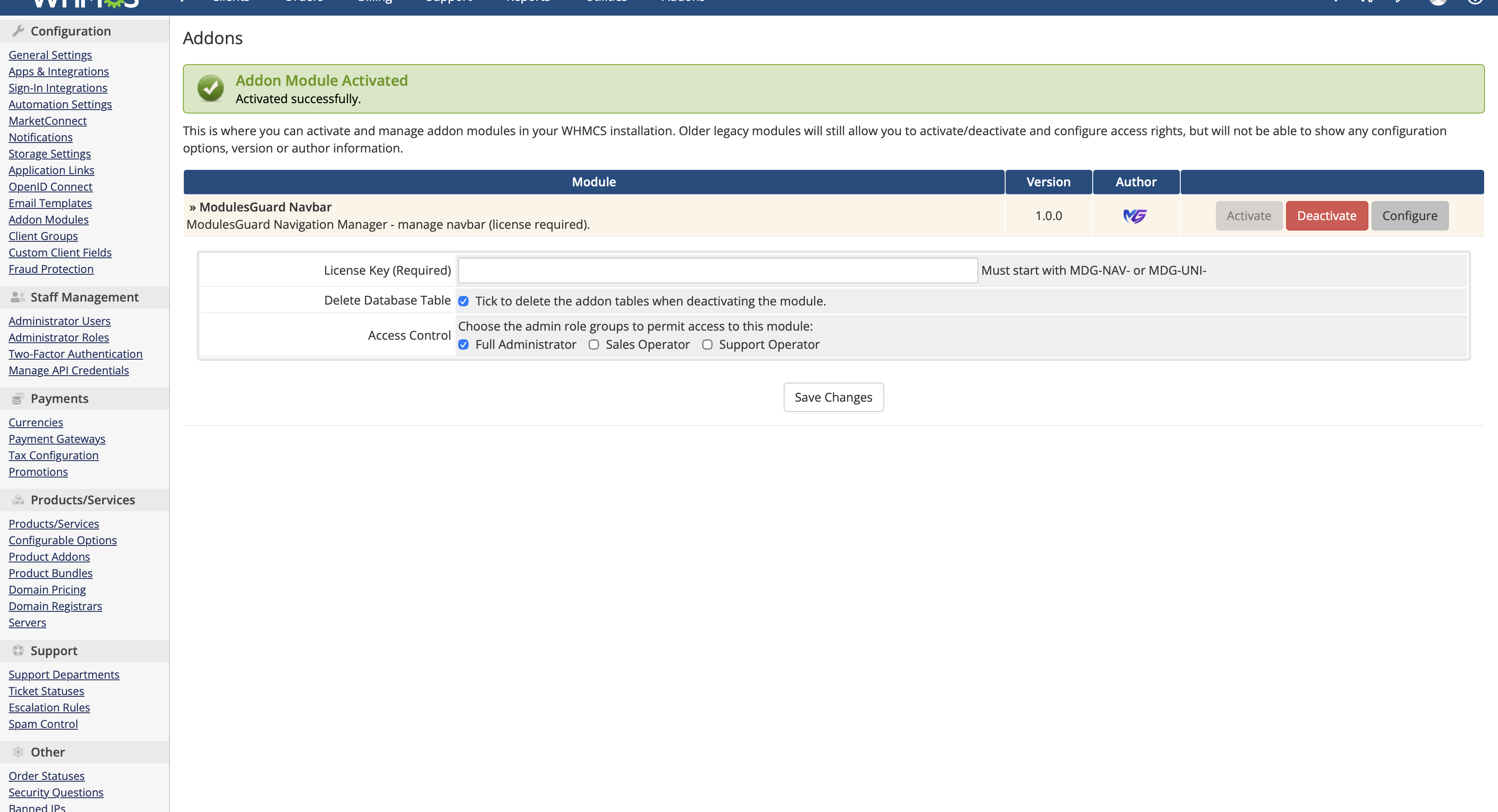
ModulesGuard Navbar is installed as a WHMCS Addon Module.
Once activated it automatically replaces the client area navigation bar and allows full menu management directly from the WHMCS administration panel.
No manual template changes are required.
Hosting providers looking to modernize the WHMCS client area
WHMCS installations requiring custom navigation
Quick access to services invoices tickets and knowledgebase
Multi-service or multi-brand environments
Be the first to review ModulesGuard Navbar (mg_navbar) – Navigation Manager.
The best place to start if you need help with a specific product is to contact the developer. All WHMCS Marketplace developers have both a website and support URL listed.

Working comfortably with ResellerClub's products and services through your WHMCS system requires additional tools.

The module developed to add meta description and meta keywords and change the page title


This module will integrate WHMCS with Dropbox to upload a copy of WHMCS database onto the cloud. You will never have to worry about losing data any more.