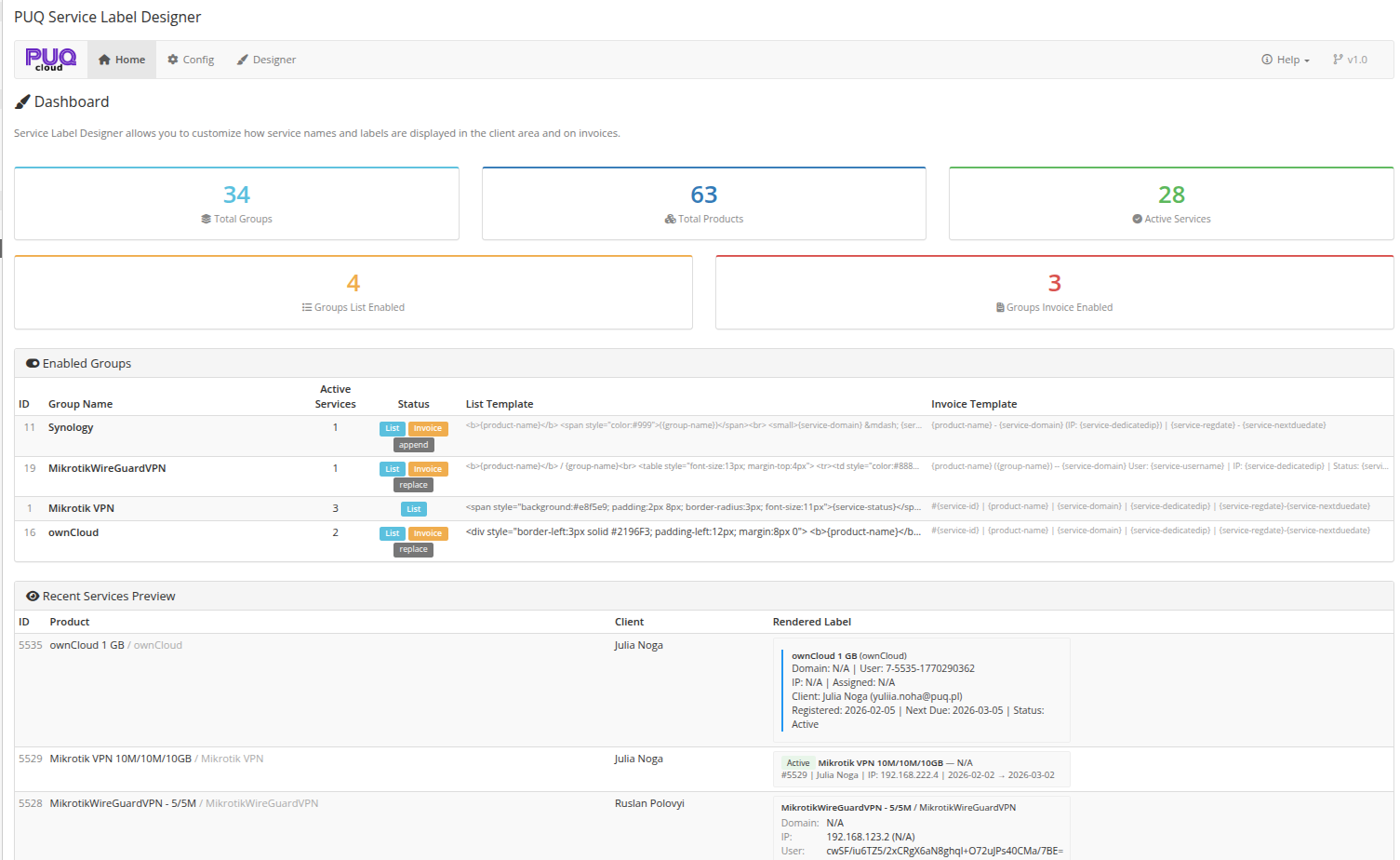
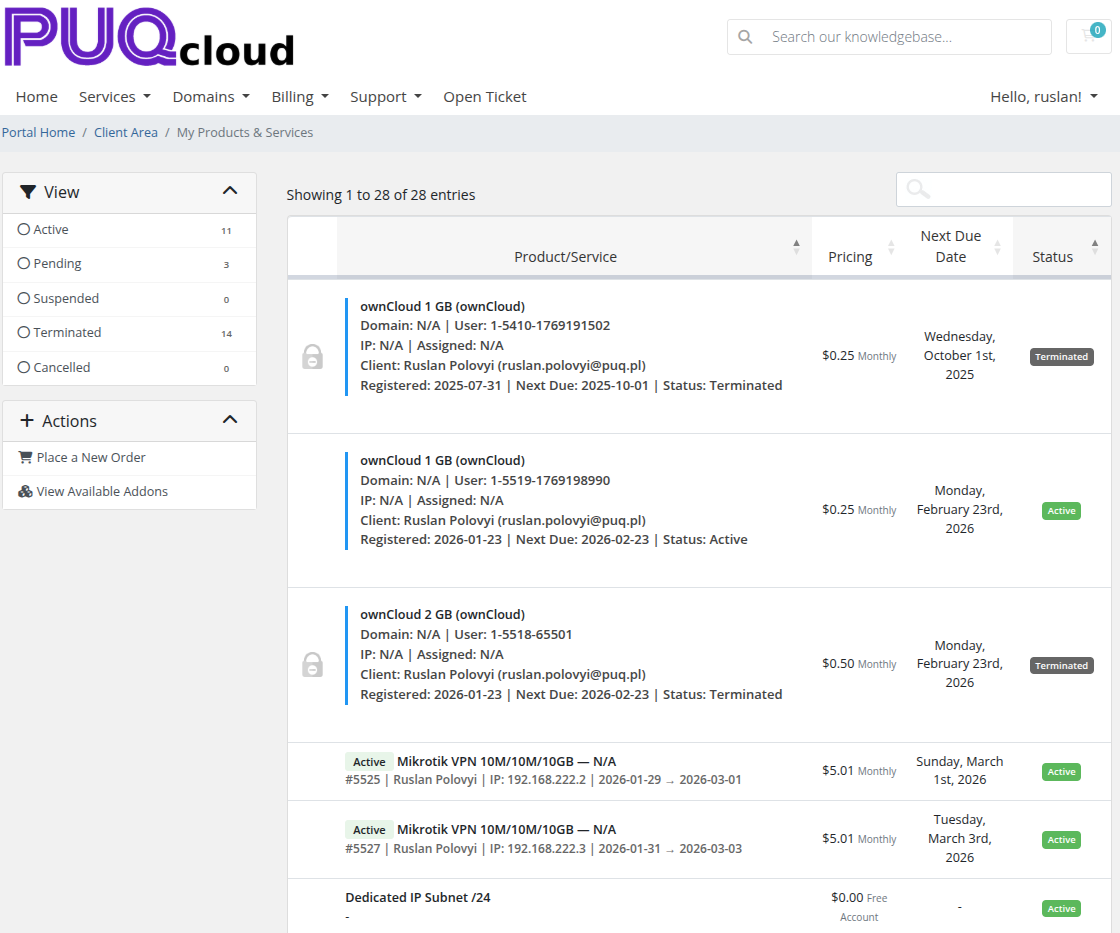
A powerful addon designed for WHMCS administrators who want full control over how service names and labels are displayed in the client area services list and on invoices. With per-product-group templates and dynamic variables, you can build rich, informative service labels that include product data, domains, IPs, client details, custom fields, configurable options, and more — with full HTML support.
PUQ Service Label Designer eliminates the need to keep “default” WHMCS service names that don’t explain anything to the client. You can create a consistent, branded, and information-rich label format for each product group — so clients instantly understand what they bought and what it includes.
Use template variables that are automatically replaced with real service data (domain, IP, username, dates, status, client info, custom fields, configurable options). Templates support full HTML, so you can apply styling (bold, colors), add structure (tables), or build clean layouts for readability.
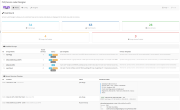
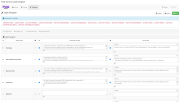
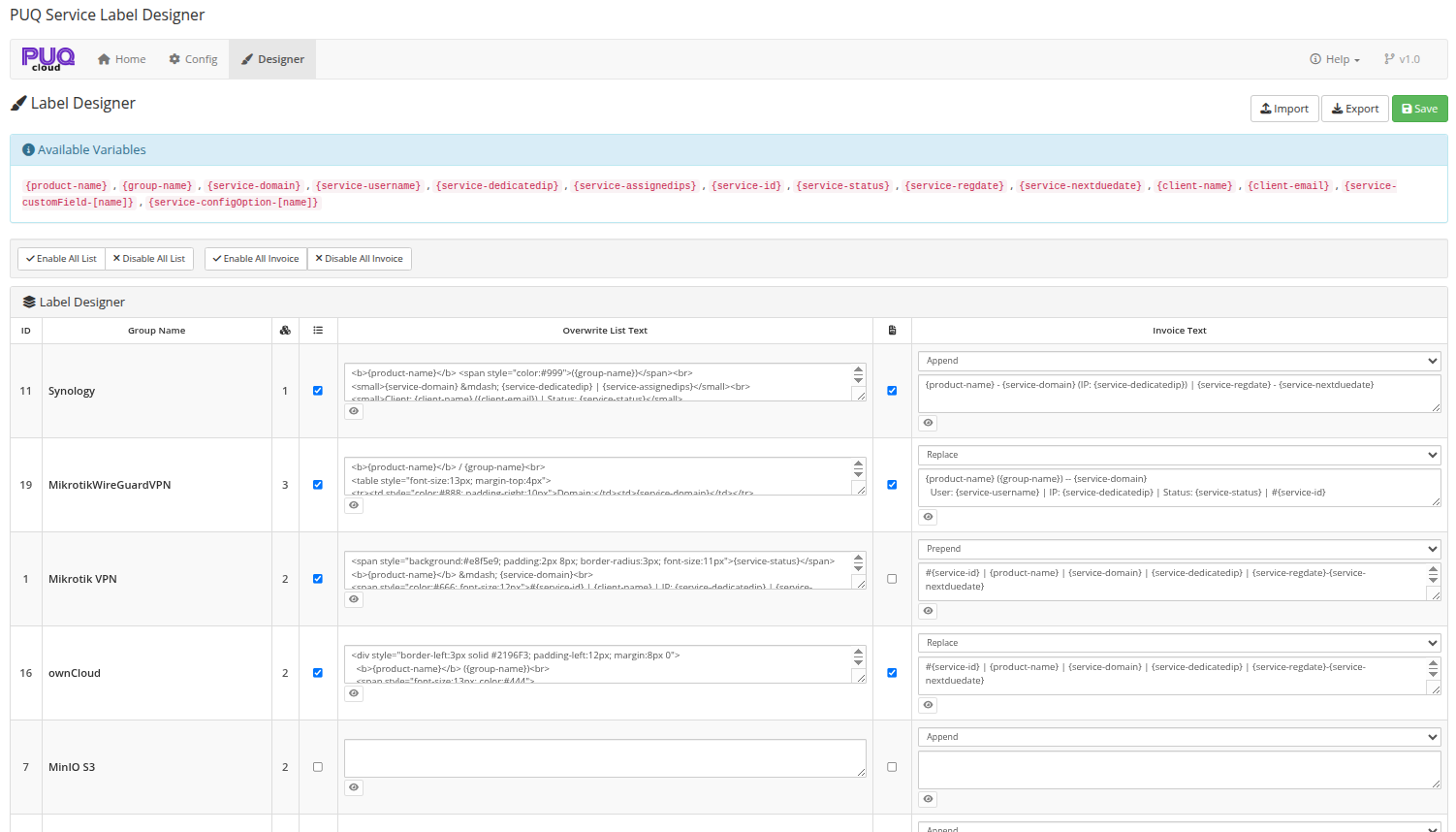
You get dedicated UI tools inside WHMCS: a dashboard overview, per-group configuration, a label designer with live preview, bulk enable/disable actions, and export/import of all templates. The module supports both client-area overwrites and invoice line item text modification — per group.
Per-Group Templates — configure label templates for each product group separately.
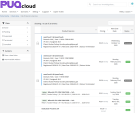
Client Area Overwrite — replace default service names in the client area “My Products & Services” list.
Invoice Text Control — add, replace, or prepend custom text in invoice line item descriptions.
Invoice Modes per Group — choose how invoice text is applied: Append, Replace, or Prepend.
Dynamic Variables — build templates using placeholders replaced with real data, including:
{product-name}, {group-name}
{service-domain}, {service-username}, {service-dedicatedip}, {service-assignedips}
{service-id}, {service-status}, {service-regdate}, {service-nextduedate}
{client-name}, {client-email}
{service-customField-[name]}, {service-configOption-[name]}
HTML Support — use full HTML in templates (formatting, icons, tables, etc.).
Default Values (Fallbacks) — set fallback values when fields like domain/IP/username are empty.
Live Preview — preview how the template renders using real service data before saving.
Export / Import — export all settings and templates to JSON and import into another WHMCS instance.
Bulk Operations — enable/disable all groups for List or Invoice mode in one click.
Dashboard — overview of key metrics, enabled groups summary, and preview of recent services.
License System — online/offline verification with graceful degradation (dashboard remains accessible without a license).
English language interface.
The PUQ Service Label Designer addon requires an active license for full functionality. The license is verified via PUQ Cloud license server and the result is cached (so the addon does not require a constant connection).
Without an active license, the addon works in limited mode (dashboard remains accessible; restricted actions/pages show warnings).
https://doc.puq.info/books/service-label-designer-whmcs-addon
Be the first to review PUQ Service Label Designer addon.
The best place to start if you need help with a specific product is to contact the developer. All WHMCS Marketplace developers have both a website and support URL listed.
First release.
{product-name}, {group-name}
{service-domain}, {service-username}, {service-dedicatedip}, {service-assignedips}
{service-id}, {service-status}, {service-regdate}, {service-nextduedate}
{client-name}, {client-email}
{service-customField-[name]}, {service-configOption-[name]}
ClientAreaPage hook for overwriting service names in client areaInvoiceCreation hook for modifying invoice line item descriptions
Working comfortably with ResellerClub's products and services through your WHMCS system requires additional tools.

The module developed to add meta description and meta keywords and change the page title


This module will integrate WHMCS with Dropbox to upload a copy of WHMCS database onto the cloud. You will never have to worry about losing data any more.