Changelog
v4.0.0
Released September 18th, 2026
Latest Version
Major Architecture & Compatibility Upgrade
-
Universal ionCube Loader v15 Support: Fully encoded with the latest ionCube 15 compiler, guaranteeing seamless execution across PHP 7.4, 8.1, 8.2, 8.3, and 8.4 environments.
-
Unencoded Hooks Architecture (v4.0.0 Standard): Refactored
hooks.php into an open, unencoded entrypoint delegating to lib/puqAccountStatementHooks.php with robust \Throwable error isolation and module logging.
-
WHMCS 8.x & WHMCS 9+ Compatibility: Modernized database queries and hook registrations for complete compatibility with current and upcoming WHMCS releases.
-
Performance & Reliability Improvements: Streamlined cron scheduling, automated statement cleanup, and client summary tab rendering.
New Features & Enhancements
-
"All Unpaid Invoices" Period Selection in Schedules: Added automated "All Unpaid Invoices" (
all_unpaid) period option in Schedules. The module automatically scans all unpaid and overdue invoices across all years (from 1970-01-01 to current date), ensuring outstanding balances from prior or future years (2025, 2026, 2027+) are never missed.
-
Automated Empty Statement Suppression: When generating or scheduling statements targeting unpaid invoices, the module automatically skips clients with zero unpaid balances, preventing blank emails from being sent.
-
Interactive Database Verification Tool: Added a "Check and Update Database Schema" maintenance tool in Module Settings to non-destructively inspect tables and automatically add missing columns during upgrades.
-
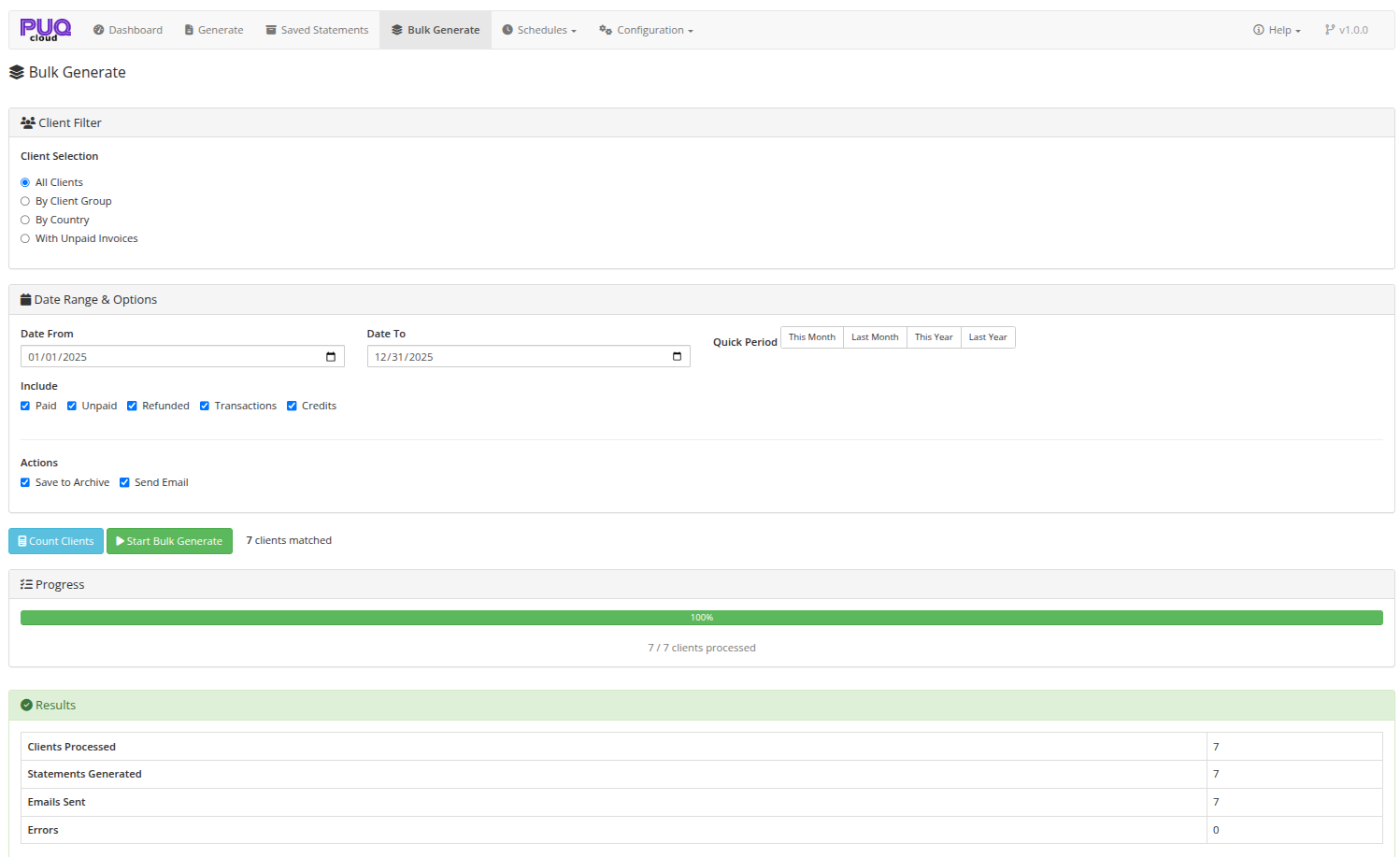
"All Time" Quick Period Preset: Added "All Time" period button in Manual Generation and Bulk Generation to instantly select the full history from account inception to current date.
-
In-Memory Email Attachment Delivery: Enhanced bulk statement email delivery by handing PDF attachments directly in-memory to the WHMCS mail pipeline via
EmailPreSend, preventing dropped attachments on shared filesystems.
-
Localized WHMCS System Descriptions: Automated localization for native WHMCS transaction and credit descriptions (e.g.
Invoice Payment, Credit Applied to Invoice, Credit Removed, Reason: Order status changed to Cancelled, Overpayment, Mass Invoice Payment Credit for Invoice).
-
Complete 26-Language Localization: Added translations for all new schedule and database maintenance strings across all 26 supported language files.
-
Template Scanner Refinement: PDF template discovery now ignores draft and hidden files starting with
_ or . (e.g. _classic.tpl), avoiding duplicate or confusing template selections.
-
Documentation Fixes & Updated Screenshots: Corrected BookStack canonical documentation links and updated administrative screenshots for Schedule Editor and Settings.
Previous Versions
v1.2
Released June 5th, 2026
View/hide detailed changelog
The clarity update. Your customers now see, at a glance, exactly how much they owe ? in their own language and in your date format.
New Features
-
Real outstanding balance. The Closing Balance now reflects what the customer actually owes (negative = owed), and it ties out perfectly with the Debit and Credit columns of the statement. No more confusing
$0.00 closing balances when there are unpaid invoices.
-
Account Credit shown separately. Statements now display both the client's Account Credit and the amount owed, so the two are never mixed up.
-
Carry-forward opening balance. The Open Balance now includes outstanding invoices from before the statement period ? perfect for statements that start mid-history.
-
Multilingual statements. PDF, on-screen preview, and CSV exports are now generated in the client's own language, with automatic fallback to your system language and then English. Fully translated across 25 languages.
-
"Show Open Balance" setting. Hide the Open Balance line entirely if you only want to show the amount owed.
Improvements
-
Dates follow your WHMCS Global Date Format. Statement dates now respect the format configured in WHMCS (e.g.
DD/MM/YYYY) instead of a fixed format.
-
Smarter client search. The admin client search now matches first name + last name together (in any order), as well as company, email, or client ID.
-
Client area language. The client area now displays in the logged-in customer's own language.
-
CSV summary fixed & expanded. The CSV summary section now shows correct values (including Account Credit and amount owed) and is included with emailed/attached exports.
Bug Fixes
- Fixed the running-balance column in the Detailed PDF template (it previously never updated and used the wrong sign).
- Fixed mixed-language output where the statement preview and PDF stayed in English regardless of the selected language.
v1.1
Released February 25th, 2026
View/hide detailed changelog
Bug Fixes
- Fixed "Call to undefined function puq_account_statement_LoadLang()" error on customer profile page
Improvements
- All monetary values now consistently display with 2 decimal places (e.g., 0.00, 5.10 instead of 0 or 5.1)
- Removed currency symbol from the Total column in statements for uniform formatting with Debit and Credit columns
New Features
- Added "Show Payment Method" setting to control visibility of the Payment Method column in statements
- When disabled, the Payment Method column is hidden across all views: admin preview, PDF exports, and CSV exports
v1.0
Released February 18th, 2026
View/hide detailed changelog
First release.
New Features
- Statement generation for individual clients with customizable date ranges
- Invoice filtering by status: Paid, Unpaid, Refunded
- Transaction and credit entry inclusion in statements
- Payment method and product group filtering
- Quick period presets: This Month, Last Month, This Year, Last Year
- PDF export with multiple templates: Classic, Modern, Detailed (Portrait & Landscape)
- CSV export for data analysis
- PDF Style editor: typography, colors, display options, header/footer text, custom CSS
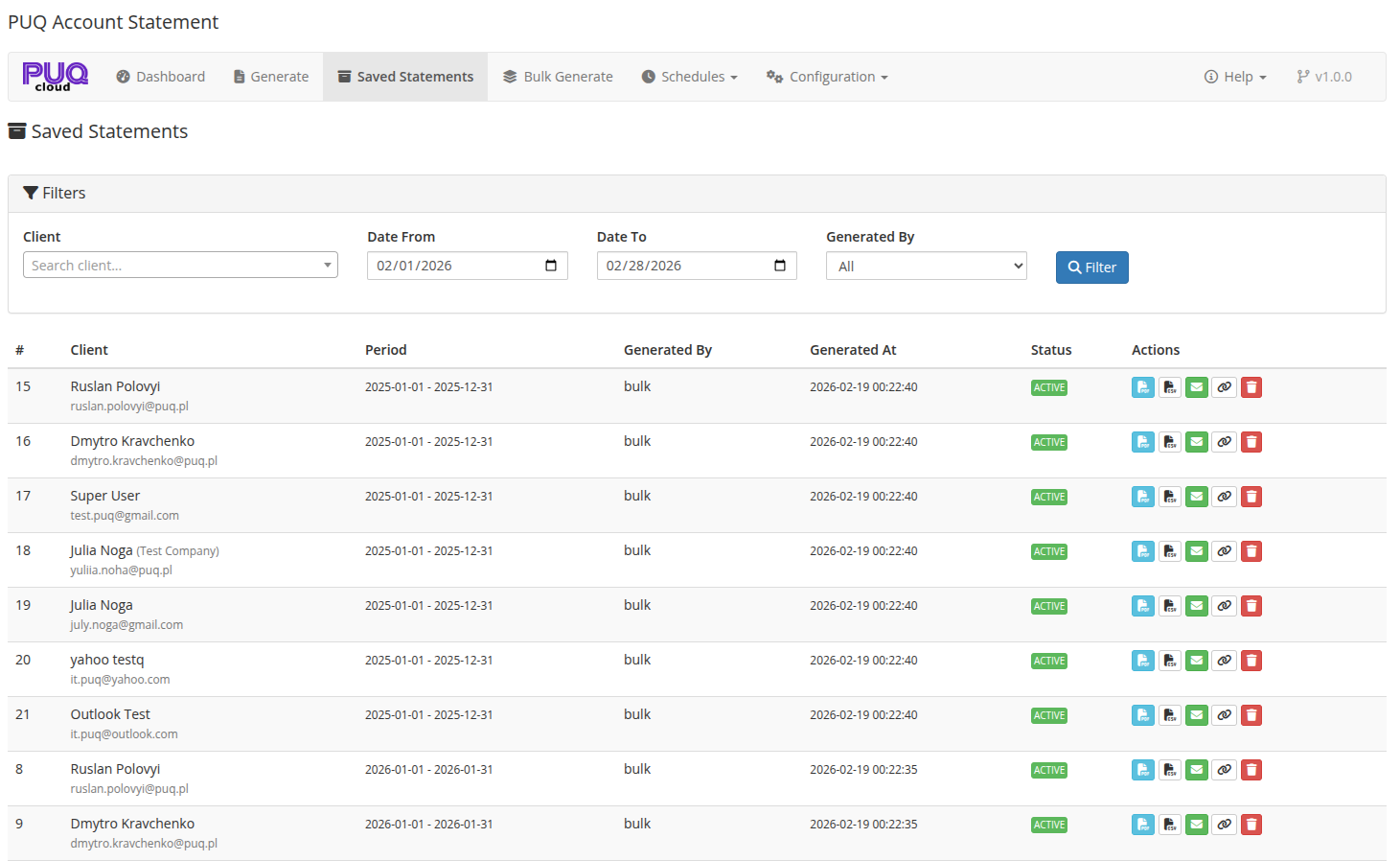
- Saved statements archive with search, filter, and pagination
- Bulk generation for multiple clients with progress tracking
- Client filters for bulk: All Clients, By Client Group, By Country, With Unpaid Invoices
- Scheduled automatic statement generation (Daily, Weekly, Monthly, Quarterly, Yearly)
- Schedule management: create, edit, toggle, run now, delete
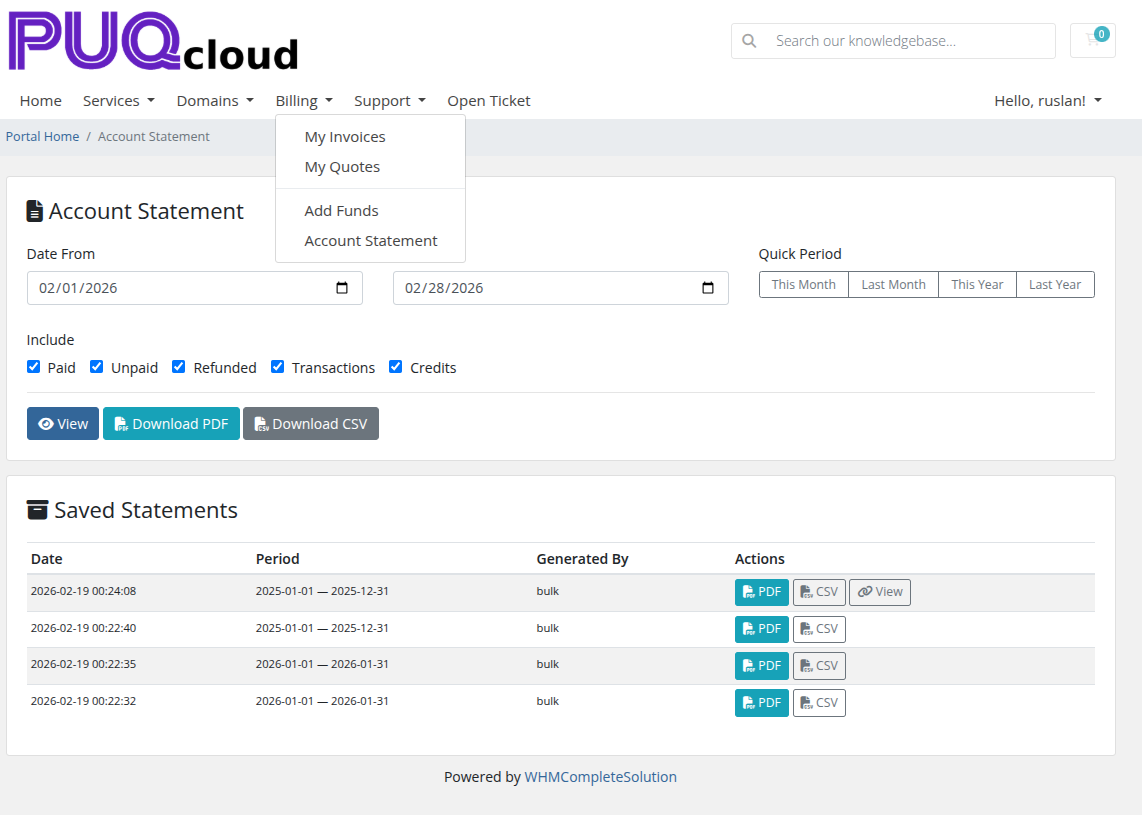
- Client area self-service: view, generate, and download statements
- Client area configurable permissions: PDF download, CSV download
- Email delivery with PDF attachment using WHMCS email templates
- Public shareable links with configurable expiry
- Aging report for overdue invoice analysis
- Dashboard with key metrics, quick generate, recent statements, upcoming schedules
- Auto-cleanup of old saved statements
- Configurable per-page pagination
- Add to Billing Menu option for client area
- AJAX-based interface with loading spinners on all actions
- License verification system with online/offline modes
- Dashboard accessible without active license, other pages restricted
- Error logging via WHMCS
logModuleCall
- English language interface