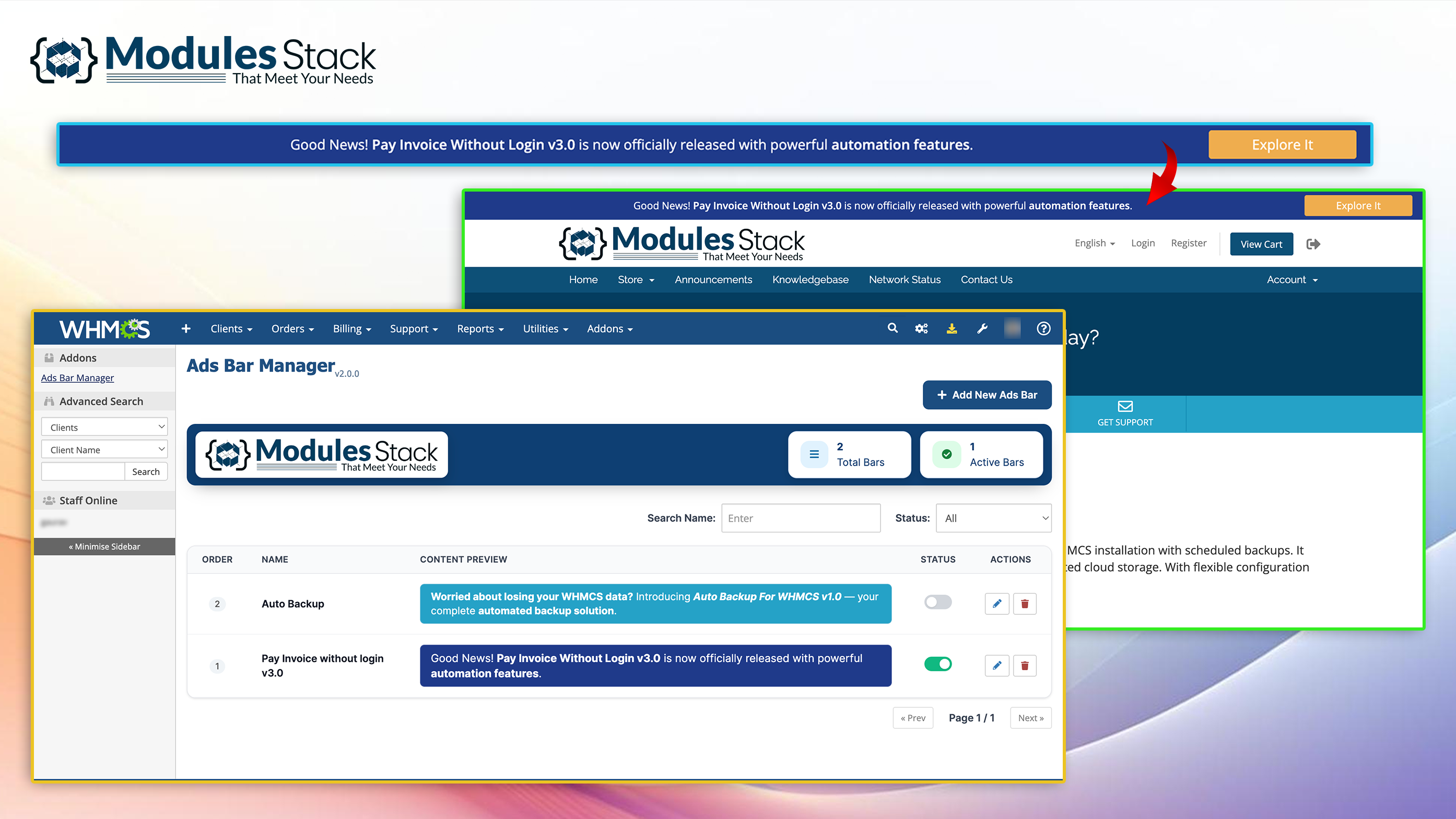
Introducing Ads Bar Manager For WHMCS — make every message visible.
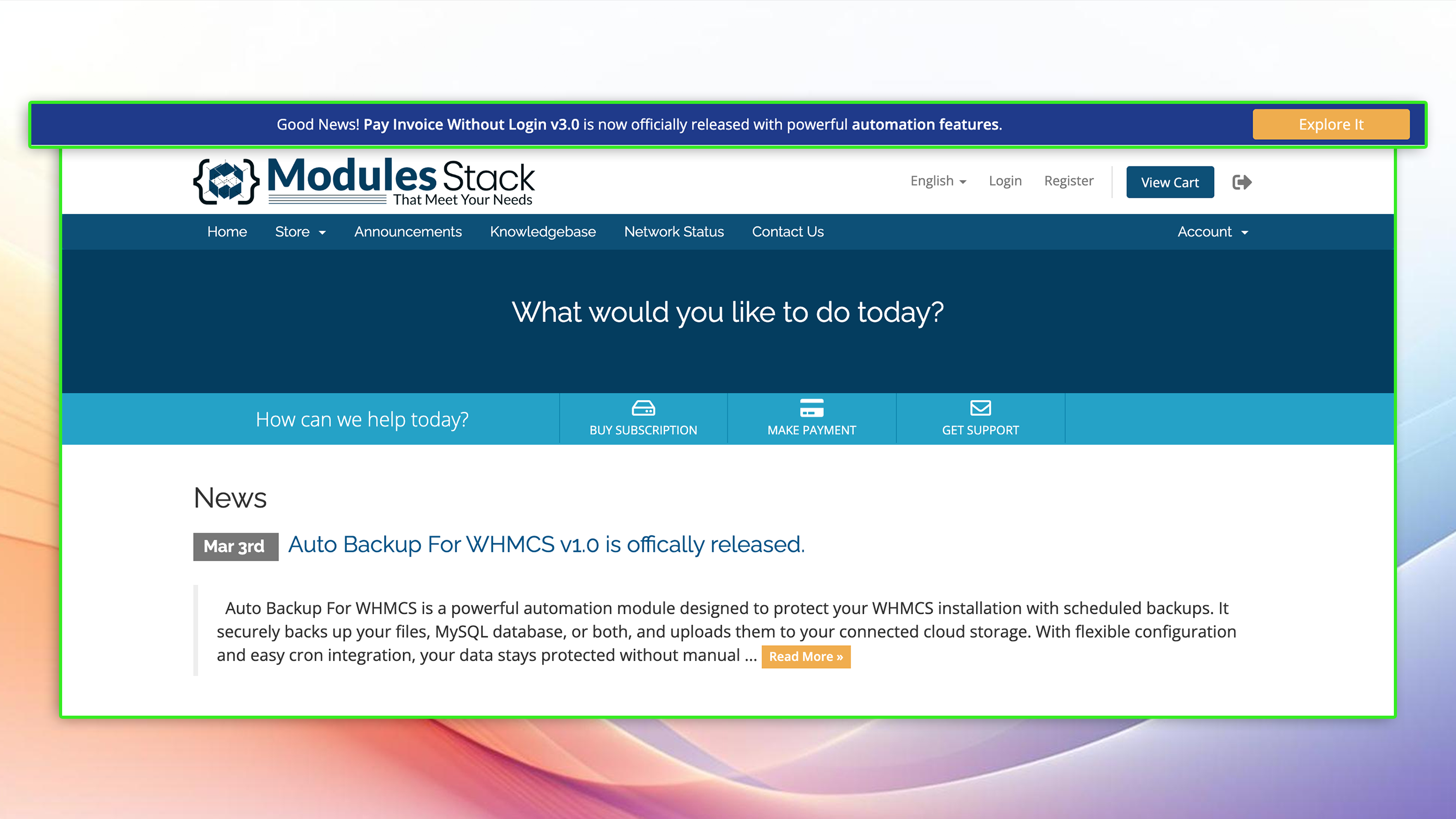
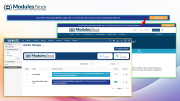
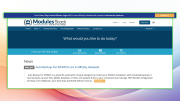
Ads Bar Manager For WHMCS is a simple yet powerful module designed to help you communicate directly with your clients inside the WHMCS Client Area. It allows you to display customizable notification bars at the top of the client interface, ensuring your important announcements, promotional offers, maintenance notices, or urgent updates are instantly visible.
Instead of relying solely on emails that may go unread, this module places your message exactly where your clients are already active — inside their account dashboard. Whether you're running a limited-time sale, announcing a new product release, or informing clients about scheduled maintenance, Ads Bar Manager ensures your message gets the attention it deserves.
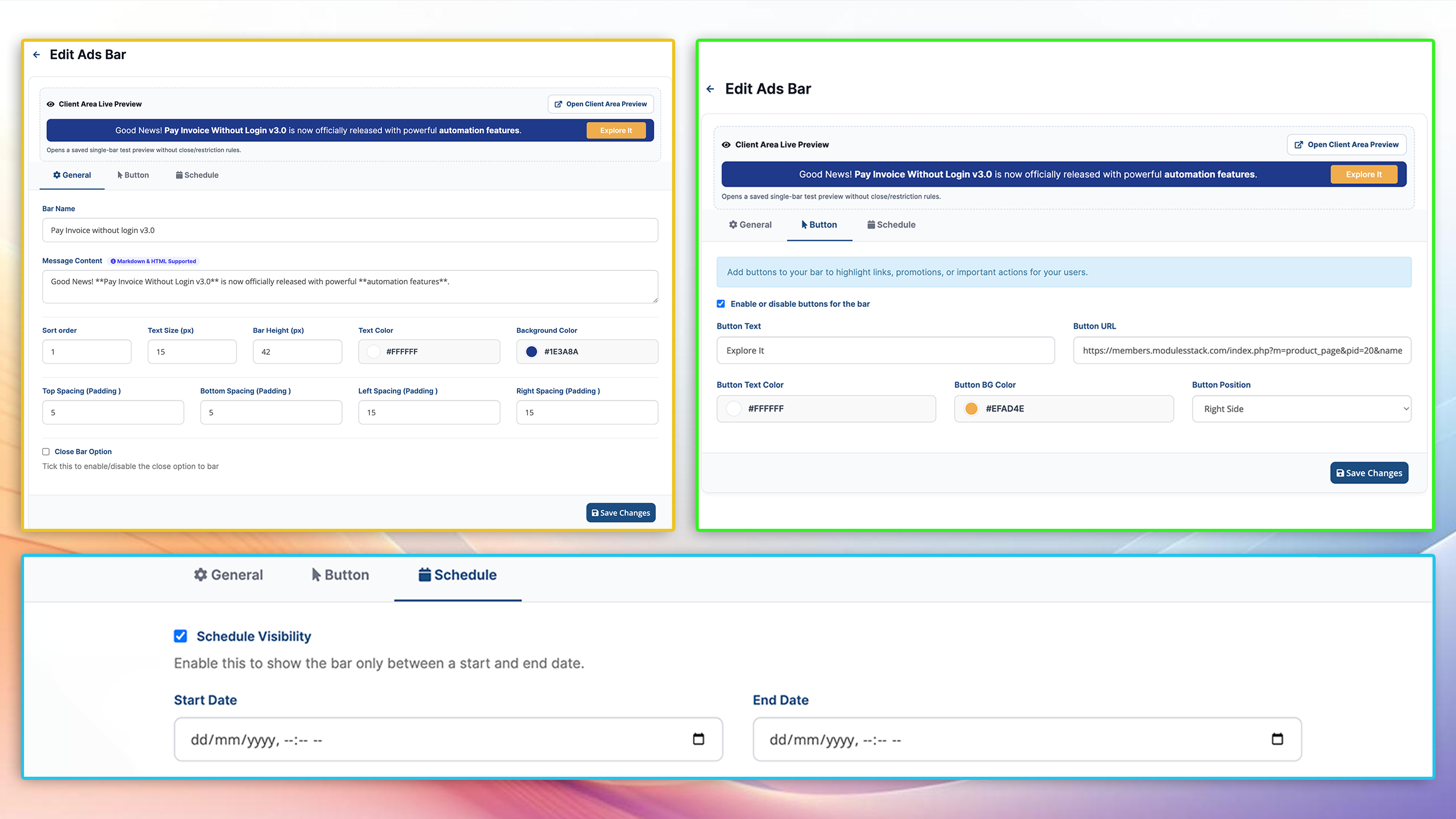
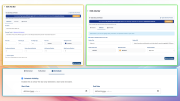
With full control over content and design, you can easily customize the background and text colors to match your theme and branding — all managed directly from the WHMCS admin panel without editing templates or writing any code.
Lightweight, easy to use, and fully integrated with WHMCS, this module provides a clean and effective communication channel that improves engagement and visibility.
The best place to start if you need help with a specific product is to contact the developer. All WHMCS Marketplace developers have both a website and support URL listed.

Working comfortably with ResellerClub's products and services through your WHMCS system requires additional tools.

The module developed to add meta description and meta keywords and change the page title


This module will integrate WHMCS with Dropbox to upload a copy of WHMCS database onto the cloud. You will never have to worry about losing data any more.


Rhett Archer @rhett1717
A great addition to WHMCS. Ads Bar Manager is simple, customizable, and ensures important updates are clearly visible to clients.
oscar wend @oscar8946
Works smoothly and keeps all my WHMCS data safe without any hassle, really saves time and gives peace of mind
Ethane @ethane3933
Simple and Effective Ads Bar Manager for Better Client Communication in WHMCS