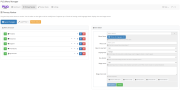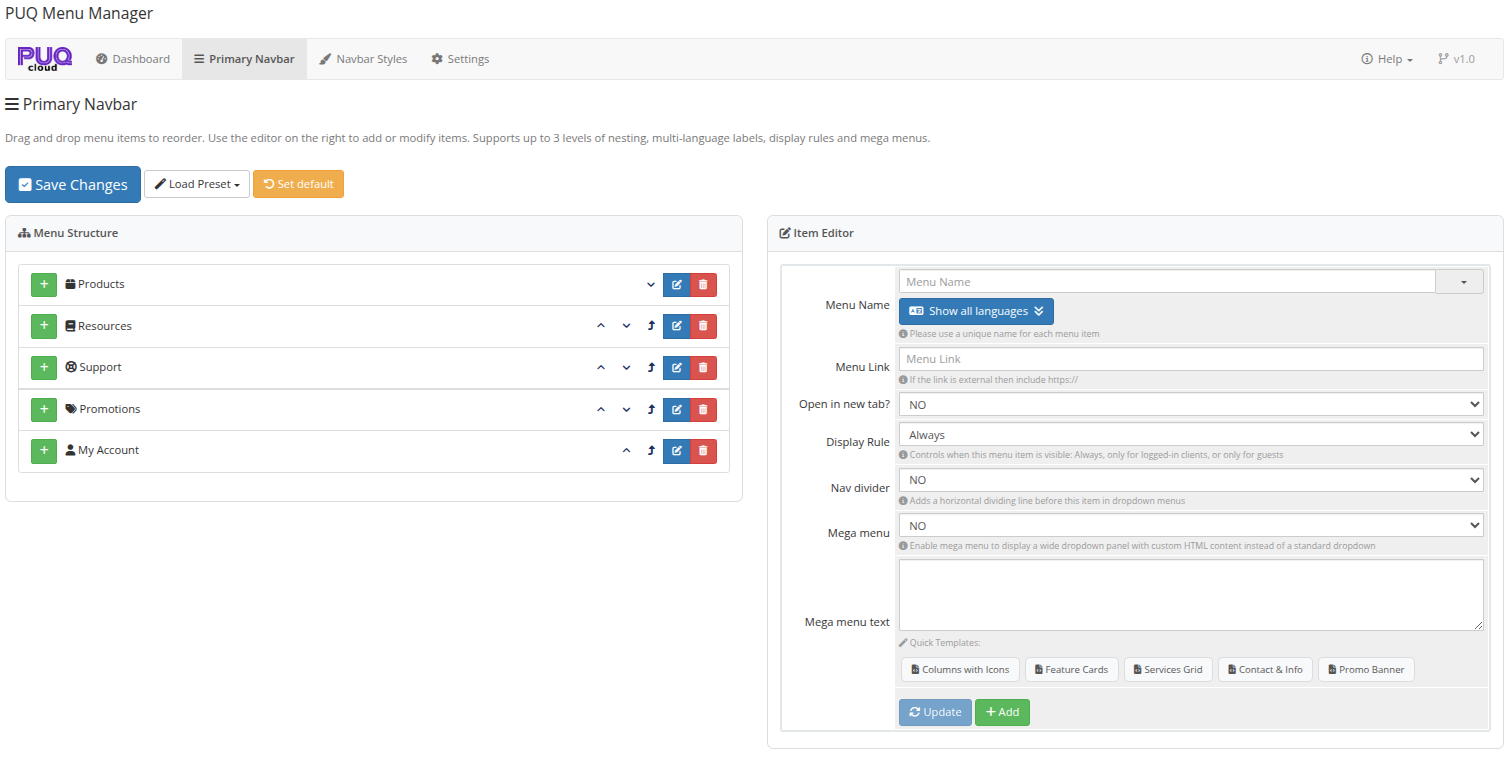
A powerful addon designed for WHMCS administrators who want to fully customize the client area Primary Navbar without editing templates manually. PUQ Menu Manager gives you a visual drag-and-drop interface for building multi-level menus, adding multilingual labels, configuring visibility rules, and creating advanced mega menus with custom HTML content. The documentation describes it as a WHMCS addon focused on flexible navbar management, with presets, style customization, and live preview tools.
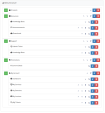
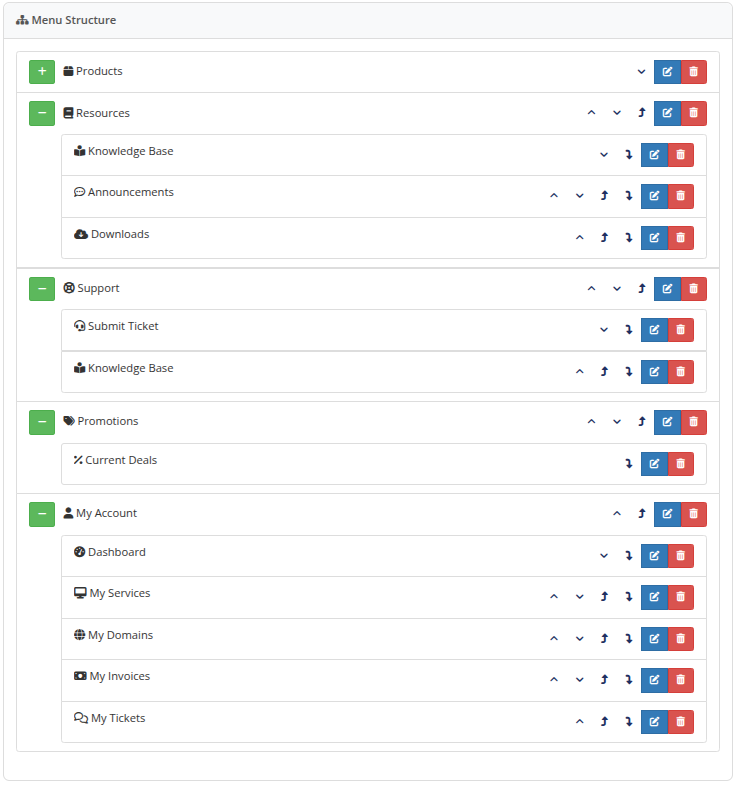
PUQ Menu Manager helps you redesign and organize the WHMCS client area navigation bar from a single admin interface. You can reorder menu items with drag-and-drop, create up to 3 levels of nesting, edit links and targets, insert dividers, and configure menu visibility for all visitors, logged-in clients, or guests only. It also supports mega menus with custom HTML content for richer dropdown layouts.
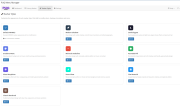
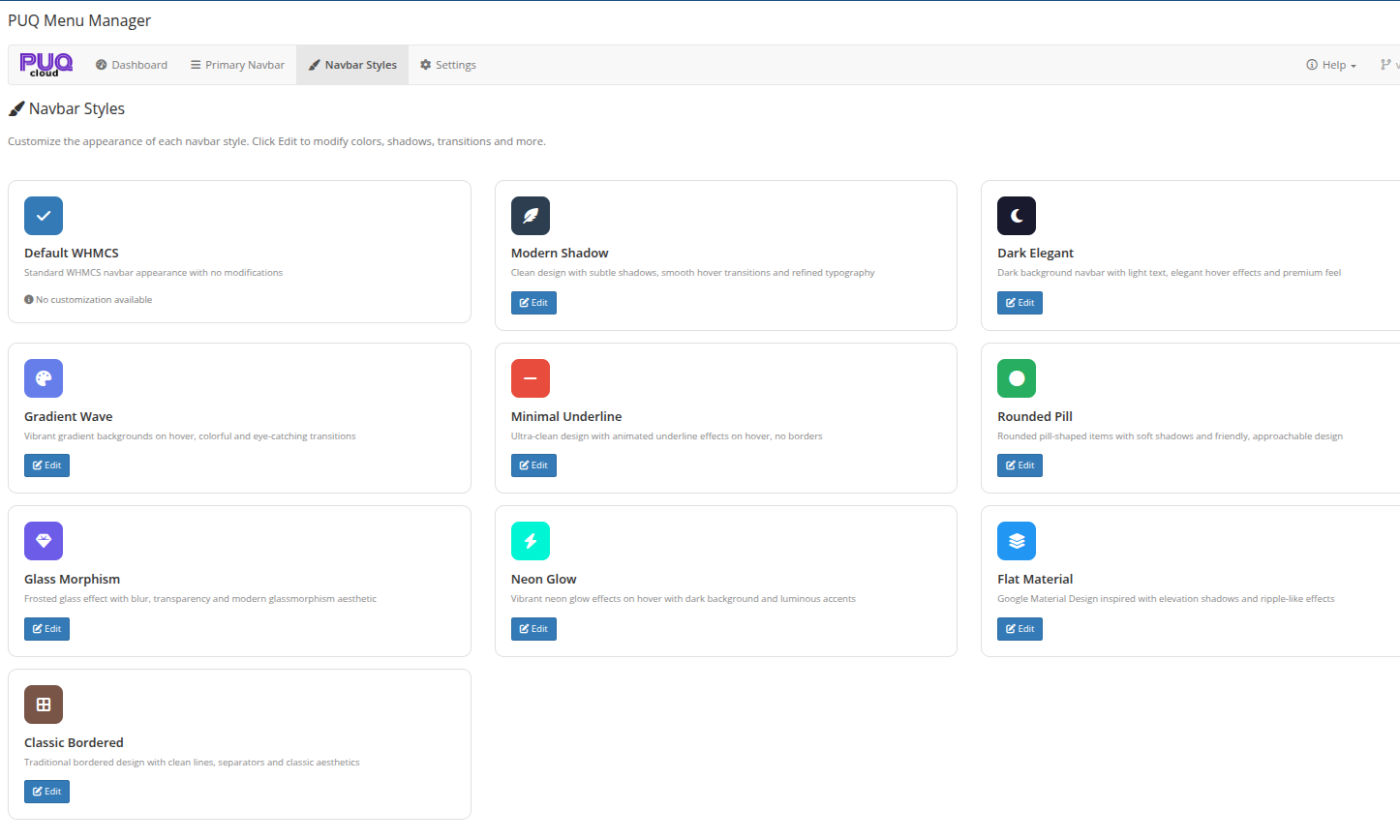
The addon includes 10 navbar styles, ranging from Default WHMCS and Modern Shadow to Glass Morphism, Neon Glow, Gradient Wave, and Classic Bordered. Each customizable style has its own editor with live preview, allowing you to adjust colors, shadows, opacity, blur, borders, and transition effects before applying the changes to your WHMCS client area.
Menu items can use translated labels for 27 supported languages, so the navbar can adapt to the client’s selected language automatically. To speed up deployment, the addon also includes 5 ready-to-use menu presets such as Standard, Business Pro, Hosting Provider, Full Mega, and Minimal Clean. The interface provides quick actions for editing the primary navbar, switching the active style, and restoring the default WHMCS navigation when needed.
The PUQ Menu Manager addon requires an active license for full functionality. The documentation notes that it uses a license verification system with online/offline modes, and that the dashboard remains accessible even without an active license while other pages are restricted. ([doc.puq.info][3])
https://doc.puq.info/books/menu-manager-whmcs-addon
Be the first to review PUQ Menu Manager addon.
The best place to start if you need help with a specific product is to contact the developer. All WHMCS Marketplace developers have both a website and support URL listed.
First release.
Working comfortably with ResellerClub's products and services through your WHMCS system requires additional tools.

The module developed to add meta description and meta keywords and change the page title


This module will integrate WHMCS with Dropbox to upload a copy of WHMCS database onto the cloud. You will never have to worry about losing data any more.