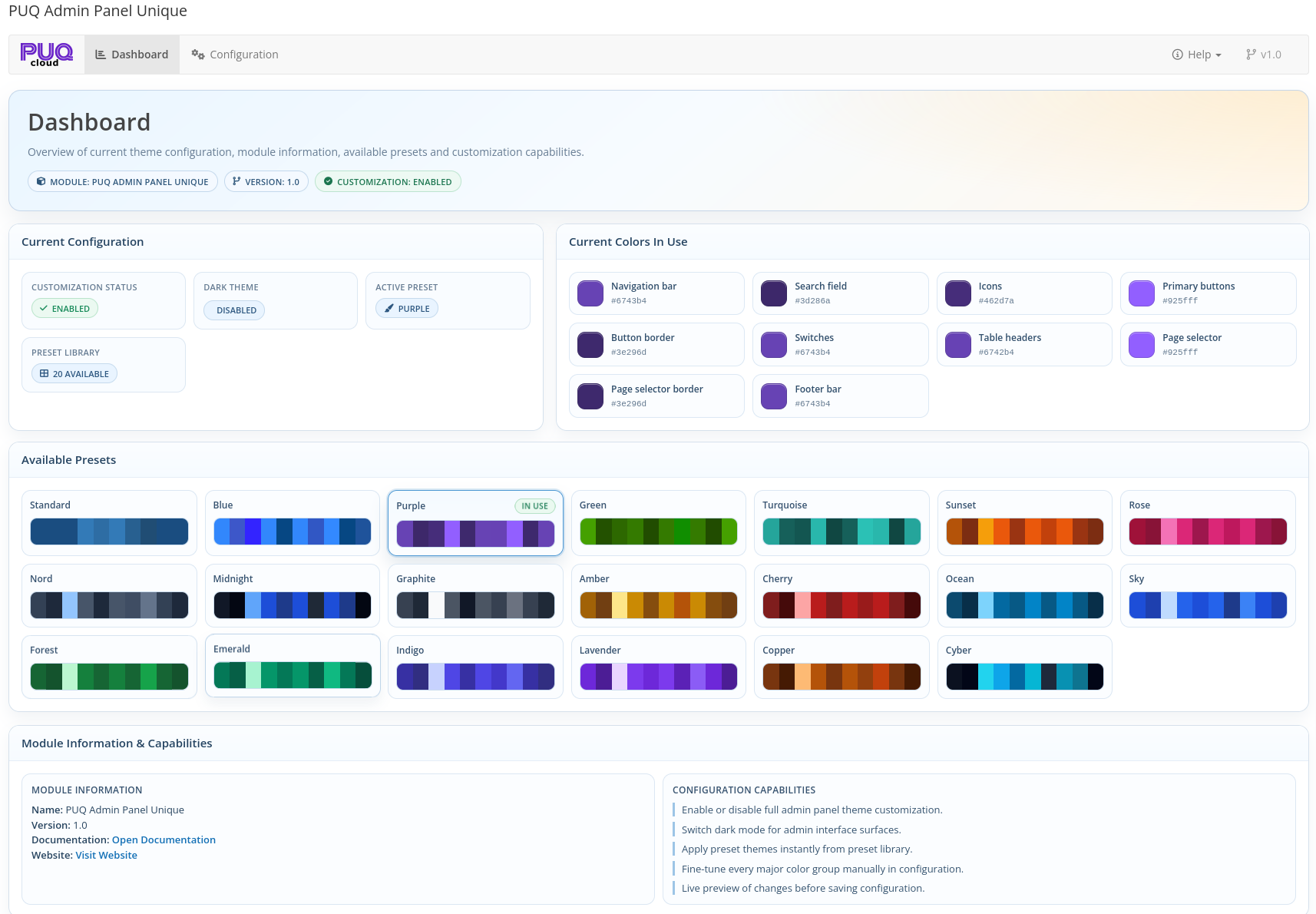
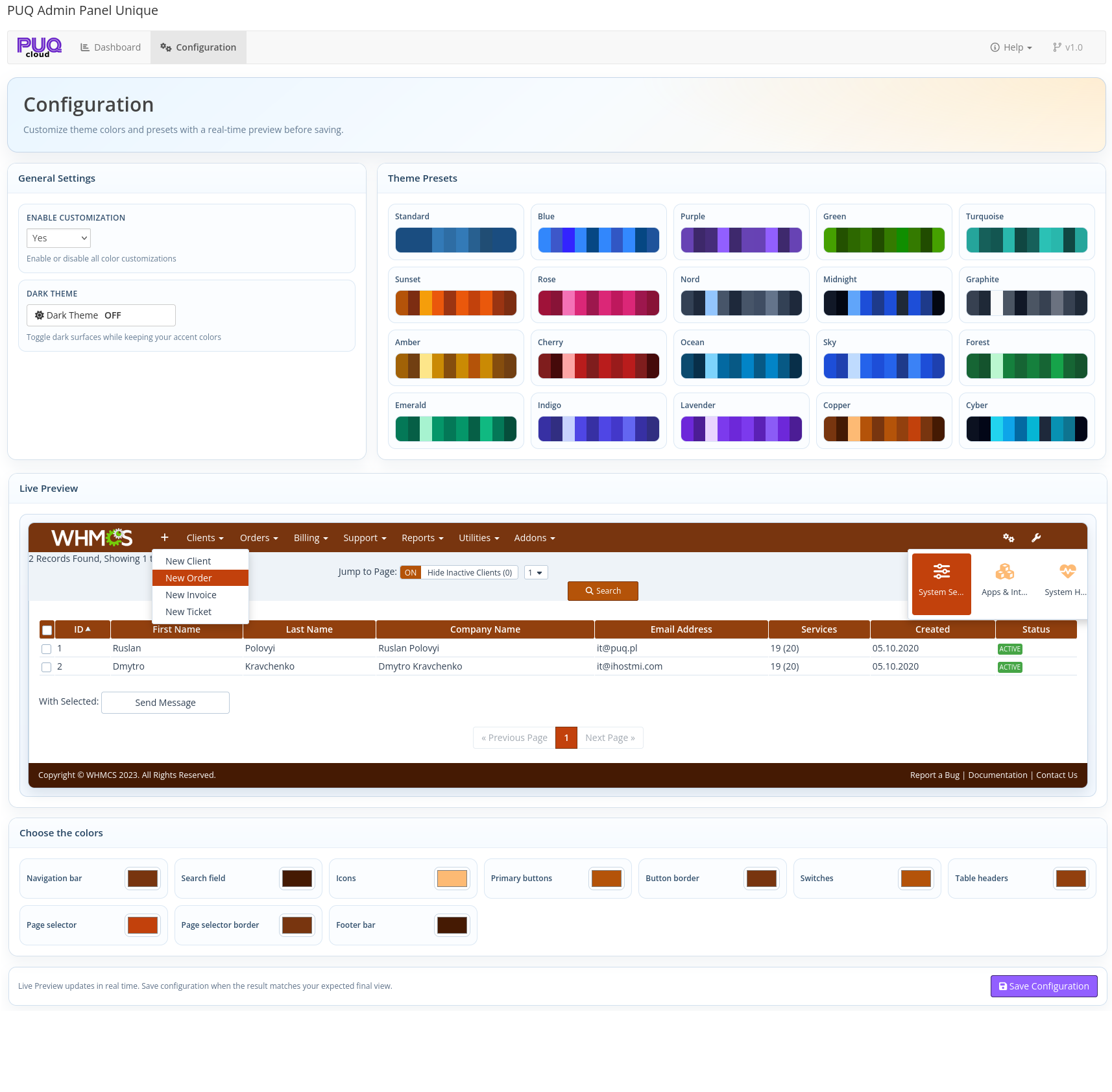
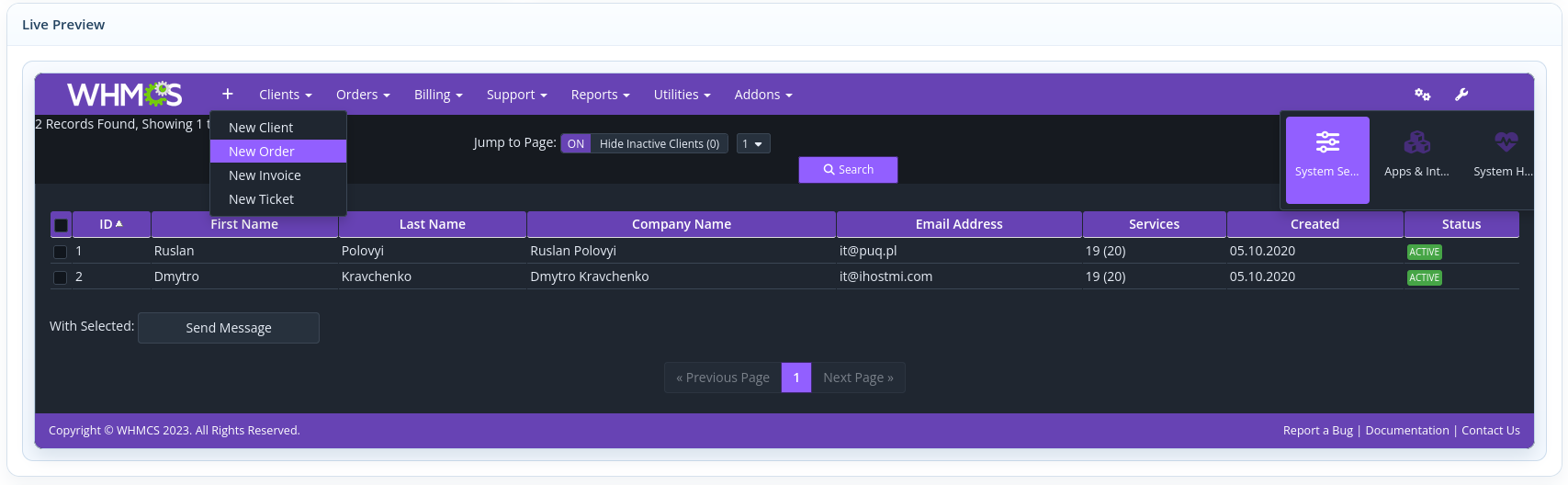
A modern WHMCS addon created for administrators who want to fully customize the appearance of the WHMCS admin area without editing core files or templates manually. PUQ Admin Panel Unique provides a centralized configuration workspace with dashboard overview, global enable/disable controls, optional dark mode, built-in theme presets, manual color tuning, and real-time live preview before saving.
PUQ Admin Panel Unique lets you change the visual style of the WHMCS admin interface from one place. The module includes a card-based configuration page where you can enable or disable customization globally, switch dark theme surfaces on or off, apply one of the built-in presets, or manually adjust key interface colors to match your branding and working preferences.
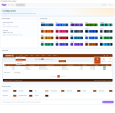
The addon includes 20 built-in theme presets for one-click style changes, plus 10 individual color controls for important admin UI elements. Before applying changes, administrators can use the real-time live preview to see how the pending theme will look, which helps avoid mistakes and speeds up interface customization.
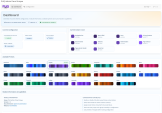
The module also includes a dedicated dashboard that shows the current configuration state, including customization status, dark mode status, active preset, current colors in use, preset library count, and module information. The save process includes CSRF protection, HEX color validation, and a safe post-redirect-get workflow to prevent duplicate submissions.
AdminAreaHeadOutput
The module requires an active license for full functionality. According to the documentation, when the license is inactive, the Dashboard stays accessible, but the Configuration page is locked. The module uses online/offline license validation logic with cached verification data for continued operation within the allowed cache window.
PUQ Admin Panel Unique documentation:
Be the first to review PUQ Admin Panel Unique addon.
The best place to start if you need help with a specific product is to contact the developer. All WHMCS Marketplace developers have both a website and support URL listed.
First release.

Working comfortably with ResellerClub's products and services through your WHMCS system requires additional tools.

The module developed to add meta description and meta keywords and change the page title


This module will integrate WHMCS with Dropbox to upload a copy of WHMCS database onto the cloud. You will never have to worry about losing data any more.