WHMCSBot for Telegram (WBFT) connects your Telegram bot with your client workflow so customers can interact with your business faster, more securely, and in a more convenient way.
It is built for hosting companies and service providers who want Telegram to become an extension of their client experience without exposing unsafe direct account access.
WBFT allows Telegram users to:
This module is not just a message bot. It is designed to work as a proper business integration layer between Telegram and your client platform.
The goal is to help you:
Customers can link their Telegram account using a one-time verification code sent to their account email address.
This helps ensure the Telegram user is the real account owner before account-related functions become available.
The module includes:
This is especially useful if a Telegram account is lost, compromised, or shared.
After linking, users can access:
Users can search domains from Telegram.
They can:
Even without linking an account, visitors can browse your services from Telegram.
Services are shown in sets so the experience stays clean and not overloaded.
This helps turn Telegram into a lightweight sales channel.
The module supports direct support routing with buttons such as:
You can configure these links from the admin side.
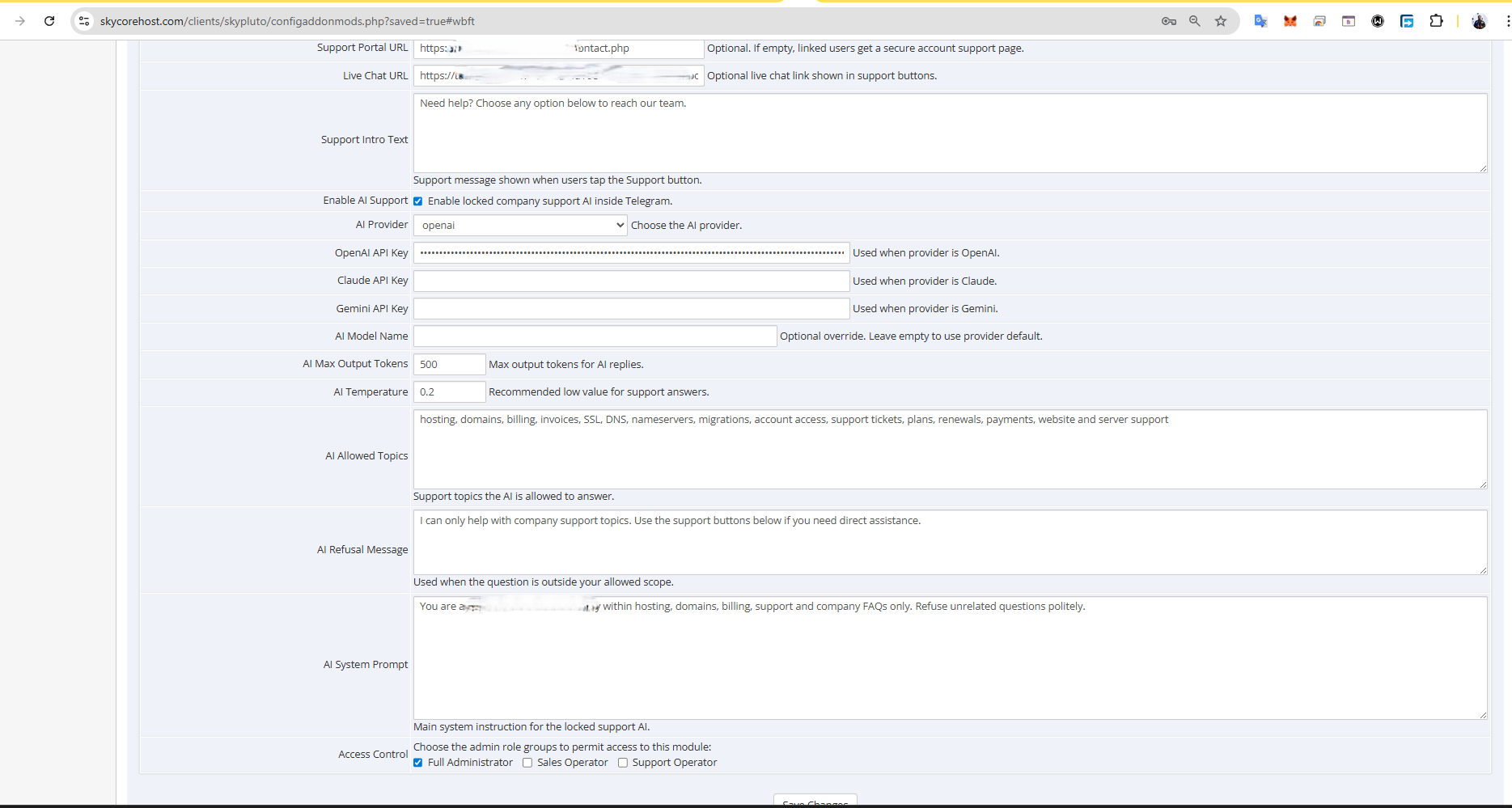
The built-in AI system is designed for company support only.
Admin can choose:
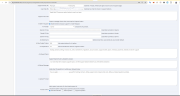
You can configure:
This means the bot can answer support-related questions while staying restricted to your business scope instead of behaving like a general chatbot.
WBFT is suitable for companies that want to use Telegram as:
Examples include:
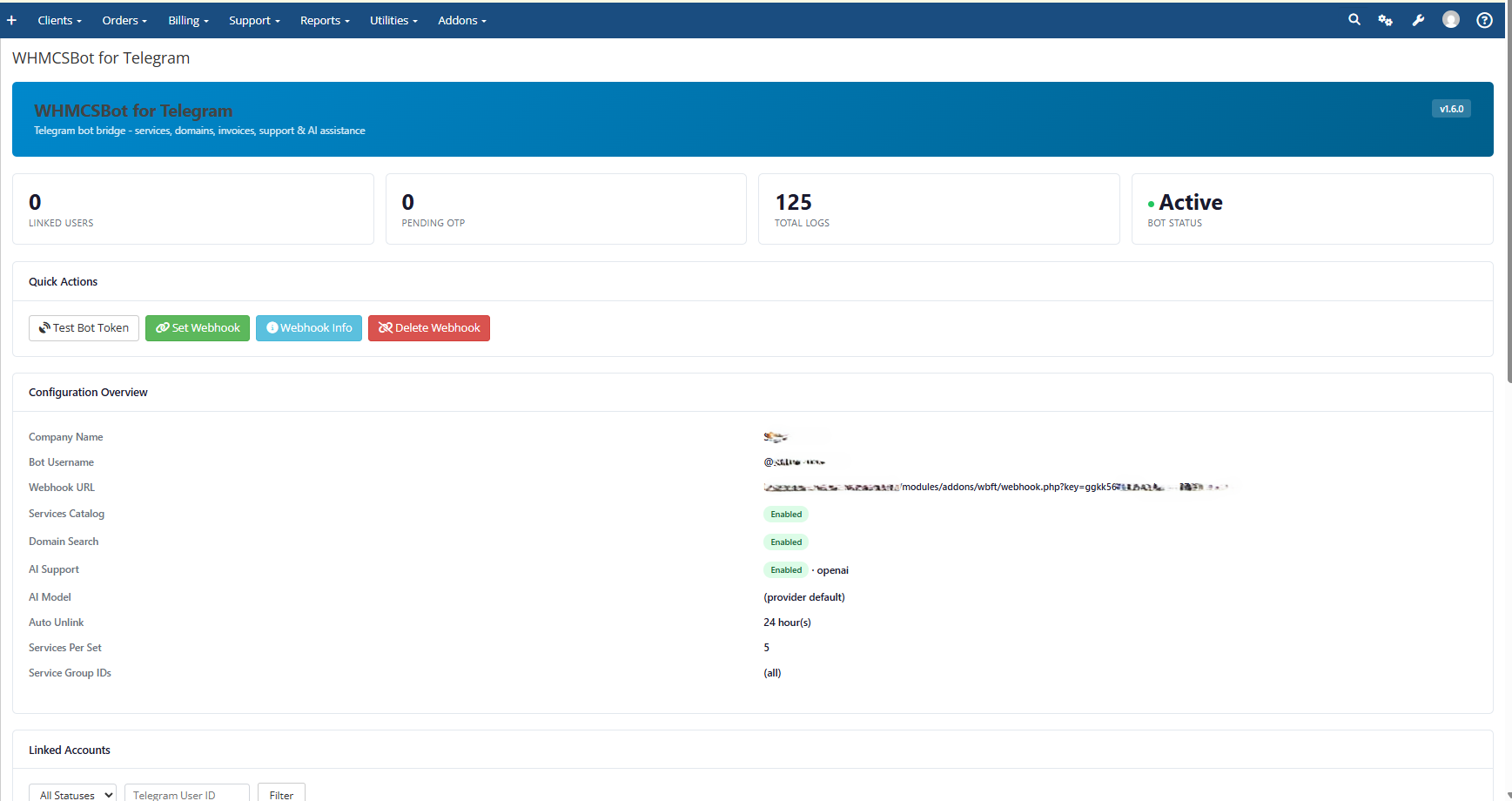
The module provides admin-side controls for:
Many customers prefer messaging platforms over logging into a dashboard first.
WBFT helps bridge that gap by giving them a guided and secure way to interact with your business directly from Telegram.
It improves convenience without removing your control.
Upload the wbft folder to:
/modules/addons/wbft/
Make sure the folder contains the main module file, webhook file, hooks file, and the lib directory.
In the admin area, go to:
Setup > Addon Modules
Find WHMCSBot for Telegram and click Activate.
Set which administrator roles can access the module.
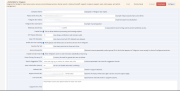
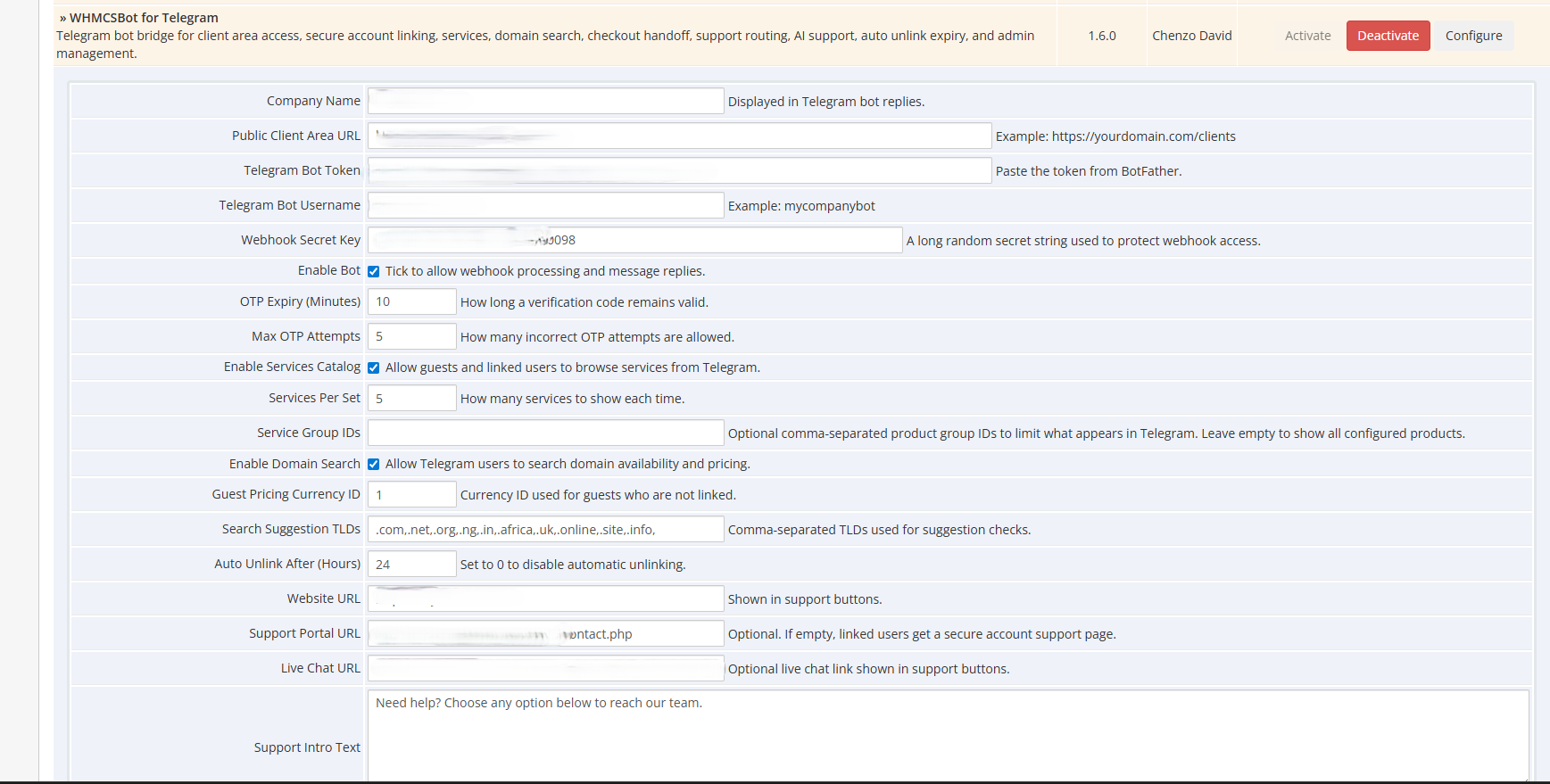
After activation, click Configure and fill in:
Tick Enable Bot and save.
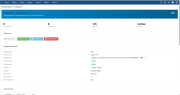
Open the module dashboard and use:
In Telegram, open your bot and send:
/start
Then test the menu options one by one.
To enable AI support:
If you use automatic unlink expiry, ensure your normal scheduled automation is already running properly so the module hook can process expiry.
Test the following before launch:
This module is designed to work as an addon module with admin controls and scheduled automation support.
It is ideal for businesses that want a more modern Telegram-based customer flow while keeping account access controlled and support-focused.
/start to the bot
Be the first to review WHMCSBot for Telegram.
The best place to start if you need help with a specific product is to contact the developer. All WHMCS Marketplace developers have both a website and support URL listed.
cPanel DNS Manager for WHMCS is an addon module which allows customers who have only domain names without a hosting package to manage DNS zones of their domain names.


CyberESXI is a module designed for hosting companies using the WHMCS system. With Esx Addon, you can enable your clients to manage the virtual servers you created with Vmware ESX, ESXi software.

This hook will let your customers know what is your nameservers on their client area at services page.
Enhanced Support System brings you an alternative support experience with clear department layout and ticket counts for each ticket status in every department.