SSLCOMMERZ Payment Gateway Module

SSLCOMMERZ Payment Gateway Module

Developed By SOFT HAB

Compatible with WHMCS v9.0

Integrate SSLCOMMERZ with WHMCS

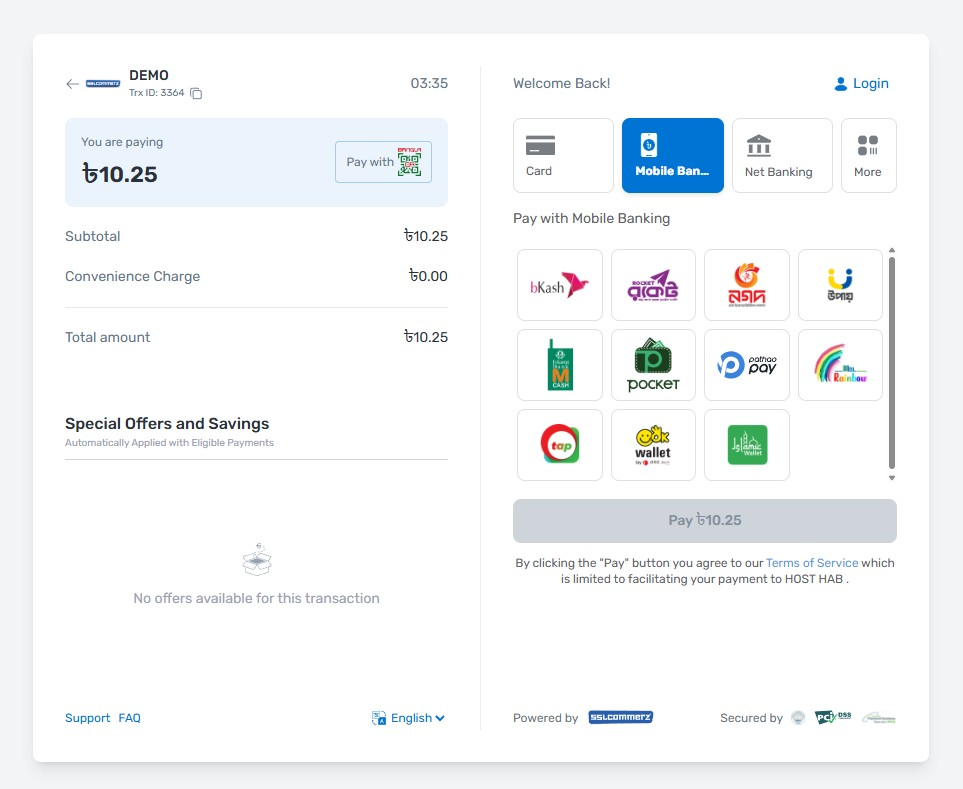
SSLCOMMERZ is a leading payment aggregator in Bangladesh. Merchants can accept online payments through cards, mobile banking, and other supported channels on websites and billing platforms.

If you use WHMCS and need a dependable way for clients to pay invoices online, this module connects WHMCS to SSLCOMMERZ using their API v4.

This build focuses on stable behaviour on supported WHMCS releases: validated callbacks, optional Easy Checkout (hosted UI), automatic IPN-style URLs derived from your System URL, and PHP compatibility from 7.4 through 8.4.

Requirements

  • WHMCS v8.0, v9.0, or later — standard gateway under modules/gateways/.
  • PHP 7.4, 8.0, 8.1, 8.2, 8.3, or 8.4 — validated JSON/cURL usage.
  • PHP cURL extension (required).
  • PHP JSON (usually bundled); OpenSSL for HTTPS.
  • SSLCOMMERZ Sandbox account for testing and/or Live merchant credentials for production.

Features

  • Full SSLCOMMERZ API v4 session flow (hosted gateway URL).
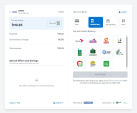
  • Optional Easy Checkout — embedded/popup hosted UI via gateway setting.
  • Classic redirect mode — form POST to SSLCOMMERZ GatewayPageURL when Easy Checkout is off.
  • Automatic success, fail, cancel, IPN, and Easy Checkout helper URLs from WHMCS System URL.
  • Browser return handler validates payments via SSLCOMMERZ validation API before marking paid.
  • IPN (server-to-server) with validation API check and risk-level handling.
  • Invoice metadata: value_a / value_b / value_c (description, WHMCS return URL trace, invoice ID).
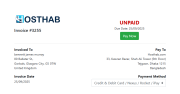
  • Post-payment redirect targets guest-safe invoice viewing (viewinvoice.php with uuid when available).
  • Effective System URL taken from WHMCS configuration when building redirects.
  • Session behaviour tuned for cross-site gateway returns (SameSite / Sign-In Integration scenarios).
  • Transaction ID taken from SSLCOMMERZ validation response where available (consistent with IPN).
  • API v4 product/session defaults in code — minimal clutter in gateway settings UI.
  • WHMCS Apps & Integrations metadata (whmcs.json) for discovery and docs links.

Installation steps

  1. Download this SSLCOMMERZ WHMCS module package (ZIP or repository archive).
  2. Extract it on your computer.
  3. Upload the included modules folder to the root of your WHMCS installation (FTP, SFTP, or file manager).
  4. Merge carefully — adds files under modules/gateways/ and related paths only; do not remove unrelated WHMCS files.
  5. Log in to WHMCS Admin.
  6. Open System Settings → Apps & Integrations, or Setup → Payments → Payment Gateways, depending on your WHMCS version.
  7. Search for SSLCOMMERZ, open SSLCOMMERZ Payment Gateway, and activate it.
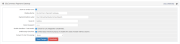
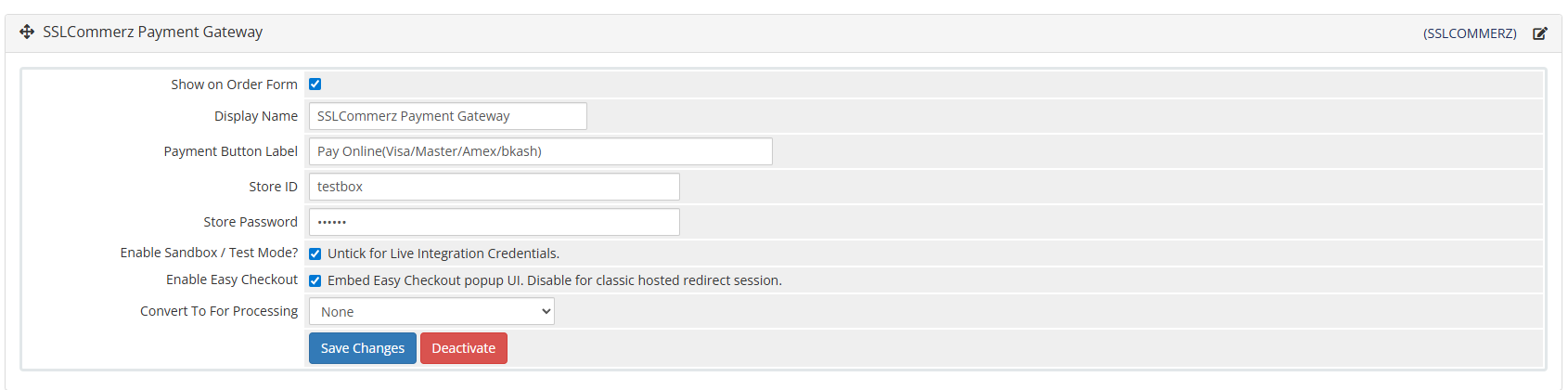
  8. Configure display name, Payment Button Label, Store ID, Store Password, enable Sandbox / Test Mode if testing, and Easy Checkout if you want the hosted UI flow.
  9. Save changes.
  10. Complete at least one Sandbox payment on a test invoice and confirm the invoice is marked paid as expected.

Useful endpoints

Paths are appended to your WHMCS System URL:

  • Browser return (success / fail / cancel): modules/gateways/callback/sslcommerz.php
  • IPN: modules/gateways/callback/sslcommerz_ipn.php
  • Easy Checkout helper: modules/gateways/callback/sslcommerz_checkout.php

Documentation

SSLCOMMERZ official API v4 documentation:

https://developer.sslcommerz.com/doc/v4/

Author and support

  • Author: SOFT HAB Team
  • Homepage: https://softhab.com

For SSLCOMMERZ product or credential questions, use SSLCOMMERZ official support channels. For integration documentation inquiries, SSLCOMMERZ lists integration@sslcommerz.com on their developer resources.


There are no reviews yet!

Be the first to review SSLCOMMERZ Payment Gateway Module.

Version Compatibility


Compatible with WHMCS v9.0

Full Version Compatibility


  • All versions of WHMCS v9.0
  • All versions of WHMCS v8.13
  • All versions of WHMCS v8.12
  • All versions of WHMCS v8.11
  • Selected versions of WHMCS v8.10
        8.10.0
  • Selected versions of WHMCS v8.9
        8.9.0
  • Selected versions of WHMCS v8.8
        8.8.0
  • All versions of WHMCS v8.7
  • All versions of WHMCS v8.6
  • All versions of WHMCS v8.5
  • All versions of WHMCS v8.4
  • All versions of WHMCS v8.3
  • All versions of WHMCS v8.2
  • All versions of WHMCS v8.1
  • All versions of WHMCS v8.0

System Requirements


  • PHP 7.4, PHP 8.0, PHP 8.1, PHP 8.2, PHP 8.3, PHP 8.4
  • PHP cURL, JSON, OpenSSL

* Requirements listed are in addition to the WHMCS default system requirements.

Support for this product

The best place to start if you need help with a specific product is to contact the developer. All WHMCS Marketplace developers have both a website and support URL listed.


Developed By SOFT HAB

Changelog

v1.1 Released May 5th, 2026

Latest Version


Initial Release

  • First public Marketplace release of SOFT HAB SSLCOMMERZ gateway module
  • SSLCOMMERZ API v4 (gwprocess/v4) integration with invoice and customer field mapping from WHMCS
  • Classic hosted checkout with optional Easy Checkout (sslcommerz_checkout.php)
  • Browser return handler (sslcommerz.php) with server-side val_id validation before applying payment when status is VALID, and respects VALIDATED without double capture
  • IPN handler (sslcommerz_ipn.php) with validation API and risk_level check before payment capture
  • Callback URLs auto-generated from WHMCS System URL (tblconfiguration), no manual IPN setup required
  • Post-payment redirect to viewinvoice.php with uuid support for guest-safe flow after gateway POST
  • session_abort() used after bootstrap on browser return to prevent session overwrite issues (SameSite handling)
  • Transaction ID stored from SSLCOMMERZ validation JSON (tran_id), consistent with IPN behavior
  • payload.php applies default API v4 parameters (product_profile, product_category, etc.), minimizing gateway configuration UI


See also

WHMCS Bitcoin Payments

Accept Bitcoin payments on your website

Free
Accept Bitcoin and cryptocurrency payments - CoinGate for WHMCS

Easily accept Bitcoin, Tether, Ethereum and many other crypto payments on your WHMCS website

Free
Coinbase Commerce

No Fees, Easy Setup. Accept cryptocurrencies like: Bitcoin, Bitcoin Cash, Ethereum and Litecoin!

Free
PayTR Virtual Pos iFrame API

Open your web site to shopping with the advantages of PayTR. Take your payments securely.

Free
Gateway Fees for WHMCS

With this WHMCS module, you'll get the payment gateway fees from your clients directly.

Free