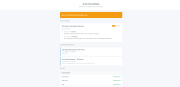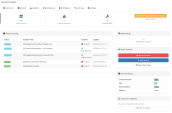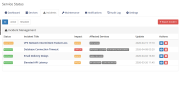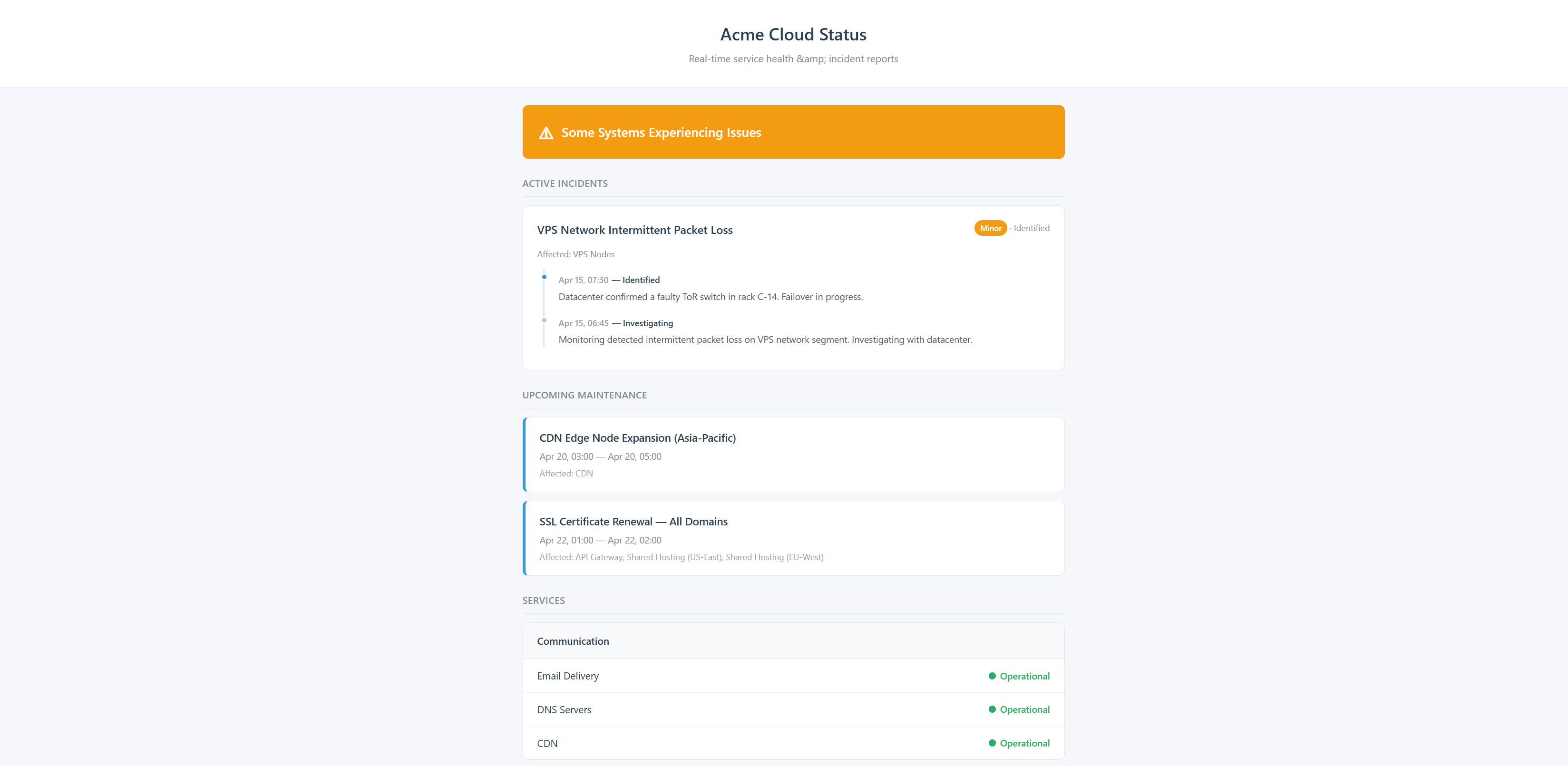
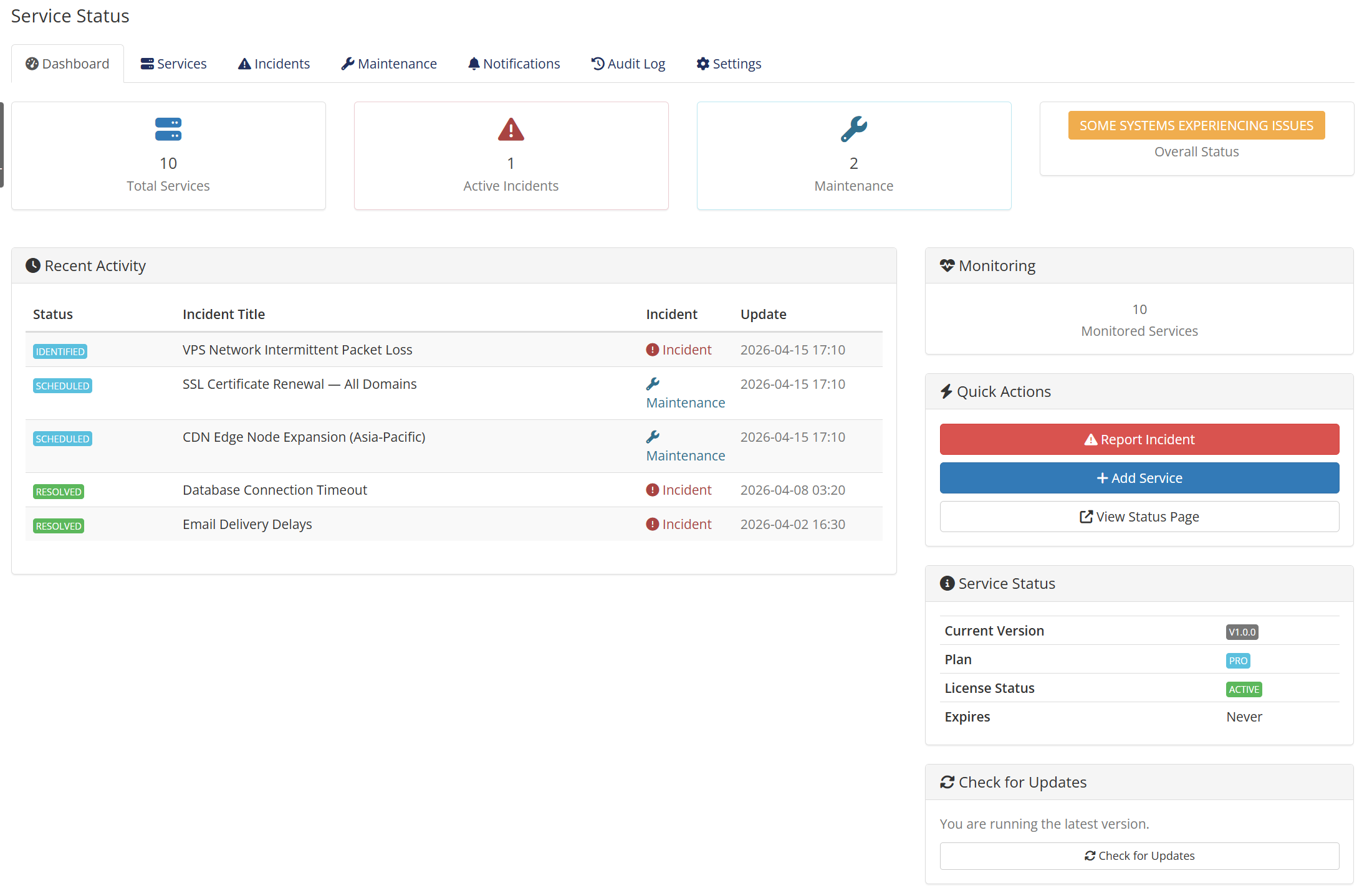
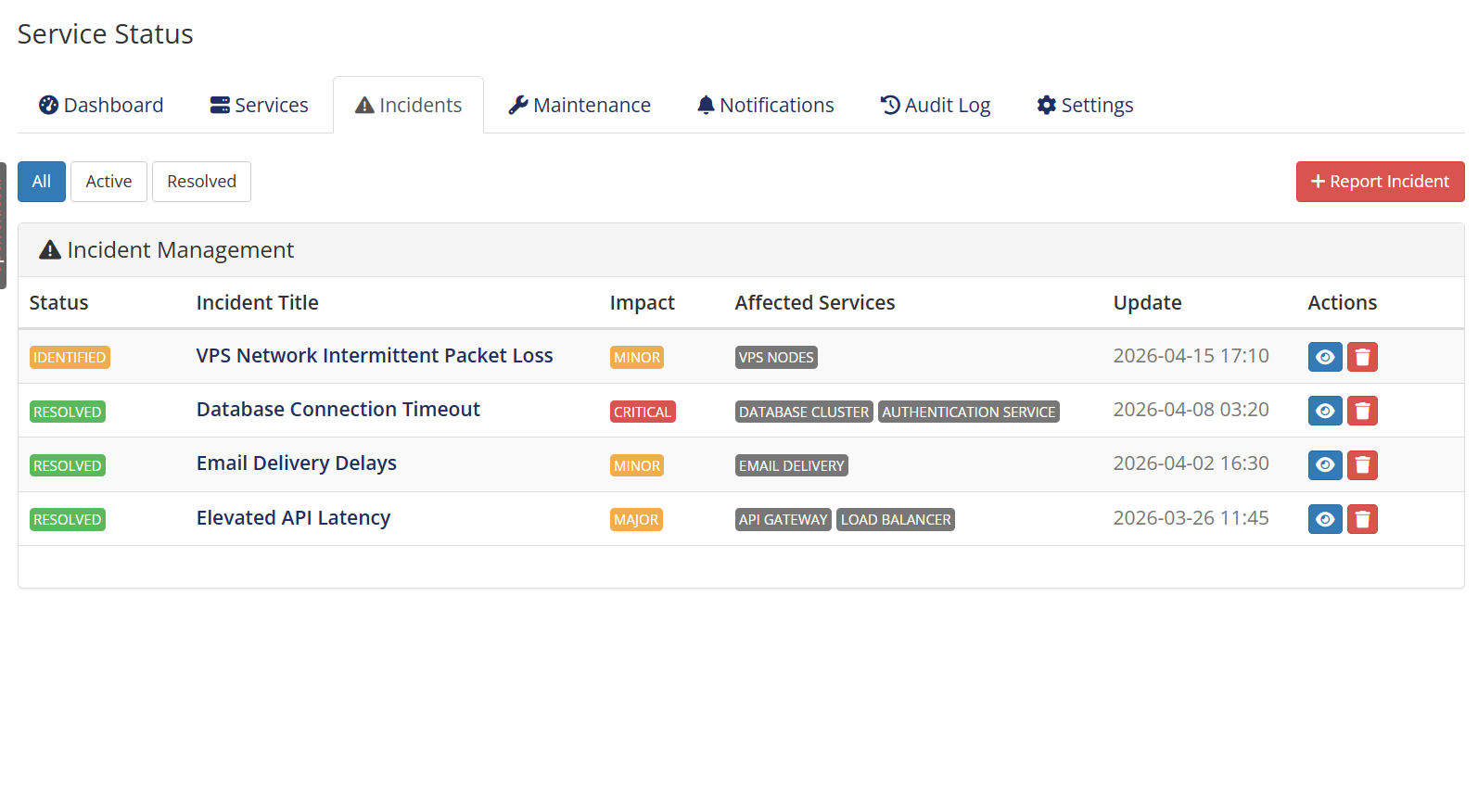
Service Status gives your WHMCS install a professional, customer-facing status page right out of the box. Manage services with grouping, post incidents with timeline updates, schedule maintenance windows, and let customers see real-time service health on a clean responsive page they can bookmark or subscribe to.
When something breaks, customers want answers fast. Without a dedicated status page they flood your ticket queue with "is the service down?" tickets you have to answer one at a time. With Service Status, one update from your admin reaches every customer instantly — through the public page, email, and webhook channels — so your support team can focus on the actual fix instead of repeating "yes, we know, working on it" twenty times.
Add unlimited services and organise them into logical groups (for example "API", "Web Hosting", "Email", "Network"). Each service has its own status (operational, degraded, partial outage, major outage, under maintenance), a description, and an optional public URL. Import existing WHMCS services in one click — no manual re-entry needed.
When an incident hits, open it in the admin panel, attach the affected services, and post your first update. As the situation evolves, add more updates — investigating, identified, monitoring, resolved — and customers see the full chronological timeline. Past incidents stay archived for transparency, with permalinks suitable for postmortems.
Plan ahead. Create a maintenance window with start and end times, link the affected services, write a customer-facing description, and customers see the upcoming window on the public page well before the work starts. During the window the linked services automatically display the "under maintenance" badge, and the status returns to operational when the window closes.
A standalone responsive page, branded with your logo and colour palette, lives at a URL slug you choose (for example /status). No WHMCS UI, no client area login, no admin chrome — just the status of your services. A custom CSS hook lets designers fine-tune the layout. Mobile-friendly out of the box.
Pro tier turns the status page into a self-updating dashboard. Configure HTTP, TCP, or ICMP checks per service with a check interval from 1 to 60 minutes. When a check fails the service status flips to degraded or outage automatically; when it recovers it flips back — no admin intervention needed during the night. 30 days of monitoring history are retained for trend analysis.
Customers can subscribe by email on the public page (no WHMCS account required). For your internal alerting, configure webhook endpoints that fire on incident open, status change, maintenance start, and recovery — perfect for routing to Slack, Microsoft Teams, PagerDuty, or any custom incident tool. Each subscriber chooses which event types they care about, so noise stays low.
A read-only REST API exposes services, incidents, and maintenance windows with Bearer token authentication. Built-in Swagger-style documentation is available in the admin panel — no need to maintain a separate API doc. Use the API to embed status on your main website, build a CLI, or feed monitoring data into your existing observability stack.
Recurring maintenance schedules (weekly, monthly) automatically create maintenance windows on a cron — perfect for backup windows or weekly restart cycles. Service dependencies let you cascade status: if your database is in major outage, every service that depends on it inherits the outage badge automatically.
Free
Pro (69 USD/year or 249 USD buyout)
Admin UI and public status page both ship in English, Simplified Chinese, and Traditional Chinese. The language picker auto-detects the visitor's browser locale on the public page.
Pre-sales questions and technical support reach us through our contact page (form, email, and Telegram, no login or account required). Every purchase is covered by a 7-day money-back guarantee.
Be the first to review Service Status.
The best place to start if you need help with a specific product is to contact the developer. All WHMCS Marketplace developers have both a website and support URL listed.
v1.1.0 — Add Documentation card with quick-start link, Version History panel, multi-store ready Powered-by branding, and replace dead intally.com links.

A simplistic, free & open source hook allowing instant Discord notifications when an action is triggered.

Netgsm Sms addon provides you sending customized bulk sms and creating sms templates.

MSG91 WHMCS SMS plugin gives you the power and flexibility to stay connected with your customers by sending them an SMS and OTP's for 2FA at the crucial steps that matters the most.