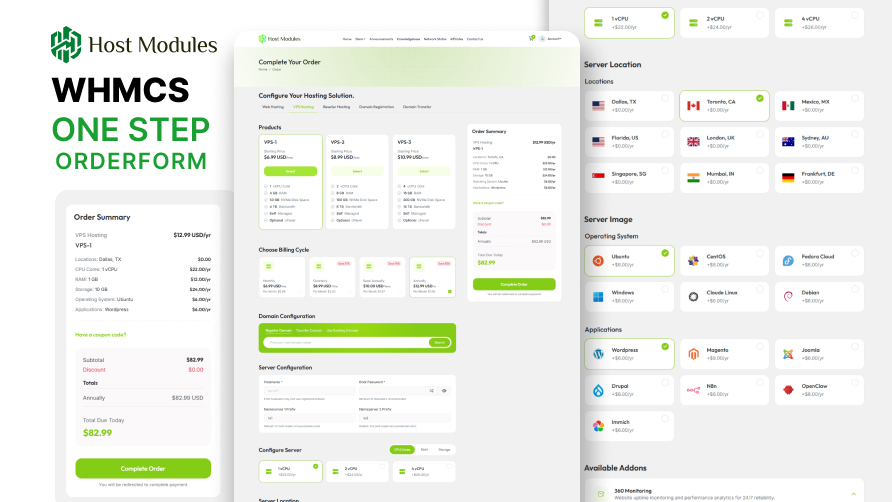
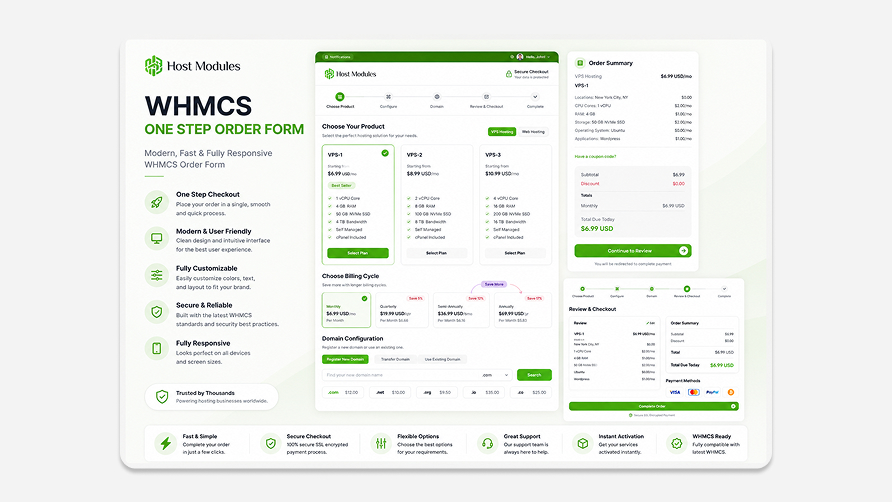
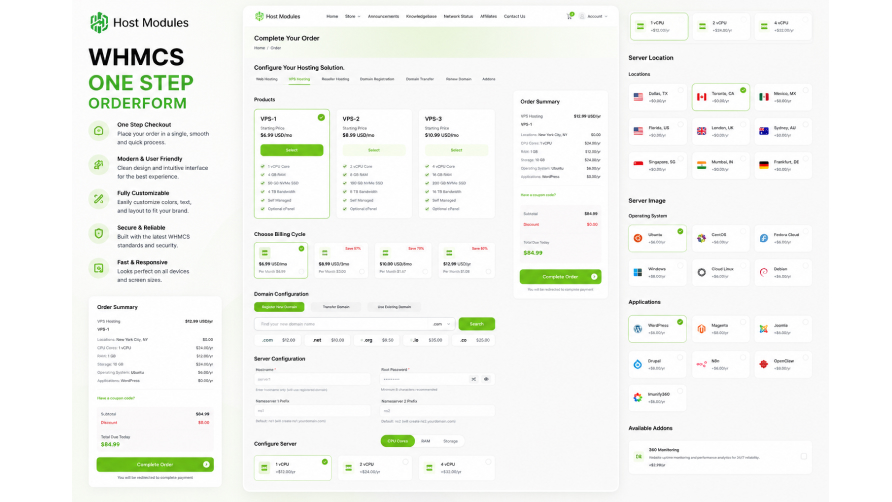
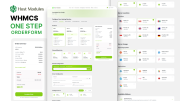
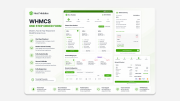
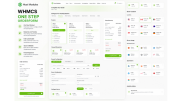
HM One Step Checkout replaces the WHMCS default multi-step cart with a clean, fast, single-page checkout experience. Customers configure their product, add a domain, review their order, and complete payment — all without leaving one page.
Every feature is designed to reduce drop-off, increase annual plan uptake, and give hosting businesses full control over their checkout without touching template files or writing code.
─────────────────────────────────────
─────────────────────────────────────
Everything a customer needs to complete an order is on one page — no back-and-
forth between cart steps. A live order summary updates in real time as options
are selected, so customers always know exactly what they are buying.
Auto-redirect from standard WHMCS cart pages keeps the experience seamless: product store pages, product configuration, domain configuration, and view cart all route to the single-page checkout automatically when the cart has items.
─────────────────────────────────────
─────────────────────────────────────
Customers search across multiple TLDs at once — .com, .net, .org, and more — in
a single search. Configure how many TLDs display per batch. Reduce the time
between "I want a domain" and "domain registered."
─────────────────────────────────────
─────────────────────────────────────
The order form automatically highlights the longest billing cycle and shows
customers exactly how much they save compared to monthly — a proven technique
for increasing annual plan uptake and customer lifetime value.
─────────────────────────────────────
─────────────────────────────────────
Build dedicated server and VPS order forms with grouped configurable options —
RAM, CPU, storage, and location — each with sub-options, bundle names, and
custom sort order. Customers configure exactly what they need before completing
checkout. No additional plugin required.
─────────────────────────────────────
─────────────────────────────────────
Promo code input is built directly into the checkout page. Customers never need
to hunt for where to apply a discount code — it is always visible. WHMCS
promotions apply automatically with no extra configuration.
─────────────────────────────────────
─────────────────────────────────────
Replace WHMCS default gateway icons with your own premium branded logos. Upload
once to the Media Library — displayed automatically on the checkout payment step
for every customer.
─────────────────────────────────────
─────────────────────────────────────
─────────────────────────────────────
─────────────────────────────────────
─────────────────────────────────────
─────────────────────────────────────
A centralised, categorised image library for all checkout assets — payment
gateway logos, add-on icons, and configurable option images. Upload once and
reuse across the entire order form from a single panel.
─────────────────────────────────────
─────────────────────────────────────
Override any WHMCS language string on the order form directly from the admin
panel. Customise button labels, field names, and messages for your specific
audience without editing any template files. Changes sync automatically.
─────────────────────────────────────
─────────────────────────────────────
The best place to start if you need help with a specific product is to contact the developer. All WHMCS Marketplace developers have both a website and support URL listed.
Version 1.1.0
Version 1.0.0 — Initial Release

Modern and fully responsive WHMCS email template, containing 3 different styles.
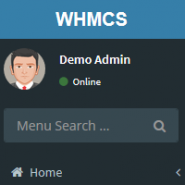
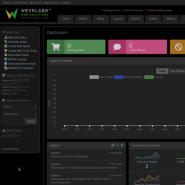
Lara is a WHMCS Admin theme, using the open source AdminLTE package.

Fully responsive WHMCS client area theme offering the choice of different styles and layouts for the ultimate user experience.

Andrew @andrew9158
Purchased HM Single Order Form and Email Templates, tested promptly, and requested a refund within the advertised 7-day period after encountering deep-link behavior, layout issues, and a conflict with an existing ModulesGarden addon. Host Modules later changed the deep-link handling, but still denied the refund under their policy and declined a goodwill exception after management review. Support remained responsive, but buyers should be aware that the refund policy is extremely restrictive once the product has been downloaded or installed, even when issues are discovered during the initial evaluation period. If you run a customized WHMCS environment, review compatibility very carefully before purchasing.