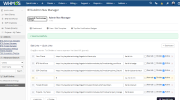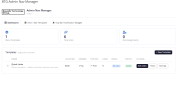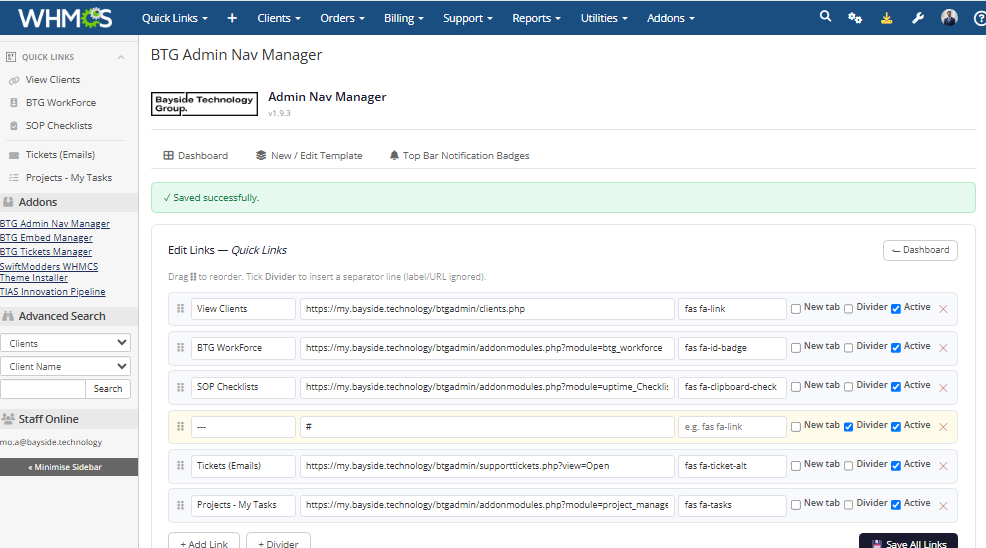
Switching between scattered admin tools and forgetting where the link to that one internal dashboard lives gets old fast. BTG Admin Nav Manager lets you build your own navigation inside WHMCS, so the tools your team uses every day are exactly where they expect them to be.
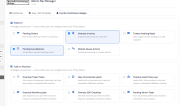
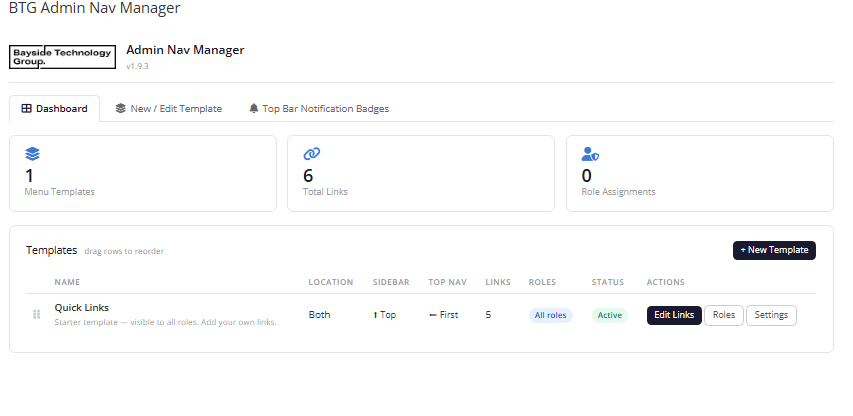
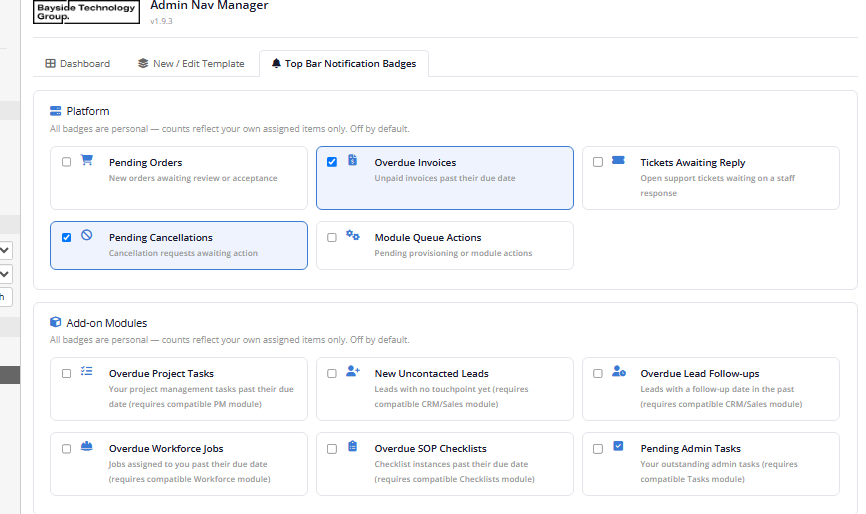
Create custom navigation templates with top bar dropdowns and collapsible sidebar widgets, each made up of your own links, icons, and dividers. Assign templates to specific admin roles so staff only see the tools relevant to them. A configurable set of top bar notification badges keeps key counts, such as pending orders, overdue invoices, and open tickets, visible at a glance without an extra click. Templates can be reordered by dragging directly on the dashboard.
The module renders natively across both the Blend default theme and SwiftModders, automatically adjusting injection points and timing for each.
Built for WHMCS hosting and service businesses with multiple staff members and admin roles who want a tidier, more relevant admin experience without custom theme work.
Be the first to review BTG Admin Nav Manager.
The best place to start if you need help with a specific product is to contact the developer. All WHMCS Marketplace developers have both a website and support URL listed.
Initial draft:
Features Role-Based Navigation Templates — build separate navigation menus and restrict each to specific admin role groups. Top Nav Dropdown — add a custom link dropdown to the admin topbar toolbox icon. Sidebar Widgets — inject collapsible panels of custom links into the admin sidebar. Notification Badges — configurable top bar badges showing live counts such as pending orders, overdue invoices, and open tickets. Drag-to-Reorder Templates — control the display order of your navigation templates directly from the dashboard. Sticky Sidebar Collapse Button — pins the native sidebar minimise control to the top of the sidebar for easier access. Dual Theme Support — renders correctly on both the Blend default theme and SwiftModders. Custom Icons and Dividers — use Font Awesome icons and dividers to organise navigation items clearly.
Working comfortably with ResellerClub's products and services through your WHMCS system requires additional tools.

The module developed to add meta description and meta keywords and change the page title


This module will integrate WHMCS with Dropbox to upload a copy of WHMCS database onto the cloud. You will never have to worry about losing data any more.