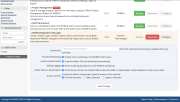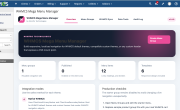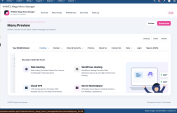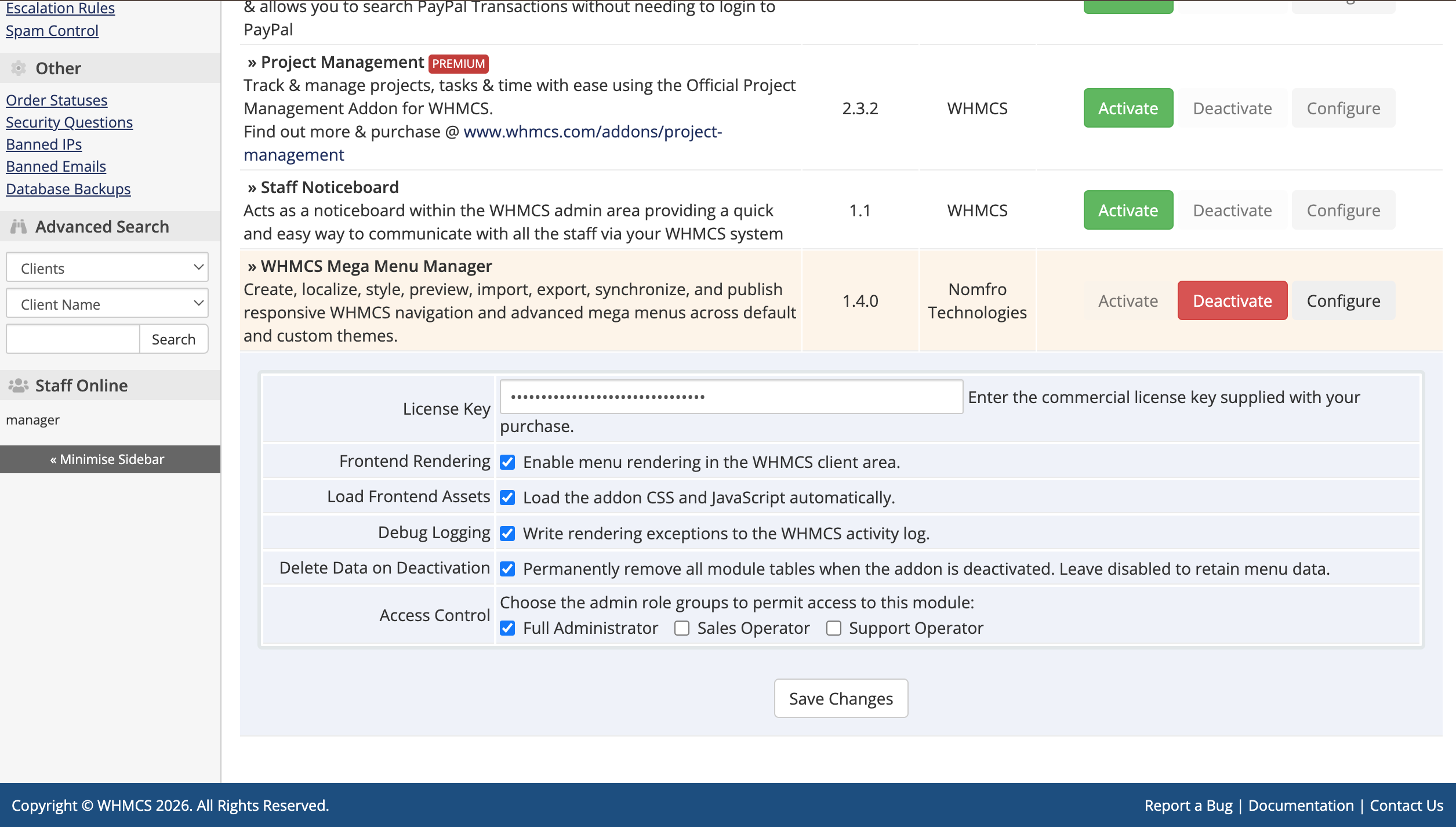
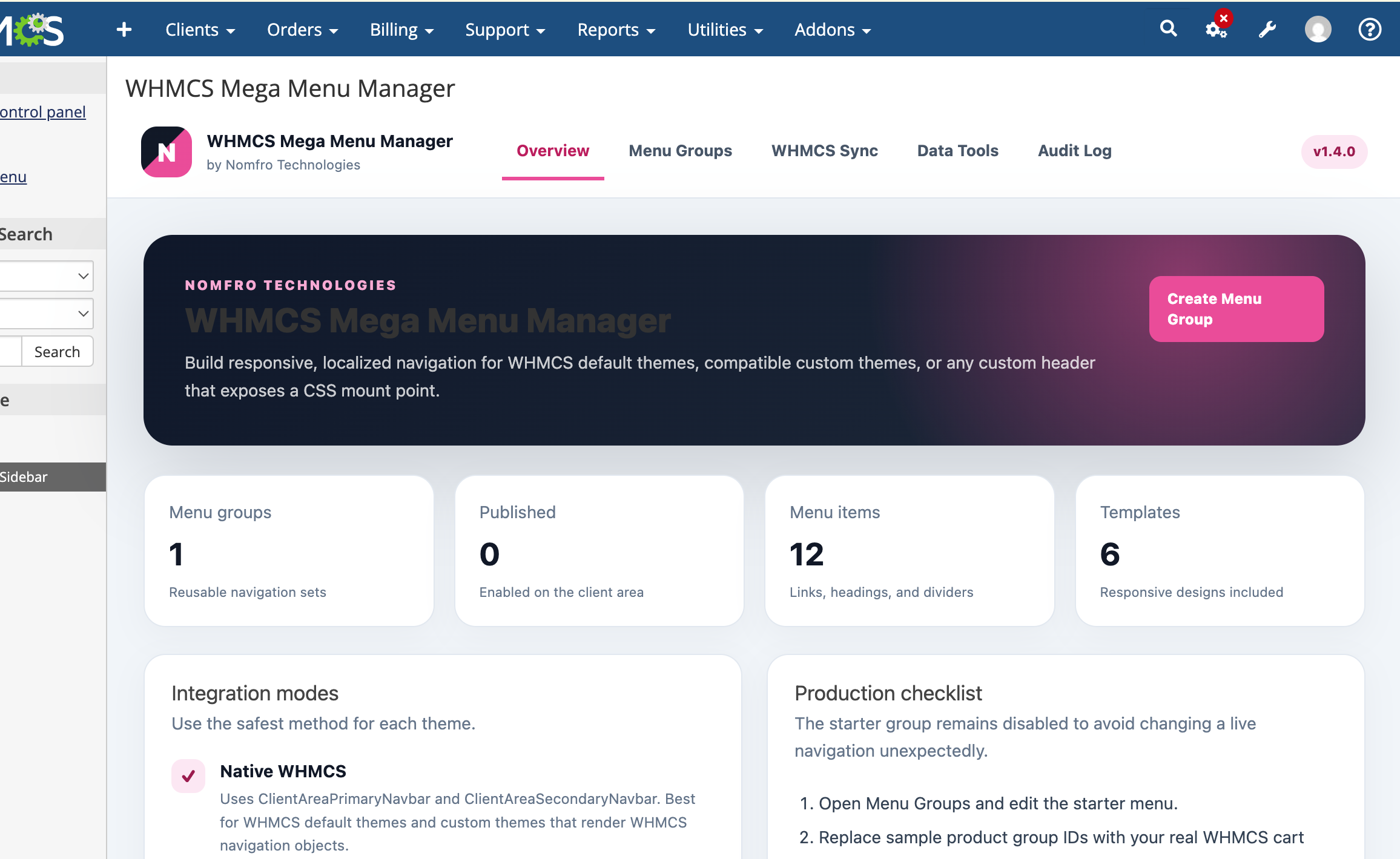
Build and manage professional responsive navigation menus directly from your WHMCS administration area.
WHMCS Mega Menu Manager gives hosting providers, developers, agencies, and WHMCS administrators complete control over their website navigation without repeatedly editing theme template files.
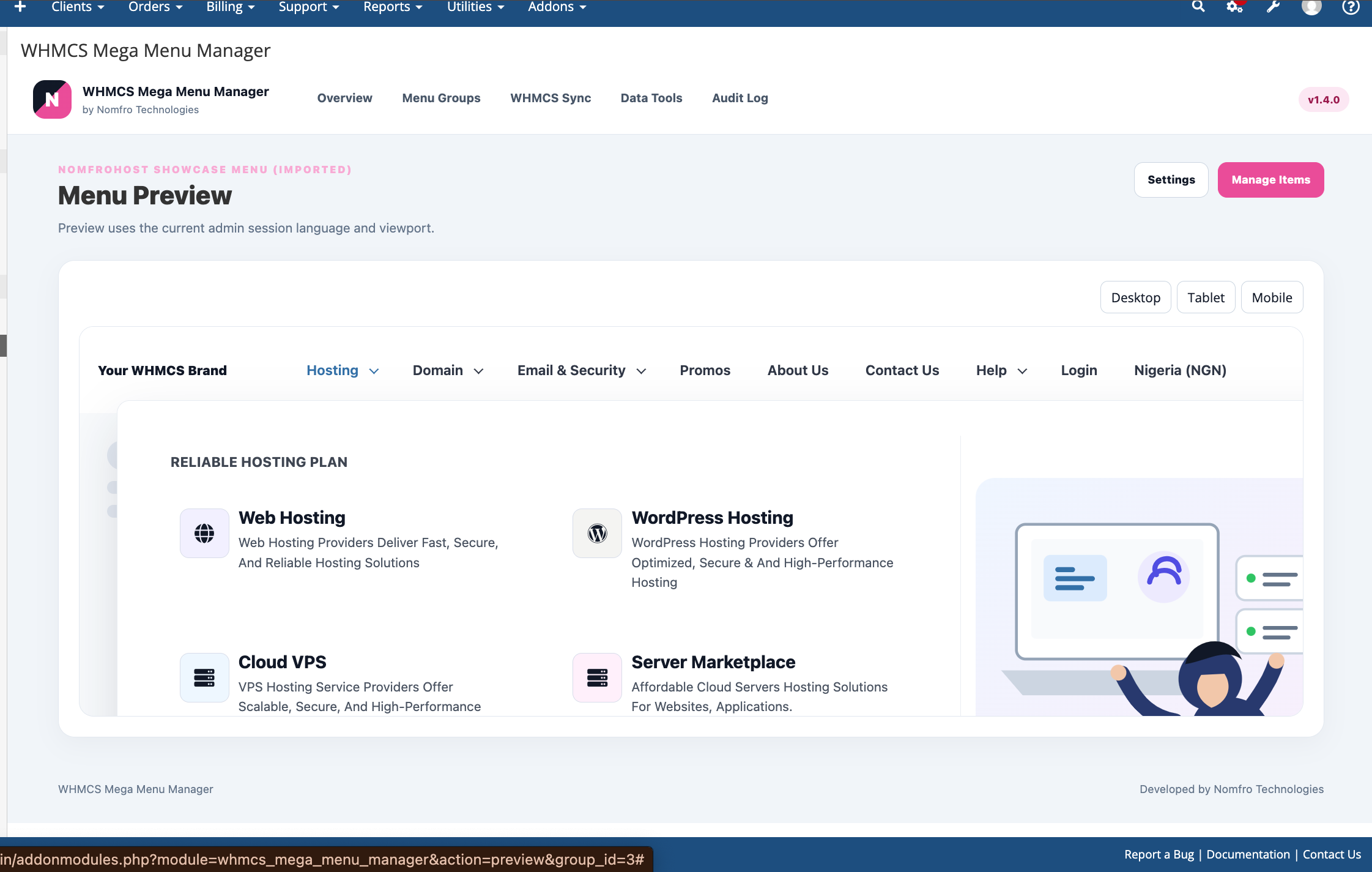
Create standard dropdown menus, advanced multi-column mega menus, promotional sections, service navigation, account links, and device-specific menu experiences for desktop, tablet, and mobile visitors.
Create a different navigation experience for every device category.
You can assign separate menu groups for:
This allows you to create detailed mega menus for larger screens while using simplified, touch-friendly navigation for mobile visitors.
Create advanced navigation structures suitable for hosting companies, SaaS businesses, domain providers, technology companies, and online service platforms.
Mega menu content can include:
The addon includes professionally designed presets that can be customized to match your website branding.
Menus automatically adapt to different screen sizes and provide a consistent navigation experience across desktops, laptops, tablets, and mobile phones.
Mobile layouts are optimized for touch interaction and can use a dedicated mobile menu group instead of simply shrinking the desktop menu.
WHMCS Mega Menu Manager is designed to work with:
For custom themes, menus can be placed through the included theme-integration options or a configurable CSS mount point.
A detailed theme integration guide is included with the product.
Create localized navigation content for websites using multiple WHMCS languages.
Menu labels, descriptions, headings, buttons, and other supported content can be configured for different languages, allowing customers to see navigation content that matches their selected WHMCS language.
Manage your website navigation from one location inside WHMCS.
Administrators can create menu groups, organize menu items, select layouts, assign device visibility, configure translations, and update links without manually editing multiple theme files.
Changes can be applied without rebuilding the entire WHMCS theme.
Customize menu appearance to match your brand and website design.
Depending on the selected layout, administrators can configure or extend:
Export menu configurations for backup, migration, staging, or deployment to another licensed WHMCS installation.
This is useful when moving between development and production environments or when reusing a menu structure across supported websites.
Complete installation and theme integration documentation is included in the download package.
The product package includes:
Compatibility with heavily modified or encrypted third-party themes may require a small template integration adjustment.
The addon does not replace the WHMCS product, client-area, or authentication systems. It controls the presentation and organization of website navigation links.
This product is independently developed and is not an official WHMCS product. It is not affiliated with, sponsored by, or endorsed by WebPros International GmbH or WHMCS.
Be the first to review WHMCS Mega Menu Manager.
The best place to start if you need help with a specific product is to contact the developer. All WHMCS Marketplace developers have both a website and support URL listed.
Working comfortably with ResellerClub's products and services through your WHMCS system requires additional tools.

The module developed to add meta description and meta keywords and change the page title


This module will integrate WHMCS with Dropbox to upload a copy of WHMCS database onto the cloud. You will never have to worry about losing data any more.