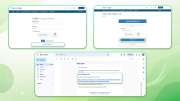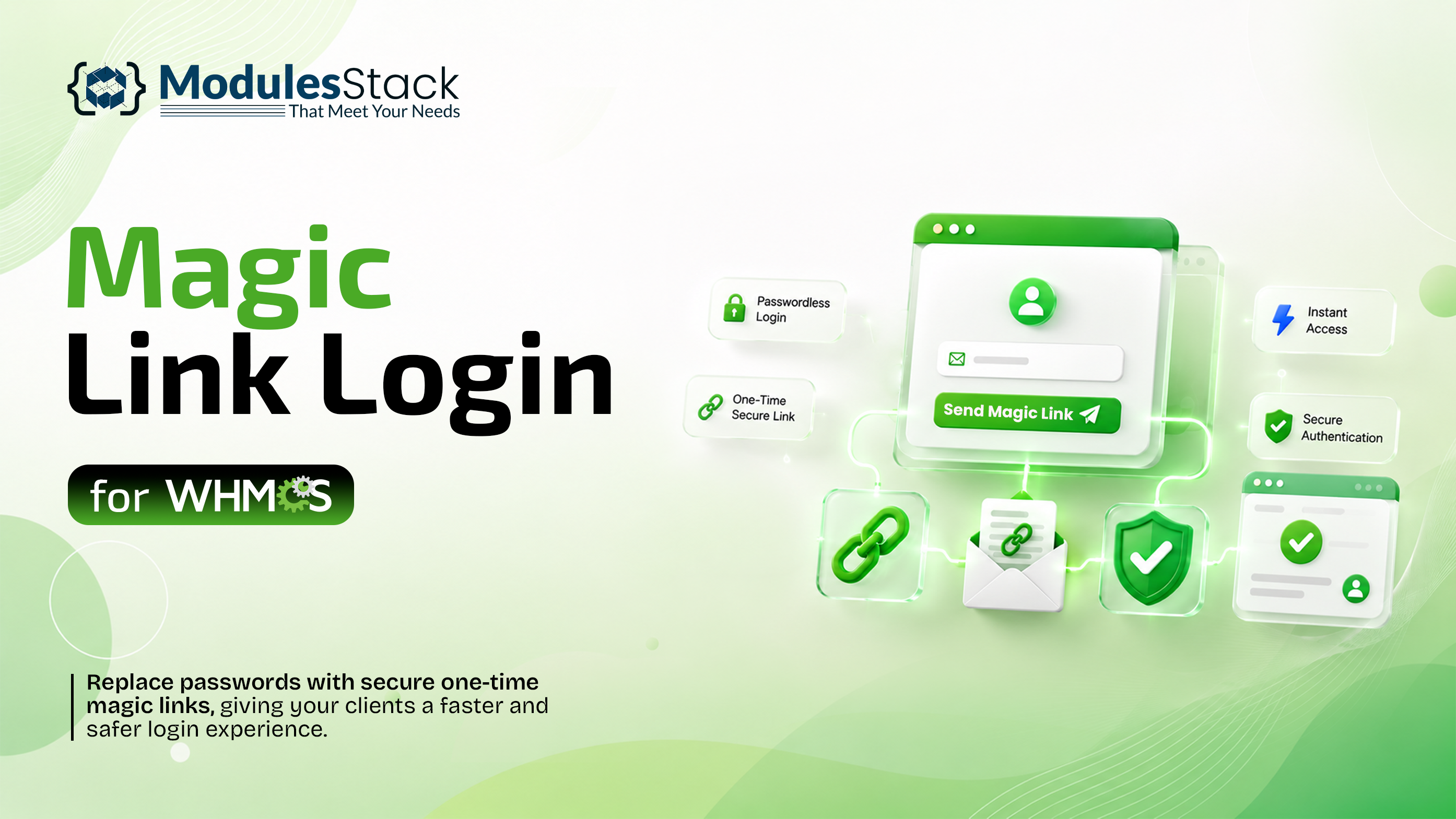
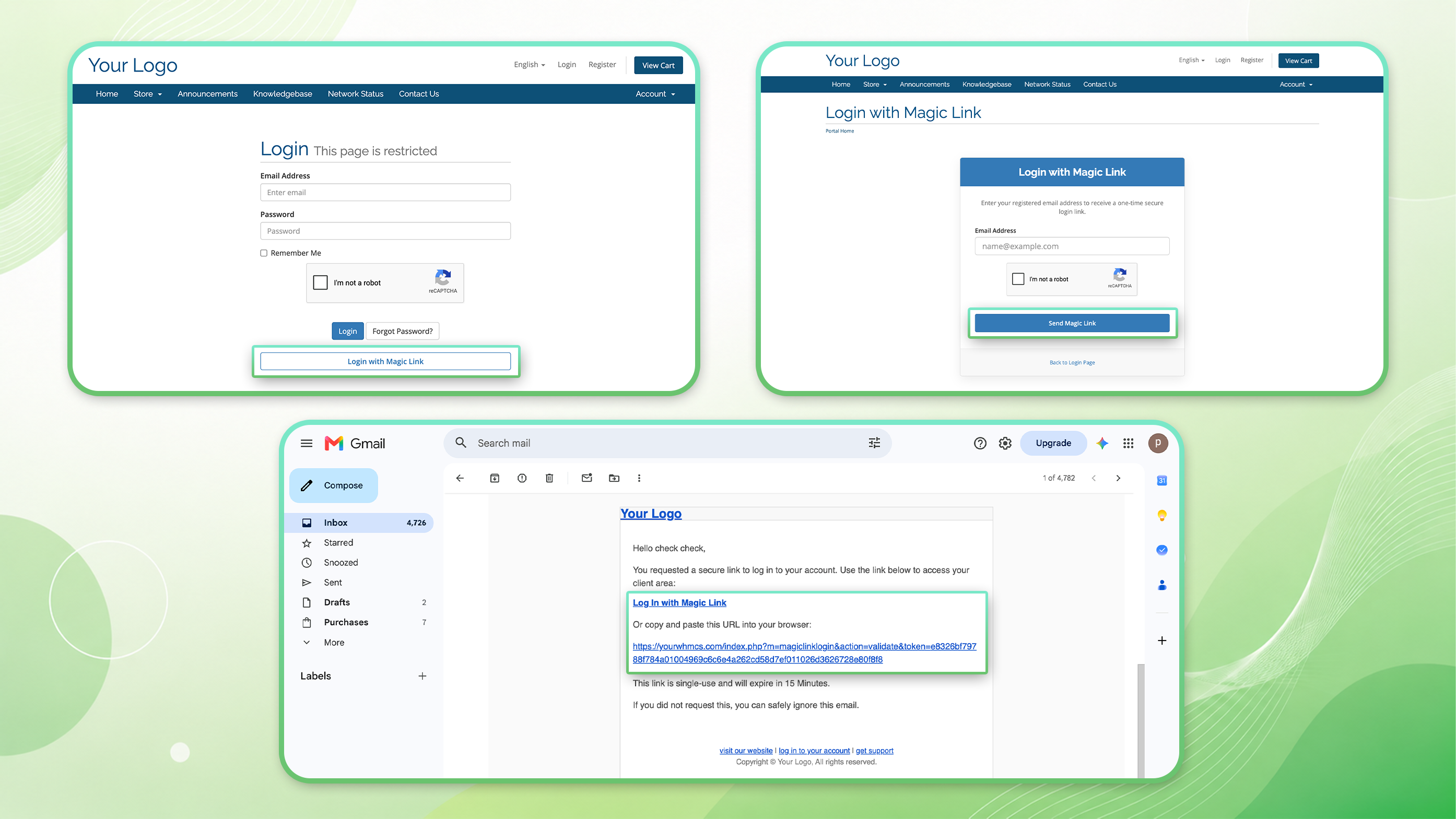
Magic Link Login for WHMCS is a modern authentication addon that provides your clients with a secure, fast, and convenient passwordless login experience. Instead of entering a password, clients can request a unique one-time Magic Link that is sent directly to their registered email address. With a single click, they can securely access their WHMCS account, making the login process faster, simpler, and more user-friendly.
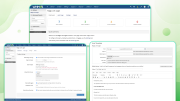
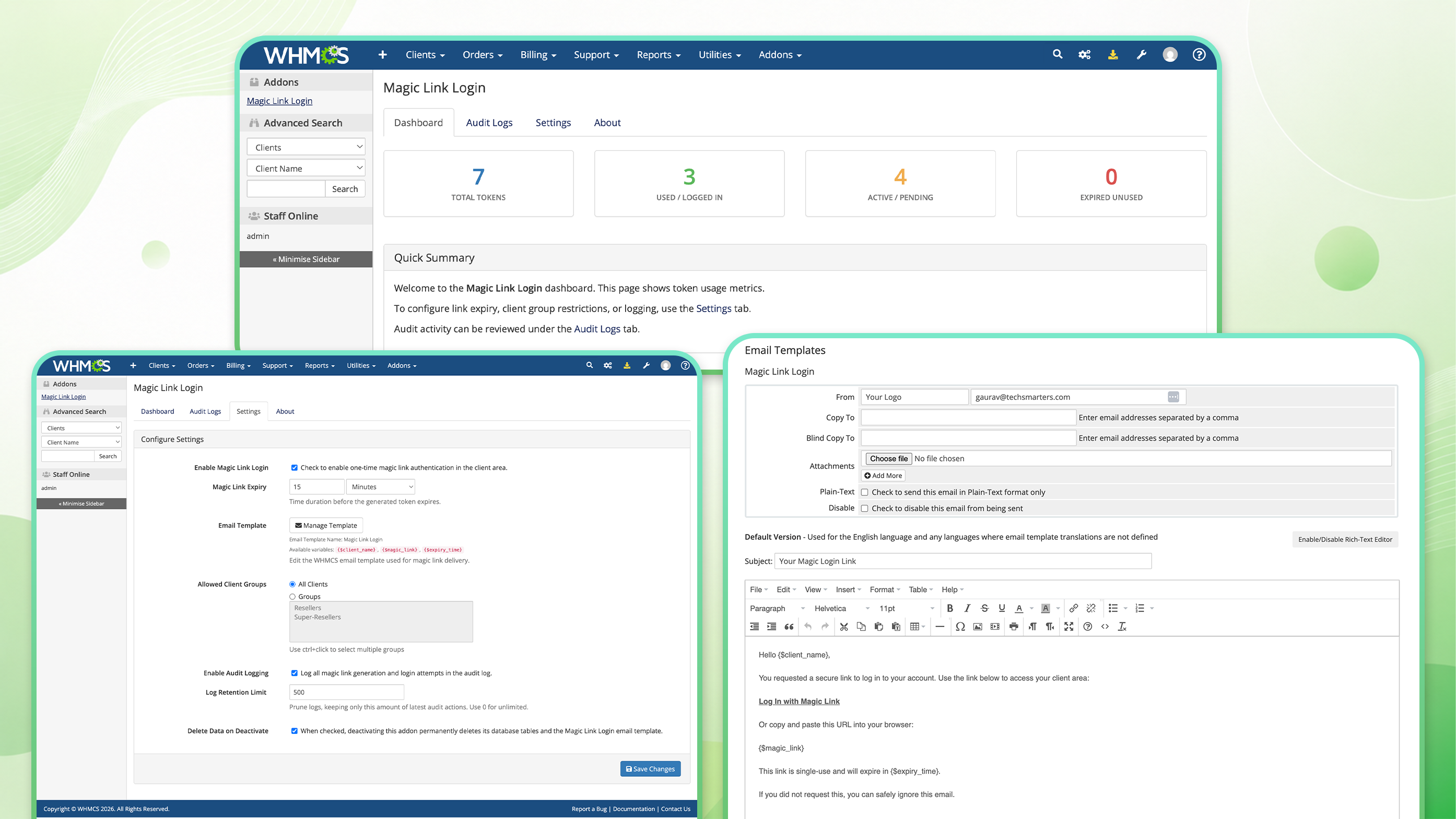
The module integrates seamlessly with WHMCS and requires no core file modifications, making installation and maintenance straightforward. Administrators have full control over Magic Link Login through an intuitive configuration panel, where they can enable or disable the feature, configure Magic Link expiry times, restrict access to specific client groups, manage email templates using the {$magic_link} merge field, and optionally enable detailed activity logging for auditing and troubleshooting.
For enhanced security, the module uses your existing WHMCS Google reCAPTCHA (v2 & v3) configuration to protect Magic Link requests from automated abuse. Every Magic Link is securely generated, valid only for the configured expiry period, and can be used only once, ensuring a safe and reliable authentication process.
Whether you want to improve the client login experience, reduce password reset requests, or offer a modern authentication method, Magic Link Login for WHMCS provides a secure, reliable, and seamless passwordless login solution that integrates naturally with your existing WHMCS installation.
Key Features
Benefits
Frequently Asked Questions
What is Magic Link Login?
Magic Link Login is a passwordless authentication method that allows clients to securely log in to their WHMCS account using a unique one-time link sent to their registered email address.
Does this module modify WHMCS core files?
No. The module integrates seamlessly with WHMCS using hooks and follows WHMCS development best practices without modifying any core files.
How secure are Magic Links?
Each Magic Link is securely generated, valid only for the configured expiry period, and can only be used once, helping protect client accounts from unauthorized access.
Does the module support Google reCAPTCHA?
Yes. Magic Link requests are protected using your existing WHMCS Google reCAPTCHA v2 or v3 configuration to help prevent automated requests and abuse.
Can I configure how long a Magic Link remains valid?
Yes. Administrators can configure the expiry duration of Magic Links directly from the module settings.
Can I restrict Magic Link Login to specific clients?
Yes. You can enable Magic Link Login for all clients or restrict it to selected WHMCS client groups.
Can I customize the Magic Link email?
Yes. The module includes a dedicated WHMCS email template and supports the {$magic_link} merge field, allowing you to customize the email content and design.
Can I include a Login with Magic Link button in the email?
Yes. The email template supports an optional ready-to-use "Login with Magic Link" button for a better user experience.
Can I track Magic Link activity?
Yes. Optional activity logging allows you to track Magic Link statuses including Created, Used, Expired, and Unused. Log retention can also be configured.
Do clients still need a password?
Yes. Magic Link Login is an additional authentication method. Clients can continue logging in with their password or choose to use a Magic Link.
Will this affect my existing WHMCS login system?
No. The module works alongside the standard WHMCS login system without replacing or interfering with the existing authentication process.
Is installation easy?
Yes. The module is designed for quick installation and integrates seamlessly with WHMCS without requiring any core file modifications.
Do you provide a trial?
Yes, we offer a 7-day free trial so you can test the module before purchasing.
Be the first to review Magic Link Login for WHMCS.
The best place to start if you need help with a specific product is to contact the developer. All WHMCS Marketplace developers have both a website and support URL listed.
Initial Release

Working comfortably with ResellerClub's products and services through your WHMCS system requires additional tools.

The module developed to add meta description and meta keywords and change the page title


This module will integrate WHMCS with Dropbox to upload a copy of WHMCS database onto the cloud. You will never have to worry about losing data any more.