StatusEagle for WHMCS
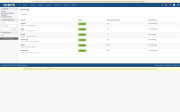
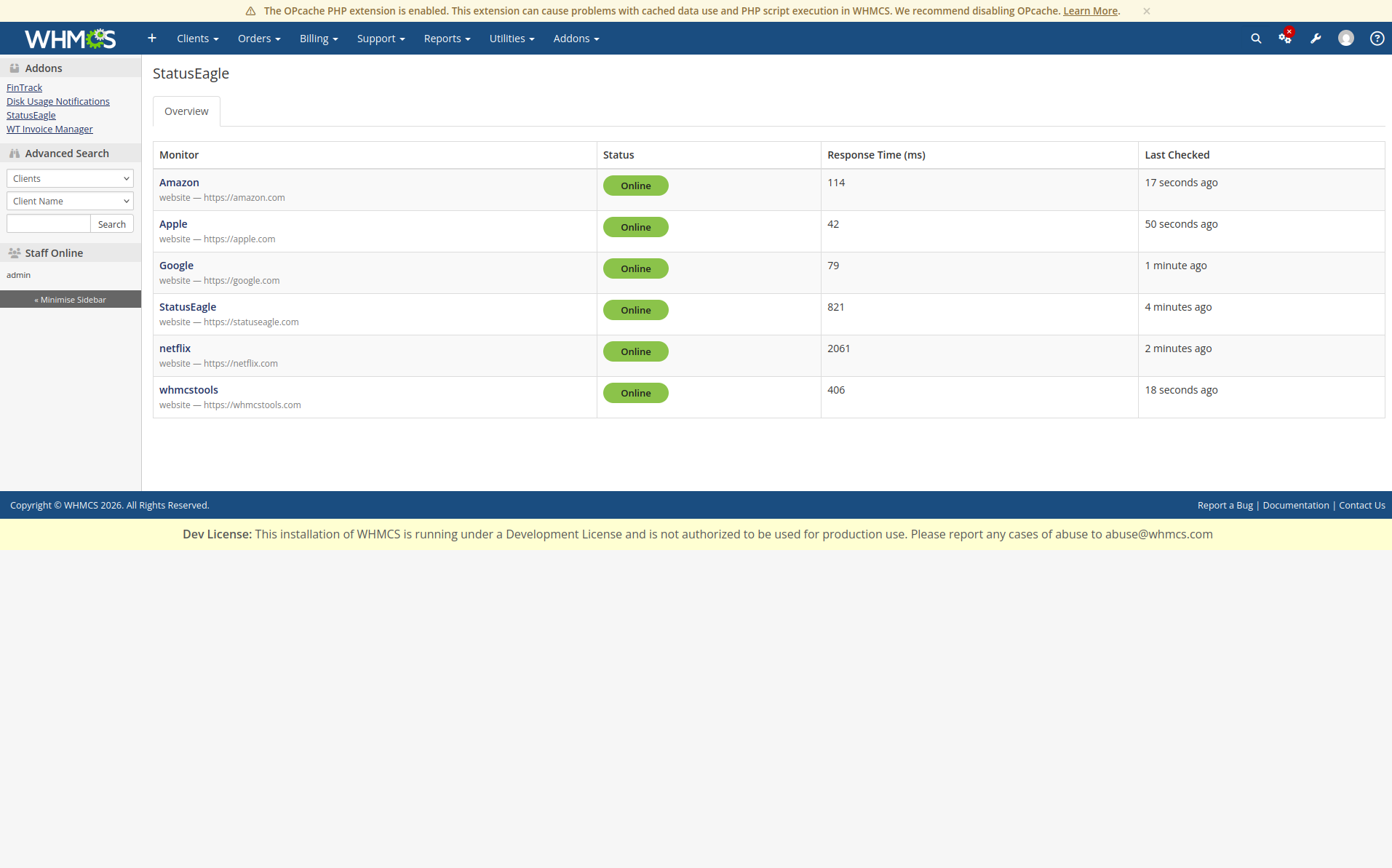
StatusEagle for WHMCS is a read-only addon module that brings your StatusEagle monitoring dashboard into the WHMCS admin area. It allows your support and operations teams to view the live status of all monitored services without leaving WHMCS.
StatusEagle is designed for distributed monitoring. The StatusEagle application performs all monitoring by checking your websites, servers, APIs, and other services from multiple monitoring locations and servers. This provides a more accurate view of your service availability and helps detect regional outages that a single monitoring location might miss.
The WHMCS addon is a companion module that connects to your StatusEagle account and displays the monitoring results. It does not perform any monitoring itself and does not allow you to create or manage monitors. All monitors must be created and configured in the StatusEagle application. Once configured, the latest monitoring data is automatically available in WHMCS.
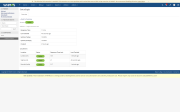
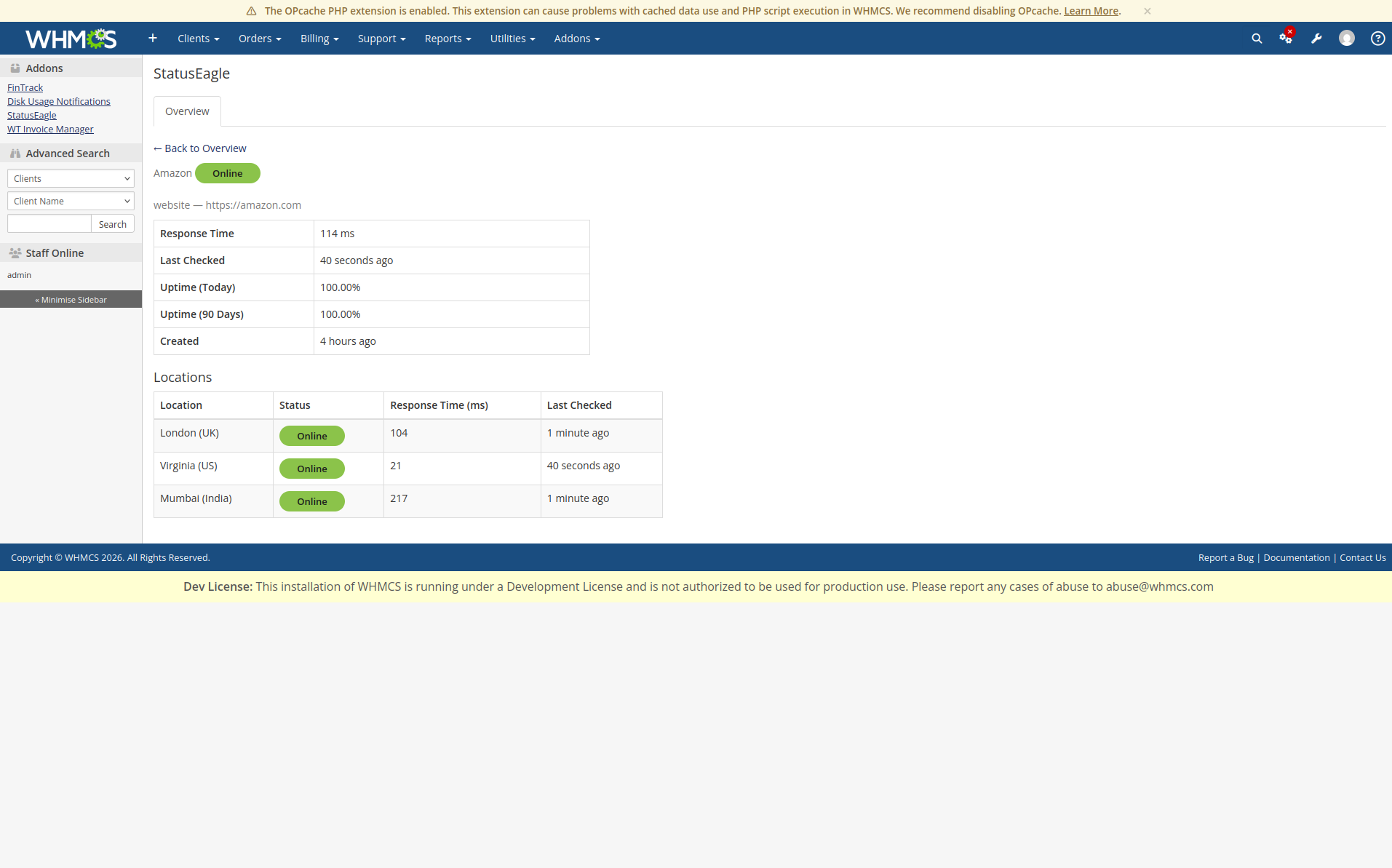
Features Read-only integration with StatusEagle. View all monitors configured in your StatusEagle account. Real-time monitor status (Online/Offline). Response time and latest health check information. Dedicated monitor details page. Simple setup using your StatusEagle API credentials. Integrated seamlessly into the WHMCS admin dashboard. Why Use the StatusEagle App?
The StatusEagle application is the monitoring engine. It continuously checks your services from multiple monitoring nodes located in different regions, collecting uptime, response time, and availability data. This distributed approach helps identify localized outages and provides more reliable monitoring than a single monitoring server.
The WHMCS addon gives your team instant access to these monitoring results while they work in WHMCS, eliminating the need to switch between applications. Support staff can quickly verify the health of your infrastructure, respond to customer inquiries faster, and stay informed about service availability—all from a single dashboard.
Note: This module is for viewing monitor data only. To add, edit, or delete monitors, use the StatusEagle application. Any changes made there are automatically reflected in the WHMCS addon.
Be the first to review StatusEagle.
The best place to start if you need help with a specific product is to contact the developer. All WHMCS Marketplace developers have both a website and support URL listed.
Version 1.0.0 Initial release of the StatusEagle WHMCS addon. Display all monitors from your StatusEagle account in the WHMCS admin area. View monitor details, including status, response time, target URL, and last check time. Dedicated monitor details page for individual monitors. Read-only integration with StatusEagle. Secure API-based communication with the StatusEagle application. Clean and responsive interface integrated into the WHMCS admin dashboard. Easy configuration using your StatusEagle API credentials. Compatible with the latest supported WHMCS versions.

Working comfortably with ResellerClub's products and services through your WHMCS system requires additional tools.

The module developed to add meta description and meta keywords and change the page title


This module will integrate WHMCS with Dropbox to upload a copy of WHMCS database onto the cloud. You will never have to worry about losing data any more.