Paddle Billing v26.8

Paddle Billing v26.8

Developed By Ahead Host LLC

Compatible with WHMCS v9.0

Accept Card Payments in WHMCS — Powered by Paddle Billing

Let your customers pay invoices and set up automatic renewals through your Paddle account. Cards, PayPal, Apple Pay and Google Pay are handled in an overlay checkout without leaving your client area, and Paddle acts as Merchant of Record so sales tax and VAT are calculated, collected and remitted for you.

No addon module, no database setup, no cron entry. Enter your Paddle API key, client-side token and webhook secret, and the module handles everything else.

Features

  • Fully Automatic Setup — Enter your Paddle credentials; the module creates everything it needs on first use.
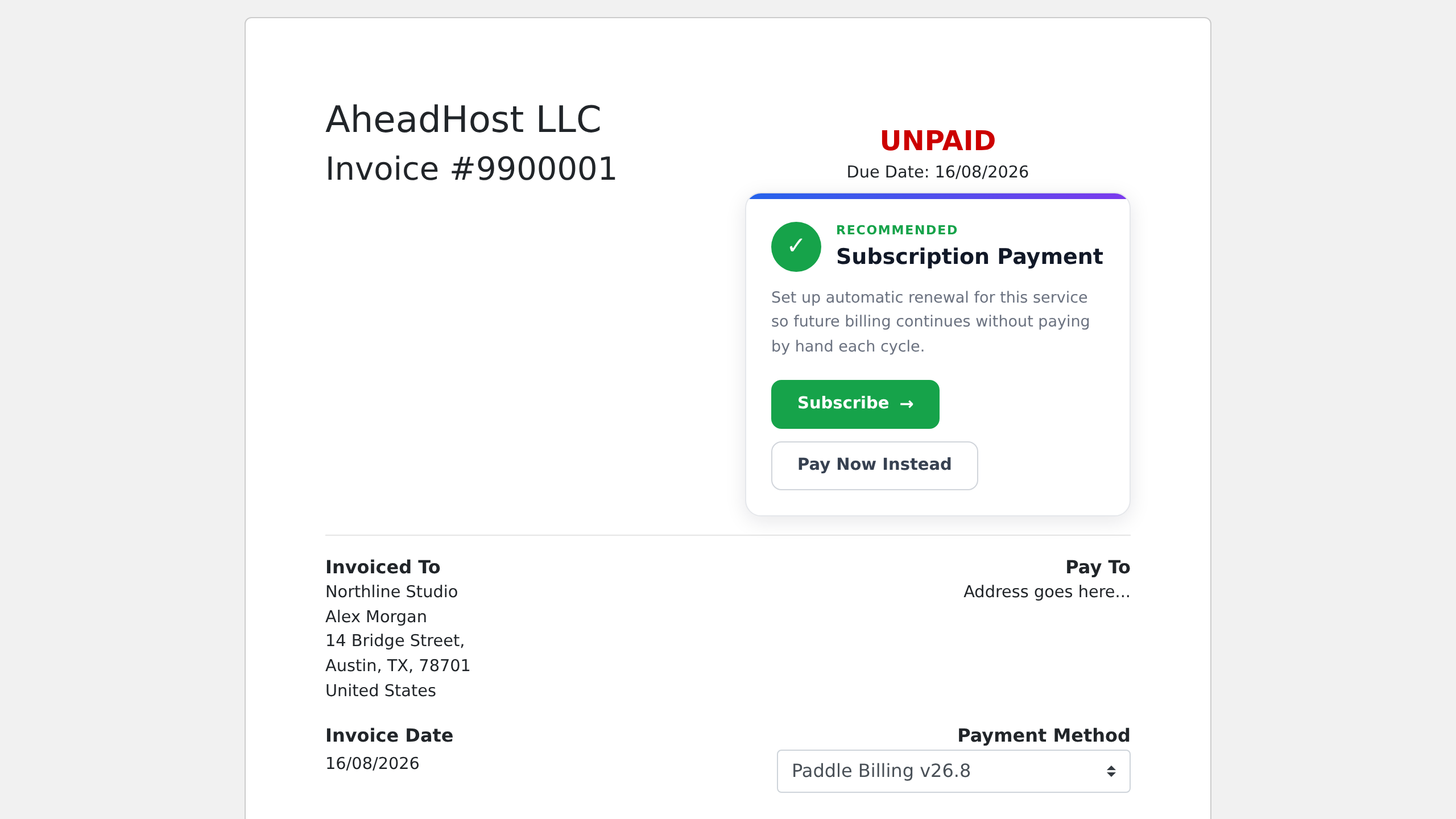
  • One-Time and Recurring Payments — Take a single payment for an invoice, or set up automatic renewals that charge the card each cycle. Both options are offered on the invoice — you choose which leads, or restrict the gateway to one-time payments only.
  • Six Billing Cycles — Monthly, quarterly, semi-annual, annual, biennial and triennial, for hosting services and product addons alike.
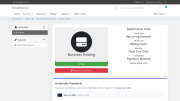
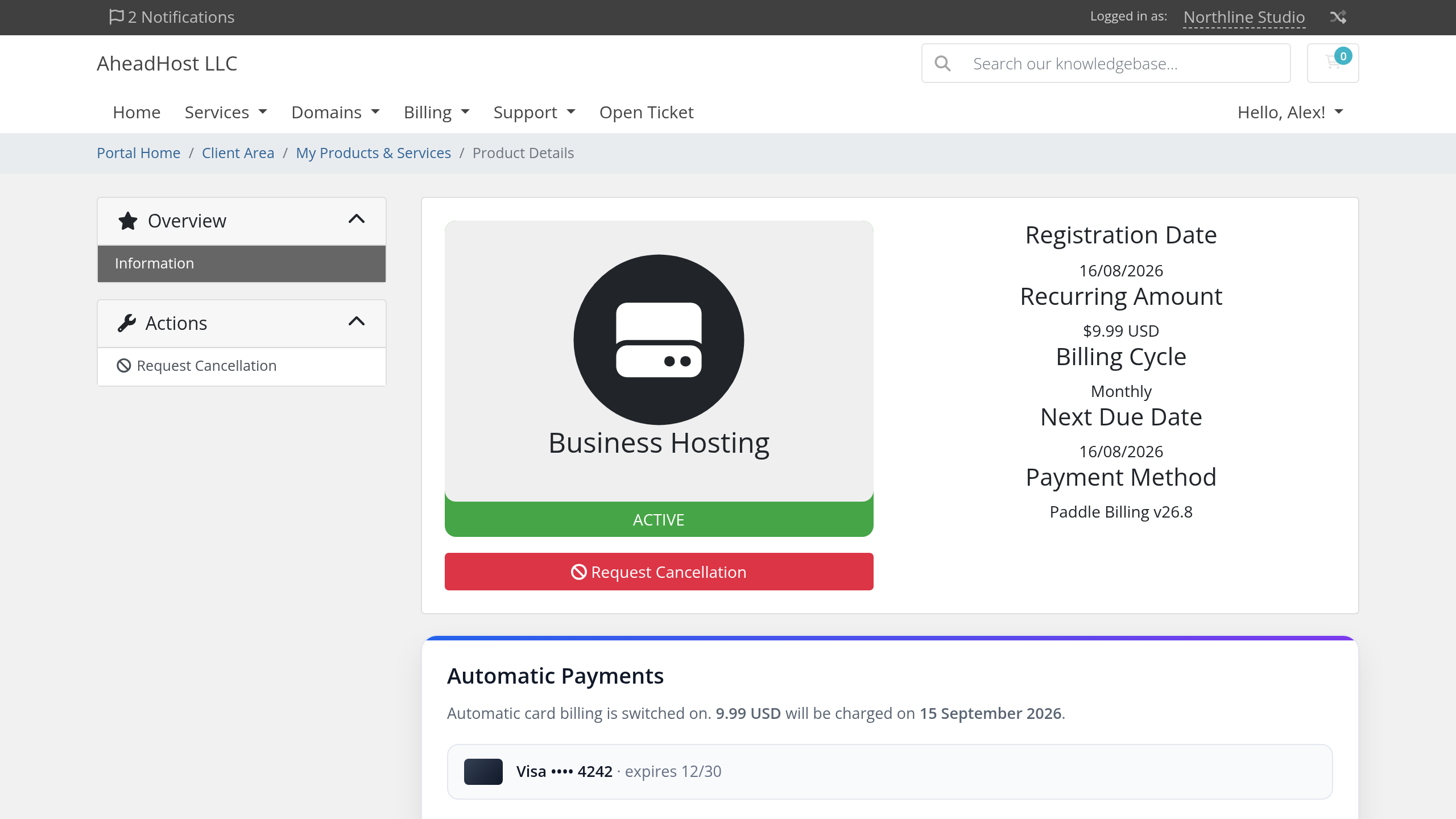
  • Client-Managed Billing — Clients see their card on file and next payment date on their service page, and can replace an expiring card or switch off automatic billing themselves — without opening a ticket.
  • Secure Card Replacement — Card details are entered on Paddle's own pages. Card numbers never reach your server and are never stored in WHMCS.
  • Expiry Warnings — Clients are warned on their service page when the card on file will expire before their next payment is due, which is the cheapest moment to fix it.
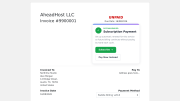
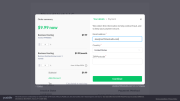
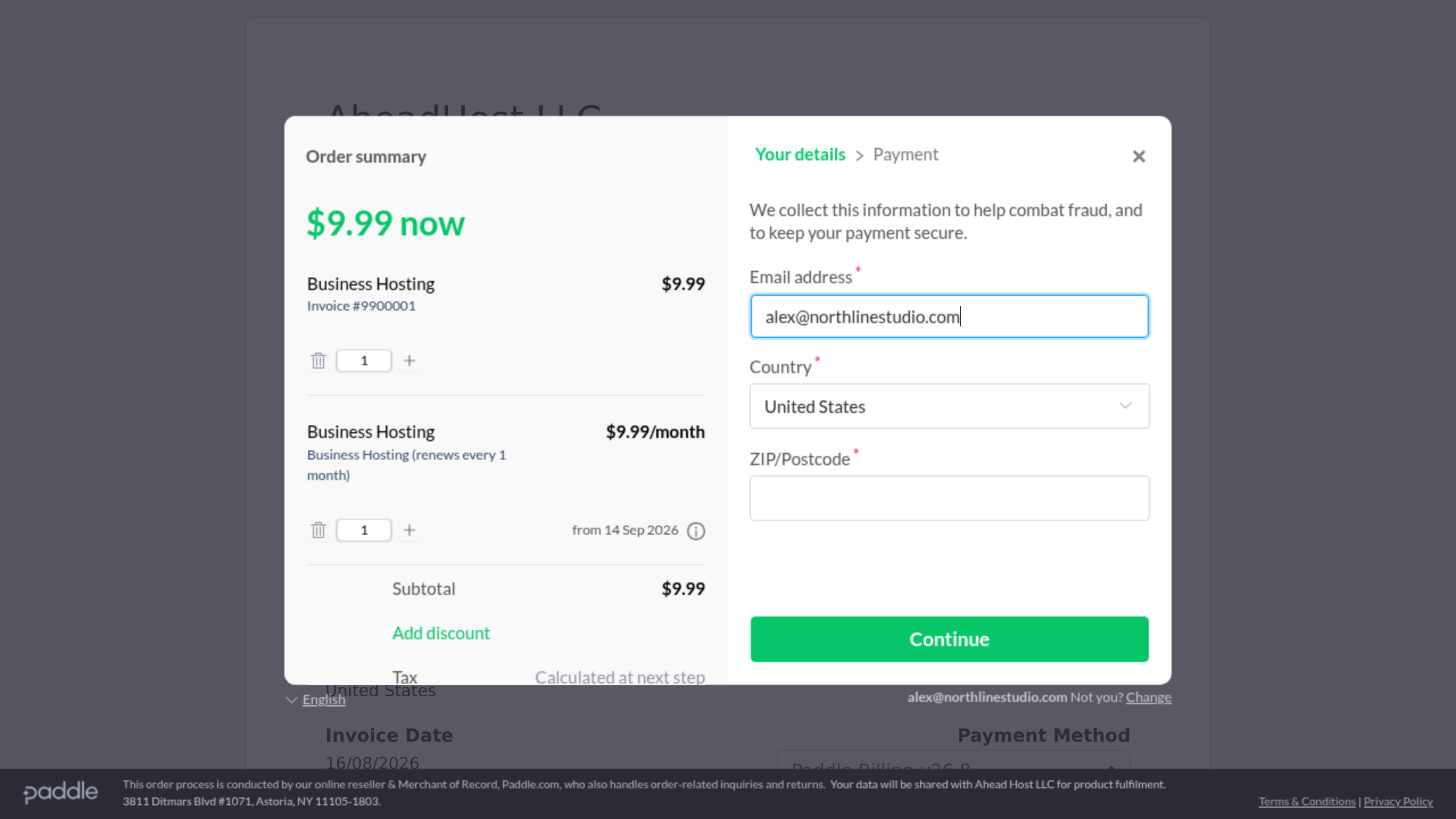
  • Overlay Checkout — Customers pay in a modal on your invoice page. Cards, PayPal, Apple Pay, Google Pay and local methods are all supported by Paddle.
  • Sales Tax & VAT Handling — Paddle calculates and remits tax for the customer's jurisdiction as Merchant of Record. Configure the module to match your Paddle account, and optionally display a notice at checkout so customers are never surprised by the amount.
  • Full & Partial Refunds — Issue refunds straight from the WHMCS invoice page; refund status updates from Paddle are recorded in the gateway log.
  • Automatic Cancellation — Terminating a service or addon cancels its Paddle subscription automatically, so nobody keeps being charged for a service they no longer have.
  • Multi-Currency — Charges in the client's own currency, including zero-decimal currencies such as JPY, KRW and VND.
  • Invoices of Any Shape — Setup fees, promotional discounts, addons and multi-item invoices are all handled correctly, and renewals charge the service's own recurring price.
  • Renewal Dates That Hold — Automatic renewals are charged against the service's existing due date, so a client who pays late does not drift into repeating late fees and suspensions.
  • Late Fee Control — Choose whether a late fee is waived when a delayed automatic payment finally succeeds, or left for the client to settle.
  • Daily Self-Check — An optional daily check runs on your existing WHMCS cron and emails your administrators if the integration needs attention. It sends nothing when everything is healthy.
  • Sandbox Mode — Test the entire flow against Paddle's sandbox before taking real money.

How It Works

  1. Customer opens their WHMCS invoice and chooses Subscribe or Pay Now
  2. Paddle's checkout opens over the invoice page
  3. Customer enters card details; Paddle calculates any applicable tax before payment
  4. Payment is captured and the invoice is marked Paid automatically
  5. Future renewals are charged on the service's own due date, with no action from you

Requirements

  • WHMCS 9.0
  • PHP 8.2 or later with cURL extension
  • HTTPS on your WHMCS installation
  • Paddle Billing account (Paddle Classic is not supported)
  • A default payment link configured in your Paddle account

Installation

  1. Upload module files to your WHMCS installation directory
  2. Go to Configuration → Payments → Payment Gateways
  3. Activate Paddle Billing v26.8
  4. Enter your Paddle API Key, Client-Side Token and Webhook Secret
  5. Add a notification destination in Paddle pointing to the module's callback URL (the included README lists the exact events)
  6. Save — customers can now pay by card

Security

  • Card data never touches your server — all card entry happens on Paddle's pages
  • Every incoming notification is signature-verified before it is processed
  • Notifications are rejected outright if no webhook secret is configured
  • Payments are recorded exactly once, however many notifications arrive

PHP

Works on PHP 8.2 and 8.3 — the versions WHMCS 9.0 itself supports. The module code is additionally verified on PHP 8.1 and 8.4, so it will not be the blocker when WHMCS adds newer PHP support.

Support

Website: https://www.aheadhostllc.com Developed by Ahead Host LLC


There are no reviews yet!

Be the first to review Paddle Billing v26.8.

Version Compatibility


Compatible with WHMCS v9.0

Full Version Compatibility


  • All versions of WHMCS v9.0

Support for this product

The best place to start if you need help with a specific product is to contact the developer. All WHMCS Marketplace developers have both a website and support URL listed.


Developed By Ahead Host LLC

Changelog

v26.8 Released August 16th, 2026

Latest Version


  • Initial public release
  • Overlay checkout on the invoice page: cards, PayPal, Apple Pay, Google Pay and local methods
  • One-time and subscription payments, with both options offered on qualifying invoices
  • Automatic renewals anchored to the service's own due date, at the service's exact recurring price
  • Six billing cycles, for hosting services and addons
  • Signature-verified webhooks; every payment recorded exactly once
  • Full and partial refunds from the admin area
  • Client-area panel: card on file, expiry warning, secure card replacement, self-service switch-off
  • Automatic subscription cancellation when a service or addon is terminated
  • Configurable sales tax / VAT handling, late-fee handling and billing-date anchoring
  • Multi-currency including zero-decimal currencies
  • Optional daily self-check that emails administrators only when attention is needed
  • Full sandbox support


See also

WHMCS Bitcoin Payments

Accept Bitcoin payments on your website

Free
Accept Bitcoin and cryptocurrency payments - CoinGate for WHMCS

Easily accept Bitcoin, Tether, Ethereum and many other crypto payments on your WHMCS website
Free
Coinbase Commerce

No Fees, Easy Setup. Accept cryptocurrencies like: Bitcoin, Bitcoin Cash, Ethereum and Litecoin!

Free
PayTR Virtual Pos iFrame API

Open your web site to shopping with the advantages of PayTR. Take your payments securely.

Free
Gateway Fees for WHMCS

With this WHMCS module, you'll get the payment gateway fees from your clients directly.

Free