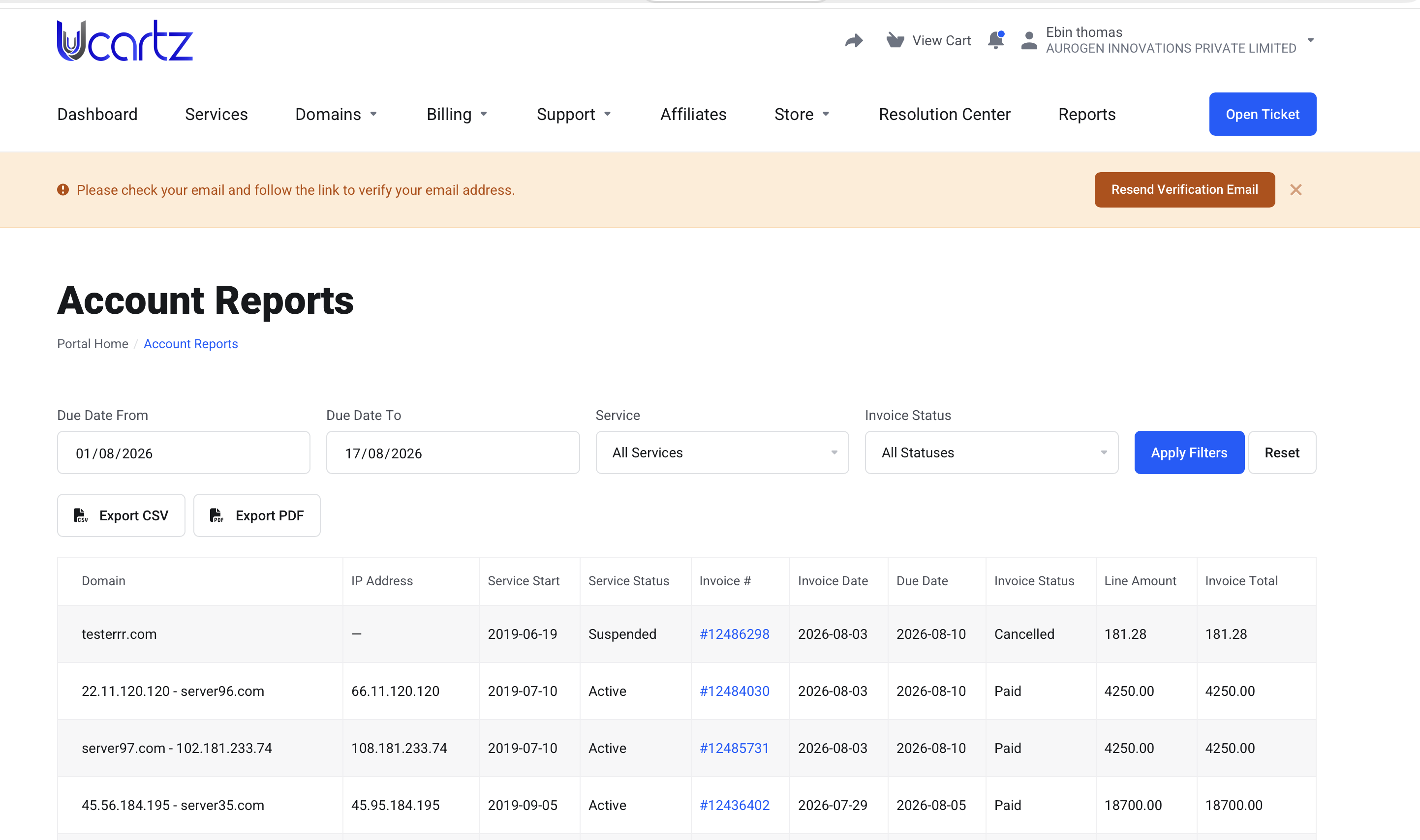
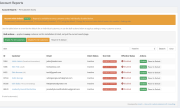
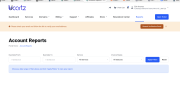
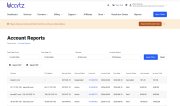
WHMCS has no way for a customer to get a consolidated report of their invoices and the services those invoices were billed for — the client area shows invoices one at a time (Billing > My Invoices) and services one at a time (Services > My Services), with no combined, filterable, downloadable view tying the two together, whether for their currently active services or ones they've had previously. A customer (or their accounts team) who wants "everything we were billed for, and what it was for, over a given period" as a spreadsheet or PDF has no way to get that on their own — normally that means opening a support ticket and asking staff to pull it manually. This module adds exactly that: a self-service report joining invoices to the services they billed for, filterable by date range/service/invoice status, exportable as CSV or PDF, directly from the client area.
Features
Client area
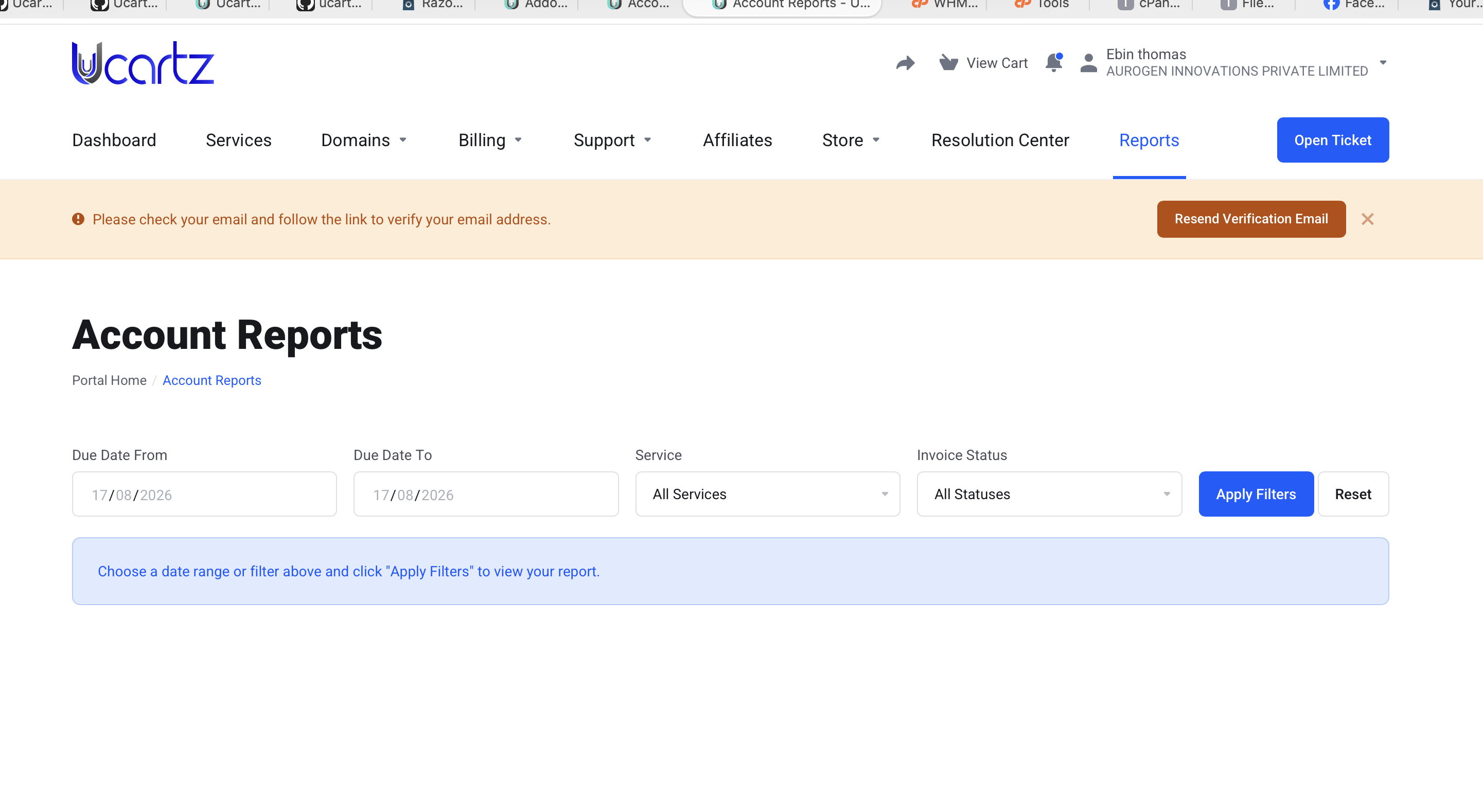
A "Reports" item is added to the client area navigation, but only for customers the feature is actually enabled for (see Per-customer access control). The report page doesn't auto-load a customer's full history on landing — it prompts them to filter first (due date range, service, invoice status), then shows results. Results are paginated (25/page by default, capped by admin config), with a "blocks of 20 pages + jump to last page" pagination widget so a customer with a long history doesn't get an unusable wall of page links. Export CSV and Export PDF buttons, honoring the current filters, each independently toggleable by the admin (see Configuration below) and enforced server-side either way. If Reports is disabled for a customer, or an export fails, they see a friendly message rendered inside the theme's normal page layout (header/nav/footer intact) — never a bare, unstyled error page. Filter/search layout uses the module's own responsive CSS (not the active theme's Bootstrap grid classes), so it renders correctly regardless of which client area theme is active. Admin (Setup > Addon Modules > Account Reports > Configure)
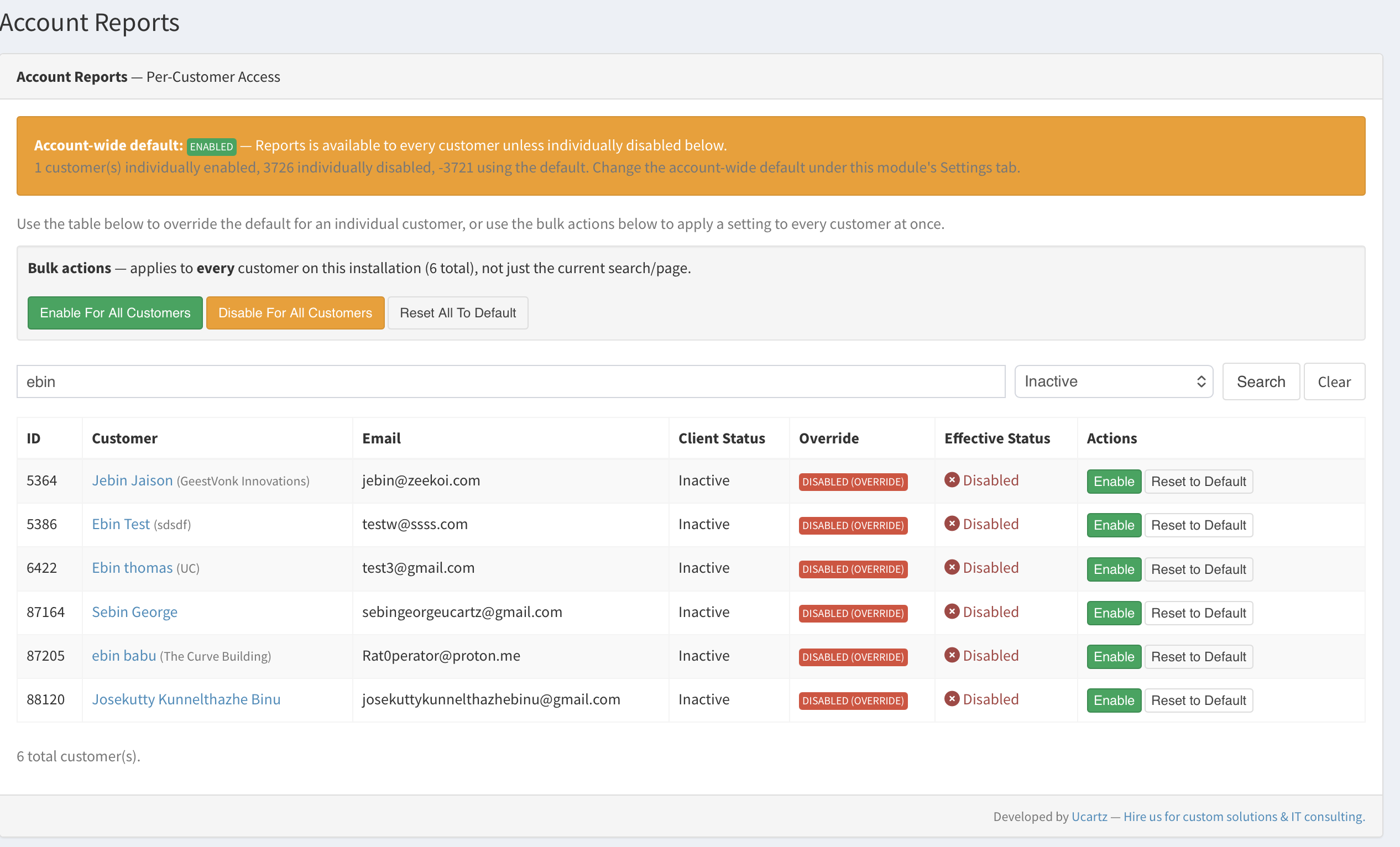
Module-wide settings: default enablement, max export rows, which report types/columns are shown, which export formats are allowed, a max filter date range, and an optional product-group restriction (see Configuration). A live summary of how many customers are individually enabled/disabled vs. using the account-wide default, so you can see the current access picture at a glance. A searchable (by name/email/client ID), status-filterable (Active/Inactive/Closed) customer list with a per-row Enable/Disable/Reset-to-default action. Bulk actions — Enable For All Customers, Disable For All Customers, Reset All To Default — each behind a confirmation dialog, processed in batches so it stays fast with many thousands of clients. The same Enable/Disable toggle is also available directly on each client's own admin profile page (Clients > [a client] > Summary), without needing to go find them in the Configure page's list.
The best place to start if you need help with a specific product is to contact the developer. All WHMCS Marketplace developers have both a website and support URL listed.
New Product with Multiple Features

Easily accept Bitcoin, Tether, Ethereum and many other crypto payments on your WHMCS website


As WHMCS does provide tax rules options where you can configure your GST tax but we have some extra features in our module that makes it stand out and necessary to use.

A handling fee are the costs that business owners incur when processing payments from customers.


Saleh Shojaei @saleh7715
No comment provided.
Ebin V Thomas @Ucartz
Thank you
Owner@Ucartz