Accept cryptocurrency on your WHMCS invoices with real on-chain settlement.
Your clients pick a coin directly on the invoice page, pay on a hosted checkout with a QR code and live confirmation tracking, and the invoice is marked paid automatically once the payment settles on the blockchain. No chargebacks, and no manual reconciliation.
Stablecoins
Coins
Fourteen assets in total. You decide which of them your clients see, using a single comma separated setting in the gateway configuration.
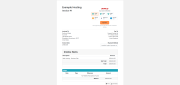
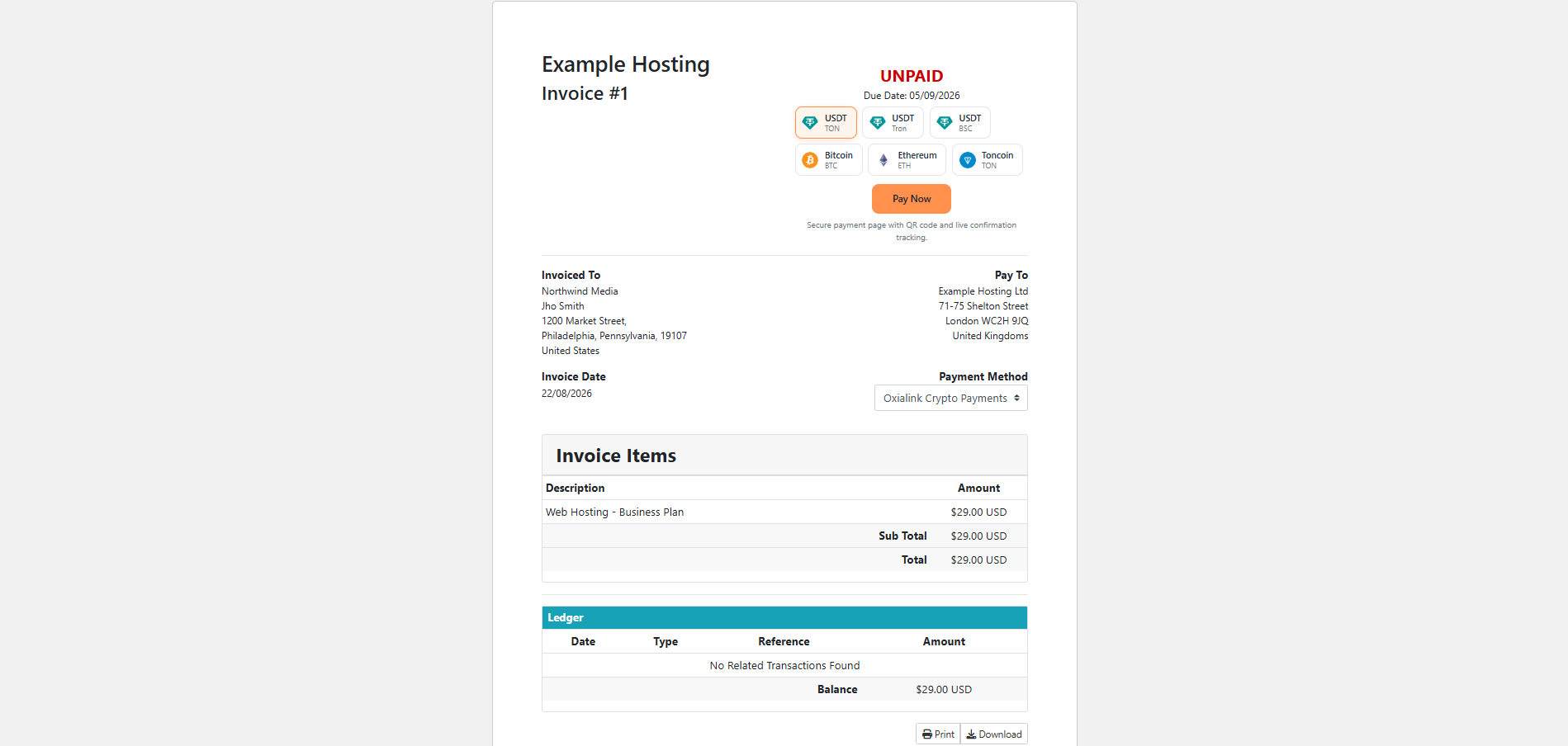
A coin selector appears on the invoice. Your client opens an unpaid invoice in the client area and sees the selector rendered inline, styled to sit naturally in both the Six and the Twenty-One themes.
They choose an asset and click Pay Now. The module creates an Oxialink invoice carrying the WHMCS invoice ID, then redirects the client to a hosted checkout page.
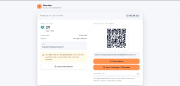
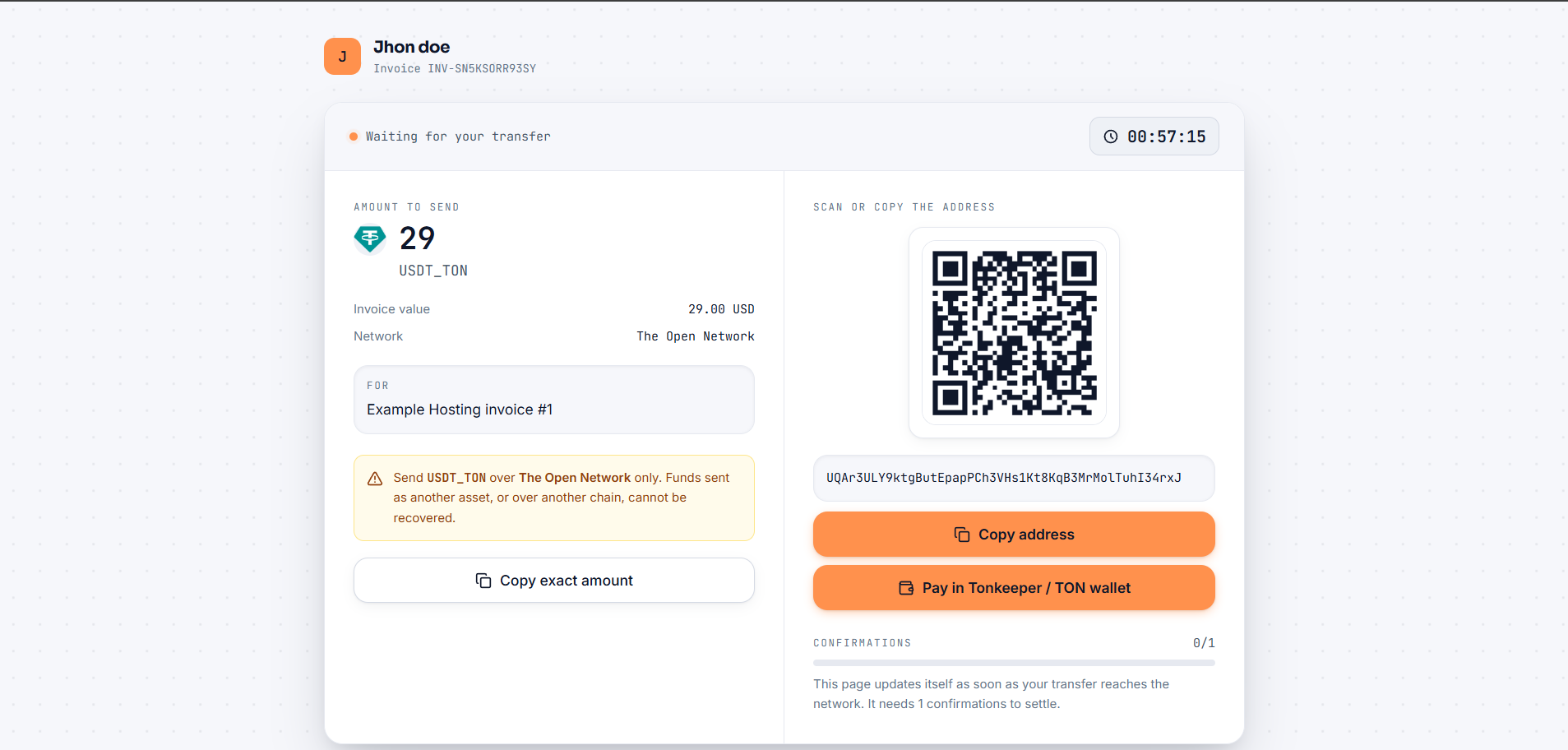
The checkout guides the transfer. It shows the exact amount to send, a QR code, the receiving address and a live confirmation counter, and updates itself as the transfer reaches the network.
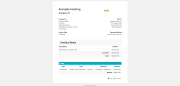
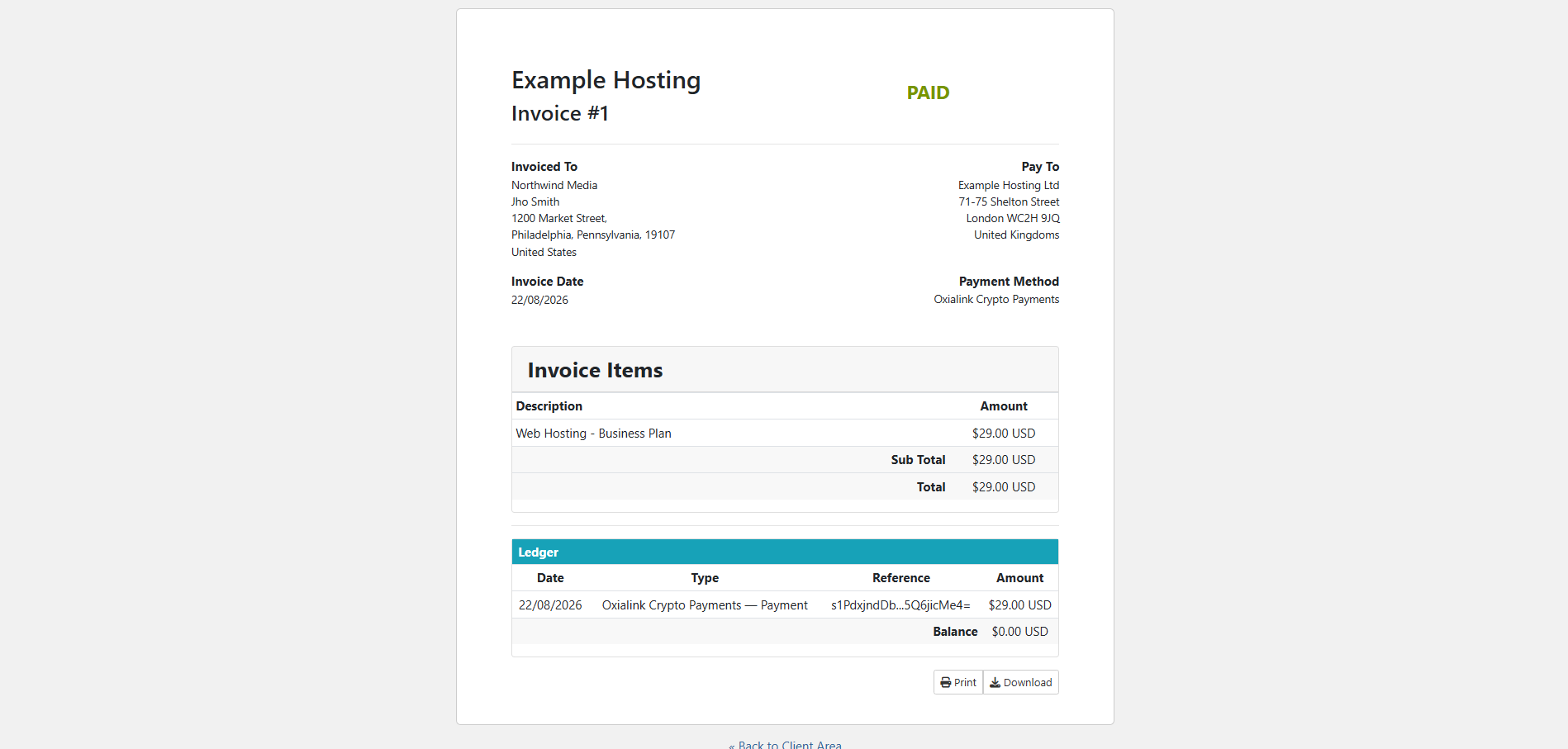
The invoice settles itself. Once the payment confirms on-chain, a signed notification is sent back to your WHMCS installation. The module applies the payment, records the blockchain transaction hash in the invoice ledger, and marks the invoice paid.
Extract the archive into your WHMCS root directory. It contains two files:
modules/gateways/oxialink.php
modules/gateways/callback/oxialink.php
In the WHMCS admin area open System Settings, then Apps and Integrations, and activate Oxialink Crypto Payments. On WHMCS 8.5 and earlier the module is listed under Payment Gateways, on the All Payment Gateways tab.
Enter your API Key and API Secret. Both are shown on the API documentation page of your Oxialink dashboard while you are signed in.
Enter your Webhook Secret, found on the Settings page of your Oxialink dashboard.
Set the list of coins you want to offer, or leave the default.
Save. Your clients will see the coin selector on their next unpaid invoice.
No template edits and no cron changes are required.
Support is available through the contact form on the Oxialink website, by email, and through our Telegram bot. No account is required to reach us before purchase, and most messages receive a human reply within one working day.
Be the first to review Oxialink Crypto Payments.
The best place to start if you need help with a specific product is to contact the developer. All WHMCS Marketplace developers have both a website and support URL listed.

Easily accept Bitcoin, Tether, Ethereum and many other crypto payments on your WHMCS website
No Fees, Easy Setup. Accept cryptocurrencies like: Bitcoin, Bitcoin Cash, Ethereum and Litecoin!

Open your web site to shopping with the advantages of PayTR. Take your payments securely.

With this WHMCS module, you'll get the payment gateway fees from your clients directly.