MCP Hub For WHMCS is a WHMCS addon, installed and kept up to date through PD Modules, our free control panel for WHMCS, where it appears as PD MCP Hub.
Your team already uses AI. The question is whether it can see your billing system, and on what terms.
PD MCP Hub gives Claude, Cursor, VS Code — anything that speaks the Model Context Protocol — a way into your WHMCS that you control precisely. "Why is Acme's site suspended?" gets answered from the live data in seconds instead of four screens and a guess. "Draft a reply to ticket 812" comes back written from the real account history. And the things you would not want an assistant doing on its own, it cannot do on its own.
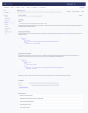
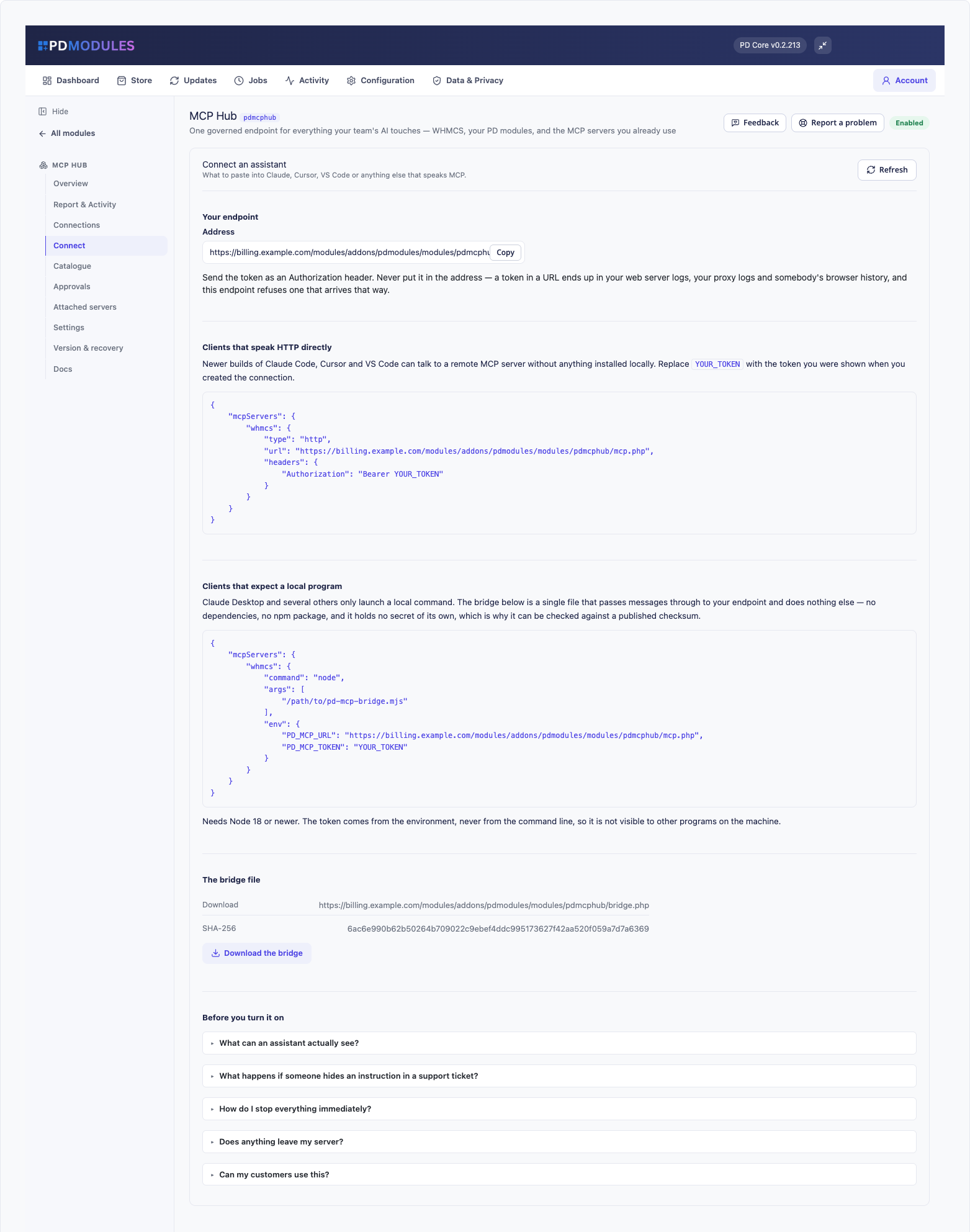
Every assistant gets its own connection with its own token. A connection has a ceiling — read only, write, communicate, destructive, or dangerous — and a set of areas it can reach. It acts as a WHMCS administrator you choose, and that administrator's role is enforced as a floor, so a connection bound to a support operator cannot reach billing tools however you set its ceiling.
That is what makes it safe to point an assistant at your support queue. The connection reading tickets has no financial tools at all, so an instruction hidden in a ticket has nothing to reach.
You can also limit a connection to specific clients, to specific IP addresses, and to a date it stops working — which is the easy way to give a contractor access for a fortnight.
Refunds, payments, cancellations, ticket replies, anything that emails a customer — none of it happens without a person saying yes. The request waits in an approvals queue, and the description you read is written from the actual request, not by the assistant. It also shows you what the assistant had just read before it asked, which is where a planted instruction becomes obvious.
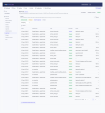
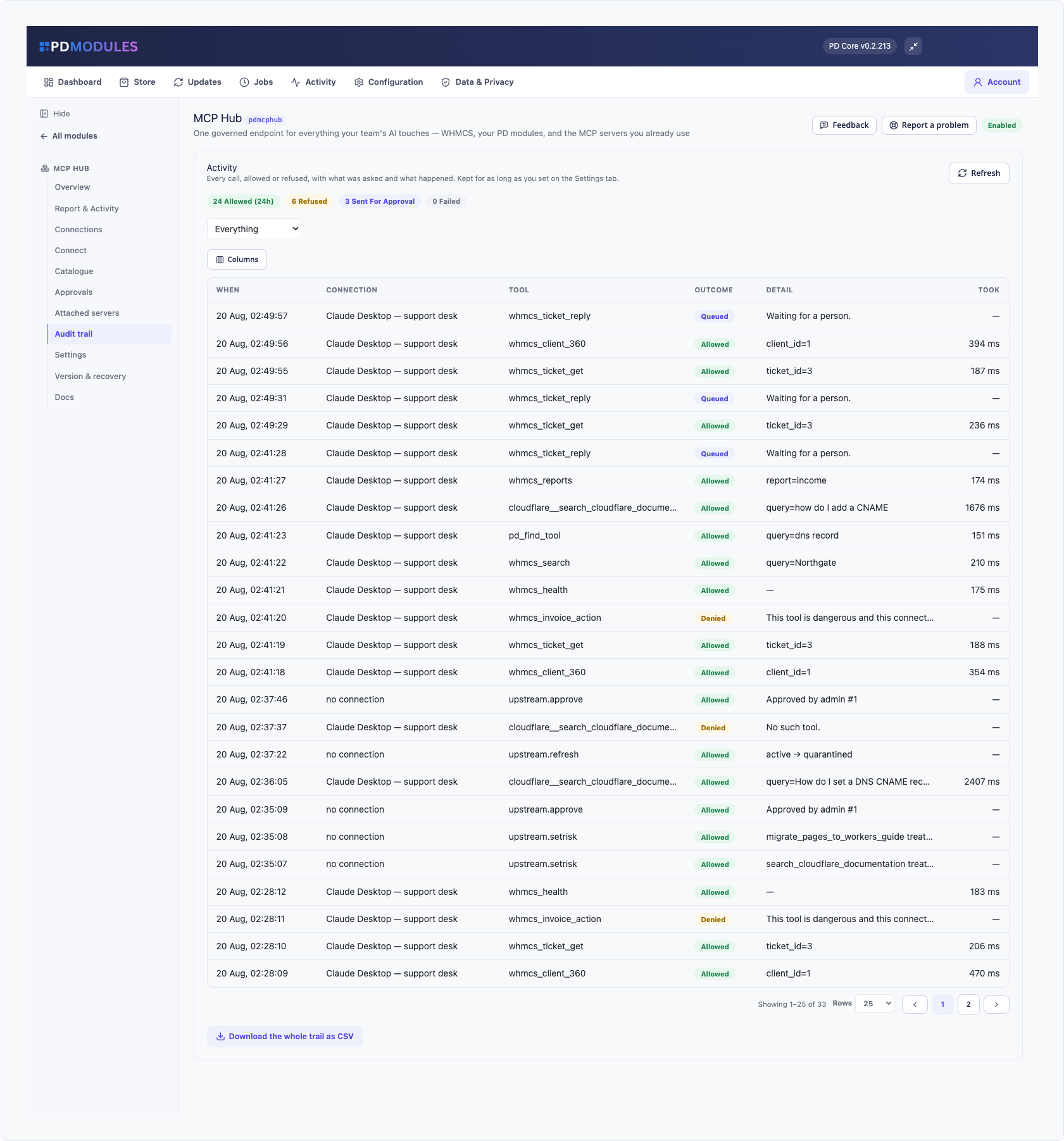
Every call is logged: what was asked, what happened, how long it took, and — just as importantly — every refusal and why. A refusal is the only trace an unwanted instruction leaves, so refusals are recorded with the same weight as successes. Download the whole trail as CSV whenever you need it.
A kill switch in the panel cuts every connection, including conversations in progress. And because the panel is exactly what might be compromised, dropping a file called .mcp-kill into the module's directory over SSH does the same thing — with no database, no login, and no working panel required.
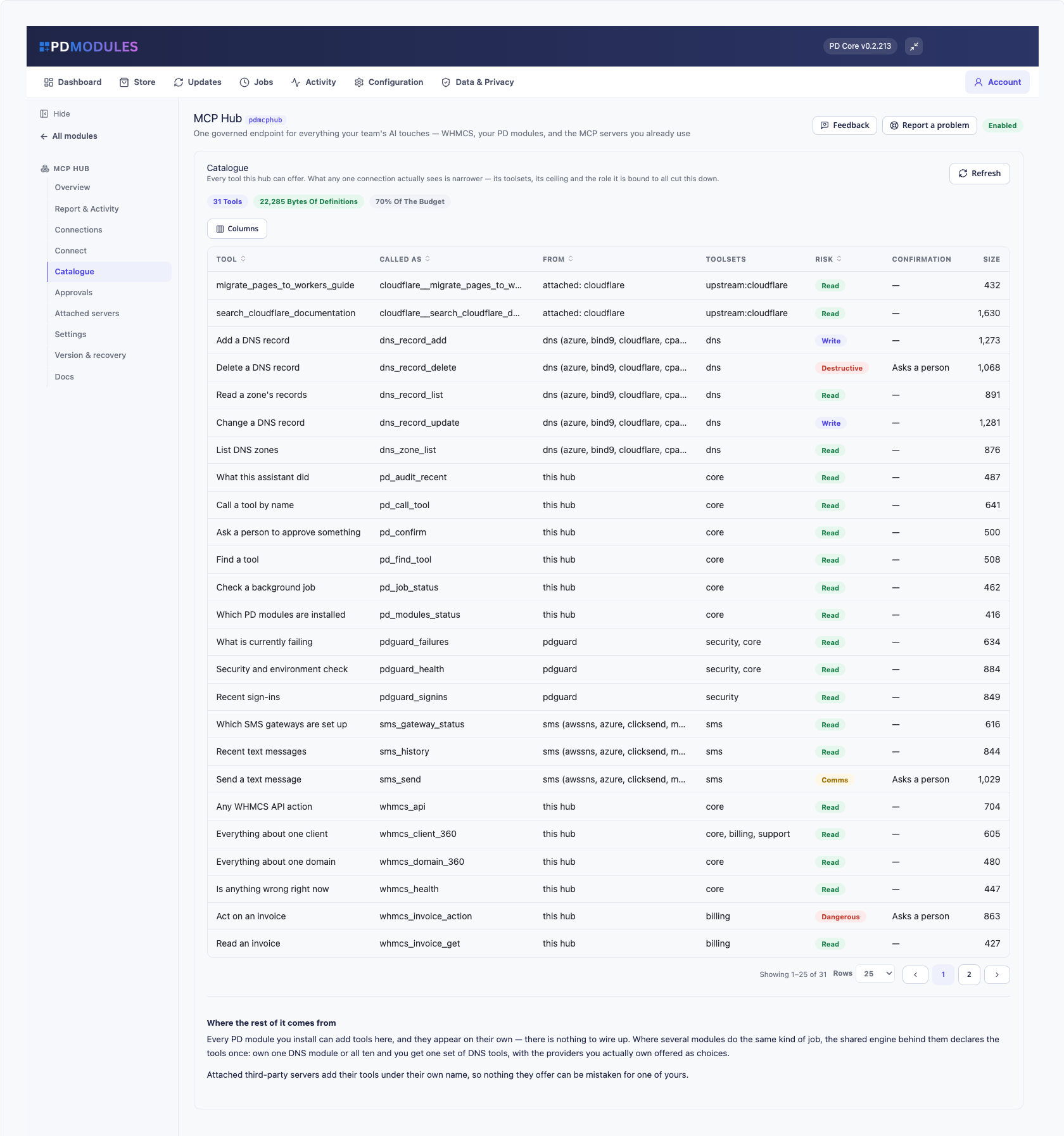
Tools contributed by your other PD modules appear here on their own. DNS zones and records, SMS sending and history, security and environment checks — no wiring up. Where several modules do the same kind of job, the shared engine behind them declares the tools once: own one DNS module or all ten and you get one set of DNS tools, with the providers you actually own offered as choices.
Cloudflare, Stripe, GitHub, Sentry, or anything else speaking Streamable HTTP over HTTPS. Their tools appear under their own name so nothing can be mistaken for one of yours, their credentials stay on your server, and nothing they offer is available until you have read the definitions and approved them. If those definitions change later, the server is held until you review the difference — which is the defence against a server that behaves for a month and then does not.
Assistants get worse, not better, when handed hundreds of near-identical tools. This ships a compact set of composite ones — "everything about this client" is a single call, not five — plus a way to search for anything else it needs. What a connection sees is smaller still, because its ceiling and areas narrow it.
PD Modules is our free control panel for WHMCS. You install it once, and every module you take from us installs itself inside it.
Free.
Be the first to review MCP Hub For WHMCS.
The best place to start if you need help with a specific product is to contact the developer. All WHMCS Marketplace developers have both a website and support URL listed.
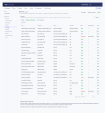
Added Choose which attached servers a connection may reach. There was no control for this anywhere, so a server could be attached, approved and In Use while every call came back “this connection may not reach that federated server” — a permission with no way to grant it. Tools & risk is always reachable from an attached server’s row. It appeared only while a server was waiting for approval, so approving one hid the screen holding its tool list, its per-tool risk and the approval itself — with no way back to change any of them.
Added A refused request now appears on the Audit trail. It used to be silent, so “it will not connect” left nothing to look at: a proxy removing the header, a revoked token and a blocked address all looked the same. The entry says whether a token arrived at all, which credential header names were present, and the address it came from. The token itself is never recorded.
Changed Attaching a server now spells out the three steps still between it and an assistant: approve its tools, set what each one really counts as, then tick the server on a connection and check that connection’s ceiling. Attaching on its own does nothing, and the page did not say so.
Fixed Removing an attached server now withdraws it from every connection that could reach it, and says how many. It used to leave the permission behind — so attaching a server with the same short name later silently revived grants nobody had re-authorised, letting a connection reach a service just introduced.
Fixed The edit form shows what the connection actually holds. The administrator, the areas it reaches, the client limit and both checkboxes rendered blank, so saving offered to strip a connection of everything that was not visible. The client limit also showed bare id numbers instead of client names. Areas stored by an older version as unusable text no longer tick nothing at all; the form shows the real ones and saving writes the corrected set back.
cPanel DNS Manager for WHMCS is an addon module which allows customers who have only domain names without a hosting package to manage DNS zones of their domain names.


CyberESXI is a module designed for hosting companies using the WHMCS system. With Esx Addon, you can enable your clients to manage the virtual servers you created with Vmware ESX, ESXi software.

This hook will let your customers know what is your nameservers on their client area at services page.
Enhanced Support System brings you an alternative support experience with clear department layout and ticket counts for each ticket status in every department.