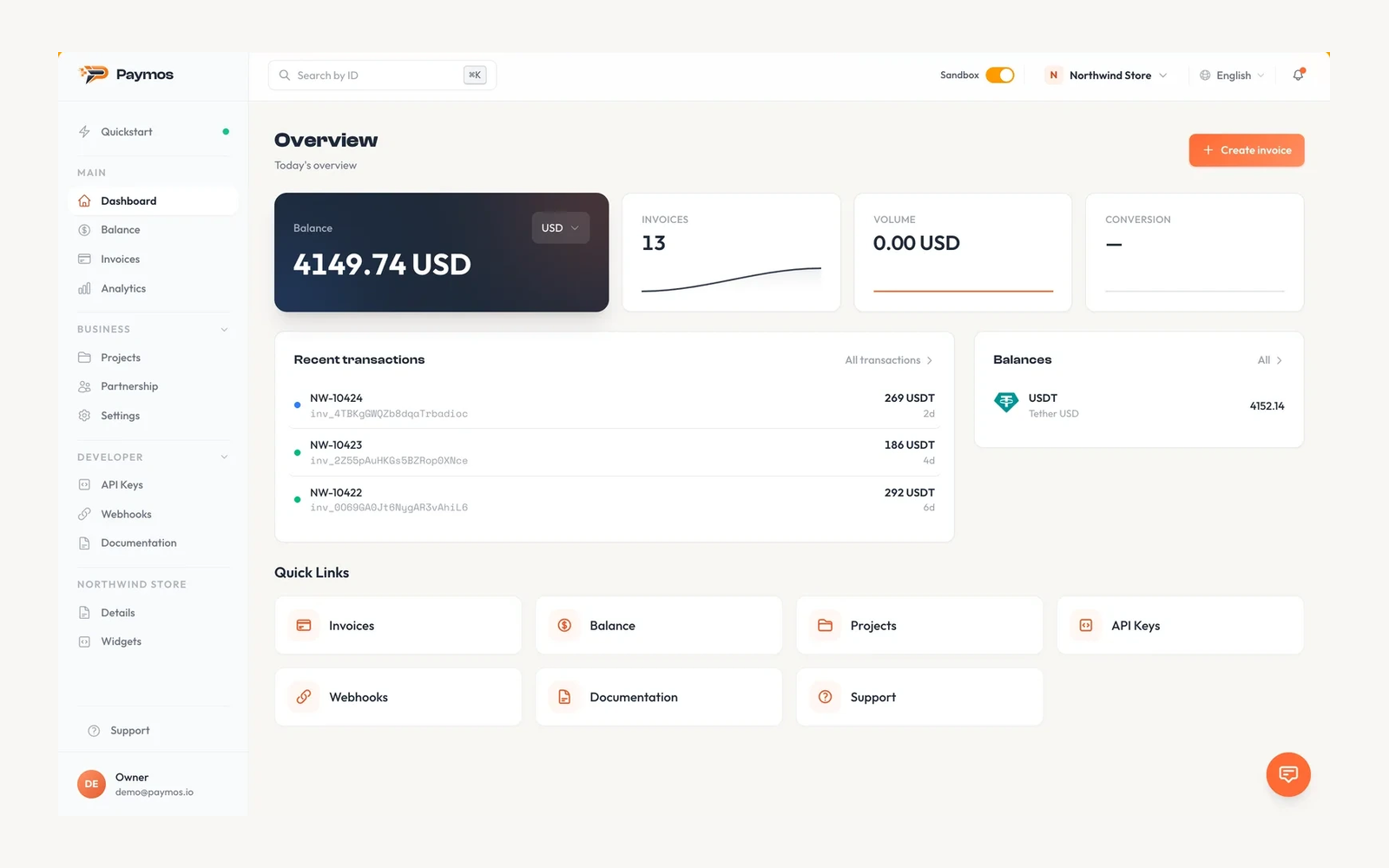
Give your client another way to pay a WHMCS invoice. The Paymos button opens a hosted checkout where the client sends a payment from their wallet. Once verified, the module records the payment through WHMCS, where your existing rules handle service activation and provisioning.
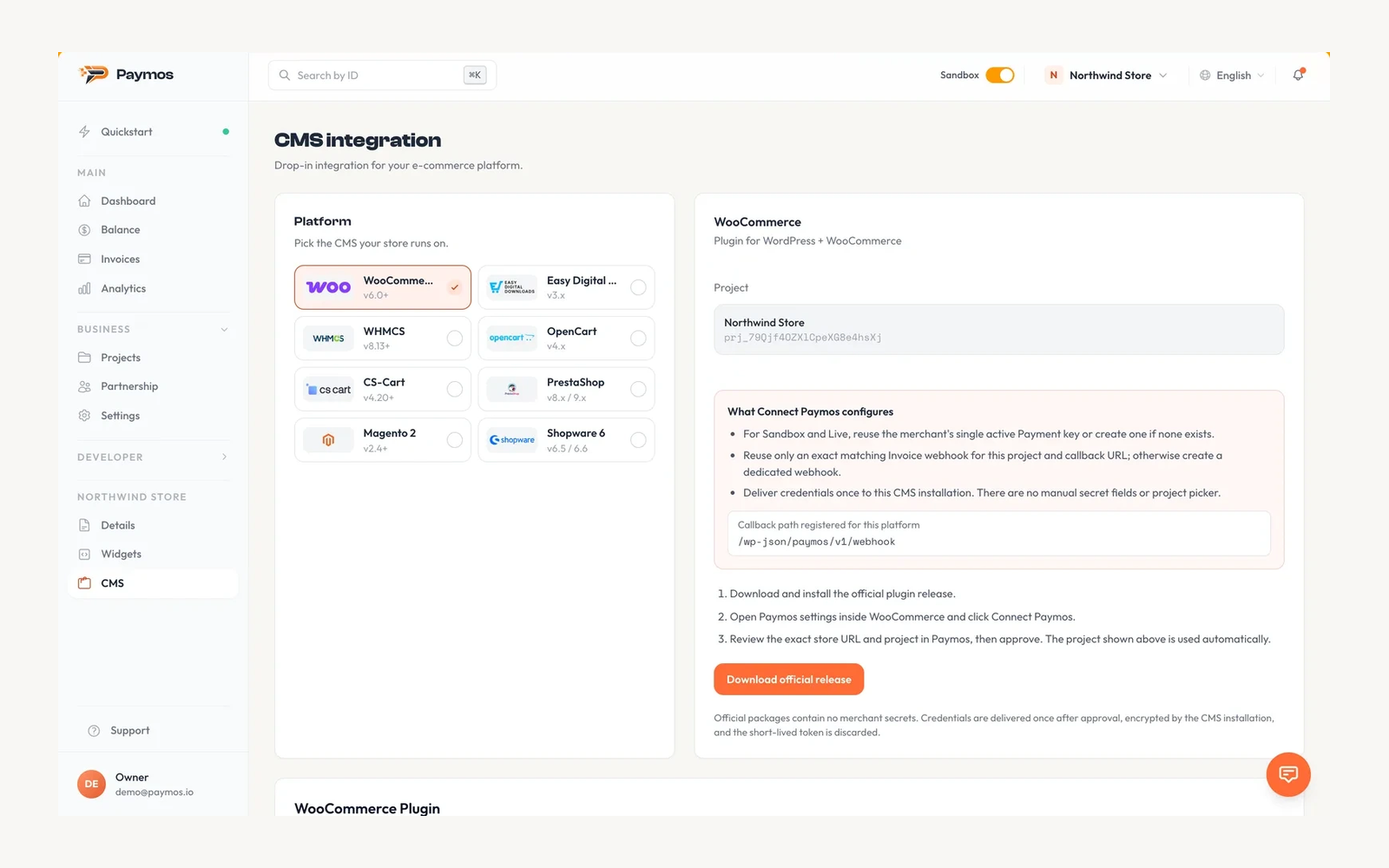
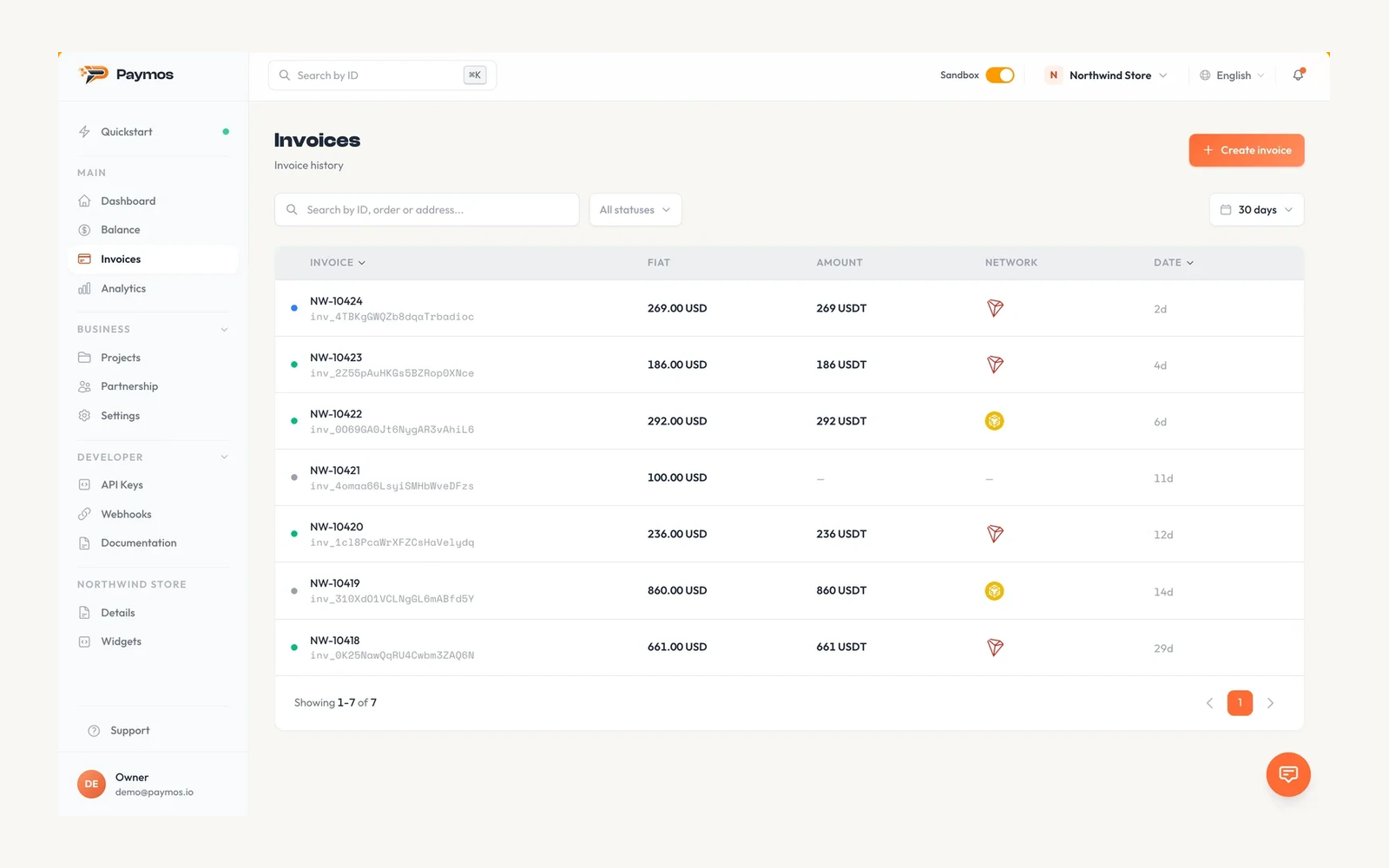
Connect your billing installation to a Paymos account and project. Open the intended project in Paymos, choose Connect Paymos in the gateway settings, and approve the installation URL. That approval configures both Sandbox and Live. Test an invoice in Sandbox, check its payment record, and switch to Live when you are ready. The WHMCS System URL must use HTTPS.
Signed webhooks trigger payment checks against the Paymos invoice API before an invoice is marked paid. The module checks the amount and stored invoice details and uses the WHMCS cron to reconcile missed deliveries.
Renewals still need a payment from your client. WHMCS creates its renewal invoices and reminders as usual; this gateway does not make automatic wallet charges.
The module is free and open source. It connects to the external Paymos payment service, which operates under its own terms and fees.
Be the first to review Paymos stablecoin payments for WHMCS.
The best place to start if you need help with a specific product is to contact the developer. All WHMCS Marketplace developers have both a website and support URL listed.
https://paymos.io/contacts) in whmcs.json alongside documentation (https://paymos.io/docs/cms-whmcs).curl_close guard).
Maintenance release. See the full changelog at https://github.com/Paymos-labs/whmcs/releases/tag/v1.3.5


Easily accept Bitcoin, Tether, Ethereum and many other crypto payments on your WHMCS website

No Fees, Easy Setup. Accept cryptocurrencies like: Bitcoin, Bitcoin Cash, Ethereum and Litecoin!

Open your web site to shopping with the advantages of PayTR. Take your payments securely.

With this WHMCS module, you'll get the payment gateway fees from your clients directly.