RoPay Payment

RoPay Payment

Developed By Cristian Trusca

Compatible with WHMCS v9.0

RoPay for WHMCS

RoPay for WHMCS connects your WHMCS billing system to the RoPay instant-payment service from Libra Internet Bank, so your Romanian customers can settle any invoice in seconds - no card details, no manual bank-transfer reconciliation.

The customer opens the invoice, chooses RoPay, and scans a QR code with their mobile banking app. The payment is confirmed bank-to-server, and WHMCS marks the invoice Paid automatically. No more chasing proof-of-payment emails or matching bank statements by hand.

Why RoPay

  • Instant, account-to-account payments - settled straight from the customer's bank app, with none of the card-processing fees.
  • Hands-off reconciliation - the gateway confirms each payment server-to-server and applies it to the correct invoice automatically.
  • Built for the Romanian market - RON pricing, Romanian payment flow, Libra Internet Bank RoPay.

Key features

  • QR-code checkout - customers pay by scanning a code in any Romanian banking app that supports RoPay.
  • Automatic invoice reconciliation - server-to-server confirmation marks invoices Paid with zero manual work.
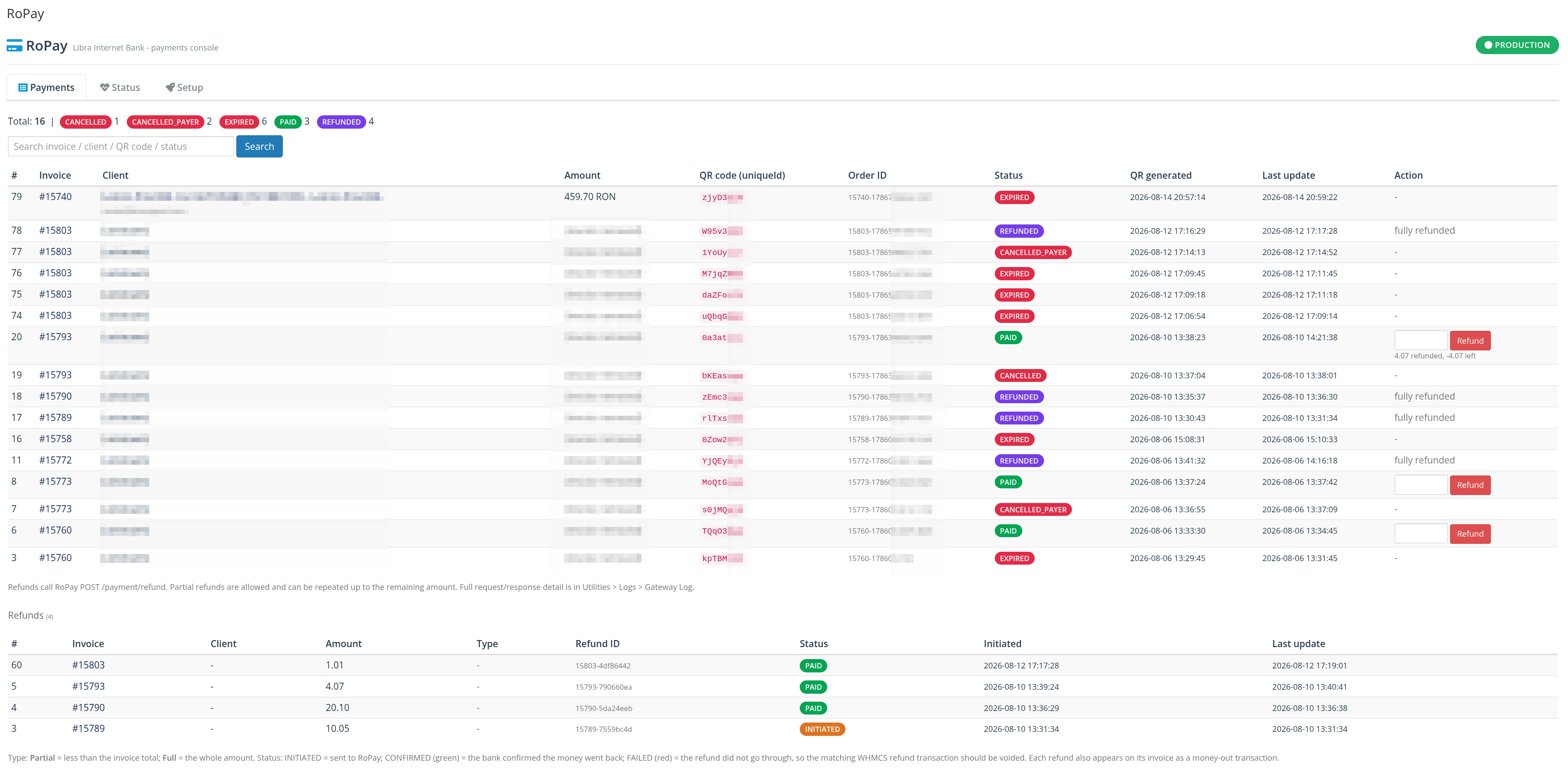
  • Full and partial refunds - issue refunds straight from the WHMCS admin area, in one click.
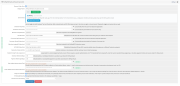
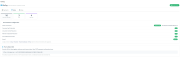
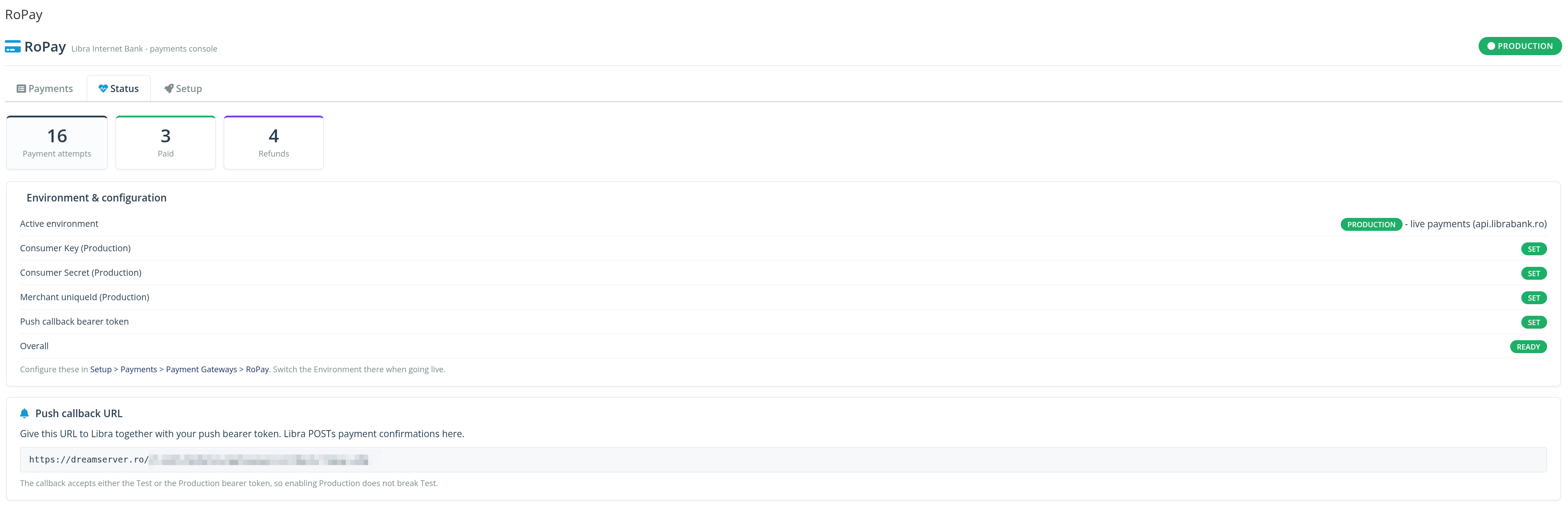
  • Tabbed admin console - manage payments, review transactions and run refunds from a clean, purpose-built interface.
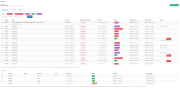
  • Detailed transaction log - every payment and refund is recorded with its status, amount and timestamp for easy auditing.
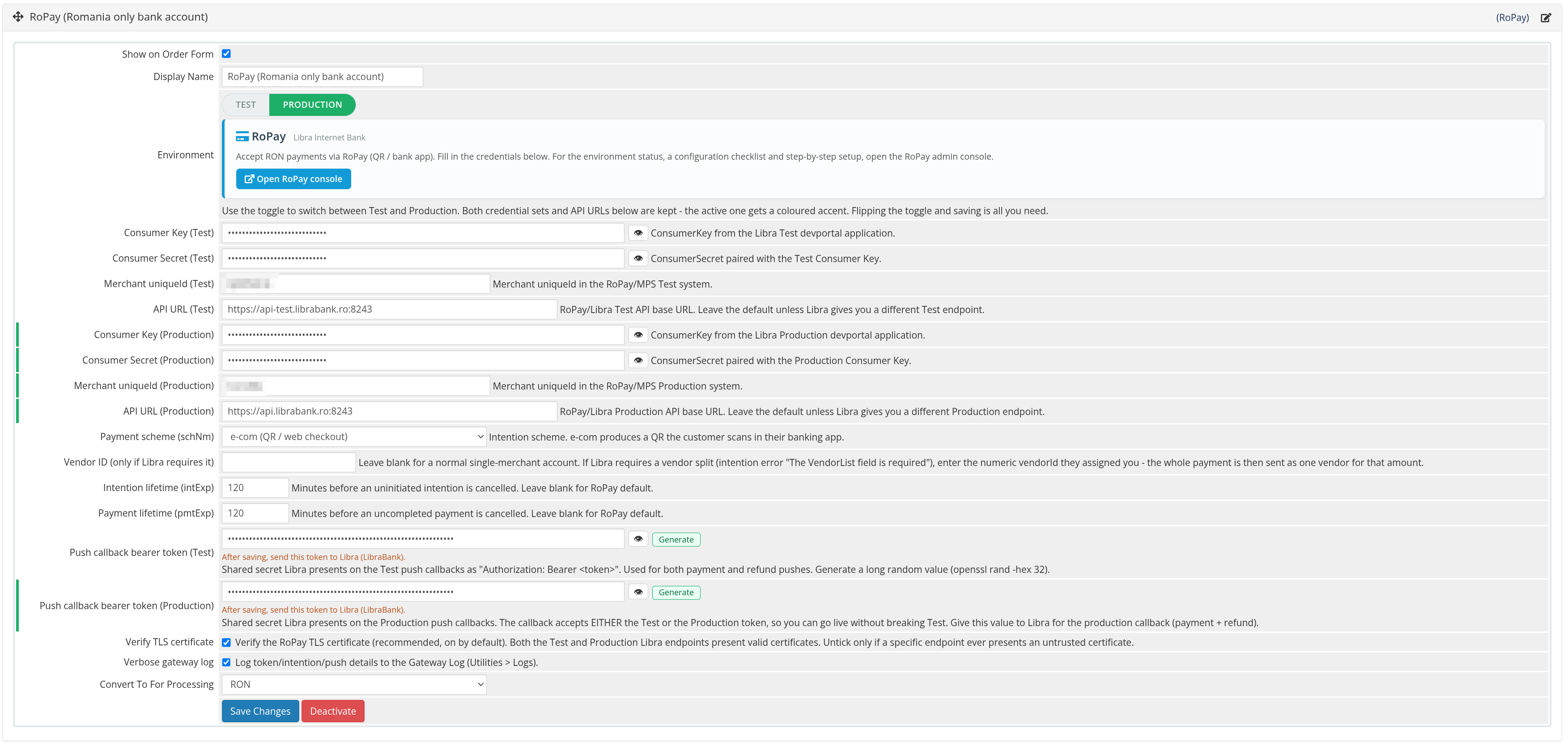
  • One-click Test / Production switch - validate the full flow in sandbox, then go live from a single toggle.
  • Fast, guided setup - drop in your RoPay credentials and you are accepting payments in minutes.

How it works

  1. Your customer opens the invoice in the WHMCS client area and selects RoPay.
  2. They scan the RoPay QR code with their mobile banking app and approve the payment.
  3. Libra Internet Bank confirms the payment to WHMCS, the invoice is marked Paid, and any provisioning fires automatically.

Requirements

  • WHMCS 8 or 9
  • PHP 8.1 - 8.4
  • A signed contract with Libra Internet Bank and the RoPay service activated on your merchant account (you provide your own RoPay credentials).

Compatibility & support

  • Works on WHMCS 8 and 9, PHP 8.1 through 8.4.
  • Distributed as an ionCube-encoded package for easy, drop-in installation.
  • Free updates for the duration of your license, plus email support.

License & Price

  • $12/year, includes free updates and email support for the entire license period (1 year).

Give your Romanian customers the payment method they already use every day, and let WHMCS do the reconciliation for you.


There are no reviews yet!

Be the first to review RoPay Payment.

Version Compatibility


Compatible with WHMCS v9.0

Full Version Compatibility


  • Selected versions of WHMCS v9.0
        9.0.0 - 9.0.7
  • Selected versions of WHMCS v8.13
        8.13.0 - 8.13.6
  • All versions of WHMCS v8.12
  • All versions of WHMCS v8.11
  • Selected versions of WHMCS v8.10
        8.10.0
  • Selected versions of WHMCS v8.9
        8.9.0
  • Selected versions of WHMCS v8.8
        8.8.0
  • All versions of WHMCS v8.7
  • All versions of WHMCS v8.6
  • All versions of WHMCS v8.5
  • All versions of WHMCS v8.4
  • All versions of WHMCS v8.3
  • All versions of WHMCS v8.2
  • All versions of WHMCS v8.1
  • All versions of WHMCS v8.0

System Requirements


  • PHP 8.1 - 8.4
  • ionCube Loader (matching your PHP version; the 8.4 build needs ionCube Loader 15.5.0+ to run on PHP 8.5)
  • PHP cURL extension
  • PHP OpenSSL extension
  • WHMCS 8.8+ or WHMCS 9
  • A Libra Internet Bank RoPay merchant account (Consumer Key/Secret + merchant uniqueId)
  • Outbound HTTPS from your server to the RoPay / Libra Internet Bank API
  • A publicly reachable HTTPS callback URL (for automatic payment confirmation)

* Requirements listed are in addition to the WHMCS default system requirements.

Support for this product

The best place to start if you need help with a specific product is to contact the developer. All WHMCS Marketplace developers have both a website and support URL listed.

Developed By Cristian Trusca

Changelog

v1.1.12 Released August 30th, 2026

Latest Version


Latest stable release of RoPay for WHMCS.

  • Full support for both WHMCS 8 and WHMCS 9.
  • Compatible with PHP 8.1 through 8.4.
  • Full and partial refunds directly from the WHMCS admin area.
  • Redesigned tabbed admin console for payments, transactions and refunds.
  • Detailed transaction log with status, amount and timestamp for every payment.
  • One-click Test / Production switch for safe end-to-end validation before going live.
  • Smoother first-time gateway activation and guided setup.
  • Reliability improvements to server-to-server payment confirmation and automatic invoice reconciliation.


See also

WHMCS Bitcoin Payments

Accept Bitcoin payments on your website

Free
Accept Bitcoin and cryptocurrency payments - CoinGate for WHMCS

Easily accept Bitcoin, Tether, Ethereum and many other crypto payments on your WHMCS website

Free
Coinbase Commerce

No Fees, Easy Setup. Accept cryptocurrencies like: Bitcoin, Bitcoin Cash, Ethereum and Litecoin!

Free
PayTR Virtual Pos iFrame API

Open your web site to shopping with the advantages of PayTR. Take your payments securely.

Free
Gateway Fees for WHMCS

With this WHMCS module, you'll get the payment gateway fees from your clients directly.

Free