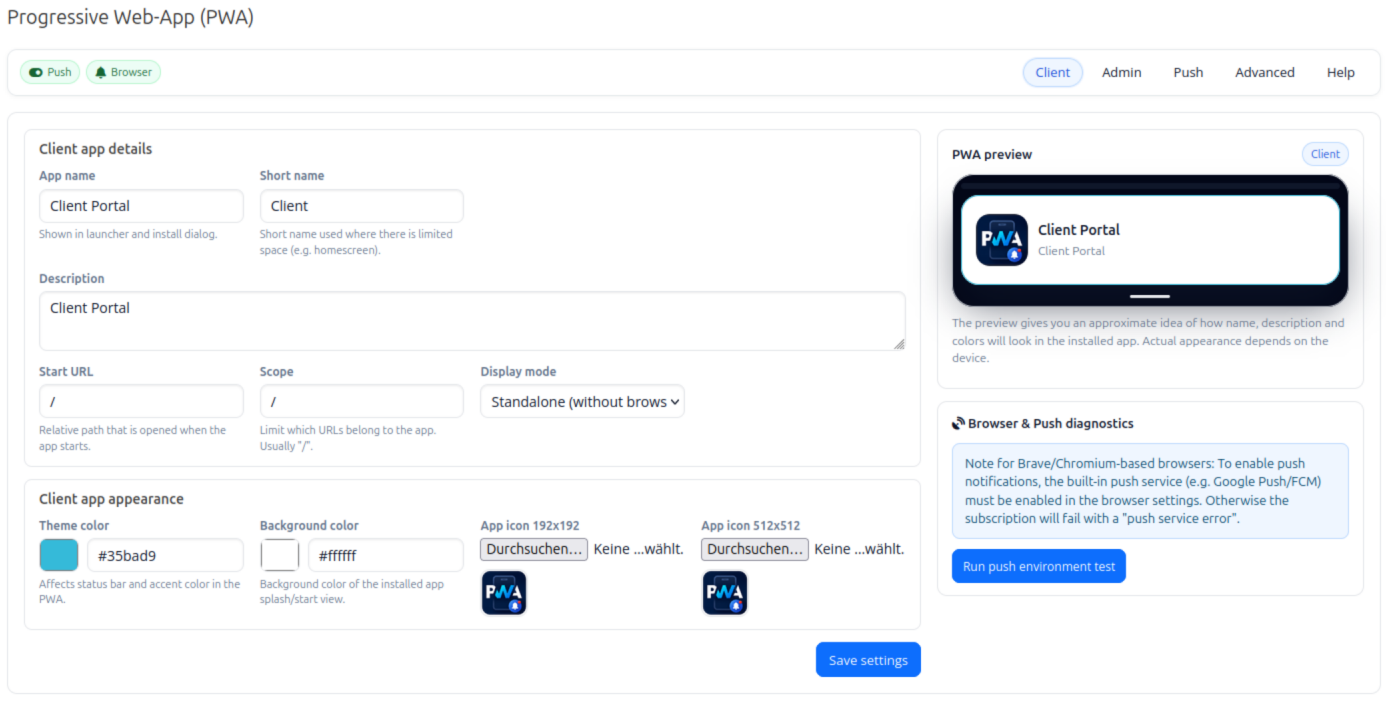
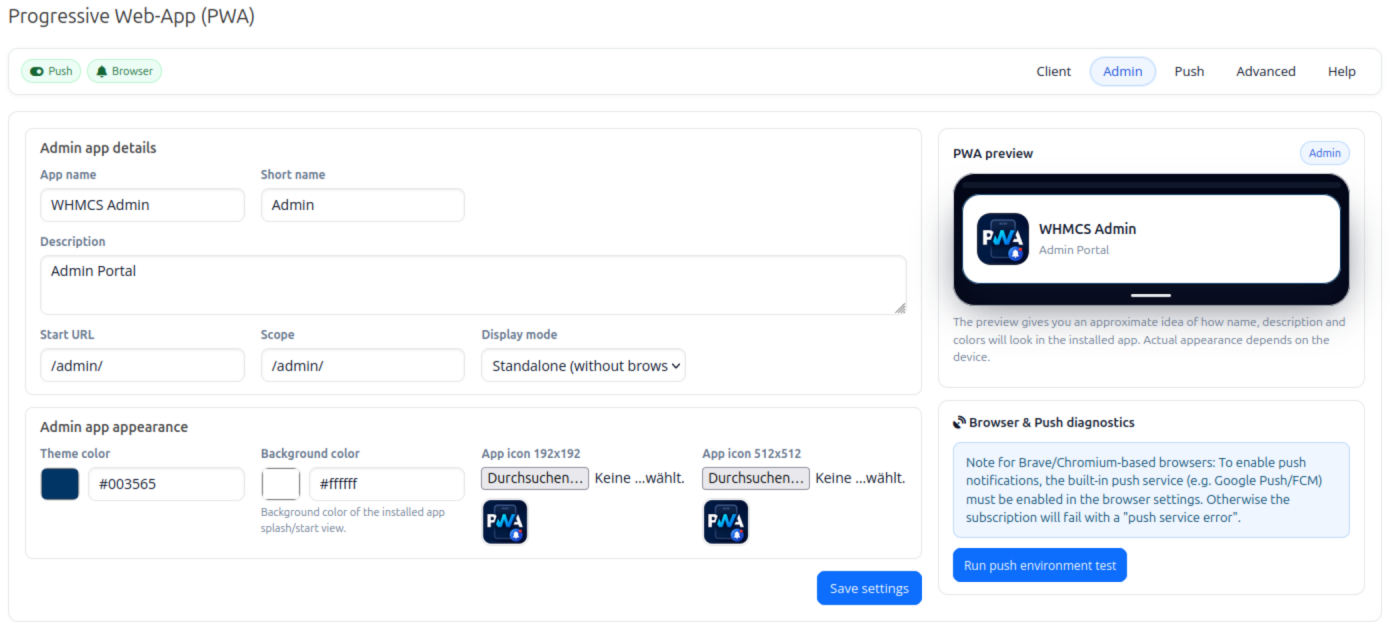
Turn your WHMCS Client Area and Admin Area into installable Progressive Web Apps (PWA) with custom branding, offline support and Web Push notifications.
Customers and staff continue using the familiar WHMCS interface while gaining an app-like experience. They can install the portal on supported mobile devices and desktops, launch it directly from their home screen and receive notifications for important WHMCS events.
Everything is integrated through WHMCS hooks, so no template modifications are required.
Configure the Client Area and Admin Area independently with their own:
Enable only the Client PWA, only the Admin PWA, or both.
The addon integrates the required PWA components through WHMCS hooks, including:
There is no need to copy or modify WHMCS template files.
Add an optional install control to the WHMCS Client Area.
Choose between:
The install option is only displayed when installation is supported by the browser.
Enable an optional service worker with a branded offline fallback page.
Instead of displaying a generic browser error when the connection is unavailable, users receive a consistent offline page for your WHMCS portal.
Optionally notify users when a new version of the PWA is available, allowing them to reload the application and use the latest version.
Supported platforms can expose shortcuts directly from the installed application.
Default shortcuts provide quick access to:
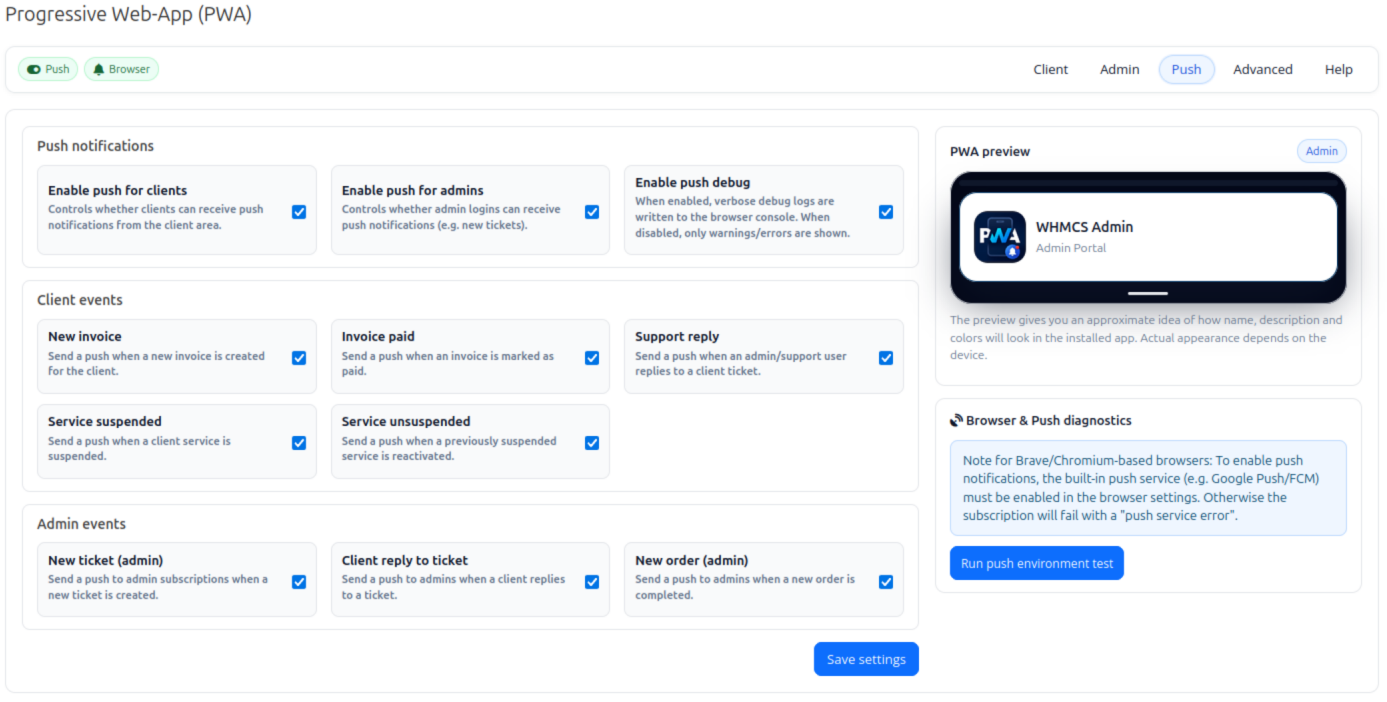
Send browser notifications to subscribed customers and administrators using Web Push and VAPID.
VAPID keys can be generated automatically when the addon is activated.
Notifications can link directly to the corresponding WHMCS page, allowing recipients to open the relevant invoice, ticket, service or order.
Enable individual notification types for customers:
Each notification type can be enabled or disabled independently.
Administrators can receive push notifications for selected WHMCS events:
Admin notification types can also be configured independently.
The addon provides a PHP API that allows other WHMCS modules to use the existing Web Push infrastructure.
Available functions include:
pwa_push_send_to_user
Send a notification to a subscribed WHMCS client.
pwa_push_send_to_all_admins
Send a notification to subscribed administrators.
The optional PwaBeforePushSend hook allows other modules to modify or cancel a push payload before delivery.
This makes it possible to add Web Push support to other WHMCS addons without implementing a separate push infrastructure.
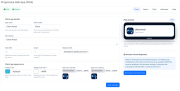
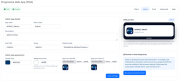
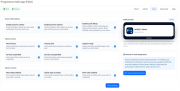
The addon administration area provides separate sections for Client PWA, Admin PWA, Push and advanced settings.
It includes:
The administration interface is available in English and German.
HTTPS is required for service workers, PWA installation and Web Push.
Browser support and installation behaviour depend on the operating system and browser.
This addon creates a Progressive Web App, not a native application distributed through the Apple App Store or Google Play Store.
On iPhone and iPad, users install the Client Area from Safari using Share → Add to Home Screen.
PWA installation behaviour differs from browsers such as Chrome or Edge, which can provide a dedicated installation prompt.
Users must grant notification permission before Web Push notifications can be delivered.
A valid push subscription must exist for the browser and device. If a user has not subscribed or has revoked notification permission, no push notification can be delivered to that device.
Some privacy-focused Chromium browsers may disable or restrict the browser's push messaging service. In these cases, Web Push must first be permitted or enabled in the browser configuration.
No. The addon integrates the manifest, service worker, installation functionality and push registration through WHMCS hooks. Branding and PWA settings are managed from the addon administration area.
Yes. The Client Area and Admin Area have separate PWA configurations and can be enabled independently.
Yes. The addon provides a PHP API that other modules can use to send notifications to subscribed clients or administrators.
No. Web Push provides an additional notification channel. Existing WHMCS email templates and notifications continue to work normally.
No. It is a Progressive Web App installed through a supported browser. No App Store or Play Store installation is required.
Be the first to review Progressive Web-App (PWA).
The best place to start if you need help with a specific product is to contact the developer. All WHMCS Marketplace developers have both a website and support URL listed.
Initial release.
pwa_push_send_to_user, pwa_push_send_to_all_admins) and PwaBeforePushSend hook

A simplistic, free & open source hook allowing instant Discord notifications when an action is triggered.

Netgsm Sms addon provides you sending customized bulk sms and creating sms templates.

MSG91 WHMCS SMS plugin gives you the power and flexibility to stay connected with your customers by sending them an SMS and OTP's for 2FA at the crucial steps that matters the most.