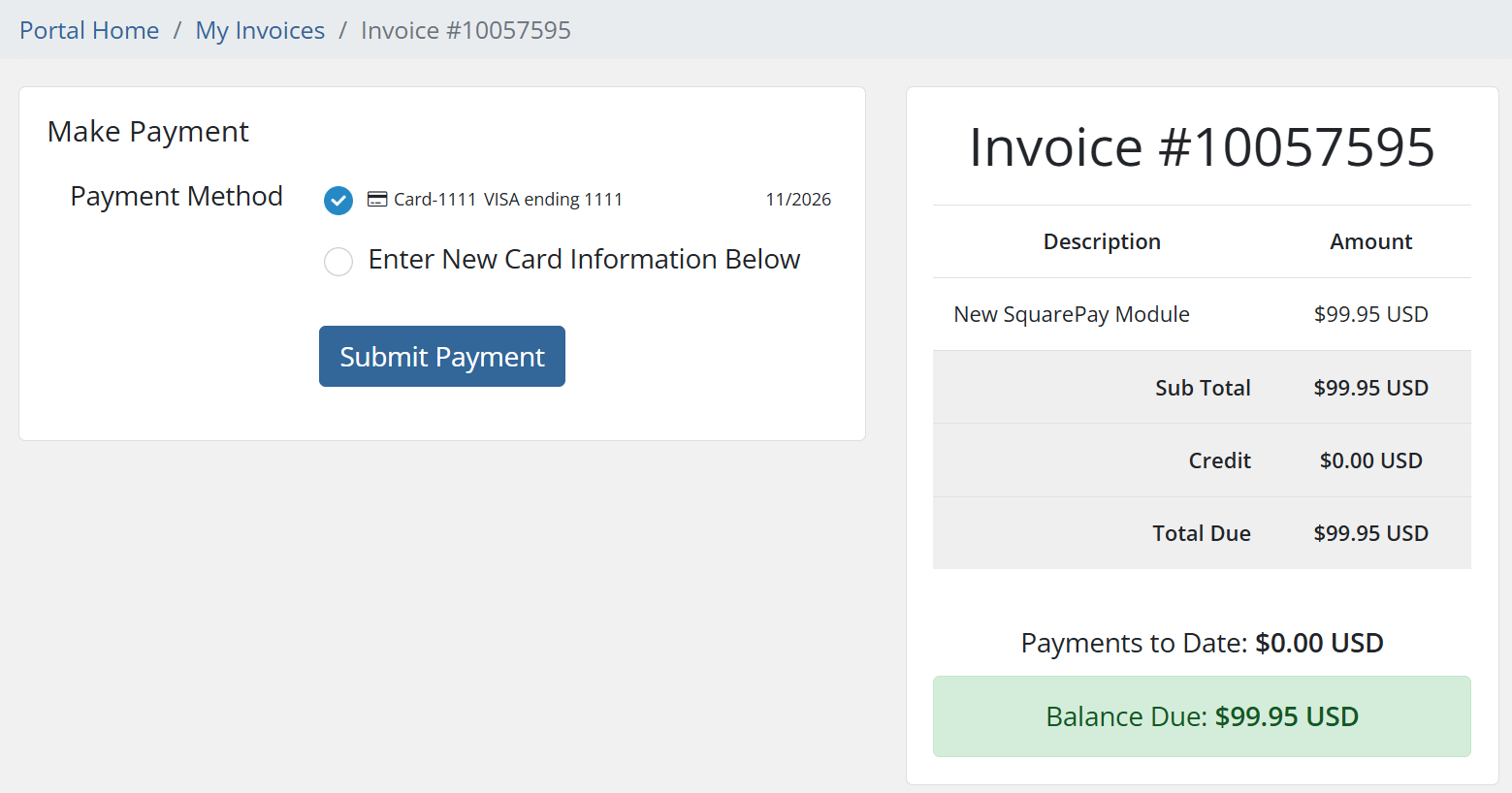
Accept credit and debit cards through Square and let WHMCS automatically charge renewals — without any card data ever touching your server.
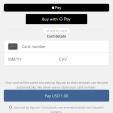
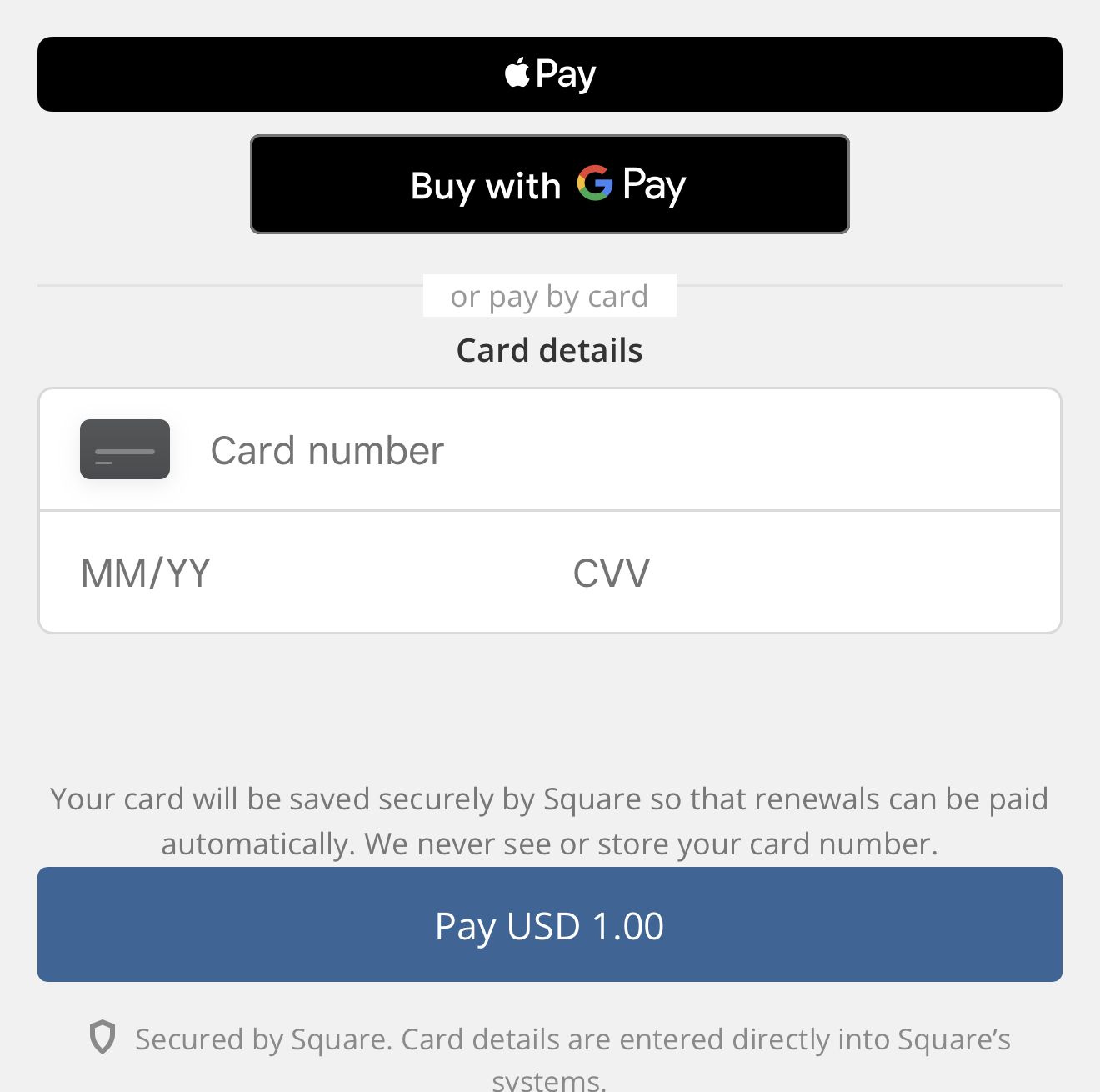
Card details are entered into Square's own hosted fields and exchanged for a token. WHMCS stores that token, the card brand, the last four digits, and the expiry date. It never sees, transmits, or stores a card number. That keeps your install in PCI DSS SAQ A scope, and it works correctly with WHMCS local credit card storage switched off.
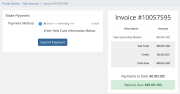
Renewals are charged as merchant-initiated transactions against the stored token, which is what makes unattended billing actually work — cron charges the card at 3 a.m., and nobody has to be present.
Most gateways tell you that a sandbox mode exists. This one ships the tooling to use it.
NOT_FOUND in production, which is otherwise a genuinely confusing hour of your life.A declined card and a failed connection are distinct events, and this module treats them as such at the HTTP layer — separate exception types — so one can never be reported as the other.
When a payment fails, the customer is told the real reason from the issuer and what to do about it:
Around 60 Square error codes are mapped to specific, actionable wording. A configuration problem on your side is never phrased to the customer as a problem with their card — it tells them to contact you and tells you what to fix in the module log.
The phrase "communications error" appears in exactly one place in the entire codebase: the path where the request genuinely did not reach Square. That is the only case where "please try again" is honest advice.
Zero Composer dependencies. No bundled SDK, no bundled HTTP client, nothing to collide with another module's copy of the same library — and no coupling to WHMCS's own vendor tree when you upgrade.
Square's REST API is called directly over cURL. Twelve PHP files, no autoloader magic, no framework.
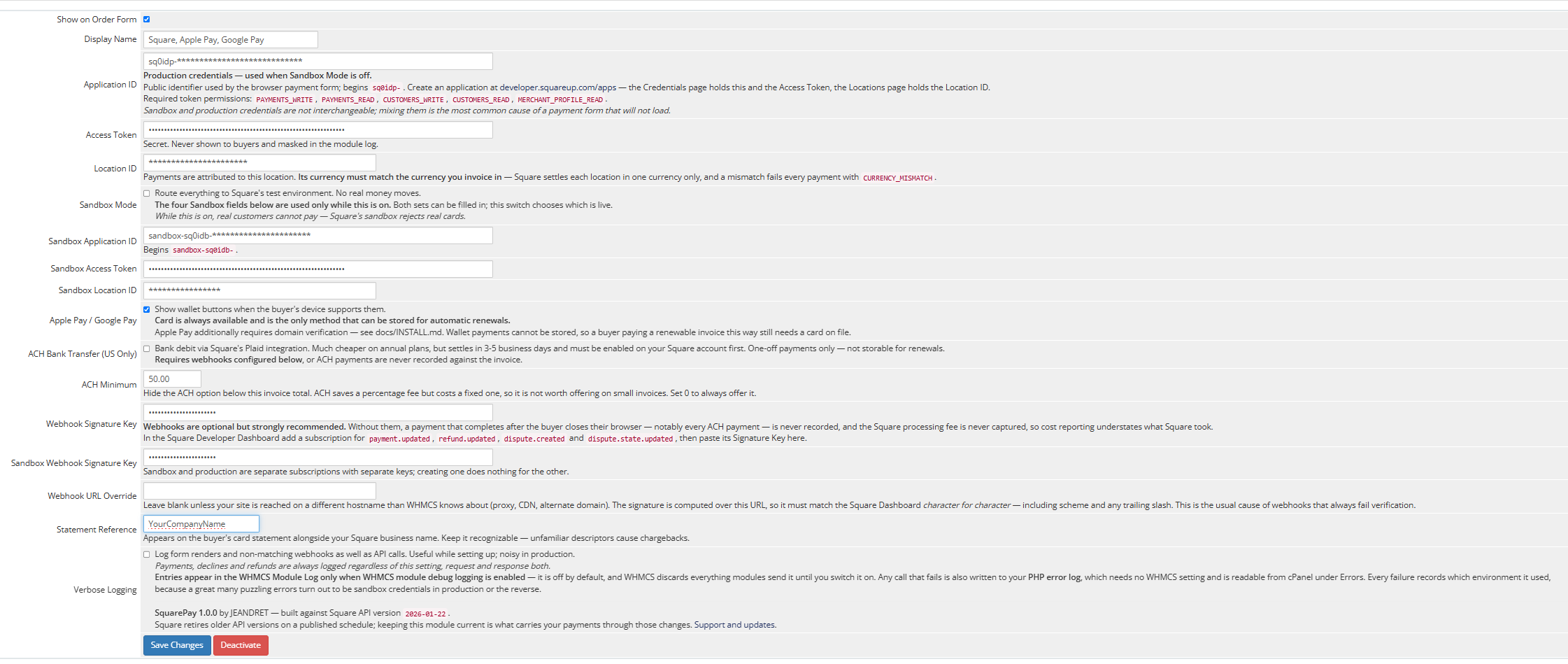
Square settles each location in a single currency. A multi-currency WHMCS install needs one configured gateway instance per currency.
You will need your own Square application: an Application ID, an Access Token, and a Location ID from the Square Developer Dashboard. Sandbox and production credentials are entered separately and switched with a single toggle.
Webhooks are optional but recommended, and required if you enable ACH — an ACH payment settles days after the buyer has closed their browser.
Full setup instructions ship with the module, including Apple Pay domain verification and a troubleshooting section.
Stated plainly, because finding out after purchase is worse:
$99.95 one time. Includes twelve months of updates and support. Further years are available at $39.95 when you want them — entirely optional, and the module keeps working exactly as it does today whether you renew or not. There is no license key, no phone-home, and nothing that expires.
30-day money-back guarantee. Install it, put real payments through it, and if it is not right for you, ask for a refund.
Support tickets are answered within one business day, and usually within a few hours. Tickets are accepted around the clock.
Built and maintained by JEANDRET, a hosting company running this module on our own WHMCS install for our own customers. When Square changes something, it breaks our billing before it breaks yours.
What happens after the first year?
The module keeps working, with no license check and no expiry. The optional $39.95 renewal buys another year of updates and support, and that matters more than it sounds: Square retires older API versions on its own schedule, and when the version this module is built against is retired, every install needs the updated release. An active support year makes you eligible for that fix the moment it ships. Renewal never buys permission to keep using what you already paid for.
Do you ever see my customers' card numbers?
No. The card fields are Square-hosted iframes. Card data goes from the browser to Square directly and never passes through your server, your database or your logs.
Does this work with WHMCS local credit card storage disabled?
Yes — that is the intended configuration. Nothing is stored locally but a token.
Will renewals charge automatically?
Yes. WHMCS cron charges the stored card token as a merchant-initiated transaction — no customer present, no card re-entry. This is the path most hosting businesses actually rely on, and it has been verified to work in a production install.
Do Apple Pay and Google Pay work?
Yes — both tested with live payments on a production install, not only in sandbox. They appear automatically for customers whose devices and browsers support them and require one tap with no card entry.
Apple Pay needs a one-time domain verification on your own domain, which the included instructions walk you through. Google Pay needs nothing beyond enabling it.
Note that a wallet payment cannot be saved for automatic renewals — Square issues a single-use token with no reusable card behind it — so customers on recurring services still need a card on file.
Can I test before going live?
Yes, and properly. Enter sandbox credentials, flip Sandbox Mode on, and use the documented test cards. The included harness also lets you verify against Square's Sandbox API without touching your billing system at all.
What happens if Square is unreachable?
A transport failure is reported as a transport failure, not as a declined card, and is never recorded as a payment. Every request carries an idempotency key, so a retry after a timeout will not result in a double charge.
Does it conflict with other payment gateways?
It has no third-party dependencies, so there is nothing to collide with.
What happens when a renewal declines at 3 a.m.?
WHMCS records the decline reason and retries on its normal schedule. The real reason from the issuer is written to the log, so you can tell an expired card from insufficient funds without opening the Square dashboard.
Be the first to review SquarePay for WHMCS.
The best place to start if you need help with a specific product is to contact the developer. All WHMCS Marketplace developers have both a website and support URL listed.

Easily accept Bitcoin, Tether, Ethereum and many other crypto payments on your WHMCS website
No Fees, Easy Setup. Accept cryptocurrencies like: Bitcoin, Bitcoin Cash, Ethereum and Litecoin!

Open your web site to shopping with the advantages of PayTR. Take your payments securely.

With this WHMCS module, you'll get the payment gateway fees from your clients directly.