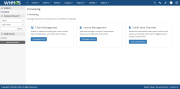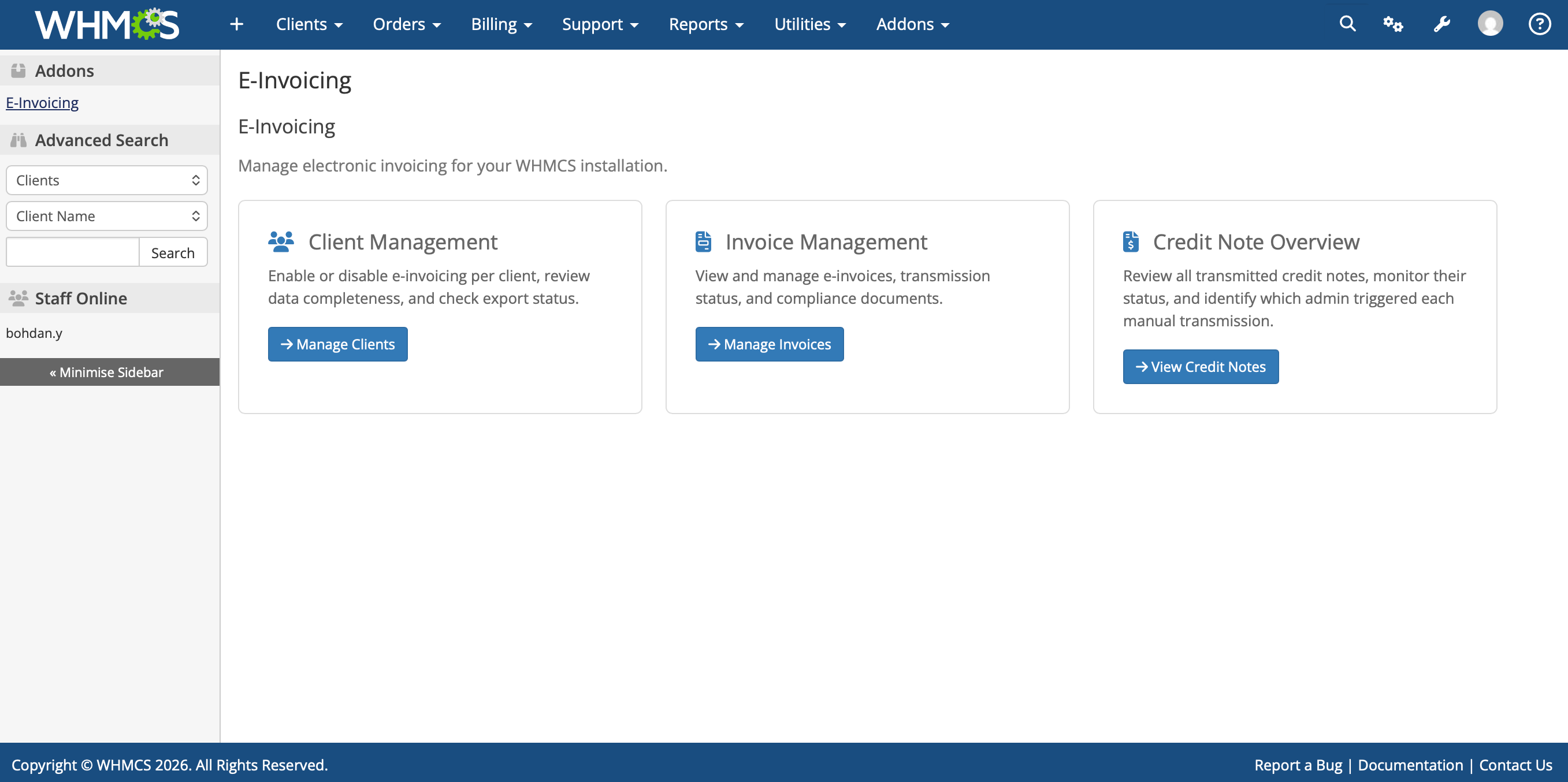
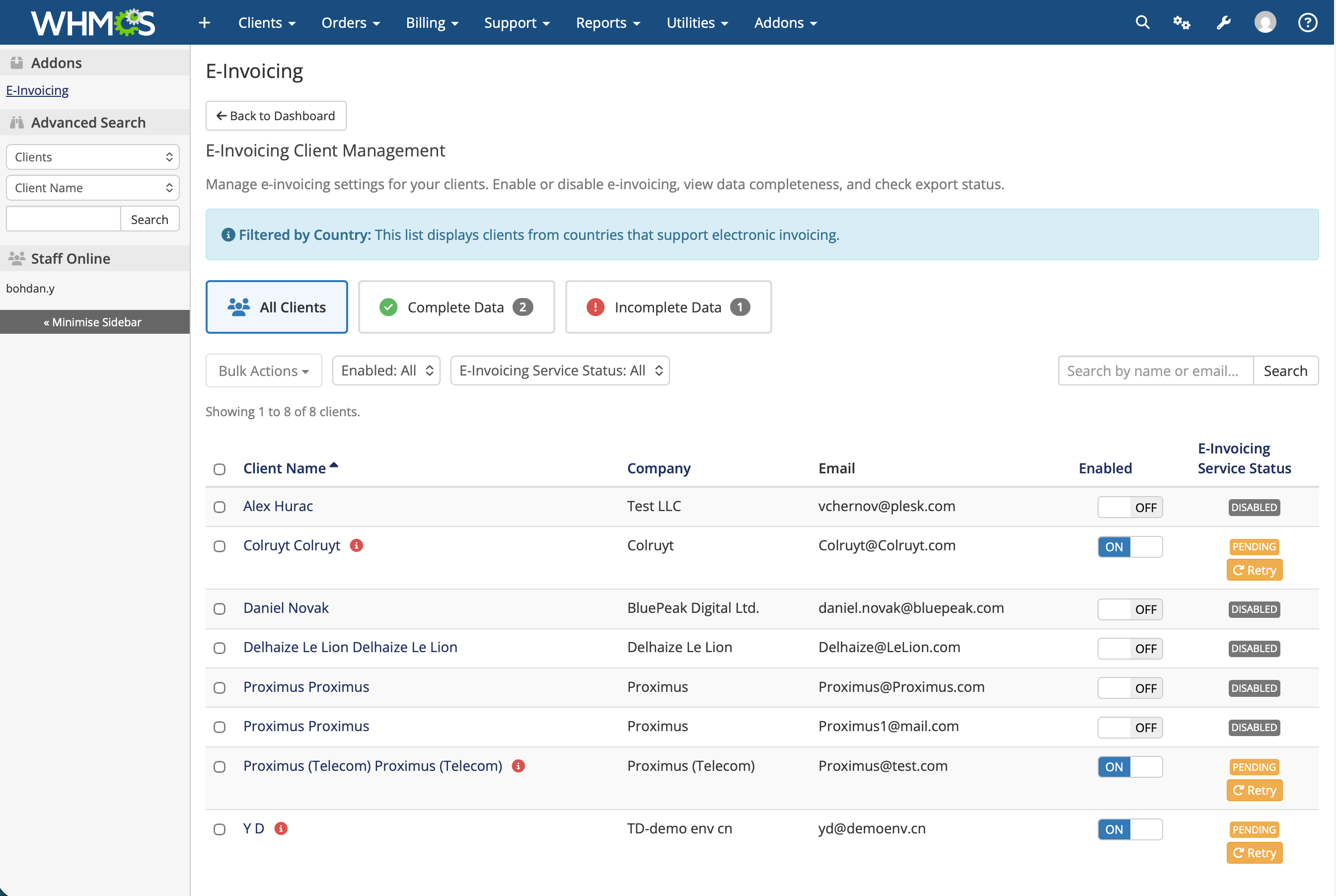
The e-Invoicing Module brings compliant e-invoicing into WHMCS. When you create an invoice for an enrolled client, the module transmits it through the Peppol network automatically, no separate platform, no manual export, no XML to assemble yourself.
The module connects your WHMCS instance to a certified Peppol Access Point. WHMCS submits the invoice data; the Access Point converts it to Peppol BIS 3.0 / UBL 2.1, validates it against EN 16931, signs it, resolves the buyer's Peppol ID, and routes it to the recipient's Access Point. You never handle a schema or a validation rule.
Monthly subscription in USD, purchased on WHMCS.com.
Tier Monthly price Included invoices Overage Starter $14 50 $0.28 / invoice Starter Plus $20 100 $0.20 / invoice Advanced $30 250 $0.12 / invoice Pro $50 500 $0.10 / invoice Enterprise $70 1,000 $0.07 / invoiceYou can move to a higher tier as your invoice volume grows.
Requirements listed are in addition to the WHMCS default system requirements.
What is Peppol e-invoicing?
Peppol is the international network used across the EU to exchange structured electronic invoices between businesses. Instead of emailing a PDF, the invoice is sent as machine-readable data through certified Access Points, so the recipient's accounting system can process it directly. A growing number of EU countries now require it.
Does this make my invoices compliant with the Belgian mandate?
The module transmits structured invoices in Peppol BIS 3.0 / UBL 2.1 through a certified Peppol Access Point, which is the transmission method Belgium's B2B mandate requires. Compliance also depends on your own invoice data being complete and correct, the module flags clients with missing or invalid required fields.
Do I need a separate billing tool or a Peppol account of my own?
No. E-invoicing works inside your existing WHMCS billing workflow, and access to the Peppol network is included with the module. You do not need to select, contract with, or configure an Access Point separately.
Do I have to send e-invoices to every client?
No. You enroll clients individually from the WHMCS admin area. Only enrolled clients have their invoices transmitted via Peppol; everything else continues as it does today.
What happens if an invoice is rejected or fails to transmit?
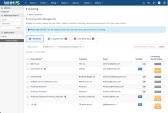
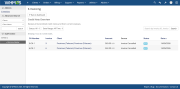
Failed transmissions appear in the e-Invoicing dashboard with status detail. You can correct the underlying issue and retry the send from within WHMCS.
How do refunds and corrections work?
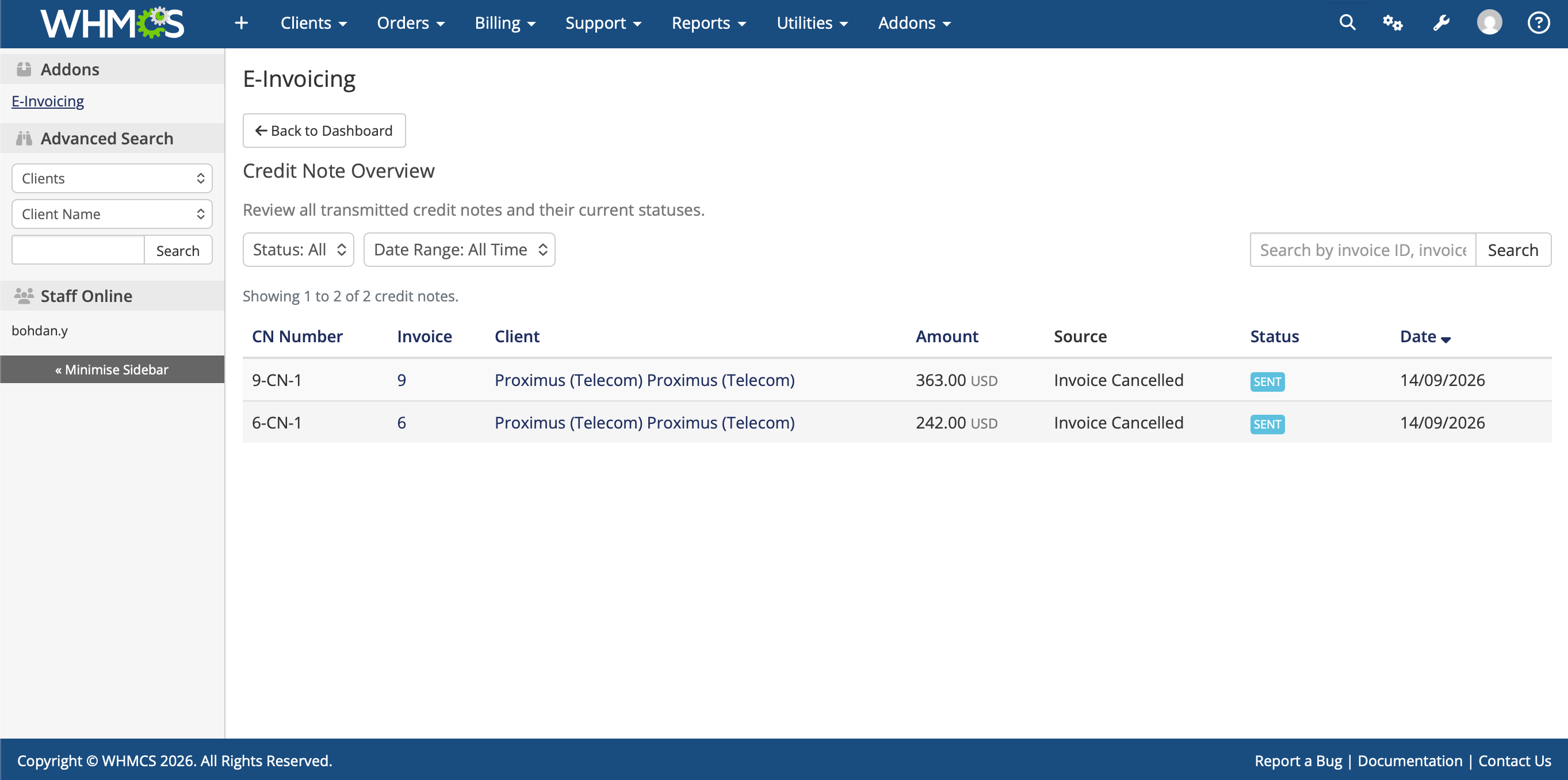
Peppol does not permit editing a transmitted invoice. Issue a credit note instead - the module transmits compliant electronic credit notes referencing the original invoice.
What if my client isn't on the Peppol network?
Use the buyer network lookup to check before sending. A client who is not a reachable Peppol participant cannot receive an invoice over the network.
Can I change tiers later?
Yes. You can upgrade to a higher invoice tier as your volume grows. Overage rates apply to invoices sent above your tier's included volume.
Which countries are supported?
Belgium is the launch market. A Global launch will follow soon.
Be the first to review E-Invoicing Module.
The best place to start if you need help with a specific product is to contact the developer. All WHMCS Marketplace developers have both a website and support URL listed.
Initial release

Easily accept Bitcoin, Tether, Ethereum and many other crypto payments on your WHMCS website


As WHMCS does provide tax rules options where you can configure your GST tax but we have some extra features in our module that makes it stand out and necessary to use.

A handling fee are the costs that business owners incur when processing payments from customers.