




zmchel WHMCS Multimodule, is a powerful, free add-on designed to transform your WHMCS admin area into a fully-featured Content Management System (CMS). It eliminates the need for complex external integrations, allowing you to build and manage corporate pages, articles, and documentation directly within your billing platform.
This module brings everything you need into a single, intuitive dashboard: a drag-and-drop visual page builder with Smarty support, advanced multilingual routing, comprehensive SEO controls, automatic redirect management, and a built-in media library. It gives you absolute control over your website's content, navigation, and search engine visibility without ever leaving WHMCS.
Before using the module, generate unique salts and add them to module_init.php. The module was tested on WHMCS 8.13.1–8.13.7. Apache is fully supported. Nginx may require additional configuration, particularly for language routing on the home page.
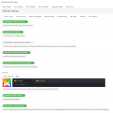
The module combines content creation and site management tools in one admin interface. Each component handles a specific part of the site, from publishing pages to maintaining URLs and navigation.
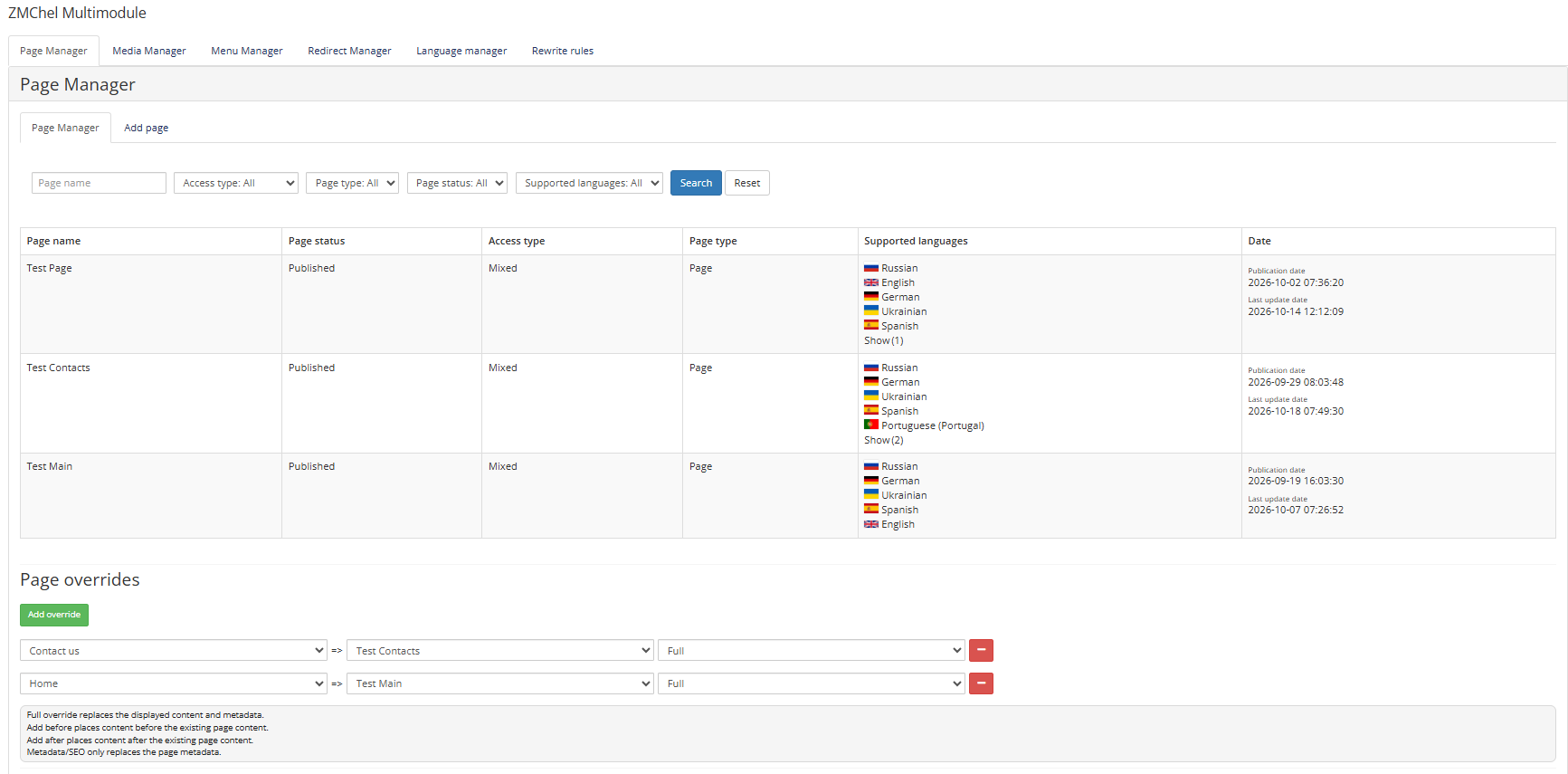
Create and manage pages and articles. Set their publication status, available languages, and visitor access. Search and filter the page list, and replace or extend selected WHMCS pages with your own content.
Build pages with drag-and-drop blocks, responsive layouts, and rich text editing. Add images, galleries, FAQs, contact forms, and other content. Copy a layout or its content between languages for further editing.
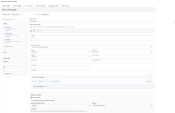
Edit page content and SEO metadata separately for each language. Configure page titles, descriptions, canonical URLs, social sharing metadata, structured data, and language routes.
Upload and search media, manage image descriptions and alt text, and select files from the page editor. Generate image sizes and optimize uploaded images.
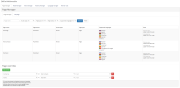
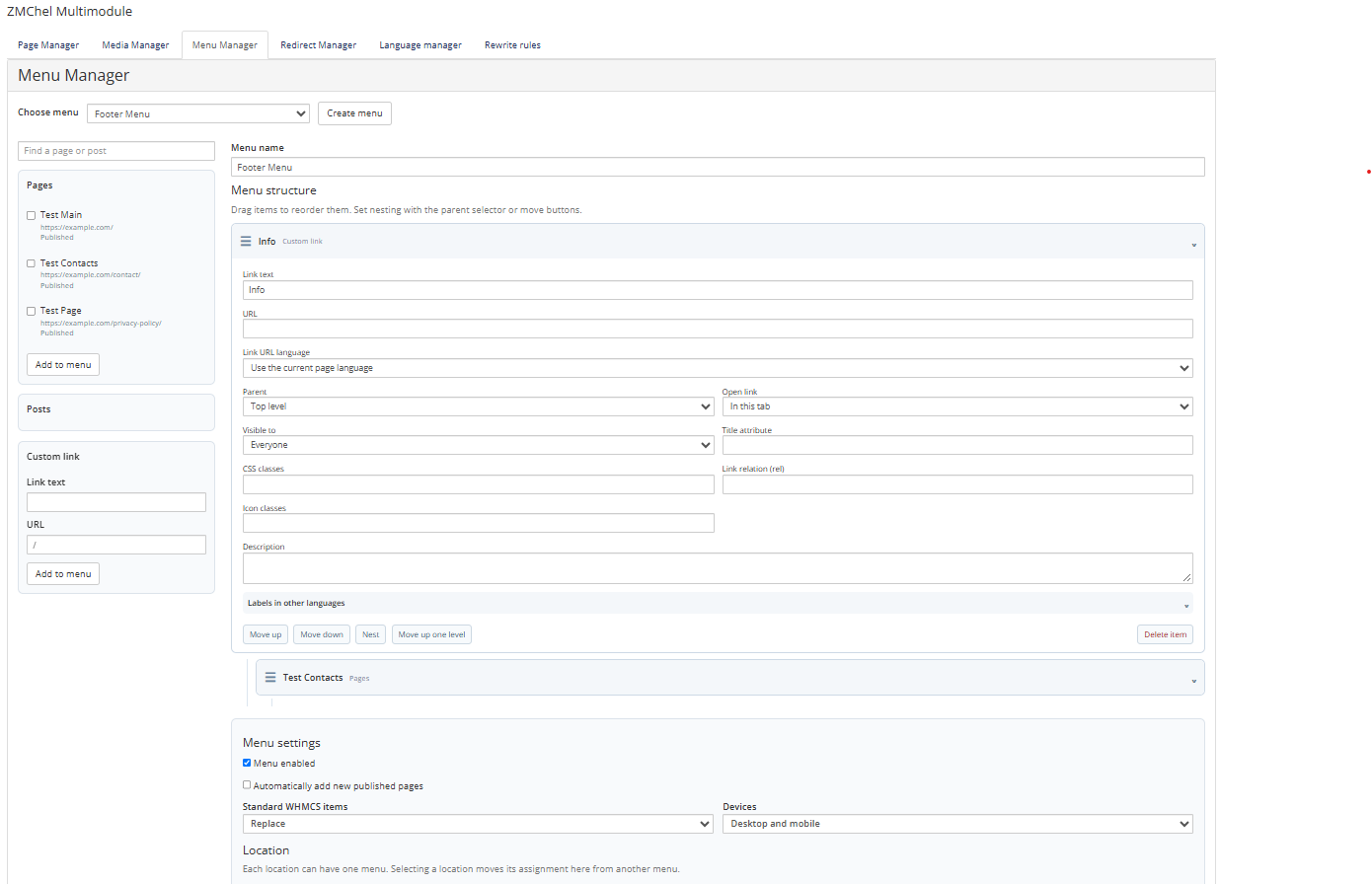
Create multilingual menus with nested items, page links, and custom URLs. Assign them to supported WHMCS navigation areas and control visibility for desktop, mobile, guests, and signed-in clients.
Create, edit, enable, and disable URL redirects. The module can also create redirects when the slug of a published page changes.
Check and manage the module’s Apache .htaccess rules, including custom rewrite rules.
Generate XML sitemaps for published pages and articles manually or through WHMCS cron.
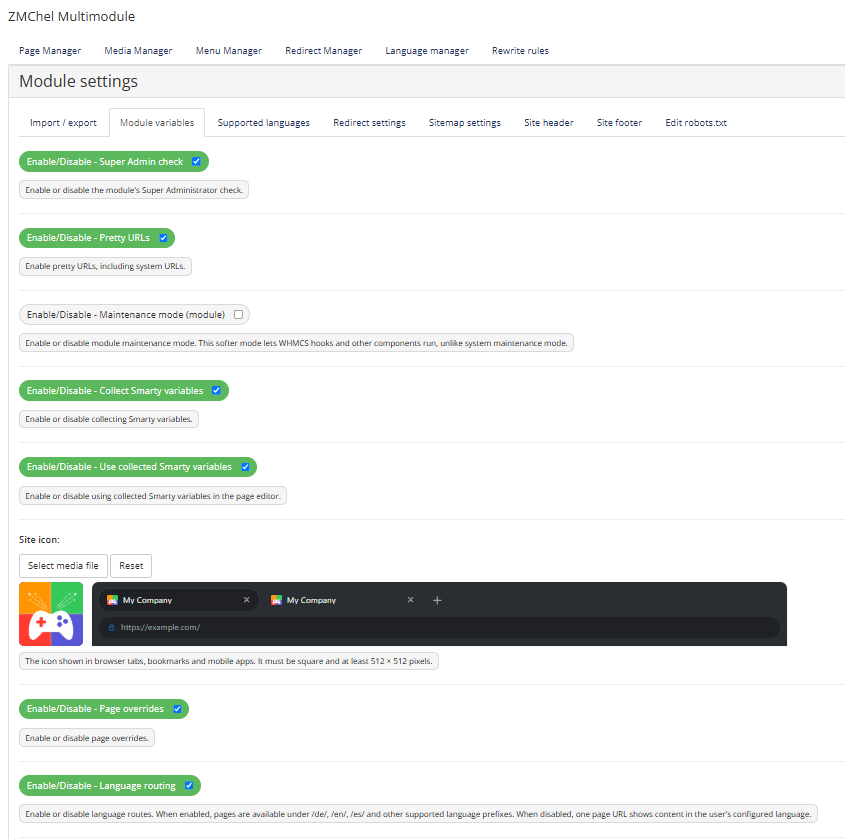
Configure URLs, language routing, menus, redirects, and sitemap generation. Import or export selected module data, and manage robots.txt and site-wide header or footer code.
Development plans focus on expanding the editing tools, improving performance, and making the module easier to maintain. These are ideas for the future, not a fixed roadmap.
.tpl files and WHMCS client theme files.
Be the first to review WHMCS Multimodule.
The best place to start if you need help with a specific product is to contact the developer. All WHMCS Marketplace developers have both a website and support URL listed.
This patch improves language support without changing the module’s core features.
Version 1.0.0 — Initial Release

Working comfortably with ResellerClub's products and services through your WHMCS system requires additional tools.

The module developed to add meta description and meta keywords and change the page title


This module will integrate WHMCS with Dropbox to upload a copy of WHMCS database onto the cloud. You will never have to worry about losing data any more.