Caddie – 24 Client Tools for WHMCS

Caddie – 24 Client Tools for WHMCS

Developed By K & K Web Services

Compatible with WHMCS v9.0

Give your clients a reason to log in every week.

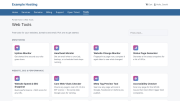
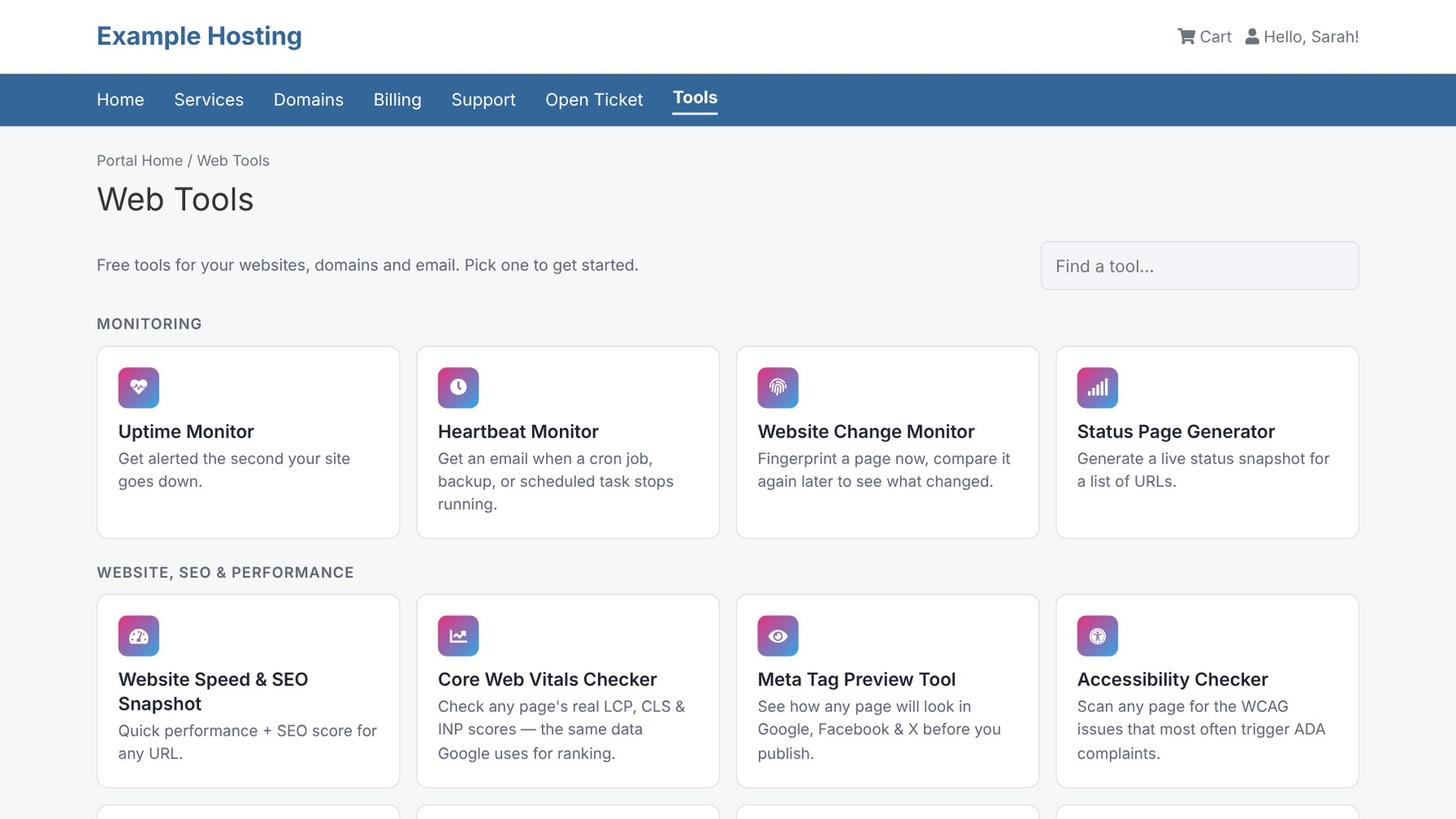
Caddie adds 24 professional website, DNS, email, monitoring and business tools to your WHMCS client area. Clients check their SSL expiry, monitor their uptime, fix their SPF records and print QR codes without leaving your brand, and every tool can point them back to your hosting plans.

Monitoring

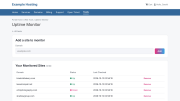
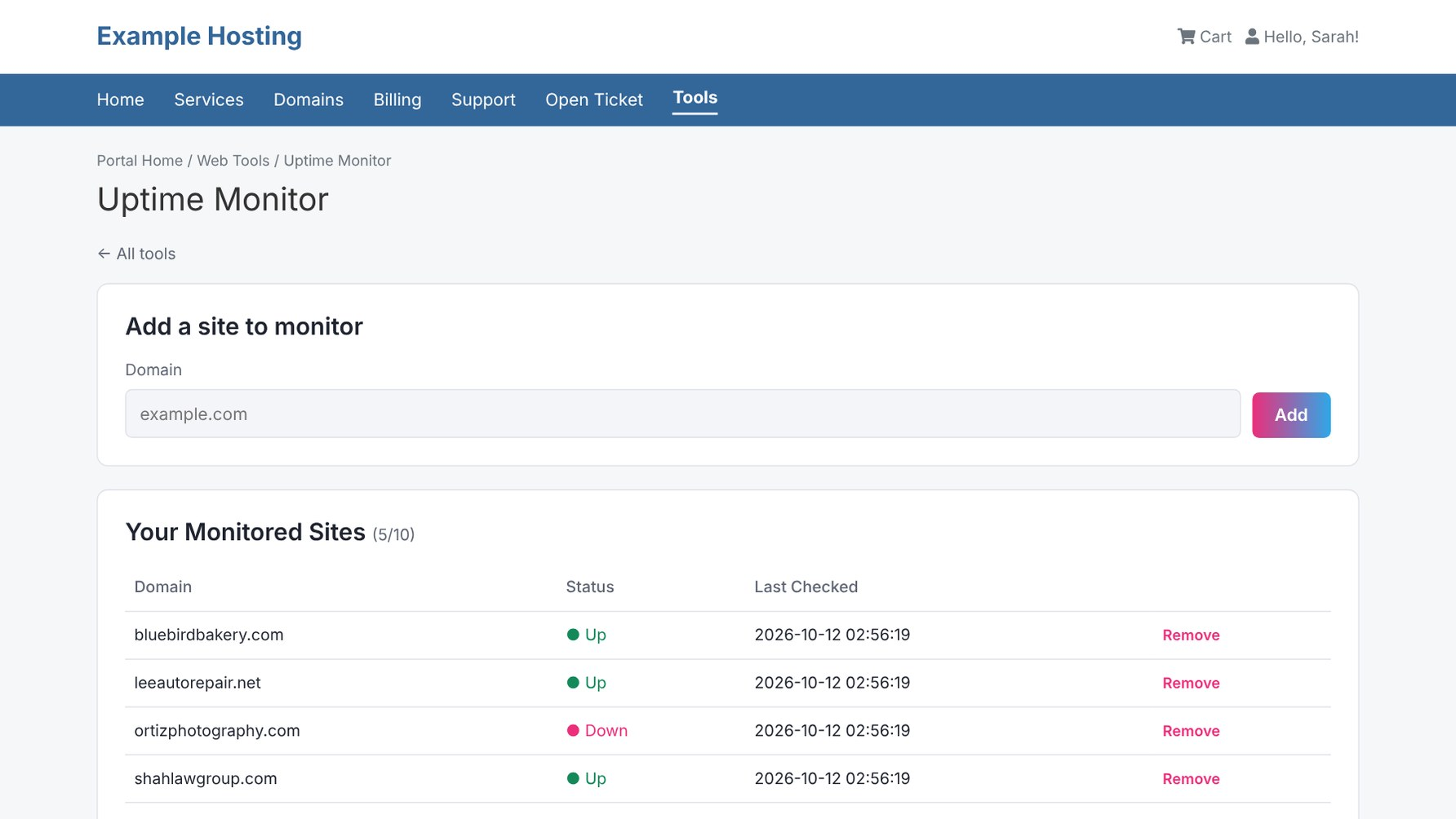
  • Uptime Monitor: emails the client the moment their site goes down, and again when it's back
  • Heartbeat Monitor: alerts when a cron job, backup or scheduled task stops running
  • Website Change Monitor
  • Status Page Generator

Website, SEO & Performance

  • Website Speed & SEO Snapshot
  • Core Web Vitals Checker (LCP, CLS, INP)
  • Meta Tag Preview (Google, Facebook, X)
  • Accessibility Checker
  • Broken Link Checker
  • Mixed Content Checker
  • Security Headers Checker
  • Redirect Chain Checker

Domains, DNS & SSL

  • DNS Propagation Checker (Google, Cloudflare, Quad9)
  • WHOIS & Domain Expiration Checker
  • SSL Certificate Checker
  • Blacklist & IP Reputation Checker

Email Deliverability

  • Email Deliverability Checker (SPF, DKIM, DMARC)
  • SPF & DMARC Record Builder with 10-lookup limit check
  • DMARC Report Analyzer (upload XML, .gz or .zip reports)

Hosting & Business

  • Reseller Hosting Profit Calculator
  • What Hosting Plan Do I Need? quiz
  • Migration Savings Calculator
  • cPanel/WHM Migration Checklist

Marketing

  • Dynamic QR Codes & Short Links: change the destination any time, even after printing, with scan and click stats by day, device and referrer

For you, the admin

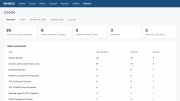
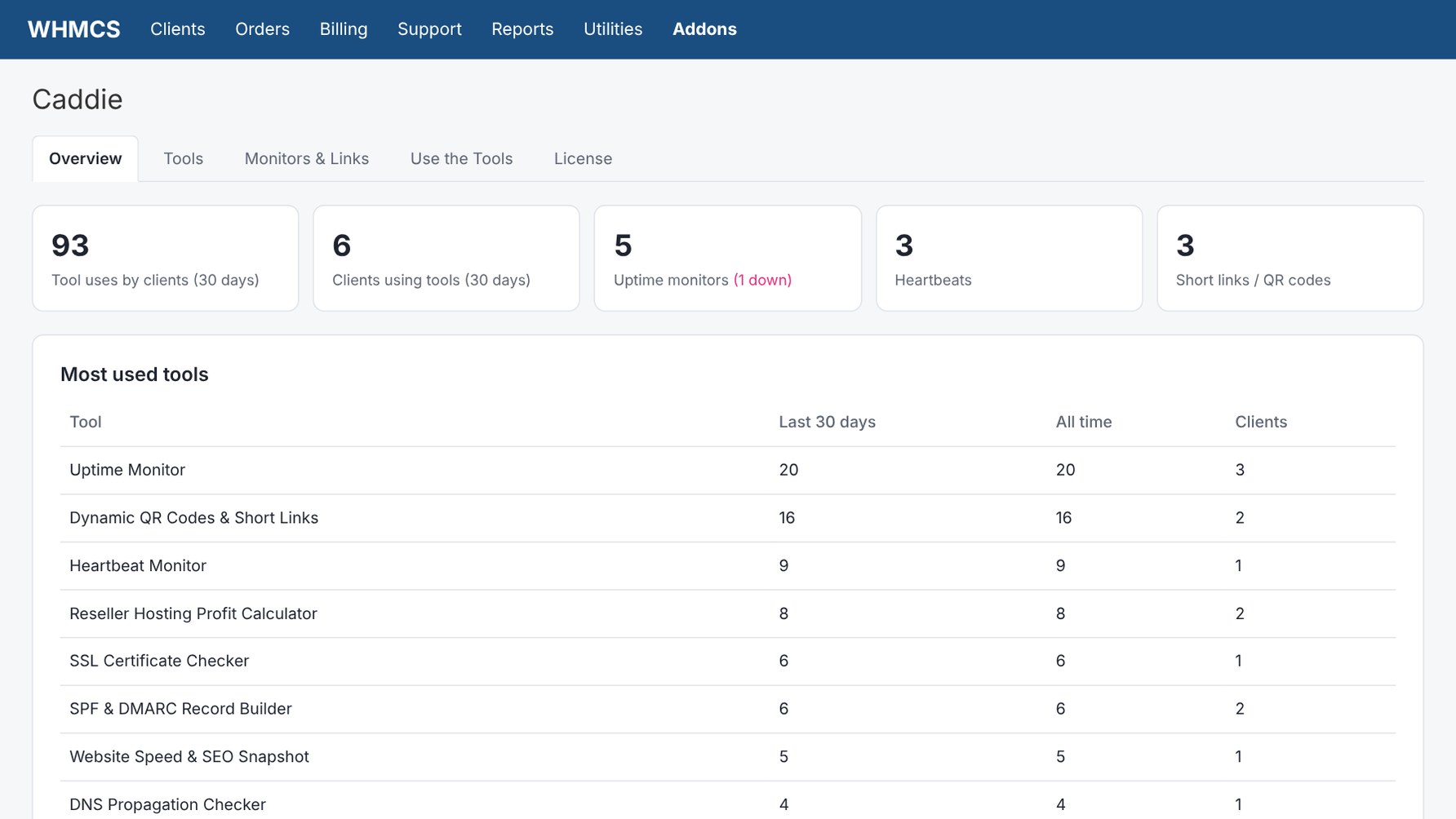
  • Leads report: see which clients use which tools and whether they have an active service, with CSV export
  • Turn each tool on or off for clients and for admins
  • Limit access to all clients, clients with an active service, or specific products
  • See every uptime monitor, heartbeat and short link across all clients in one place
  • Upsell banners under each tool that link to your plans (editable, or turn them off)

Built the WHMCS way

  • Alert emails go through WHMCS, using your mail settings and email template, and are logged in the client's email history
  • Monitors run with your existing WHMCS cron, with no extra services to host
  • Adds a client area menu link and homepage panel automatically
  • Light, dark and auto themes with your own accent colors; all CSS is scoped so your theme is never affected
  • Works with Twenty-One, Six and Zomex themes
  • CSRF protection on every form, and tools refuse to fetch private or internal IP addresses

Frequently Asked Questions

Do my clients need a new account? No. Caddie runs inside the WHMCS client area and uses the login your clients already have.

How do the uptime and heartbeat monitors run? They run with your normal WHMCS cron, about every 5 minutes. An optional one-minute cron job is included for faster heartbeat alerts.

Can I limit the tools to paying customers? Yes. Allow any logged-in client, only clients with an active service, or only clients with specific products. Individual tools can also be switched off.

Can I change or remove the upsell text? Yes. Each tool's upsell line is in an editable language file, and one setting turns them all off.

Will it slow down WHMCS? No. Tools only run when a client opens one, and background checks run in parallel batches during the WHMCS cron.

What happens if I deactivate Caddie? Monitors, short links and history stay in the database, so reactivating brings everything back. Deleting the data is a separate, opt-in setting.

Do printed QR codes keep working if I change the destination? Yes. The QR code points at your short link, and you can change where it goes at any time.

What does the yearly renewal cover? The $39.99 license includes 12 months of updates and support. After that, updates and support renew at $19.99/year, and Caddie keeps working even if you don't renew.


There are no reviews yet!

Be the first to review Caddie – 24 Client Tools for WHMCS.

Version Compatibility


Compatible with WHMCS v9.0

Full Version Compatibility


  • All versions of WHMCS v9.0

System Requirements


  • Requires PHP 8.3 or newer
  • ionCube Loader v15
  • Uses PHP cURL and OpenSSL (standard on most hosts). Uptime and heartbeat monitoring require the WHMCS cron to be running.

* Requirements listed are in addition to the WHMCS default system requirements.

Support for this product

The best place to start if you need help with a specific product is to contact the developer. All WHMCS Marketplace developers have both a website and support URL listed.

Developed By K & K Web Services

Changelog

v1.0.1 Released November 12th, 2026

Latest Version


 * DNS Propagation Checker: Quad9 now works on servers whose firewall blocks outgoing port 5053 (most cPanel servers). Quad9 is now checked over port 443.
 

Previous Versions


v1.0.0 Released October 11th, 2026

View/hide detailed changelog

  • Initial release
  • 24 client-area tools across monitoring, website/SEO, domains/DNS/SSL, email deliverability, hosting/business and marketing
  • Uptime and heartbeat monitoring with alerts sent through WHMCS email
  • Dynamic QR codes and short links with click statistics
  • Admin Overview with Leads report and CSV export
  • Per-tool and per-product access control
  • Light, dark and auto themes


See also

FREE ResellerClub Tools v2

Working comfortably with ResellerClub's products and services through your WHMCS system requires additional tools.

Free
SEO Manager

The module developed to add meta description and meta keywords and change the page title

Free
WHOIS for Clients

WHOIS for Clients

Free
Dropbox Backup for WHMCS

This module will integrate WHMCS with Dropbox to upload a copy of WHMCS database onto the cloud. You will never have to worry about losing data any more.


Free
Software Licensing Addon

Build, License & Distribute Your Own Apps using WHMCS

Commercial