Client Notifications For WHMCS

Client Notifications For WHMCS

Developed By ModulesGarden

Compatible with WHMCS v9.0

Client Notifications For WHMCS gives you a flexible way to communicate with customers directly in the WHMCS client area. Create targeted alerts, popups, and notification center messages to share important account updates, service notices, announcements, or promotional content exactly where your clients are most likely to see them.

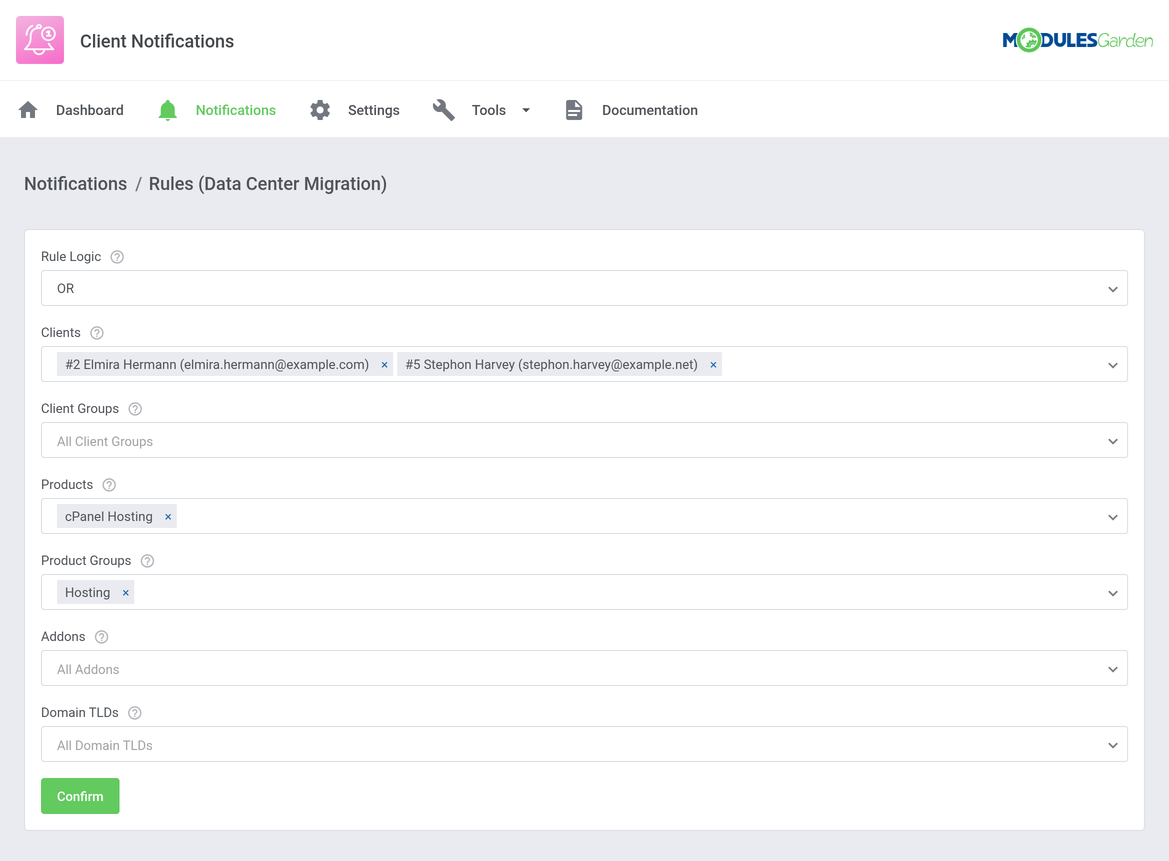
Choose how each message should be displayed and define exactly who should see it using rules based on individual clients, client groups, products, product groups, addons, and domain TLDs. Schedule notifications for selected time periods, prepare their content in multiple languages, and use predefined styles to match the purpose of each message. Popups can also use custom styling and different sizes, while bell notifications may include individual icons and target links. With display frequency control, you can additionally decide how often the same popup should appear to each client.

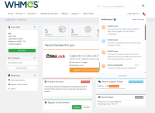
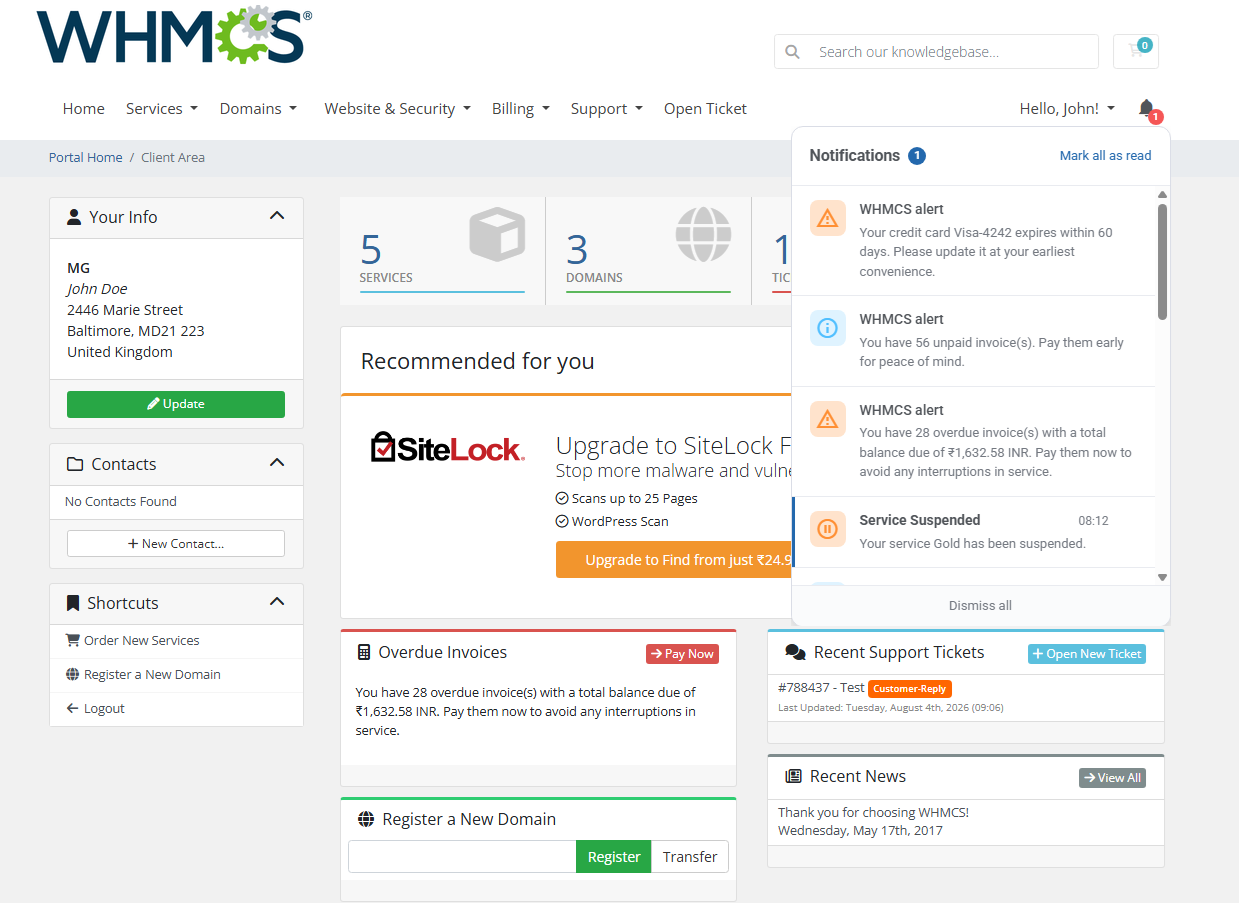
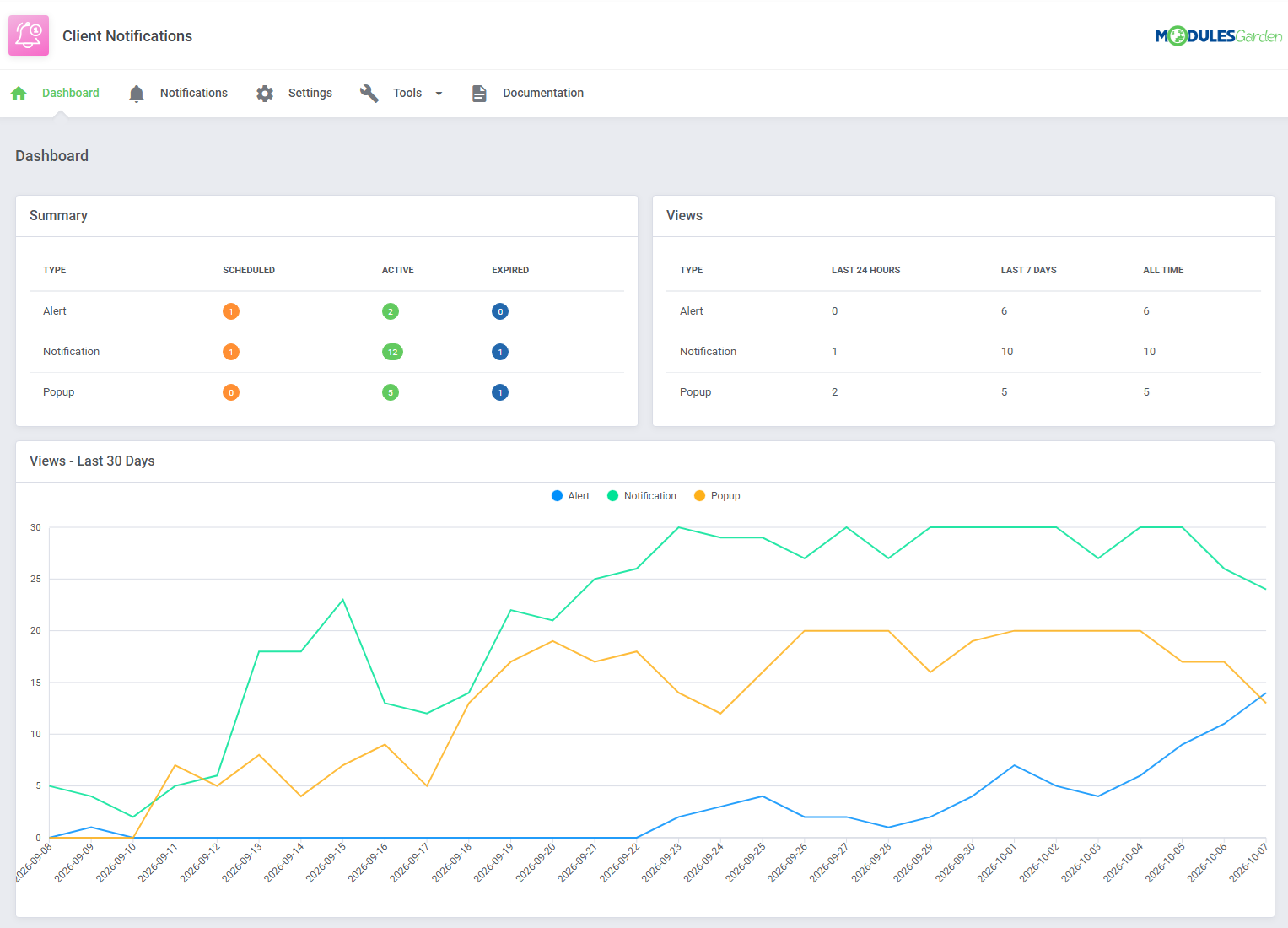
Built-in automation makes client communication even easier by generating notifications for common WHMCS events, including new invoices, suspended or terminated services, and upcoming service or domain due dates. Clients are alerted to new notifications through a bell icon in the Client Area, where they can view, mark as read, or dismiss individual messages. Meanwhile, administrators can monitor scheduled, active, and expired messages and track their views directly from the module dashboard.

Keep important communication inside your WHMCS instead of relying solely on email. Choose Client Notifications For WHMCS to deliver relevant messages to the right clients at the right time.

Test all features with our 7-Day Free Access!

Core Features:

  • Display Targeted Messages In WHMCS Client Area
  • Create Three Types Of Client Messages:
    • Alerts
    • Popups
    • Notifications
  • Target Messages Based On Clients, Services And Domains
  • Schedule Messages For Selected Time Periods
  • Define Popup Display Frequency Per Client
  • Prepare Message Content In Multiple Languages
  • Automatically Create Notifications For Selected WHMCS Events
  • Track Message Views And Activity

Addon Module:

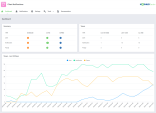
  • View Dashboard With Message Summary:
    • View Scheduled, Active And Expired Alerts
    • View Scheduled, Active And Expired Notifications
    • View Scheduled, Active And Expired Popups
  • View Message Statistics:
    • View Alert, Notification And Popup Views From The Last 24 Hours
    • View Alert, Notification And Popup Views From The Last 7 Days
    • View All-Time Alert, Notification And Popup Views
    • View Message Activity From The Last 30 Days On Graph
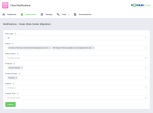
  • Create And Manage Client Messages:
    • Enable Or Disable Message
    • Specify Message Name
    • Select Message Type
    • Select Display Style
    • Set Start And End Date
  • Configure Popup Messages:
    • Select Popup Style
    • Select Popup Size
    • Define Display Frequency For The Same Client
  • Configure Notification Messages:
    • Select Notification Style
    • Select Notification Icon
    • Define Target Link
  • Define Message Display Rules Based On:
    • Clients
    • Client Groups
    • Products
    • Product Groups
    • Addons
    • Domain TLDs
  • Combine Display Rules Using AND / OR Logic
  • Create Multilingual Message Content:
    • Select Default Language
    • Define Subject And Body Per Language
  • Configure General Settings:
    • Show Or Hide Notification Bell In Client Area
    • Include Native WHMCS Notifications In Notification Center
    • Define Popup Display Delay
  • Automatically Create Notifications For:
    • New Invoices
    • Suspended Services
    • Terminated Services
    • Upcoming Service Due Dates
    • Upcoming Domain Due Dates
  • Customize Module Language Files With "Translations" Tool
  • Control Administrator Access To Module Sections And Actions
  • Use Scheduler To Manage Automated Module Tasks
  • View Module Logs

Client Area:

  • View Alerts Directly In Client Area
  • View Popup Messages In Client Area
  • Access Messages Through Dedicated Notification Center
  • View Unread Notification Counter
  • Open Target Links Directly From Notifications
  • Mark All Notifications As Read
  • Dismiss Individual Notifications
  • Dismiss All Notifications

General Info:

  • Multi-Language Support With Custom Translations Tool
  • Supports PHP 8.4 Back To PHP 8.2
  • Supports WHMCS Themes "Six", "Twenty-One", "Nexus" And "Lagom WHMCS Client Theme"
  • Supports WHMCS V9.1 Back To WHMCS V8.10
  • Requires ionCube Loader V15 Or Later
  • Easy Module Upgrade To Open Source Version

Available Pricing Models:

  • Monthly
  • Annual
  • One-Time


There are no reviews yet!

Be the first to review Client Notifications For WHMCS.

Version Compatibility


Compatible with WHMCS v9.0

Full Version Compatibility


  • All versions of WHMCS v9.0
  • All versions of WHMCS v8.13
  • All versions of WHMCS v8.12
  • All versions of WHMCS v8.11
  • Selected versions of WHMCS v8.10
        8.10.0

Support for this product

The best place to start if you need help with a specific product is to contact the developer. All WHMCS Marketplace developers have both a website and support URL listed.

Developed By ModulesGarden

Changelog

v1.0.0. Released October 8th, 2026

Latest Version


*Launch: Stable Release


See also

Discord Notifications

A simplistic, free & open source hook allowing instant Discord notifications when an action is triggered.

Free
Netgsm SMS

Netgsm Sms addon provides you sending customized bulk sms and creating sms templates.

Free
MSG91 SMS/OTP Plugin

MSG91 WHMCS SMS plugin gives you the power and flexibility to stay connected with your customers by sending them an SMS and OTP's for 2FA at the crucial steps that matters the most.


Free
SMS Manager

More Advanced SMS System

Commercial
SMSQ Notify

Send SMS Notification From WHMCS by SMSQ Notify

Free