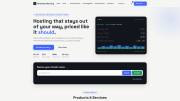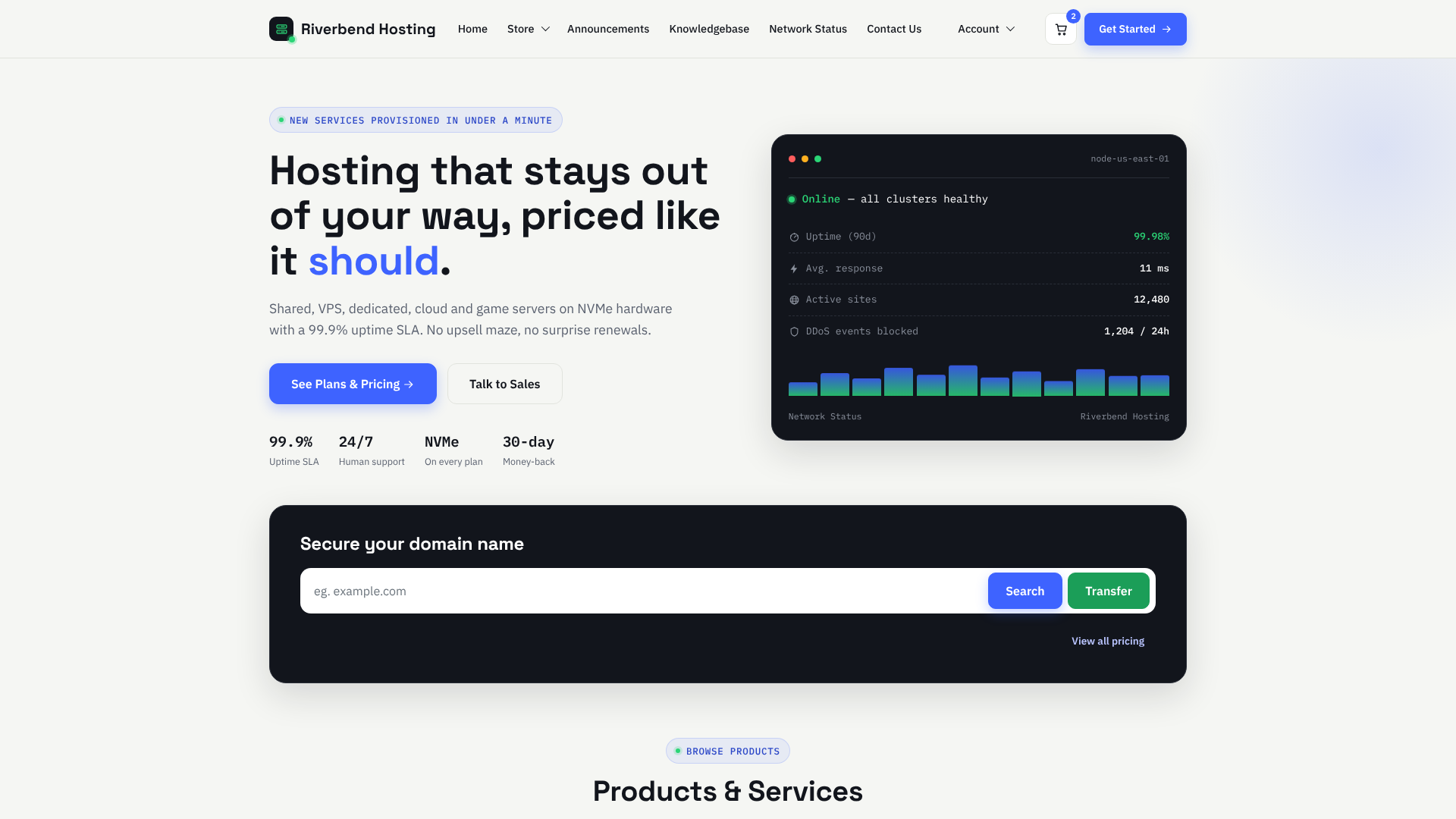
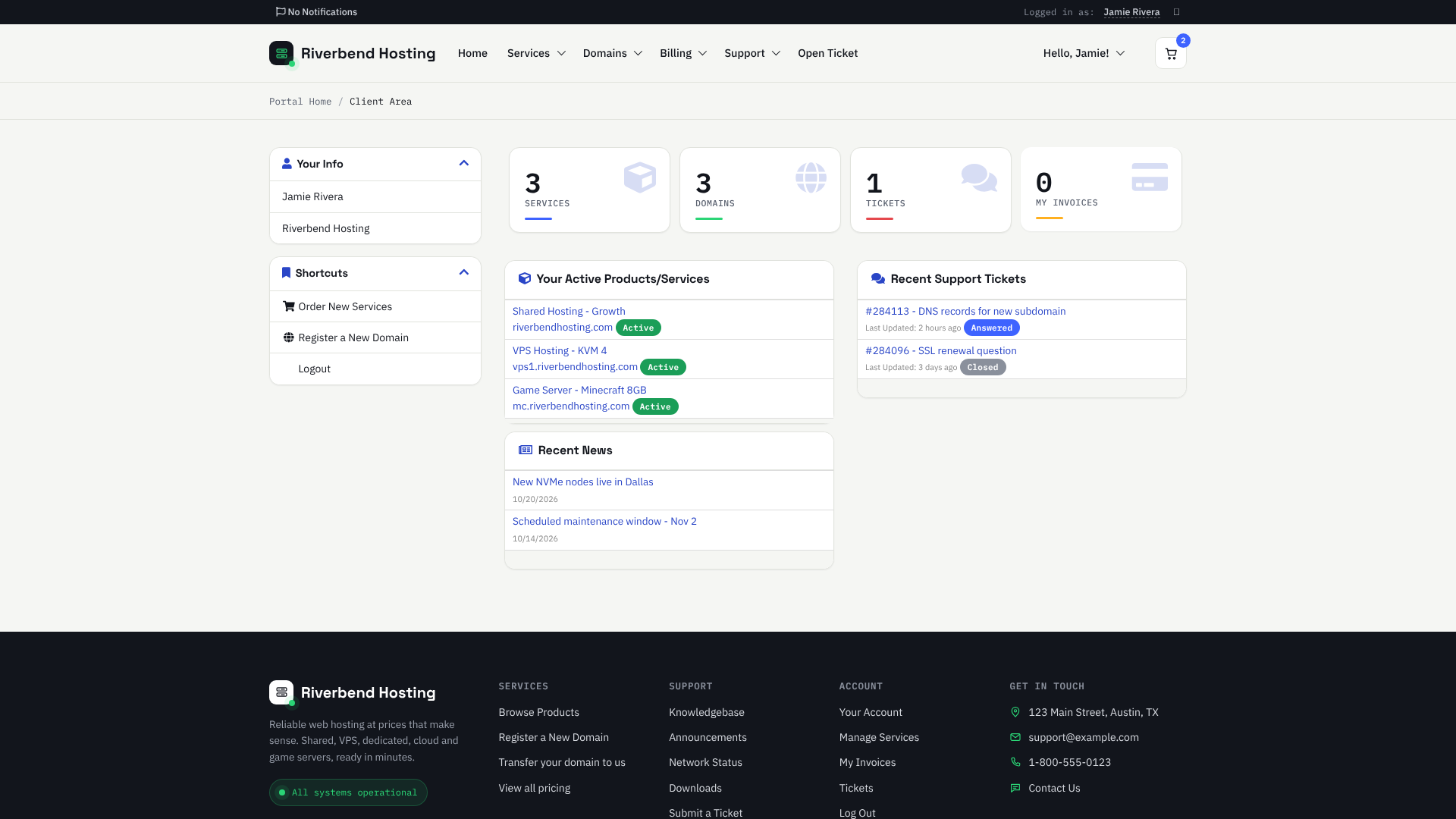
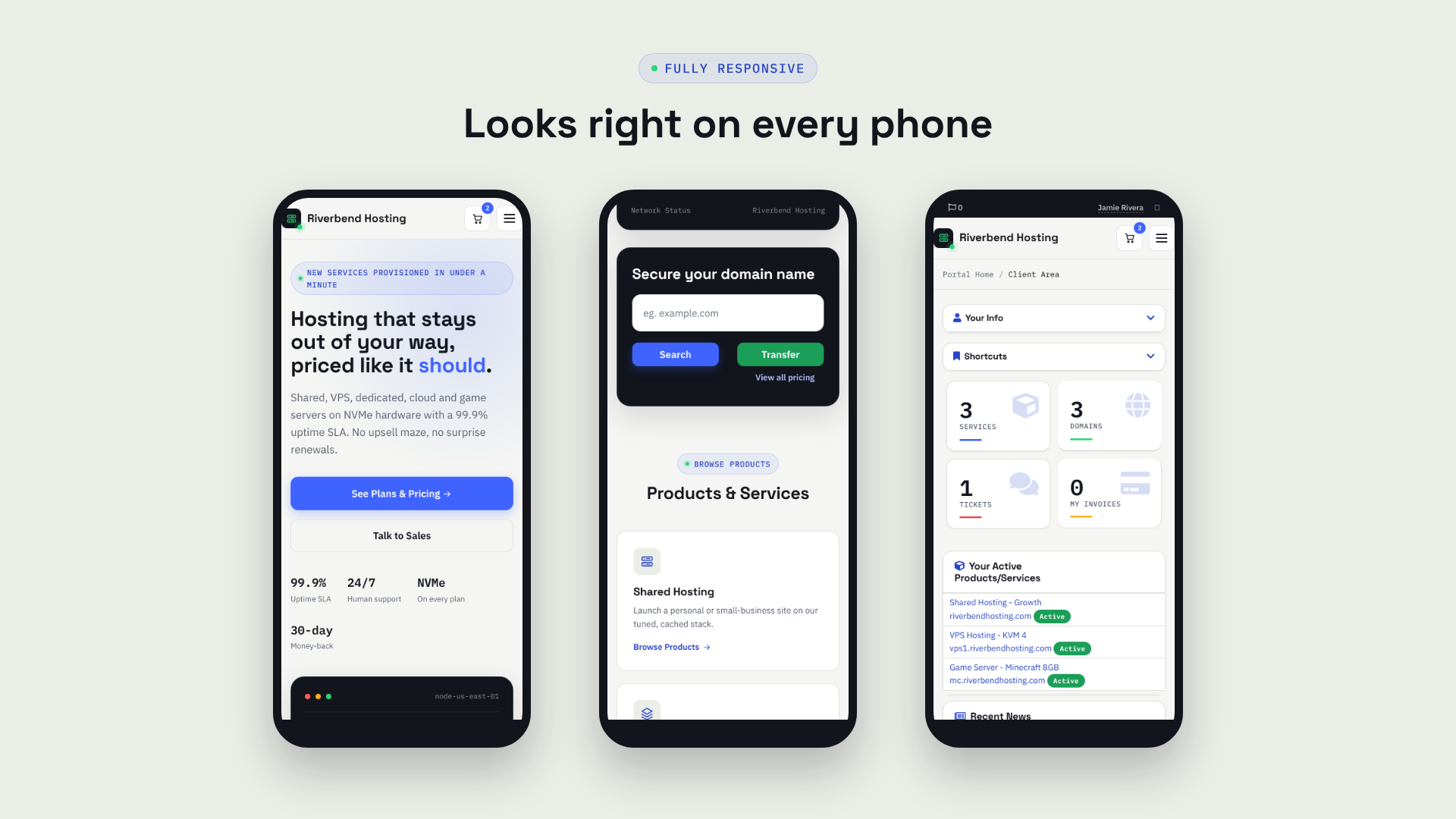
Speck Host gives your WHMCS client area a clean, modern look: a light layout with dark status panels, sharp typography and a homepage built to sell hosting.
It is built on the official Twenty-One theme, so every WHMCS page keeps working, and third-party addon pages pick up the new look automatically.
Hero section with your headline, two buttons and four key numbers
Live-style status console panel
Domain search, including the newer AI domain search
Product cards built automatically from your WHMCS product groups
Feature strip and a call-to-action banner
Quick links to announcements, network status, knowledgebase, downloads and tickets
New sticky header with your logo, the WHMCS menus and the cart
New dark footer with service, support, account and contact columns
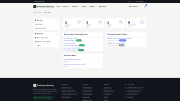
Restyled dashboard tiles, sidebars, tables, forms, alerts and status labels
Restyled login page and Standard Cart order form
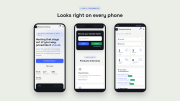
Fully responsive on phones, tablets and desktops
Your logo comes from WHMCS General Settings
Phone, email, address, homepage text and footer text are all in one settings file
Hide any homepage section by leaving its value empty
Recolor the whole theme from custom.css, which theme updates never overwrite
Menus are the normal WHMCS menus, so links added by you or your addons show up automatically
Extract the zip into your WHMCS folder.
Activate the Speck Host Theme addon and enter your license key.
Preview the theme by adding ?systpl=speckhost to your client area address.
Set System Theme to Speck Host under General Settings.
$39.99 one-time, with 12 months of updates and support included. Updates and support renew at $19.99 per year after that, and the theme keeps working if you don’t renew.
One license per WHMCS install. The key is checked about every 15 days with a 5-day grace period. If the license can’t be verified, the client area falls back to the plain Twenty-One look, so your billing area never goes down.
PHP 8.3 or newer
ionCube Loader v15
Standard Cart order form (the WHMCS default)
Will my addons still work?
Yes. Speck Host is built on Twenty-One, so addon pages follow the new design.
Can I try it before switching my customers over?
Yes. Add ?systpl=speckhost to your client area address. Only you see the new theme.
Can I move it to a new domain?
Yes. Reissue the license from your client area and it locks to the new install on its next check.
Does it work with other order forms?
It is styled for Standard Cart. Other order forms still work but keep their own look.
Be the first to review Speck Host - Client Area Theme.
The best place to start if you need help with a specific product is to contact the developer. All WHMCS Marketplace developers have both a website and support URL listed.
Initial release
Homepage with hero, status console, domain search, product cards, features and call-to-action banner
New header and footer
Restyled client dashboard, sidebars, tables, forms, alerts and status labels
Restyled login page and Standard Cart order form
One-file branding through speck-config.tpl
custom.css for safe custom changes

Modern and fully responsive WHMCS email template, containing 3 different styles.
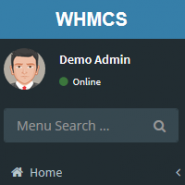
Lara is a WHMCS Admin theme, using the open source AdminLTE package.

Fully responsive WHMCS client area theme offering the choice of different styles and layouts for the ultimate user experience.