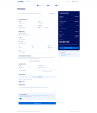
Weeby Studio — WHMCS Theme & Visual Website Builder
Your hosting website. Your brand. Your visual workspace.
Weeby Studio brings together a responsive hosting website, a visual website builder, a custom WHMCS client area, and a matching orderform and checkout.
Built for hosting companies, cloud providers, domain resellers, and web service businesses, it gives you the tools to shape your website while keeping products, prices, customer accounts, and orders connected to WHMCS.
Visual Website Builder
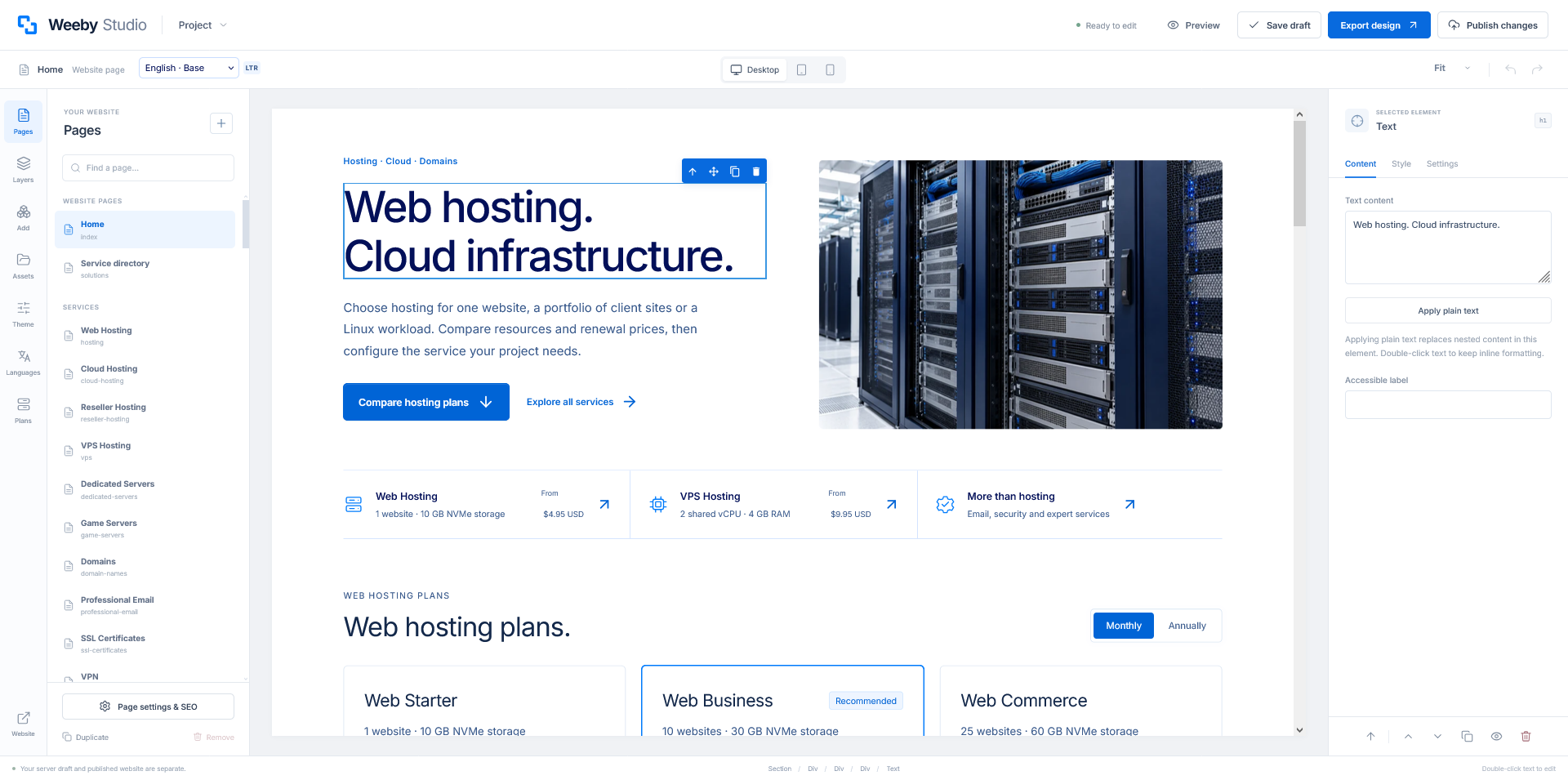
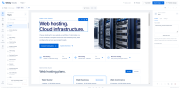
Make your website your own from a dedicated Studio inside the WHMCS administration area.
- Edit website text, images, links, buttons, and supported styling visually.
- Create and duplicate public pages, add content blocks, and arrange editable sections.
- Navigate page structure with Pages and Layers.
- Upload images and manage reusable website assets.
- Preview desktop, tablet, and mobile layouts.
- Customize shared navigation, headers, footers, and website links.
- Manage page titles, search descriptions, and image alternative text.
- Save unpublished drafts and publish changes when ready.
- Import and export editable project backups.
- Revisit saved published versions and restore an earlier design.
- Use page-specific and shared custom CSS for advanced styling.
Native WHMCS forms, live prices, and account records retain their original functionality and validation.
Complete Website, Client Area & Checkout
Give your customers a consistent experience across the public website, account workspace, product selection, configuration, cart, and checkout.
- Responsive layouts for desktop, tablet, and mobile.
- Coordinated typography, buttons, forms, cards, navigation, and interface states.
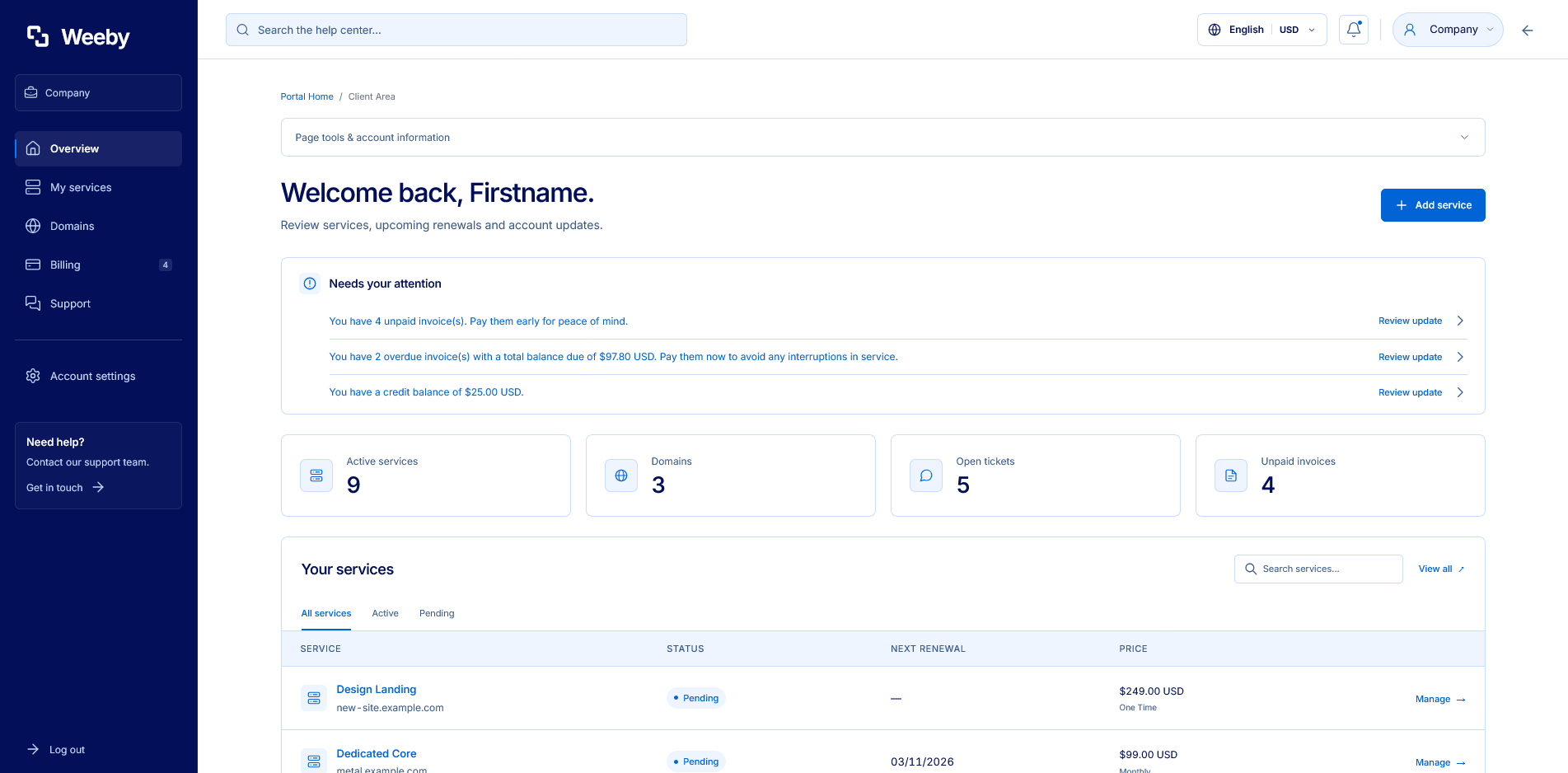
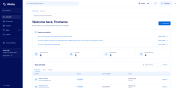
- A custom client dashboard with sidebar navigation and account shortcuts.
- Matching orderform templates connected to native WHMCS ordering.
- Shared branding and color controls across supported theme views.
12 Color Palettes + Custom Colors
Start with the original Weeby blue, navy, and white identity, or choose a coordinated alternative.
Included palettes: Weeby Original, Royal Indigo, Azure Coast, Cobalt Night, Garnet Rose, Amethyst Violet, Orchid Plum, Ruby Crimson, Ember Terracotta, Copper Amber, Midnight Ink, and Cerulean Bay.
- Customize accents, actions, navigation, headings, text, backgrounds, surfaces, and borders.
- Set your logo, typography, content width, and button corners.
- Apply palette-aware bundled visuals and a default favicon that follows the selected colors.
- Use your own uploaded images, logo, or favicon.
Custom uploaded artwork keeps its original colors.
23 Starting Public Pages
The included collection contains a homepage, service directory, 14 service landing pages, and seven policy pages.
Hosting & compute
- Web Hosting
- Cloud Hosting
- Reseller Hosting
- VPS Hosting
- Dedicated Servers
- Game Servers
Business & security
- Domains
- Professional Email
- SSL Certificates
- VPN
Expert services
- Web Design
- Backup & Recovery
- Website Migration
- Managed Services
Policy pages
- Terms of Service
- Privacy Policy
- Refund Policy
- Acceptable Use Policy
- Domain Policy
- Service Levels
- Cookie Policy
Add your own content and public pages through the Studio.
Custom WHMCS Client Area
Keep everyday customer tasks inside a coordinated account workspace.
- Account dashboard, service overview, and account updates.
- Products and services with native management actions.
- Domain listings and supported domain management screens.
- Invoices, billing information, and payment-related account views.
- Support tickets, ticket replies, Knowledgebase, and announcements.
- Login, registration, password recovery, and account details.
- Native account switching and user permissions where available.
- Language and currency controls connected to your WHMCS configuration.
Available actions depend on customer permissions, enabled modules, and your WHMCS settings.
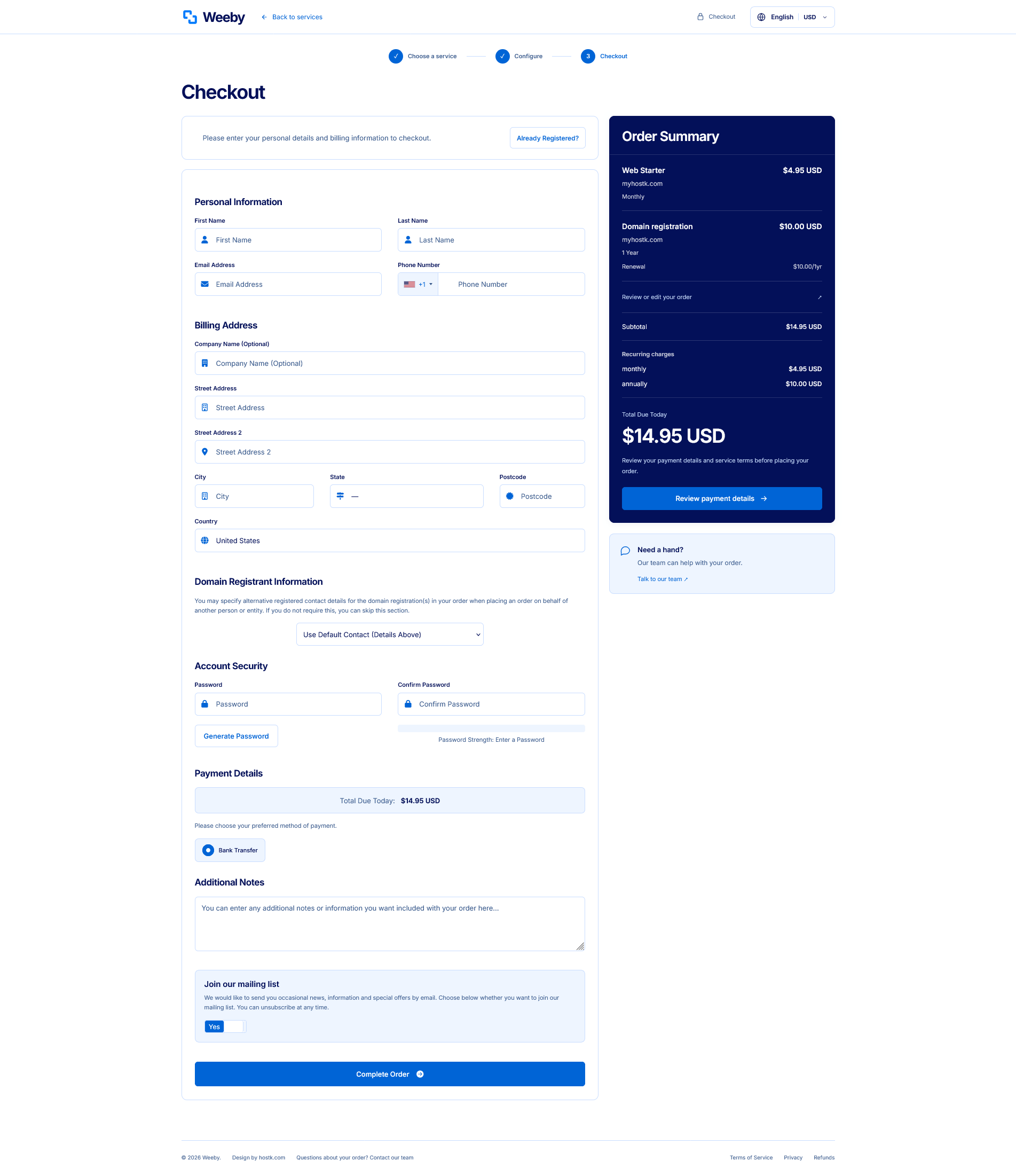
Matching Orderform & Detailed Checkout
Present the purchase journey clearly, from choosing a service to reviewing payment details.
- Product and category browsing.
- Product configuration and available billing cycles.
- Domain registration, transfer, and existing-domain options.
- Configurable options, add-ons, and quantities where enabled.
- Guest registration and existing-customer checkout.
- An itemized order summary using the details supplied by WHMCS.
- Product names, domains, billing periods, selected options, and recurring charges where available.
- Native subtotals, discounts, taxes, credits, and order totals.
Payment gateways, domain registrations, and provisioning use your separately configured WHMCS integrations.
Live Products, Pricing & Resource Displays
Connect website plan presentations to your actual catalog.
- Map website slots to specific WHMCS products or product groups.
- Display native product names, descriptions, prices, and available billing cycles.
- Use the currencies and product pricing configured in WHMCS.
- Customize CPU, RAM, storage, transfer, and other supported resource display labels.
- Replace automatic fallback text with your own specifications.
Resource display labels control presentation. Product entitlements and purchased allowances remain defined in WHMCS.
Multilingual Website with RTL & LTR Layouts
- Translate public website content, navigation, and supported theme labels.
- Set the reading direction for each website language.
- Prepare Arabic RTL and English LTR presentations.
- Use installed WHMCS language packs for native account and checkout fields.
- Offer the languages and currencies configured for your installation.
Public content translations, product translations, and native WHMCS language files are managed in their respective tools.
SEO & Content Controls
- Editable page browser titles and search descriptions.
- Descriptive public page names and slugs.
- Image alternative text controls.
- Customizable headings, page copy, and internal navigation.
- Responsive website layouts and device previews.
These tools help you manage on-page content. Search rankings and site performance depend on your content, hosting, configuration, and ongoing optimization.
Installation, Documentation & Recovery
- Website theme, matching orderform, and Studio administration addon.
- Installation health checks and website-bound license activation.
- English and Arabic HTML documentation.
- Guidance for installation, branding, products, languages, updates, and troubleshooting.
- Editable project backups and saved published versions.
- Factory design reset with recovery tools.
The factory reset restores Studio design settings; it does not reinstall WHMCS or replace missing software files.
Weeby Studio — one brand experience, from your website to your client area and checkout.