Network Status Sync

Network Status Sync

Developed By WreckHost Code

Compatible with WHMCS v9.1

Network Status Sync for WHMCS connects your WHMCS Network Issues to your WordPress website, helping you keep customers informed about outages, service disruptions, and planned maintenance.

Launch Price $19.95 Regular $29.95 Renew for support and updates at $14.95 a year!

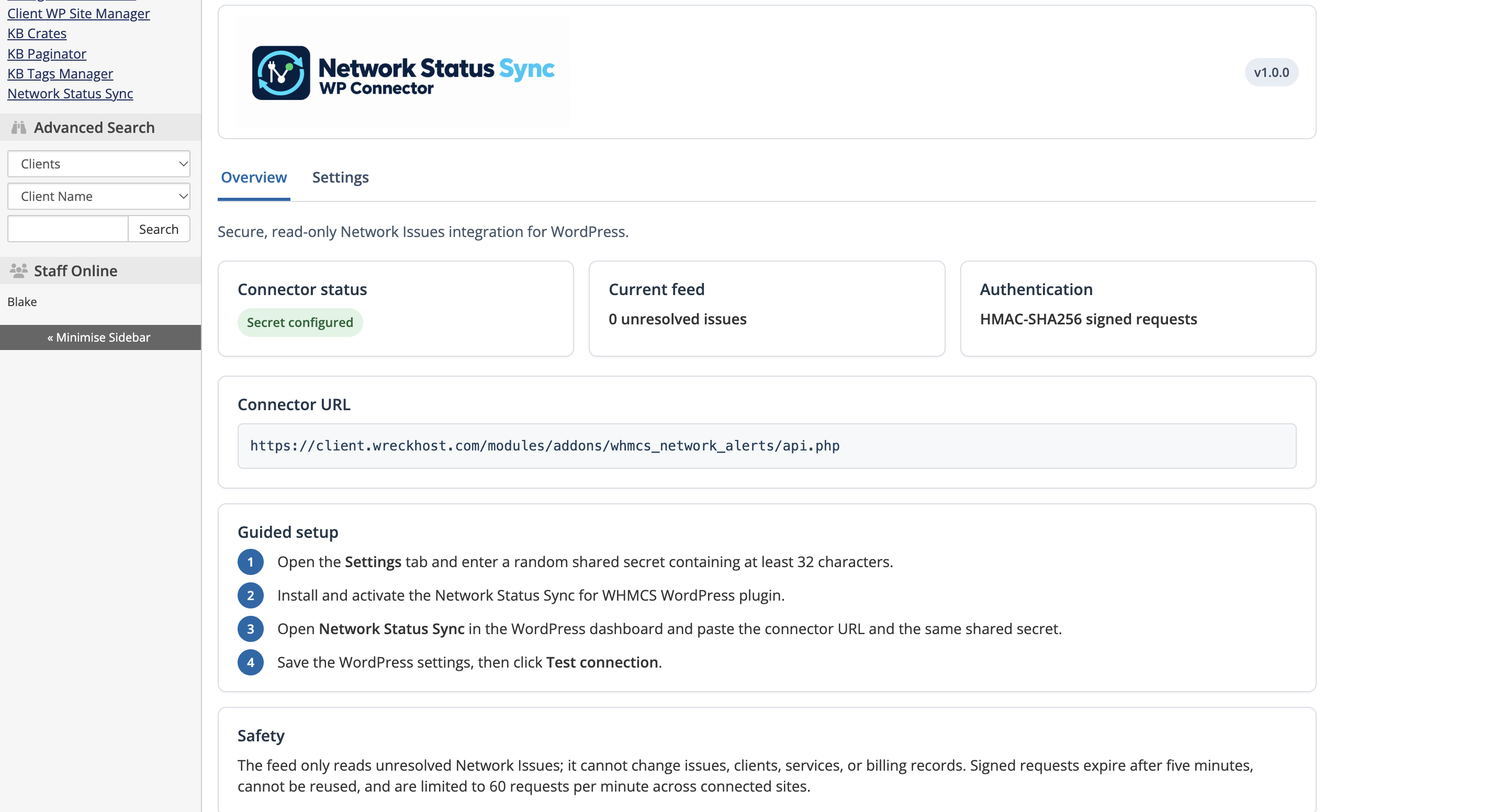
Create and update your notices in WHMCS, and display them automatically on WordPress through scheduled synchronization. The package includes the WordPress plugin and the Network Status Sync WP Connector addon for WHMCS.

Choose how and where your status information appears:

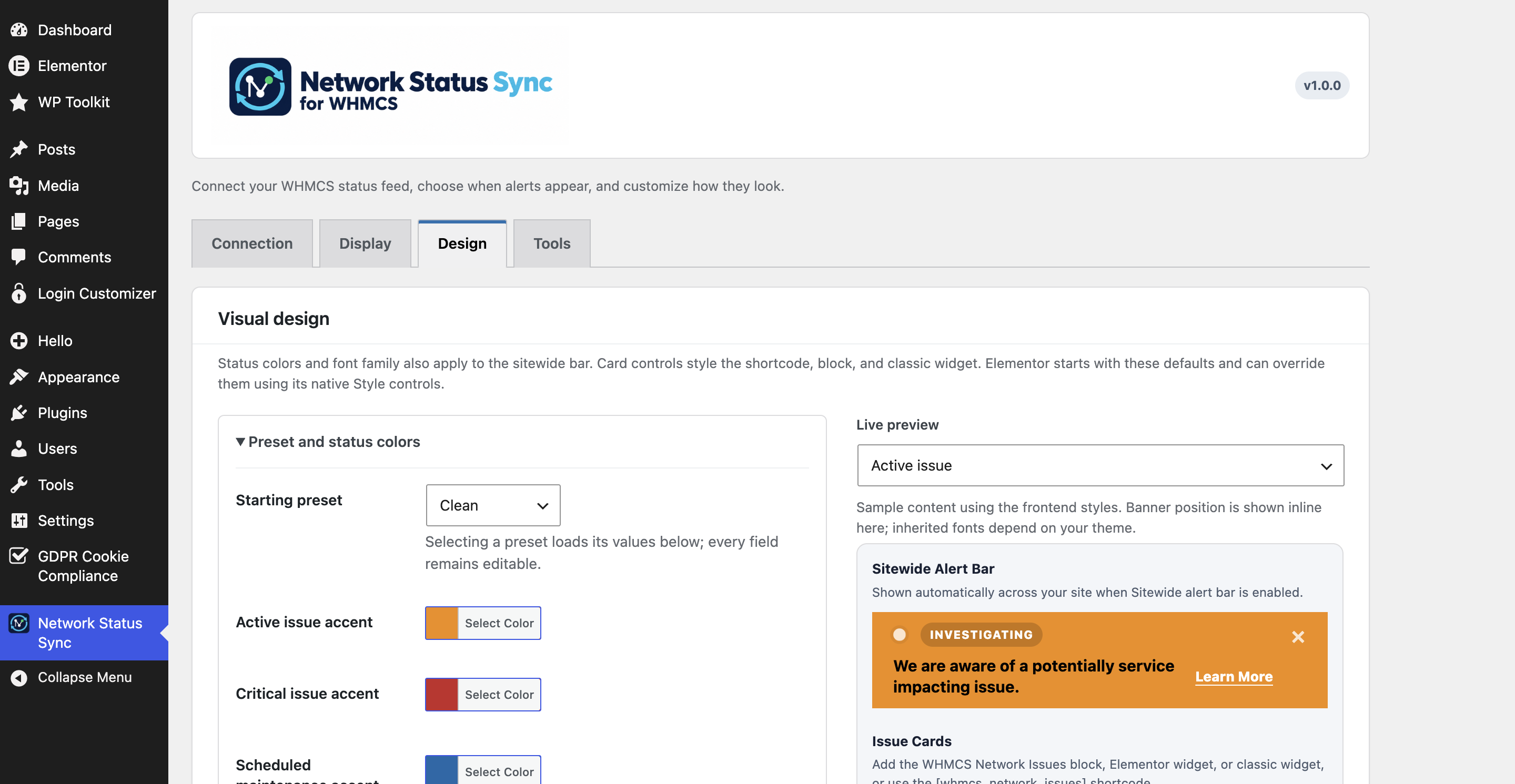
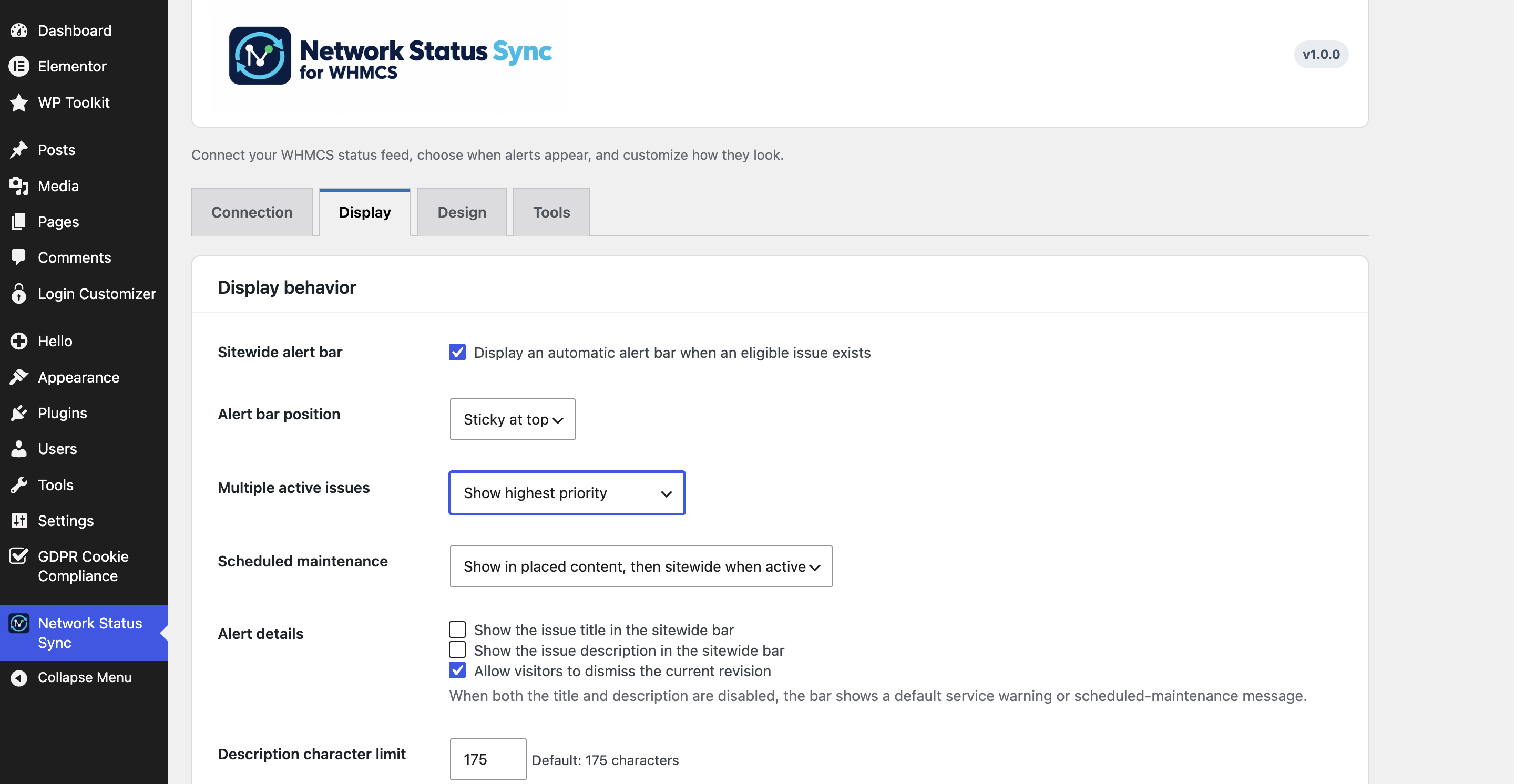
  • Automatic sitewide alerts: Display eligible issues in a banner at the top of your website, with static, sticky, or fixed positioning.
  • Flexible content placement: Add issue cards through the WordPress block editor, a shortcode, a classic widget, or the native Elementor widget.
  • Scheduled maintenance controls: Display upcoming maintenance immediately, introduce a sitewide alert before its start time, or wait until maintenance begins.
  • Multiple-issue handling: Highlight the highest-priority issue, show the most recently updated notice, or display multiple notices.
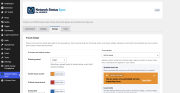
  • Customizable appearance: Choose a design preset and adjust colors, typography, spacing, borders, and other display settings. Live previews help you check your changes.
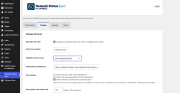
  • Control over banner content: Show or hide issue titles and descriptions. When both are disabled, the banner displays a general service warning or scheduled-maintenance message.
  • Adjustable description length: Keep notices concise with a configurable character limit, defaulting to 175 characters.
  • Learn More links: Direct visitors to the full update in WHMCS, where its configured sign-in requirements apply.
  • Visitor-friendly notices: Support dismissible alerts, responsive layouts, and indicators that respect reduced-motion preferences.

Status information is served from a local WordPress cache, with configurable refresh intervals and a grace period for temporary connection failures. Resolved issues are removed from the display after synchronization, and unavailable or stale data does not generate an all-systems-normal message.

The connector uses signed, read-only requests to retrieve issue information from your configured WHMCS installation.

Built for hosting providers using WordPress for their website and WHMCS for their client area, Network Status Sync keeps service notices connected to the workflow you already use.

The WordPress plugin requires WordPress 6.4 or newer and PHP 8.1 or newer. An existing WHMCS installation and the included connector addon are required. Elementor is optional.


There are no reviews yet!

Be the first to review Network Status Sync.

Version Compatibility


Compatible with WHMCS v9.1

Full Version Compatibility


  • Selected versions of WHMCS v9.1
        9.1.0
  • All versions of WHMCS v9.0
  • All versions of WHMCS v8.13
  • All versions of WHMCS v8.12

System Requirements


  • WordPress

* Requirements listed are in addition to the WHMCS default system requirements.

Support for this product

The best place to start if you need help with a specific product is to contact the developer. All WHMCS Marketplace developers have both a website and support URL listed.

Developed By WreckHost Code

Changelog

v1.0.0 Released November 1st, 2026

Latest Version


Version 1.0.0

Initial Release


See also

FREE ResellerClub Tools v2

Working comfortably with ResellerClub's products and services through your WHMCS system requires additional tools.

Free
SEO Manager

The module developed to add meta description and meta keywords and change the page title

Free
WHOIS for Clients

WHOIS for Clients

Free
Dropbox Backup for WHMCS

This module will integrate WHMCS with Dropbox to upload a copy of WHMCS database onto the cloud. You will never have to worry about losing data any more.


Free
Software Licensing Addon

Build, License & Distribute Your Own Apps using WHMCS

Commercial