Plaxswap - Bitcoin & Crypto Payments Gateway

Plaxswap - Bitcoin & Crypto Payments Gateway

Developed By Plaxswap

Compatible with WHMCS v9.1

Let your clients pay WHMCS invoices with Bitcoin and other crypto.

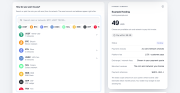
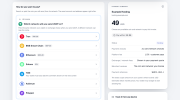
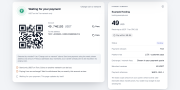
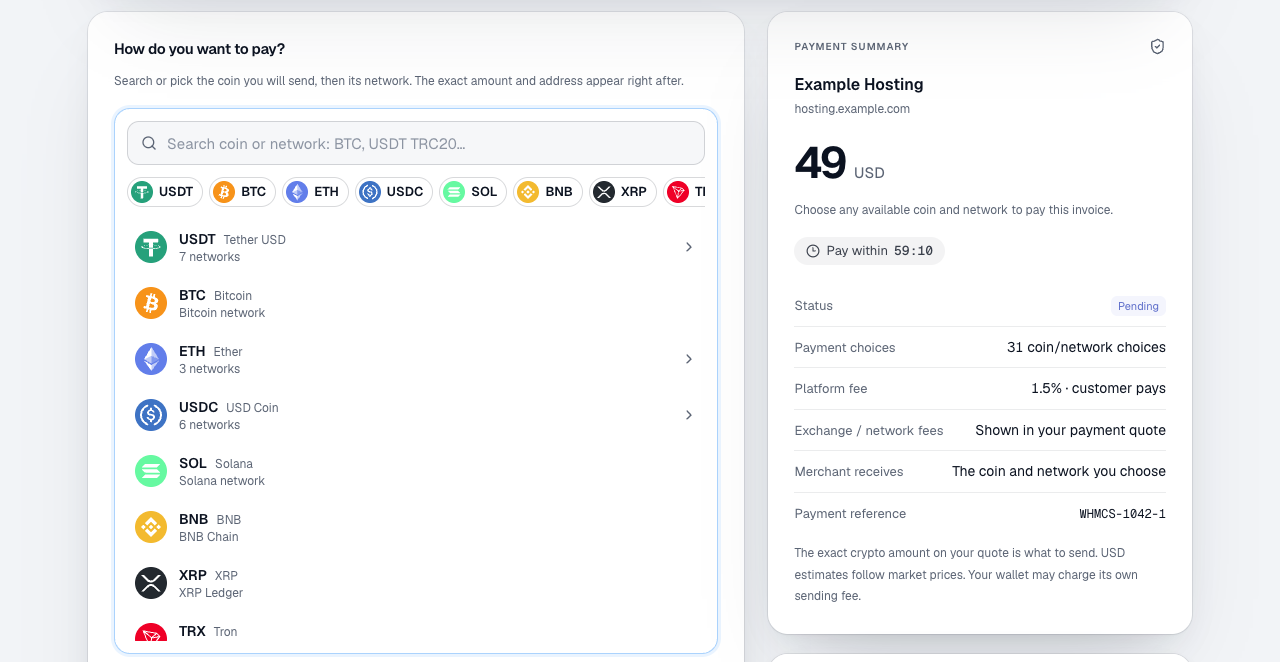
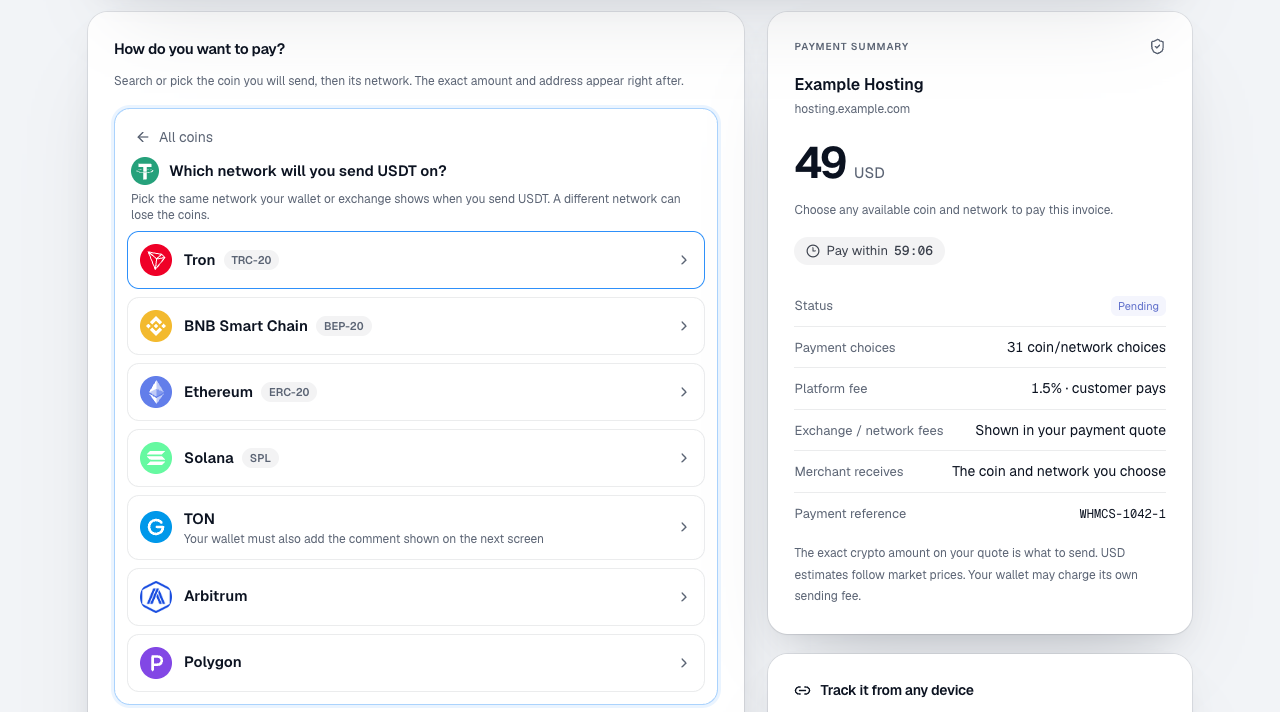
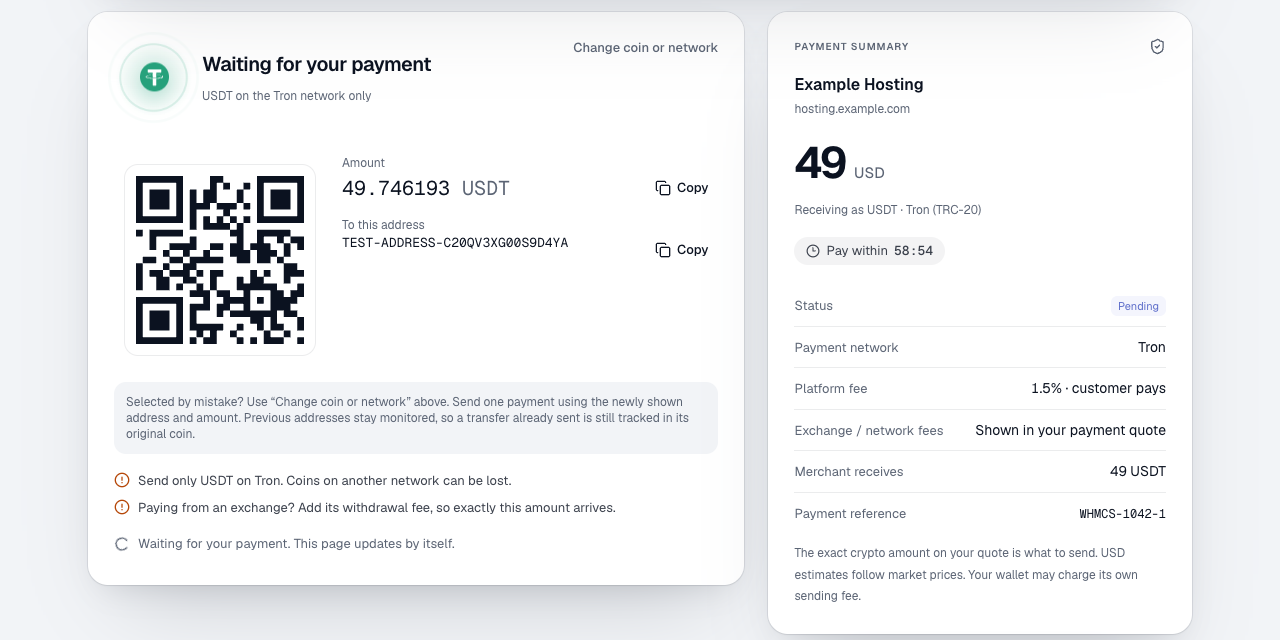
Plaxswap adds a Pay with Bitcoin & Crypto button to your invoices. The client goes straight to Plaxswap's secure checkout, picks the coin and network they want (with search, for example "usdt trc20"), and sends the exact amount shown, with a QR code. When the payment is confirmed, the money is credited to your Plaxswap merchant wallet and the invoice is marked Paid automatically.

Features

  • Pay with BTC, ETH, USDT, USDC, SOL, LTC, TRX, BNB, XRP and more, on the networks your clients use (TRC-20, BEP-20, ERC-20, SPL and others)
  • Invoices in more than 60 currencies, including USD, EUR, GBP and INR, with no conversion setting needed
  • Automatic payment: a signed webhook marks the invoice paid, and the invoice is also checked when the client returns to it
  • Safe by design: the module asks Plaxswap's API for every payment and checks the amount, currency, reference and test/live mode before marking an invoice paid, and records each payment only once
  • Pressing the button again within the hour reuses the same payment, so a client is never charged twice for one invoice
  • Partial, expired and under-review payments leave the invoice unpaid
  • Test mode with a test API key: only a logged-in WHMCS admin can pay, and no real coins move
  • Fees and network costs are shown to the client before paying; funds are withdrawn from your Plaxswap merchant dashboard

Setup (about 5 minutes)

  1. Upload the modules folder from the zip into your WHMCS root folder.
  2. Activate Plaxswap - Bitcoin & Crypto Payments under Payment Gateways.
  3. Sign in at plaxswap.com/merchants/dashboard, create an API key and copy your webhook signing secret.
  4. Set the webhook URL to https://YOUR-WHMCS/modules/gateways/callback/plaxswap.php, paste the key and secret into WHMCS, and save.
  5. Test with a test key, then switch to a live key.

Full instructions are in README.txt inside the zip.

Privacy

Sent to Plaxswap for each payment: invoice amount, currency, invoice number and return links (the client's email only if you turn it on). No card data is handled.

Support: https://plaxswap.com/support ยท [email protected]


There are no reviews yet!

Be the first to review Plaxswap - Bitcoin & Crypto Payments Gateway.

Version Compatibility


Compatible with WHMCS v9.1

Full Version Compatibility


  • Selected versions of WHMCS v9.1
        9.1.0
  • All versions of WHMCS v9.0
  • All versions of WHMCS v8.13

Support for this product

The best place to start if you need help with a specific product is to contact the developer. All WHMCS Marketplace developers have both a website and support URL listed.

Developed By Plaxswap

Changelog

v1.0.0 Released November 3rd, 2026

Latest Version


First release: Bitcoin and crypto payments for WHMCS invoices through Plaxswap checkout, automatic payment recording by signed webhook and when the client returns, and test mode for admins.

 

See also

WHMCS Bitcoin Payments

Accept Bitcoin payments on your website

Free
Accept Bitcoin and cryptocurrency payments - CoinGate for WHMCS

Easily accept Bitcoin, Tether, Ethereum and many other crypto payments on your WHMCS website
Free
Coinbase Commerce

No Fees, Easy Setup. Accept cryptocurrencies like: Bitcoin, Bitcoin Cash, Ethereum and Litecoin!

Free
PayTR Virtual Pos iFrame API

Open your web site to shopping with the advantages of PayTR. Take your payments securely.

Free
Gateway Fees for WHMCS

With this WHMCS module, you'll get the payment gateway fees from your clients directly.

Free