Phox Client Notifications Extension
Show the right message to the right client, on the right page, at the right time.
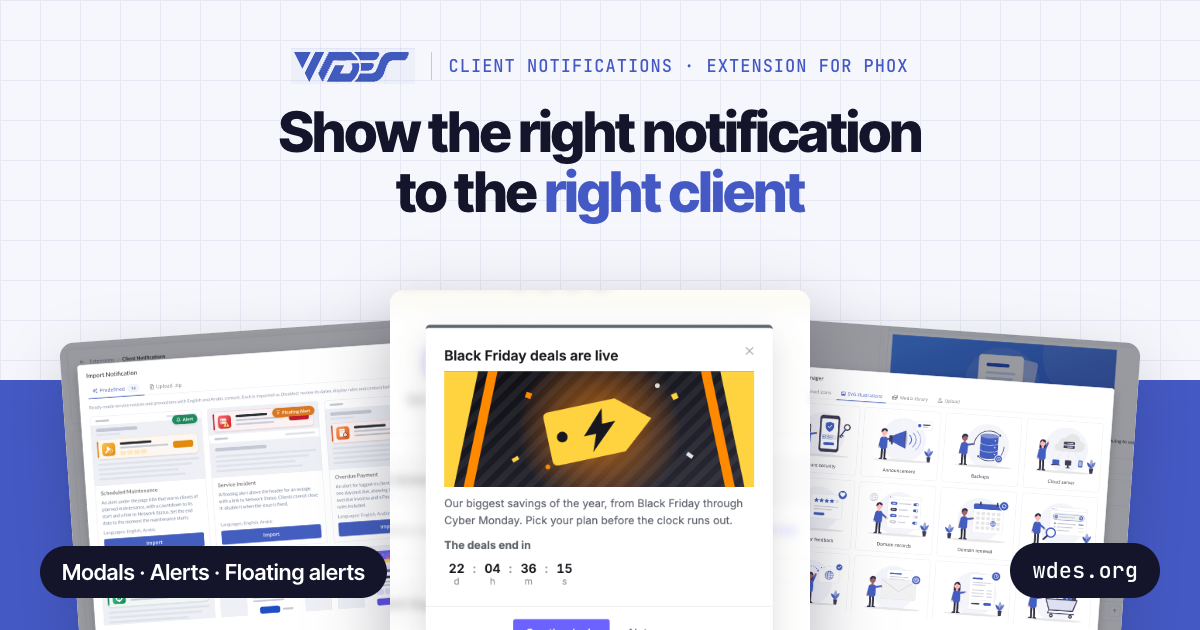
Client Notifications is an extension for the Phox WHMCS Client Theme that adds targeted alerts, modals, and floating alerts to your WHMCS client area. You decide exactly which notifications appear and who sees them, based on the page, the client, their services and domains, or even what is in their shopping cart.
Use it to promote seasonal sales, push upgrades and cross-sells, recover abandoned checkouts, remind clients about overdue invoices or expiring domains, announce maintenance or outages, and guide new clients through their first steps. All from one admin editor, with no code required.
Notification Types
-
Alert: Displays inside the page, right below the title, with action buttons on the right or at the bottom.
-
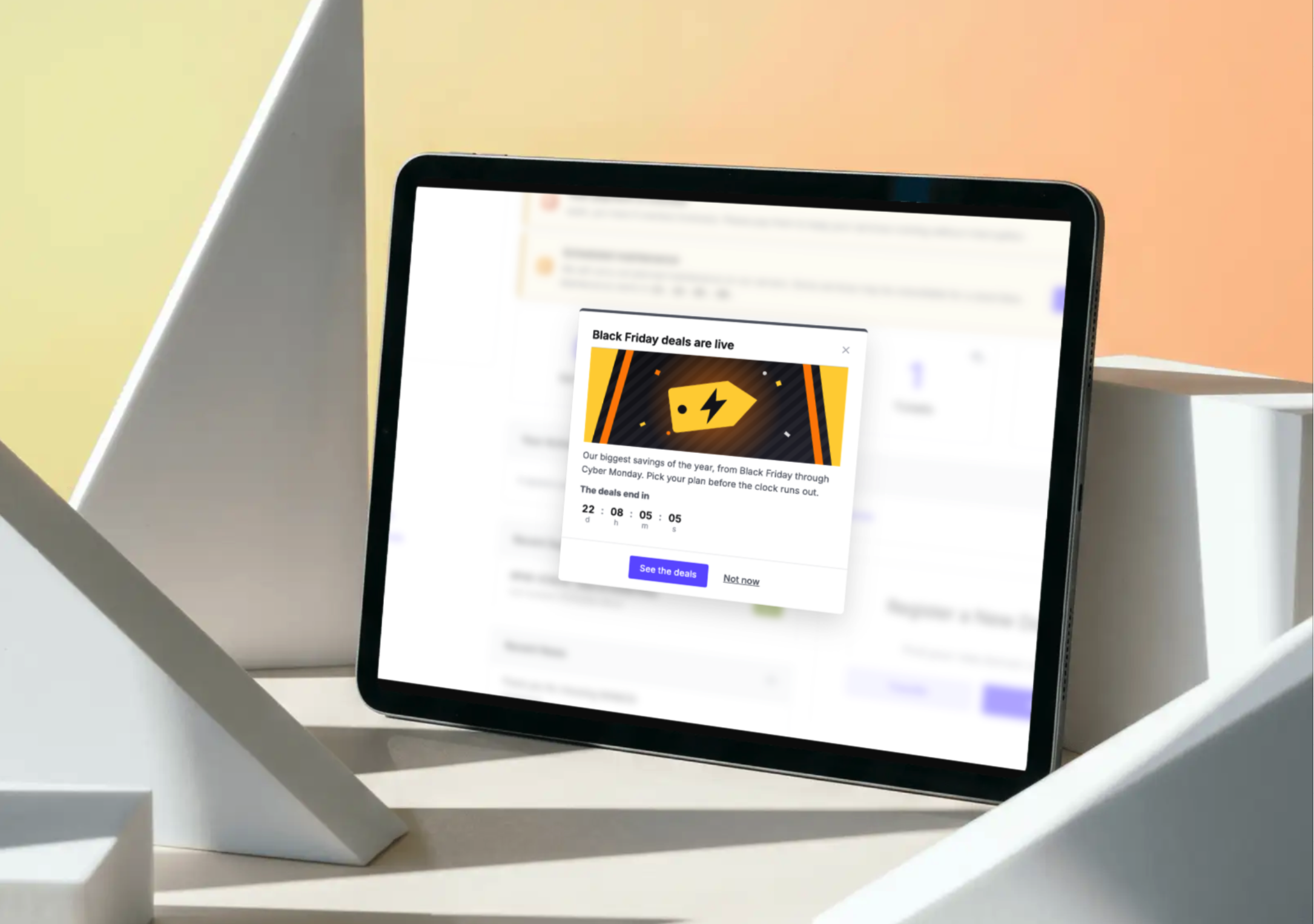
Modal: A pop-up that opens on page load, on exit intent, or when a specific link is clicked.
-
Floating Alert: A bar fixed to the top of the window, above the main menu.
Smart Display Rules
Rules are organized into cards that you can switch on or off. A notification is shown only when every enabled card matches. If all cards are off, it is shown to everyone.
-
Page Filter: Target all pages, the client area, the order process, or specific pages such as product groups, support departments, or custom URLs. Excluded pages always take priority.
-
Client Filter: Target guests, logged-in clients, or both. Narrow down by selected clients, client groups, countries, marketing opt-in, or recent sign-ups.
-
Service Filter: Match services by product, status, billing cycle, server, registration and due dates, or configurable options, and set the minimum number of matching services required.
-
Services Not Assigned: Hide a notification from clients who already own the selected services. Perfect for upsells.
-
Domain Filter: Match domains by TLD, status, registrar, billing cycle, expiry date, or days until due.
-
Cart Filter: Read the visitor's cart (item count, totals per currency, products, and applied promo code) for both guests and clients.
Content and Behavior
-
Multi-language: Write titles, messages, and buttons in multiple languages, with full right-to-left (RTL) support for languages such as Arabic.
-
Personal Variables: Insert client details such as name, unpaid invoices, overdue count, or credit balance. Guests see a fallback text you define.
-
Countdown Timers: Four styles and three sizes, with an option to reset every 24 hours.
-
Dismiss Control: Clients can close notifications, and you choose when they come back: on next reload, on next login, after a set number of days, or never.
-
Flexible Buttons: Link to any URL or WHMCS page, or simply close the notification.
-
Priority and Limits: Set the display order when several notifications match, and cap how many modals and floating alerts appear at once.
Admin Area
-
Five-Step Editor: Style, content, display rules, conditions, and publishing, with a full summary before going live.
-
14 Ready-Made Notifications: Import in one click, in English and Arabic, including Black Friday, Scheduled Maintenance, and Overdue Payment.
-
Media Manager: Font Awesome icons, SVG illustrations that automatically follow your Phox colors, and custom uploads.
-
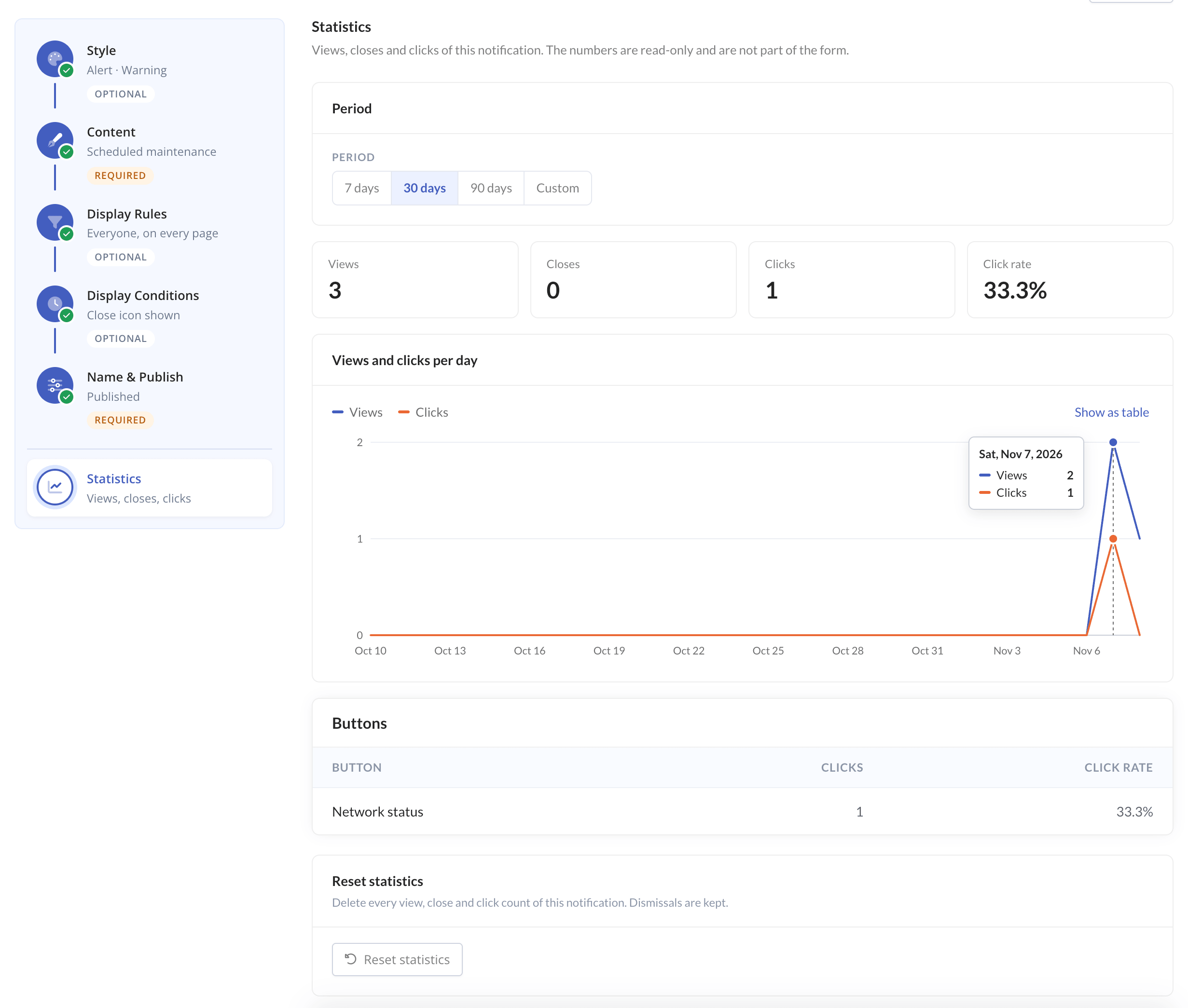
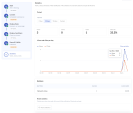
Built-in Statistics: Views, closes, clicks per button, and click rate over 7, 30, or 90 days, with a daily chart.
Use Cases
- Seasonal sales and limited-time offers
- Upgrade offers and cross-sells
- Abandoned checkout coupons
- Support department and product group notices
- Overdue payment and domain expiry reminders
- Planned maintenance and live outage notices
- Terms of Service updates
- Onboarding tips for new clients
Requirements
-
Phox Client Theme: This is an extension for the Phox WHMCS theme, not a standalone module. It is not compatible with other WHMCS themes.