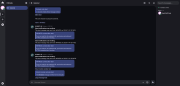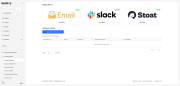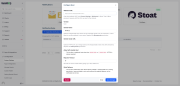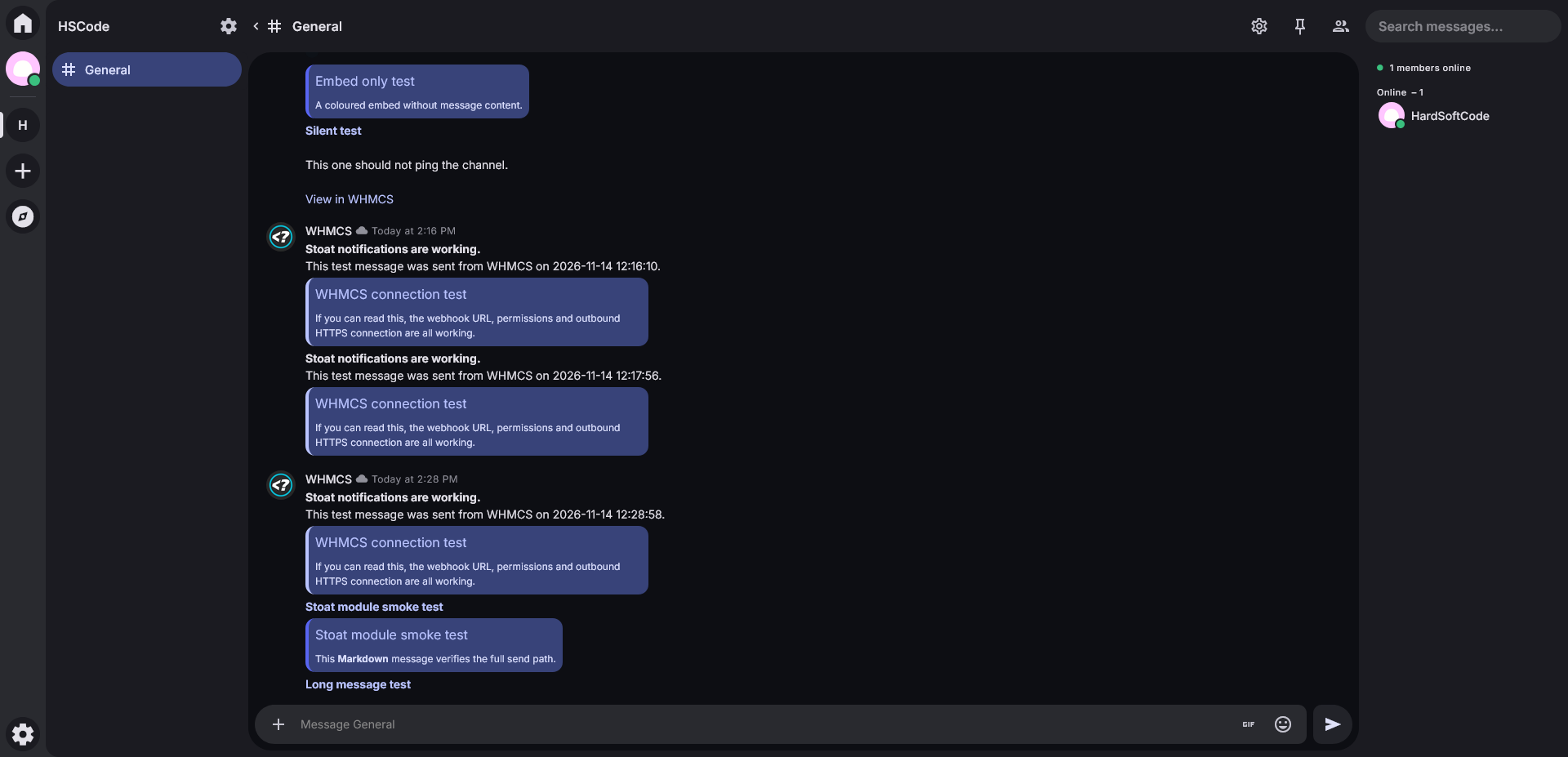
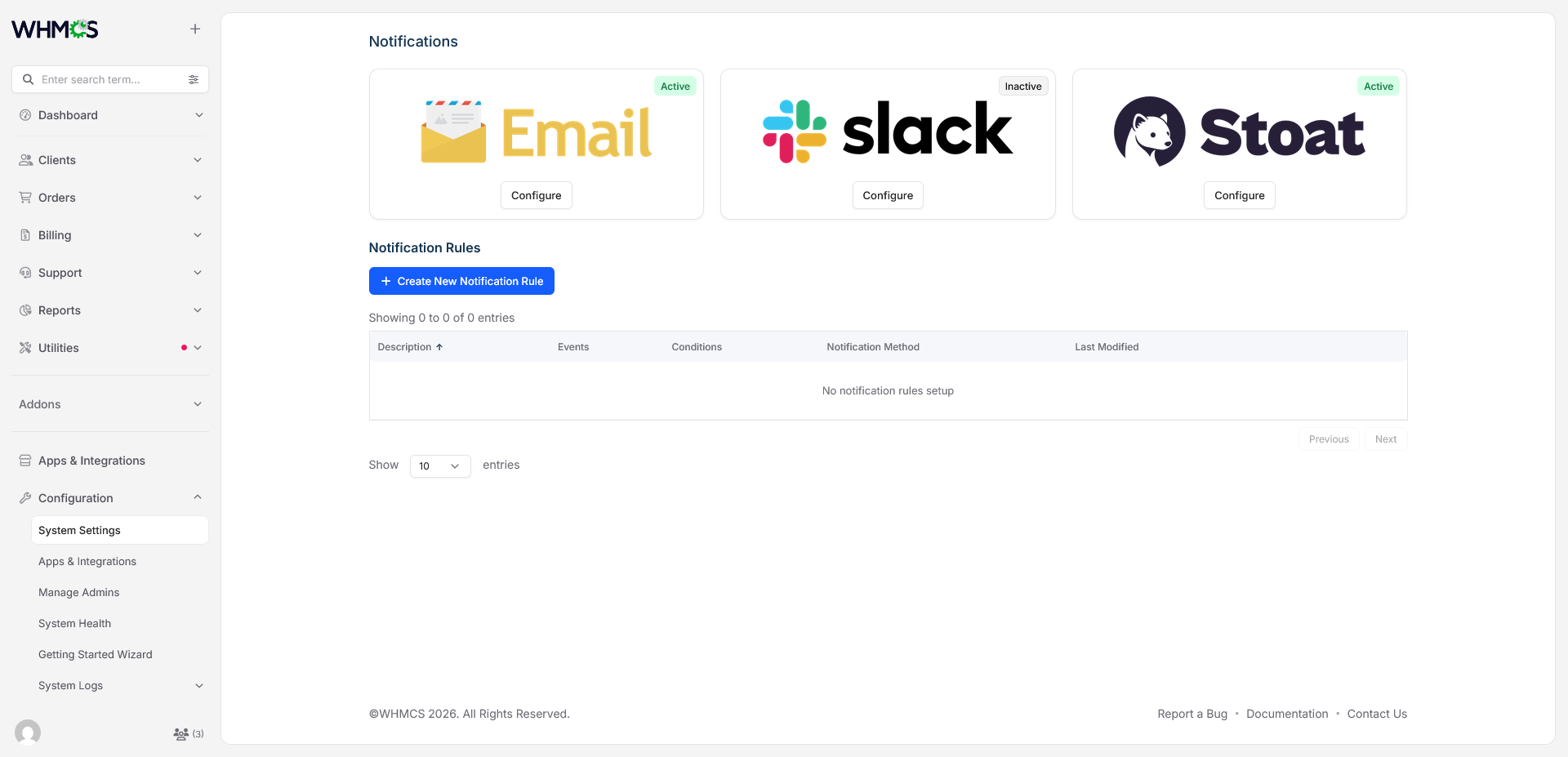
Stoat Notifications for WHMCS connects the native WHMCS notification system to your Stoat workspace. Once installed, Stoat appears as a notification provider next to the built-in options. You create a notification rule, select Stoat, and WHMCS posts each matching event into the Stoat channel of your choice through a webhook. Stoat renders Markdown on the client side, so messages arrive formatted, with bold titles, linked headings, tidy attribute lists and colour-coded embeds, instead of a block of plain text.
The module is built for teams that live in Stoat and want billing, support and system events in front of them without watching email or refreshing the admin area. A paid invoice, a new order, a support ticket or a failed payment can each go to a different channel with its own format, colour and sender identity. You can send a full message with an embed, a compact Markdown-only message, or an embed-only card, and choose per rule whether attributes such as client, invoice, service and department are included, shown one per line, or collapsed into a single inline row. Silent messages let low-priority events appear in the channel without pinging anyone.
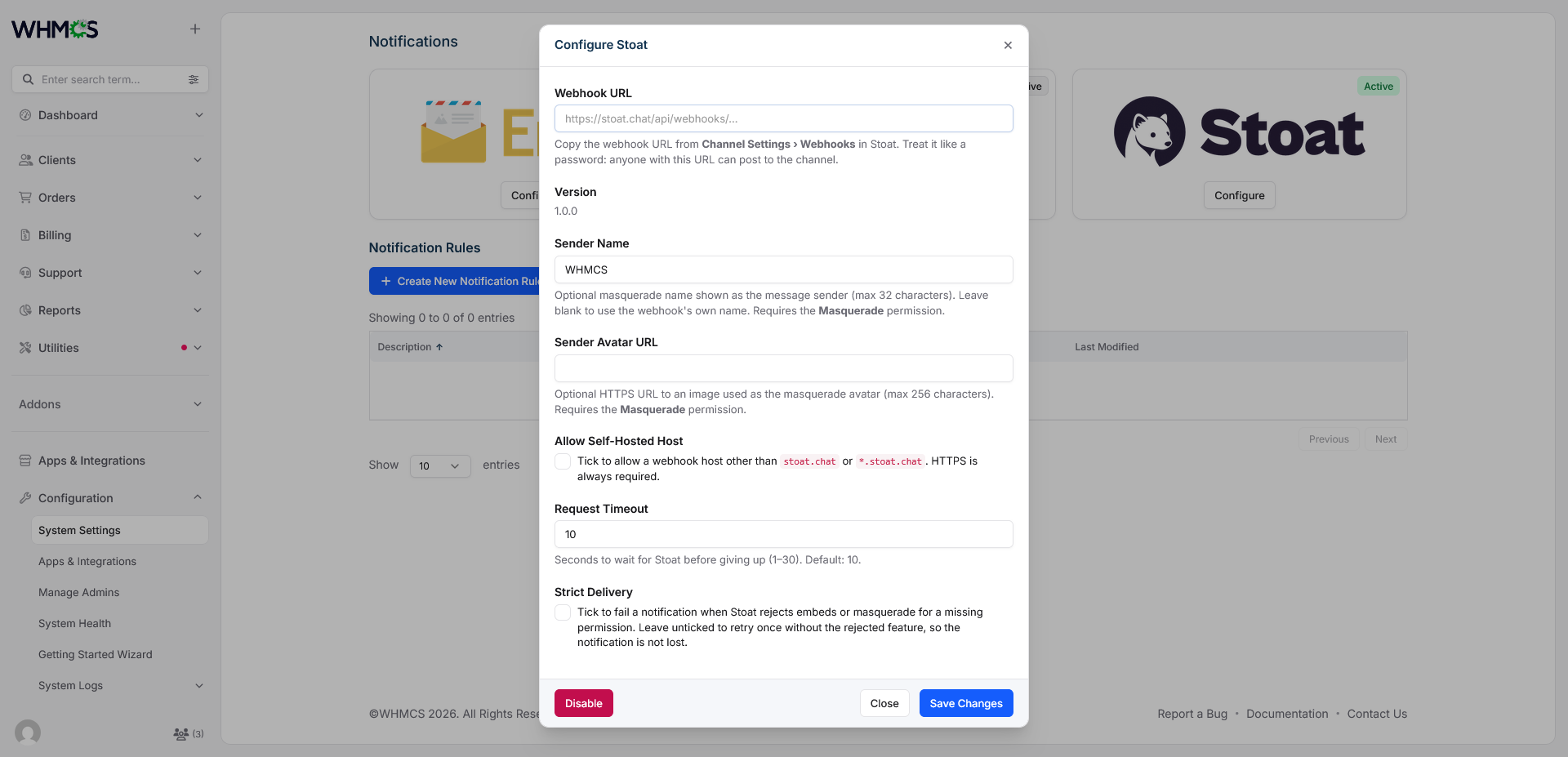
Setup is deliberately simple. There are no database changes and no addon activation step. Copy the Stoat folder into modules/notifications/, paste the webhook URL from your Stoat channel settings, and save. WHMCS immediately posts a connection test, and the test is always strict, so a missing SendMessages, SendEmbeds or Masquerade permission shows up while you configure the provider rather than the first time a real invoice is paid. Provider settings and notification rules are stored by WHMCS, so upgrades are as easy as replacing the folder and saving the configuration once.
Reliability and security are treated as core features. Every webhook URL is validated before each request: HTTPS only, no embedded credentials, no query string or fragment, a correct webhook path, and a host limited to stoat.chat or *.stoat.chat unless you enable self-hosted mode. TLS is verified, redirects are not followed, and the webhook token is redacted from module log entries. Content, embed titles, descriptions and sender names are checked against Stoat's limits before sending, with Markdown-aware truncation that closes unfinished code blocks. Mentions such as @everyone, @here and @online are neutralised, so notification text can never ping an entire server. When Stoat rejects an optional feature, you decide the behaviour: fail loudly with Strict Delivery, or retry once without the rejected embed or masquerade. Stoat error types are mapped to clear, actionable messages, covering missing permissions, invalid tokens, slowmode and more.
If you are moving from the Guilded notification module, the transition is easy. Decimal embed colours are converted to hex automatically, and attributes that Stoat embeds can't hold as separate fields are folded into the embed description as Markdown. Self-hosted Stoat instances are supported, and a full eight-page documentation site covers installation, permissions, settings, message formats, worked examples, security and troubleshooting.
WHMCS events like new orders, paid invoices, support tickets and failed payments are easy to miss when they only land in email or the admin area. Teams that already work in Stoat have to check a second place, and generic webhook workarounds usually send plain, unformatted text that is hard to scan, can't be routed per event, and often leaves webhook URLs exposed in logs.
Stoat Notifications for WHMCS adds Stoat as a native provider in the WHMCS notification system. Create a notification rule, choose Stoat, and WHMCS posts formatted messages straight into your Stoat channel through a webhook. Each rule can use its own channel, format and colour, so billing, support and system alerts can go where they belong. There are no database changes and no addon activation. Copy the folder, paste your webhook URL, and save.
stoat.chat unless self-hosted mode is enabled@everyone, @here and @online mentions neutralised in notification textWe also offer full source code licenses for all of our products. Source code access for Stoat Notifications is available for $200 USD. Please contact our support team for further details or to request a purchase.
Be the first to review Stoat Notifications.
The best place to start if you need help with a specific product is to contact the developer. All WHMCS Marketplace developers have both a website and support URL listed.
NotificationModuleInterface.both, default), Message only (markdown) and Embed only (embed).SendableEmbed support with title, description, url and CSS colour.WHMCS) and avatar, requiring the Masquerade permission.@everyone, @here and @online.NotFound, NotAuthenticated, InvalidCredentials, InvalidToken, MissingPermission, FailedValidation, EmptyMessage, InSlowmode, PayloadTooLarge, InternalError and DatabaseError./api/webhooks/{id}/{token}, host restricted to stoat.chat / *.stoat.chat unless self-hosted mode is enabled.

A simplistic, free & open source hook allowing instant Discord notifications when an action is triggered.

Netgsm Sms addon provides you sending customized bulk sms and creating sms templates.

MSG91 WHMCS SMS plugin gives you the power and flexibility to stay connected with your customers by sending them an SMS and OTP's for 2FA at the crucial steps that matters the most.