Auto Client Area Login turns any WHMCS client email into a one-click login. Drop one merge field into a template, and the module adds a secure, time-limited auto-login link a WHMCS single sign-on magic link that signs the client straight in. No password prompt, no reset, no "I can't get in" ticket. It works out what the email is actually about and lands them on that invoice, service, domain, support ticket, or quote, already signed in.
Teams call these different things. Auto login links, auto-login links, login links, SSO links and magic links all mean the same feature here, as do a magic login link, an email magic link, a secure magic link, an email login link, a sign in link, a sign-in link, an access link, a secure login link and a single sign-on link. The destination gets written as an auto-login URL or an SSO URL just as often. Turn the words around, and it is a magic link login, a magic link sign-in, magic link authentication, a magic link email, magic link access, a magic link module, a passwordless magic link, magic link SSO, a login magic link, an auto-login magic link, a client area magic link, or an invoice magic link.
The sign-in itself has many names. Passwordless login or password-less login, passwordless sign-in, passwordless access, passwordless authentication. One-click login, one-click access, one-click access, one-click sign-in, one-click sign-in, single-click login, one-click secure access. Instant login, instant access, direct login, secure login, secure access, token login, one-time login, one-time login. Client login, customer login, customer area login, client area access, client area auto login. Email login, email sign in, email auto login, email template login, login from email. SSO login, SSO authentication, single sign-on authentication, single sign on, single signon. This module is all of them.
Spelling drifts too, so all of these land here: single sign on link, single sign on login, an SSO login link, an SSO auto login, an auto SSO login, email SSO, SSO email, email single sign-on, client area SSO, SSO client area, client area passwordless and passwordless client area. So does the link itself, as a one-click login link, a passwordless login link, an instant login link, a client login link, a customer login link, an email auto login link, a login access link, an auto-login email, an auto login token, a secure login token, or plain auto login access.
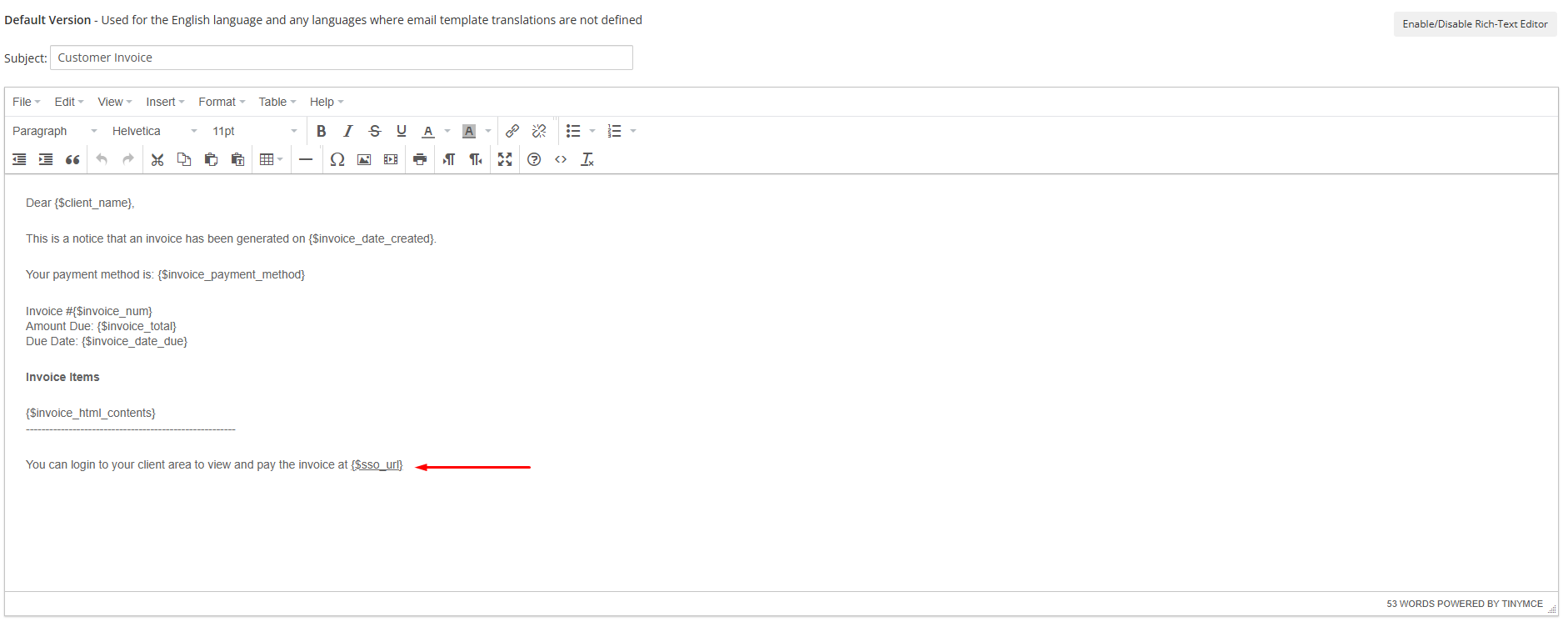
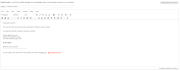
One variable covers every destination. {$sso_url} picks the most specific target the email offers, so invoice login, service login, domain login, ticket login, support ticket login, quote login and dashboard login all come from the same merge field, with a login redirect straight to the right page. Explicit per-destination variables are there when you want auto invoice login, auto service login, auto domain login, or auto ticket login pinned to one place.
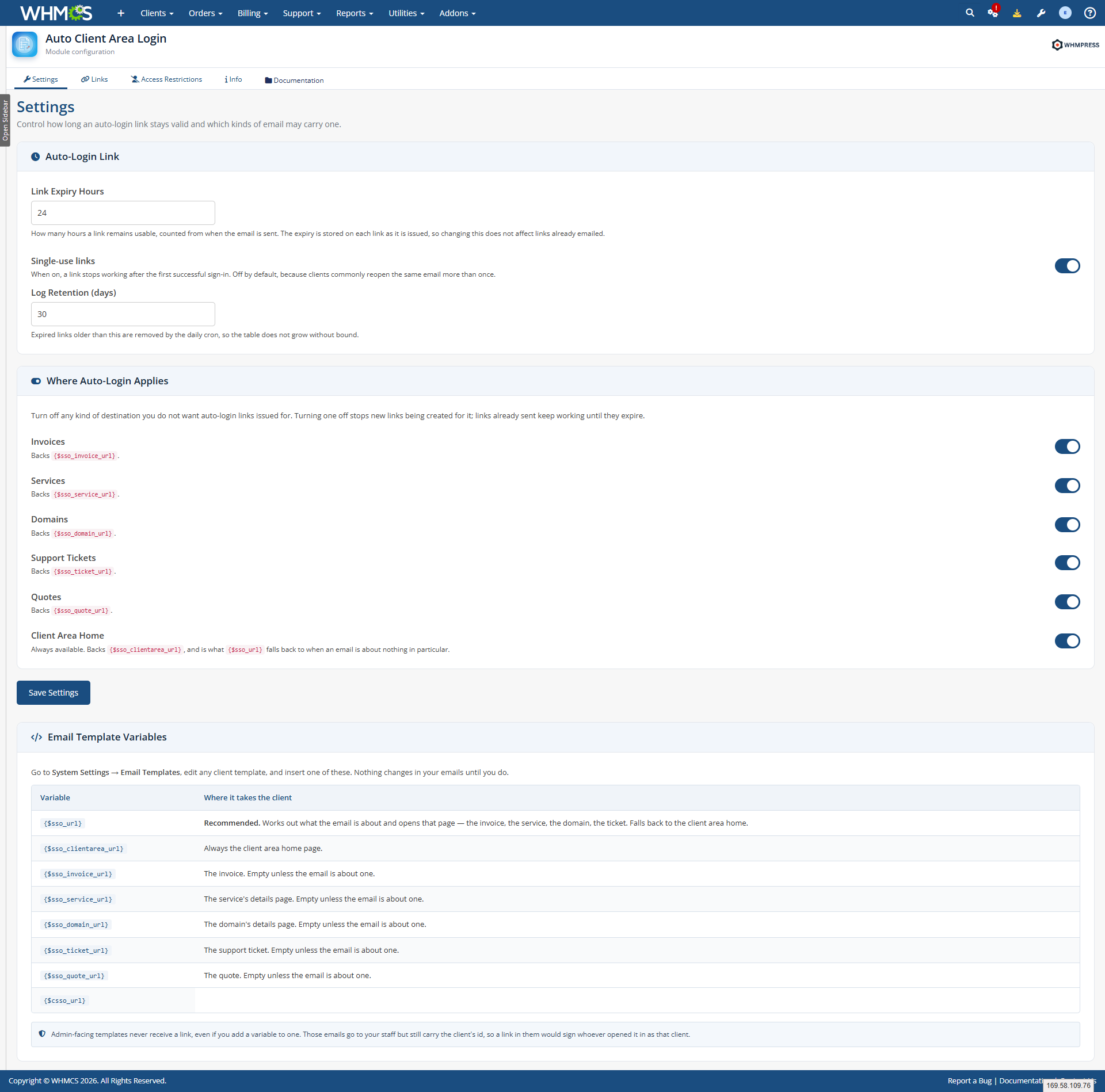
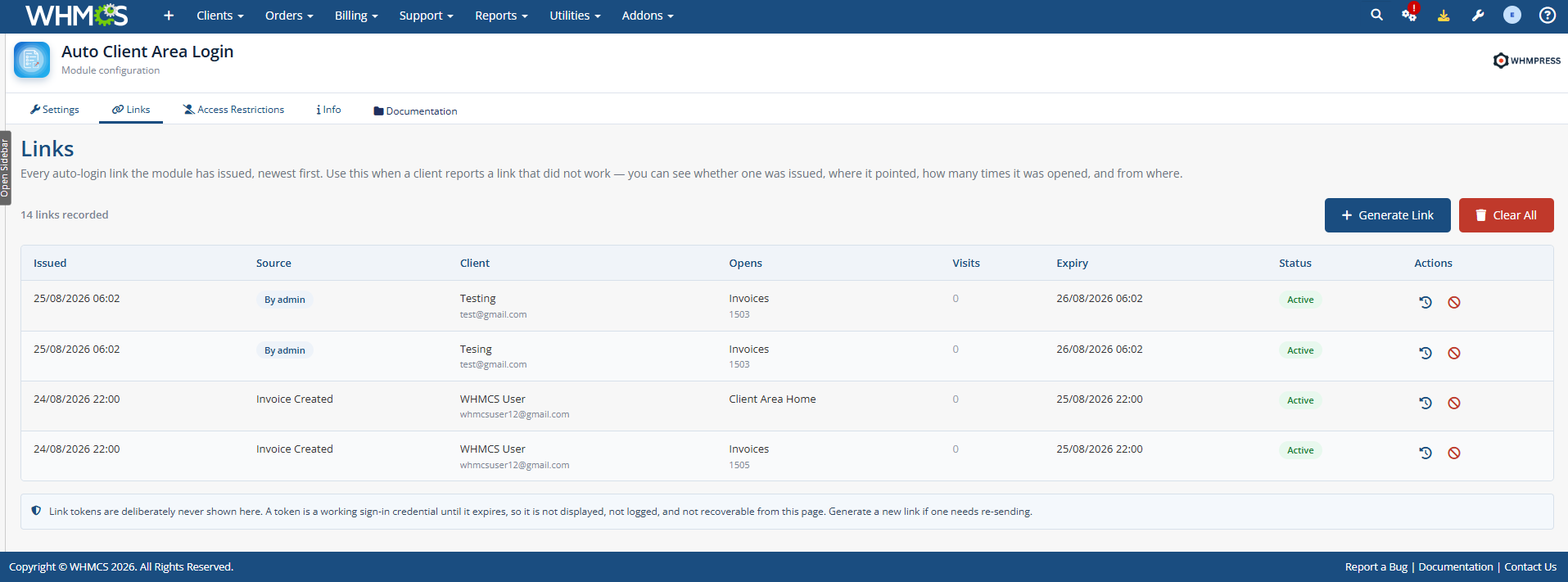
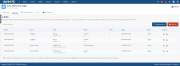
Security is the point, not an afterthought. Every link is an expiring link with an expiry you control: link expiration and token expiry are stored per link at the moment it is issued, so changing the setting never breaks a link already sent. Make it a single-use link if you want one, and revoke links the moment you need them gone. The login token is a random, secure token with no derivable connection to the client or the record, and the SSO token itself is never displayed anywhere in the admin area. Every issue and every click lands in a full login audit trail with IP address log and outcome, so you can see exactly who opened what and when.
Test all features with our 7-Day Free Access!
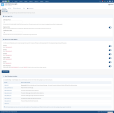
Admin Features:
Where Auto-Login Applies:
Turning a destination off stops new magic links from being issued for it. Links already sent keep working until they expire.
Email Template Variables:
{$sso_url} — auto-detects the destination{$sso_clientarea_url} — client area home{$sso_invoice_url} — invoice login link{$sso_service_url} — service login{$sso_domain_url} — domain login{$sso_ticket_url} — support ticket login{$sso_quote_url} — quote login{$csso_url} — legacy alias, still supportedSecurity And Audit:
Access Restrictions:
Client Area Behaviour:
Configurable Options:
What The Module Works With:
Links are only minted for templates that actually contain one of the module's variables, so a busy install never accumulates thousands of unused SSO credentials.
This is a native WHMCS addon. Whether you are after WHMCS auto login, WHMCS autologin, a WHMCS magic link, WHMCS passwordless login, a WHMCS login link, WHMCS one click login, WHMCS email login, WHMCS client area login or WHMCS SSO login, this is the module that does it. Administrators also search for it as a WHMCS login module, a WHMCS SSO module, a WHMCS auto login module or a WHMCS magic link login, and as auto login for WHMCS, magic link for WHMCS, passwordless login for WHMCS, client area login for WHMCS, single sign-on for WHMCS, SSO for WHMCS, a login module for WHMCS, an SSO module for WHMCS or a magic link login for WHMCS. However they found it, what they get is a client area link in every email that already knows who the client is.
It replaces the whole remember password and forgot password detour. Clients never type credentials, so you skip the login page entirely — no credentials, without credentials, no password login, login without password — and you reduce support tickets from people locked out of their own account.
General Info:
Available Pricing Models:
The best place to start if you need help with a specific product is to contact the developer. All WHMCS Marketplace developers have both a website and support URL listed.
Changed
Fixed
Removed
Upgrade note
Sidebar auto-collapses when the module is accessed from the WHMCS admin area.
Version 1.0.0 - Initial Release (3-01-2025)
A simplistic, free & open source hook allowing instant Discord notifications when an action is triggered.

Netgsm Sms addon provides you sending customized bulk sms and creating sms templates.

MSG91 WHMCS SMS plugin gives you the power and flexibility to stay connected with your customers by sending them an SMS and OTP's for 2FA at the crucial steps that matters the most.



Alex Brow @alex8730
Handy module that saves clients from the hassle of remembering passwords. Auto-login links work perfectly, expiration times are customizable, and redirects are smooth. Login logs give us full visibility, and automatic cleanup keeps things tidy. . Great little tool.
Plame Nick @plame1451
Secure password less login links for clients. Saves support time and works perfectly
Ferdi @ferdi8564
I have started using the module, and it has proven to be extremely beneficial for the clients. I am very happy with its performance and the value it brings.