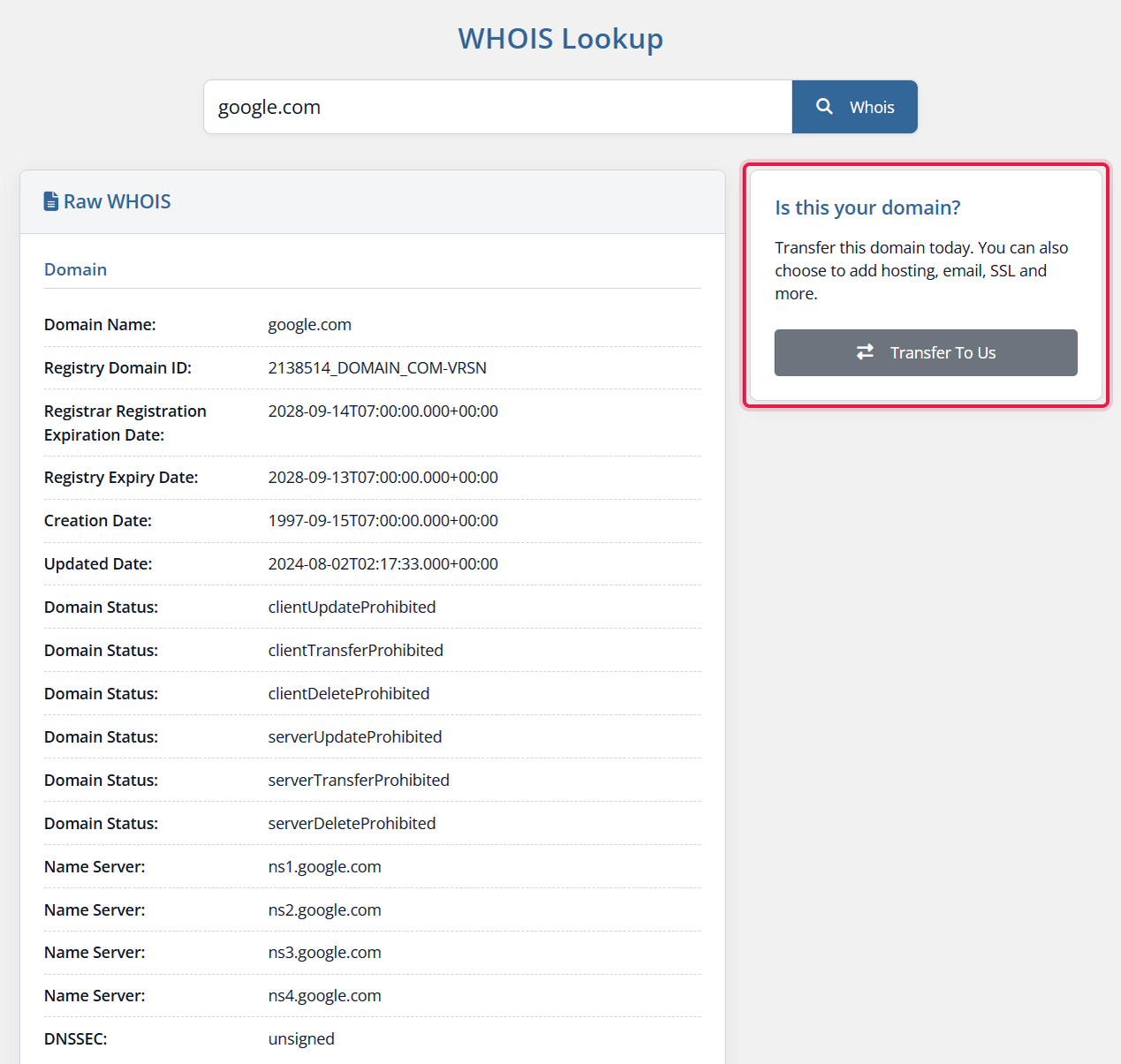
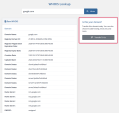
Provonic Domain WHOIS adds a WHOIS Lookup page to your WHMCS client area, so visitors and clients can run a domain WHOIS lookup, check domain availability and read the full WHOIS record of a domain without leaving your site. It is a WHOIS module for WHMCS and a WHMCS WHOIS lookup page in one: a WHOIS search, WHOIS checker and domain lookup tool that answers whether a domain is available or registered, then shows its WHOIS data, from the registrar name and registrar URL to the domain status, EPP status codes, nameservers, creation date, last updated date and expiry date.
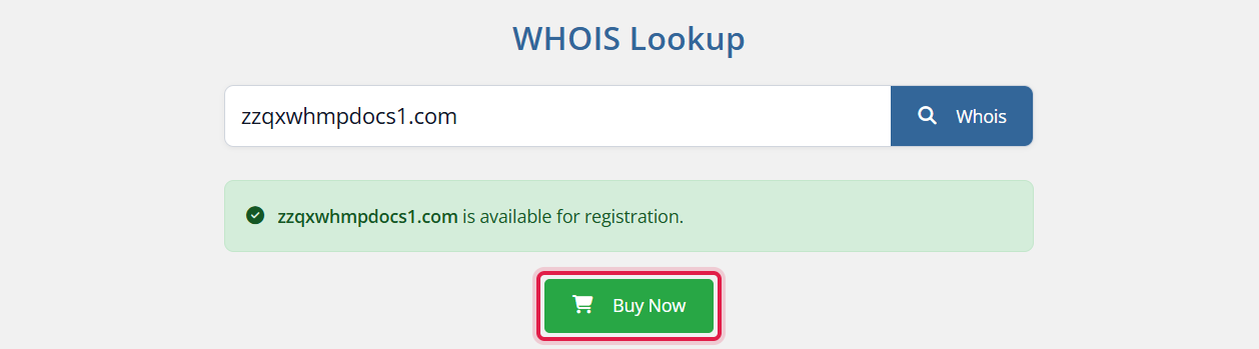
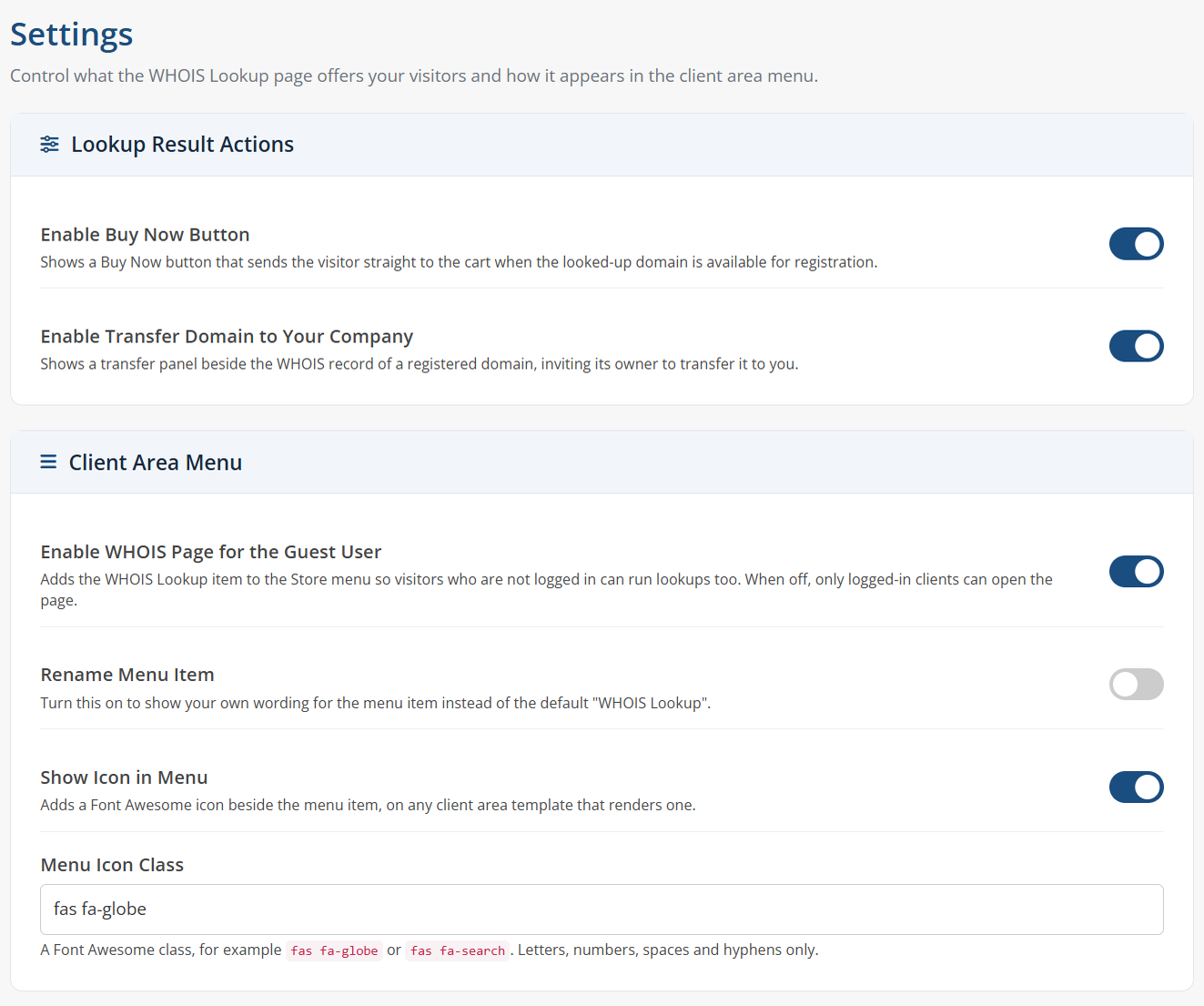
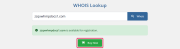
Lookups run against the WHOIS servers WHMCS knows for each extension, with dedicated lookups for the TLDs WHMCS cannot answer on its own: .ng domain WHOIS through the NIRA RDAP service, .gr domain WHOIS through the Greek registry, and .es domain availability for .es, .com.es, .nom.es, .org.es, .gob.es and .edu.es. When a domain is free, a Buy Now button sends the visitor straight to your cart to register it; when it is taken, a Transfer To Us panel invites the owner to transfer the domain to you, for every extension you sell.
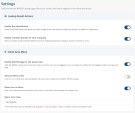
The page opens to guests as well as logged-in clients, sits in the Domains and Store menus under the name and icon you choose, and can ask for your WHMCS CAPTCHA or reCAPTCHA before each lookup to stop automated abuse. Its colours, light and dark mode follow your client area template, with ready-made styling for Six, Twenty-One, Nexus, Nexum and Lagom.
Client Area Features:
Supported Extensions:
Admin Features:
What The Module Works With:
General Info:
Available Pricing Models:
Whether you are looking for domain WHOIS for WHMCS, WHOIS lookup for WHMCS, a WHMCS WHOIS module, a WHMCS WHOIS page, a WHMCS domain checker or a domain availability checker for WHMCS, Provonic Domain WHOIS gives your clients a WHOIS search, domain search and domain availability check right inside the WHMCS client area.
The best place to start if you need help with a specific product is to contact the developer. All WHMCS Marketplace developers have both a website and support URL listed.
Working comfortably with ResellerClub's products and services through your WHMCS system requires additional tools.

The module developed to add meta description and meta keywords and change the page title


This module will integrate WHMCS with Dropbox to upload a copy of WHMCS database onto the cloud. You will never have to worry about losing data any more.



Oduntan Stephen @oduntan3283
I had issues with the styling after purchasing this module and i reached out to their support and they assisted me with my issues. This module is really great, and also their customer service.