OpenPay Gateway Module For WHMCS

OpenPay Gateway Module For WHMCS

Developed By Provonic

Compatible with WHMCS v9.1
Spooktacular Halloween Sale!
Get 20% OFF and enjoy frighteningly good deals! Use code HALLOWEEN20 at checkout before this spooky offer disappears!

OpenPay Payment Gateway Fees Module by Provonic

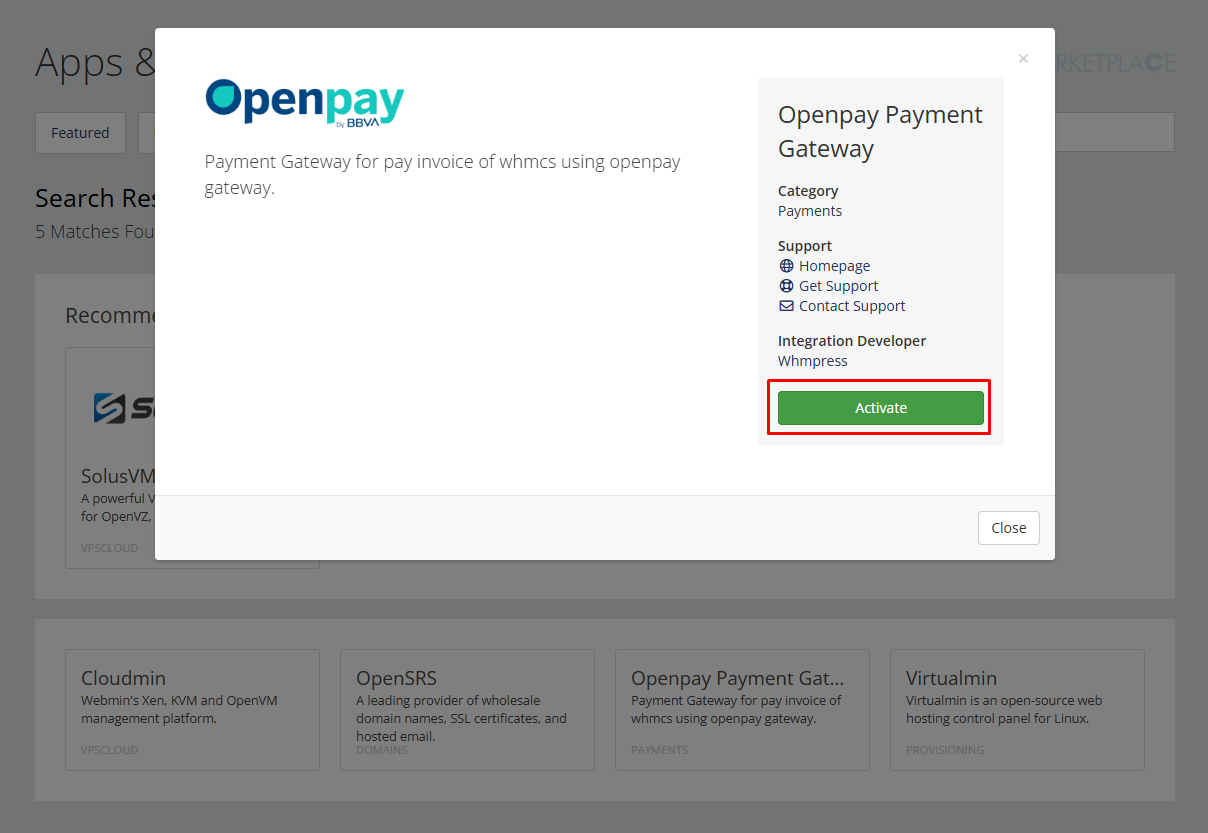
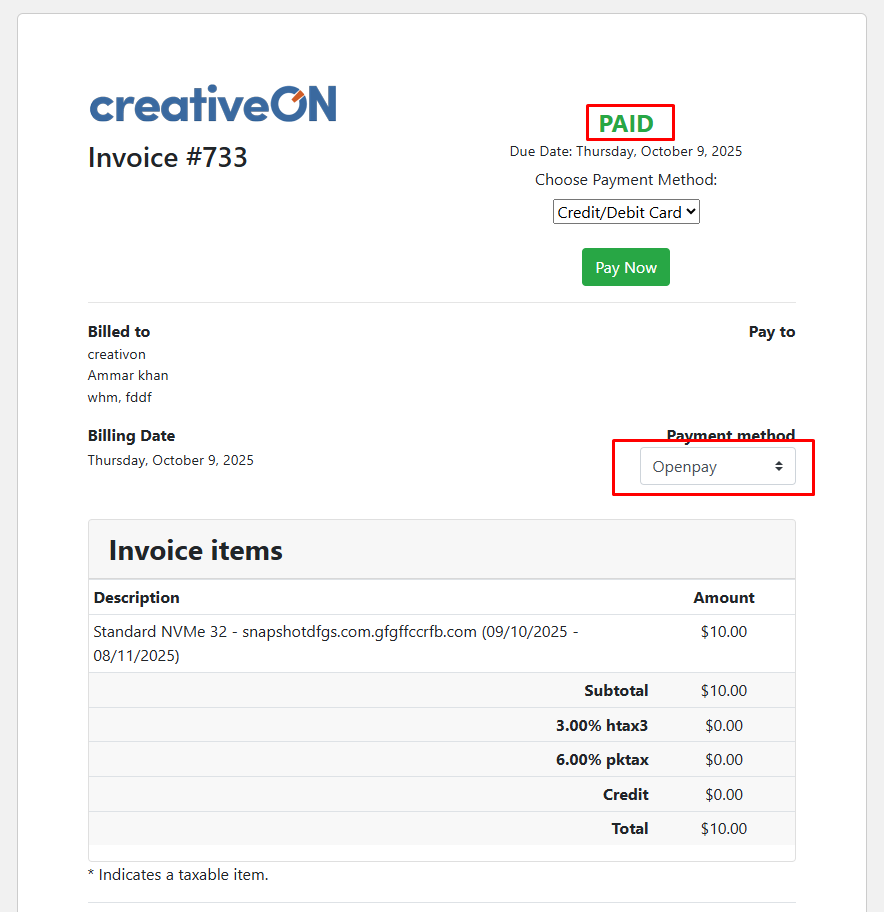
Provonic OpenPay Gateway Module For WHMCS is an Openpay payment gateway for WHMCS that lets clients pay invoices with online payments through Openpay. It is an Openpay WHMCS module, Openpay payment module and Openpay gateway in one: the client picks Openpay (Open Pay) as the payment method, completes the payment on the Openpay hosted checkout, then uses the return to WHMCS button on the success page, with the invoice already updated.

Clients pay with Openpay using credit and debit cards (credit/debit cards), mobile wallets and the other payment options Openpay supports, so credit card payments, debit card payments and other card payments all land on the same WHMCS invoice. The redirect checkout keeps card details on Openpay's side for secure payments, and once the payment is complete the module leaves the invoices marked as Paid. That automatic invoice update removes manual payment checks, while transaction logs in the WHMCS gateway log keep every Openpay payment traceable.

Whether you search for Openpay for WHMCS, WHMCS Openpay, an Openpay module, Openpay integration or an Openpay gateway module, this open-source payment gateway covers it: a payment gateway module for any Openpay merchant who wants Openpay payments and the Openpay checkout inside WHMCS, with invoice payments, records and reporting kept in WHMCS.

Take Openpay Payments On Every WHMCS Invoice

Client Features:

  • Pay Invoices With Openpay
  • Credit And Debit Cards
  • Mobile Wallets
  • Other Openpay Payment Options
  • Secure Openpay Hosted Checkout
  • Back To WHMCS After Payment

Admin Features:

  • Invoice Marked Paid Automatically
  • Transaction Logs In The Gateway Log
  • Invoice And Client Records Kept In WHMCS
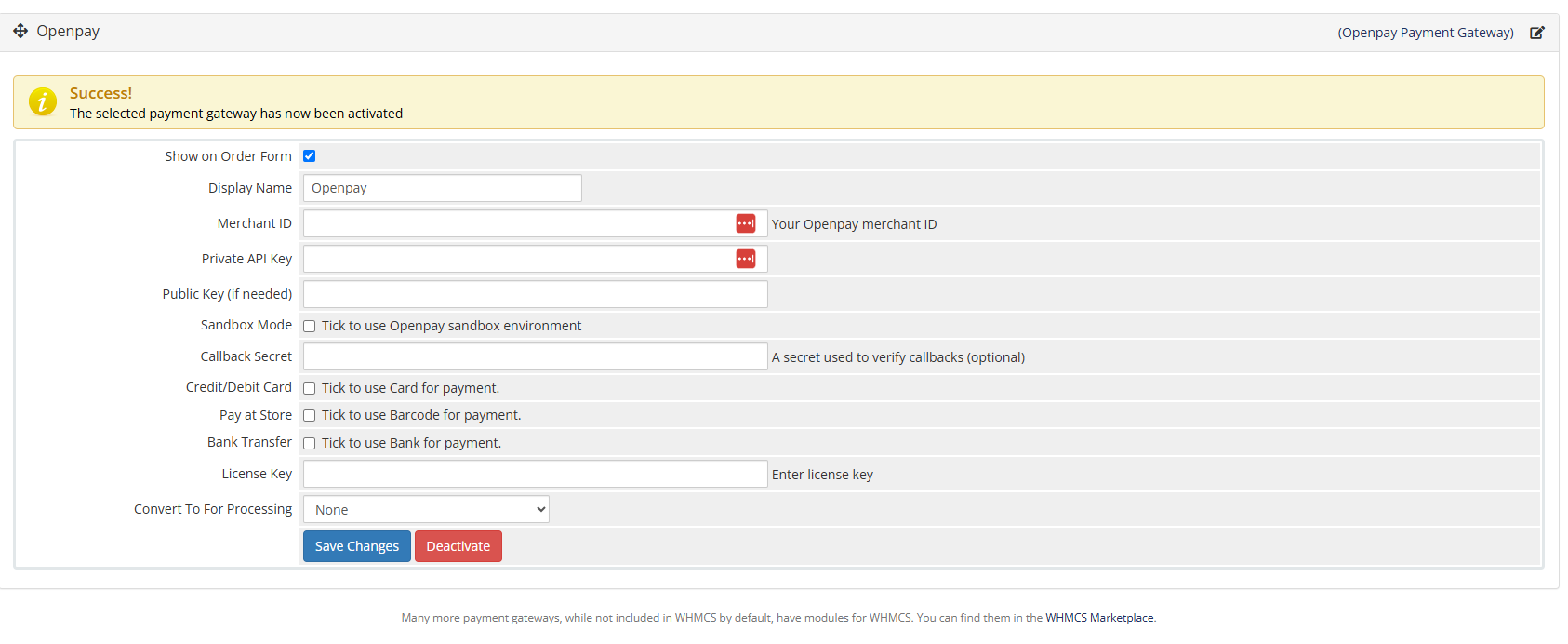
  • Clean, Easy Setup

General Info:

  • WHMCS 8.7 To 9.X
  • PHP 8.1, 8.2, 8.3 And 8.4
  • Requires An Openpay Merchant Account
  • Six, Twenty-One And Lagom Themes
  • Requires ionCube Loader v13 Or Later

Available Pricing Models:

  • One-Time: $̵3̵9̵ > $31.20
  • Open Source: $̵1̵0̵9̵ > $87.20


There are no reviews yet!

Be the first to review OpenPay Gateway Module For WHMCS.

Version Compatibility


Compatible with WHMCS v9.1

Full Version Compatibility


  • Selected versions of WHMCS v9.1
        9.1.0
  • All versions of WHMCS v9.0
  • All versions of WHMCS v8.13
  • All versions of WHMCS v8.12
  • All versions of WHMCS v8.11
  • Selected versions of WHMCS v8.10
        8.10.0
  • Selected versions of WHMCS v8.9
        8.9.0
  • Selected versions of WHMCS v8.8
        8.8.0
  • All versions of WHMCS v8.7
  • All versions of WHMCS v8.6
  • All versions of WHMCS v8.5
  • All versions of WHMCS v8.4
  • All versions of WHMCS v8.3
  • All versions of WHMCS v8.2
  • All versions of WHMCS v8.1
  • All versions of WHMCS v8.0

Support for this product

The best place to start if you need help with a specific product is to contact the developer. All WHMCS Marketplace developers have both a website and support URL listed.

Developed By Provonic

Changelog

v1.1.0 Released March 9th, 2026

Latest Version


  • Fixed: customer was not returned to the WHMCS invoice after paying on Openpay, and the invoice stayed Unpaid.
    • The return URL now points to modules/gateways/callback/openpay.php?action=return. On return the module fetches the charge from the Openpay API and, if status is "completed", marks the invoice paid immediately. The old 10-second polling loop in openpay/redirect.php has been removed (redirect.php now just forwards).
    • Charges created from WHMCS are stored in table mod_openpay_charges so the return trip can look them up.
  • Fixed: Openpay webhooks could never be activated. The callback returned HTTP 400 to Openpay's "verification" event; it now returns 200 and stores the verification code in Billing > Gateway Log.
  • Fixed: duplicate payments. Payments are applied exactly once (Openpay re-sends webhooks until it gets 200, and the browser return can race the webhook).
  • Fixed: webhook data is verified against the Openpay API before an invoice is marked paid (the webhook itself is not signed).
  • Fixed: Openpay private key was being written to the Gateway Log on every webhook.
  • Fixed: undefined $paymentUrl in the pay form; unique order_id (was a 3-digit random suffix).
  • Added: "Openpay Country" setting - Mexico (MX / MXN) or Colombia (CO / COP). Currency is taken from the invoice and must match the country; a clear message is shown if it does not (previously MXN was hard-coded).
  • Added: "Callback Secret" now works - optional HTTP Basic auth password for the webhook.
  • Added: handling for charge.created / cancelled / failed / refunded / rescored.to.decline and chargeback.* events (logged, charge status updated).
  • Added: Gateway Log entries for charge creation, return verification and webhook verification.


Previous Versions


v1.0.0 Released October 10th, 2025

View/hide detailed changelog

Version 1.0.0 - Initial Release (010-10-2025)

  • Connects Openpay payment gateways directly to WHMCS for smooth transactions.
  • Users can complete payments through Openpay.
  • Redirects users to Openpay and get back to whmcs by click on successfull transaction button.
  • Reduces manual invoice management by automating payment updates in WHMCS.


See also

WHMCS Bitcoin Payments

Accept Bitcoin payments on your website

Free
Accept Bitcoin and cryptocurrency payments - CoinGate for WHMCS

Easily accept Bitcoin, Tether, Ethereum and many other crypto payments on your WHMCS website

Free
Coinbase Commerce

No Fees, Easy Setup. Accept cryptocurrencies like: Bitcoin, Bitcoin Cash, Ethereum and Litecoin!

Free
PayTR Virtual Pos iFrame API

Open your web site to shopping with the advantages of PayTR. Take your payments securely.

Free
Gateway Fees for WHMCS

With this WHMCS module, you'll get the payment gateway fees from your clients directly.

Free