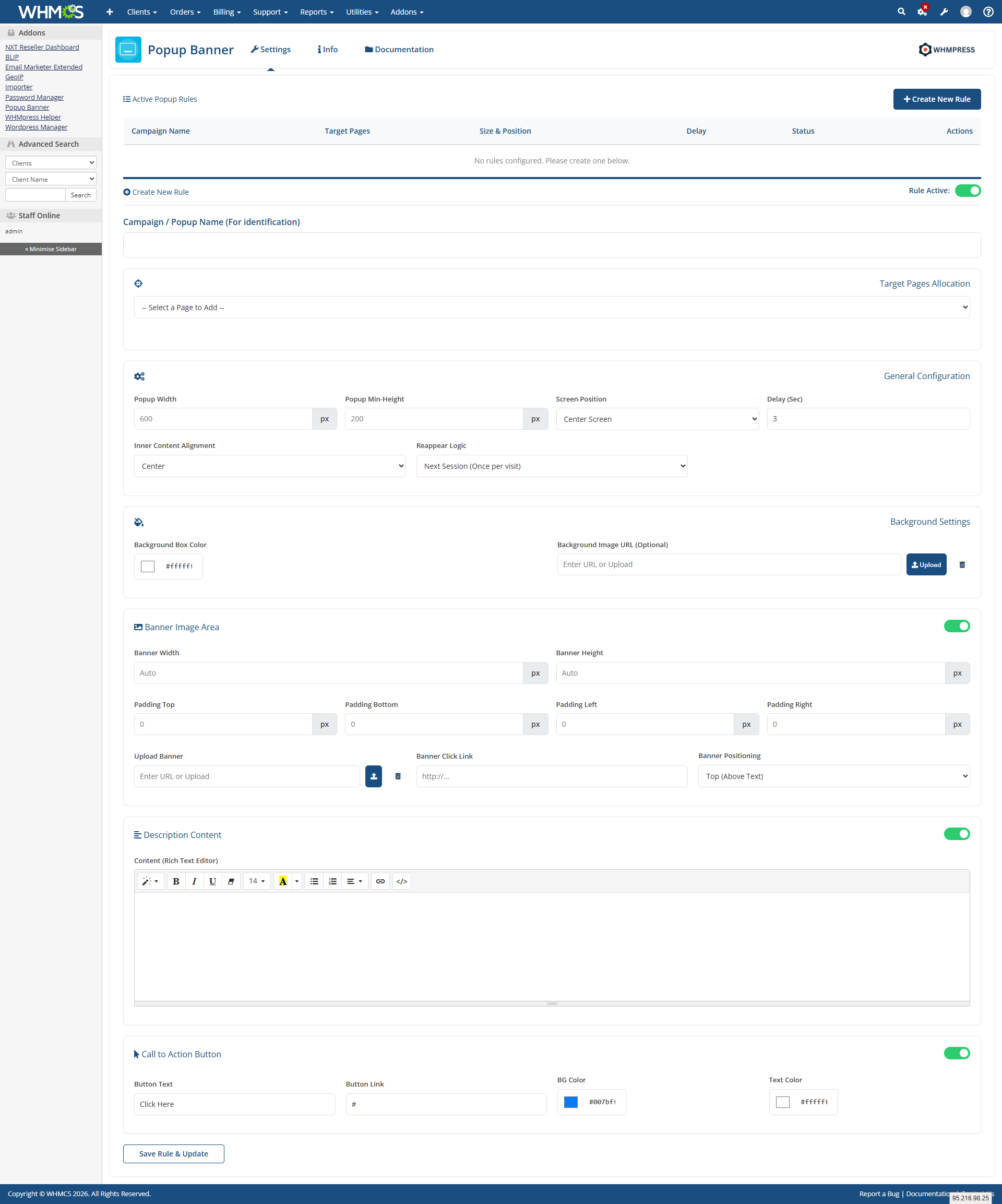
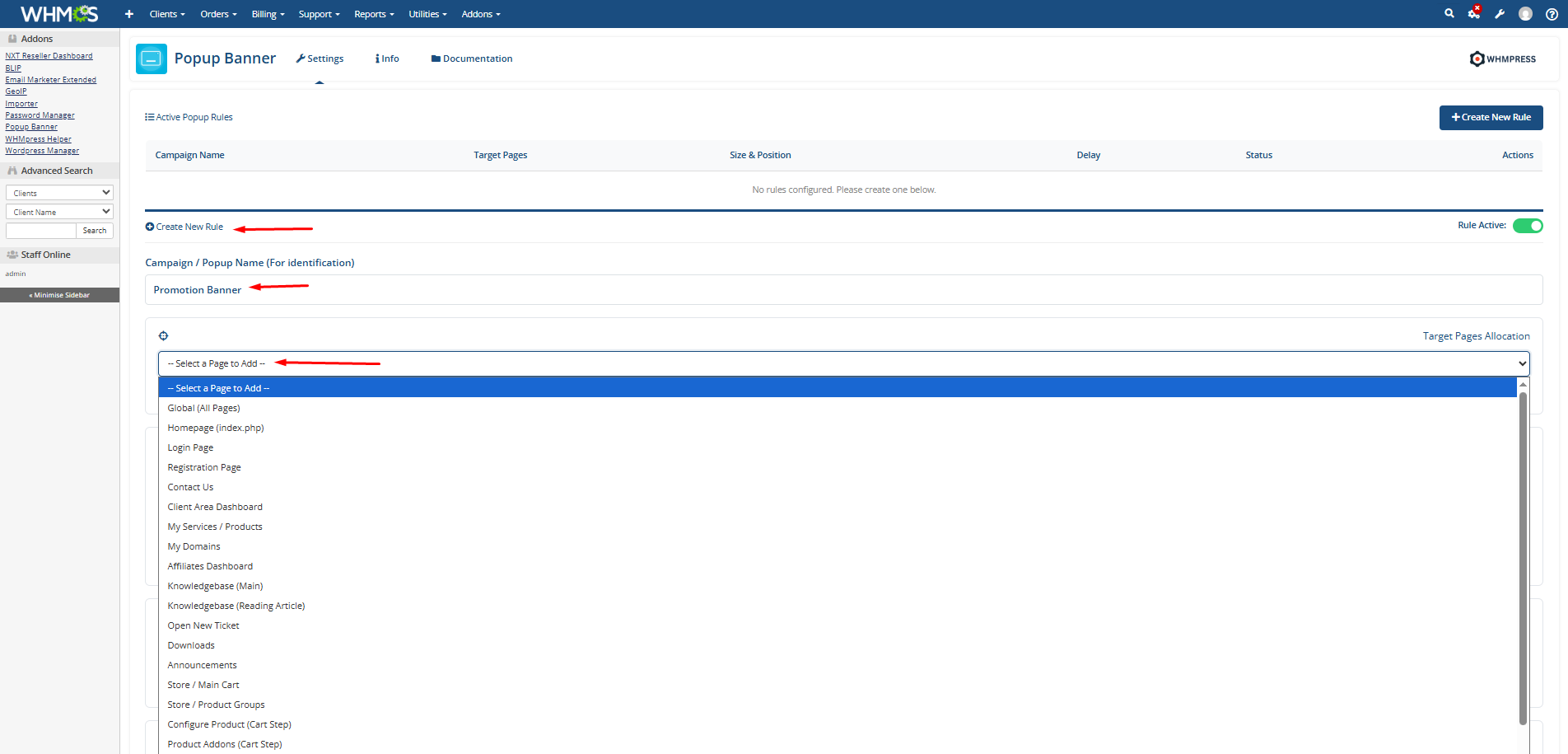
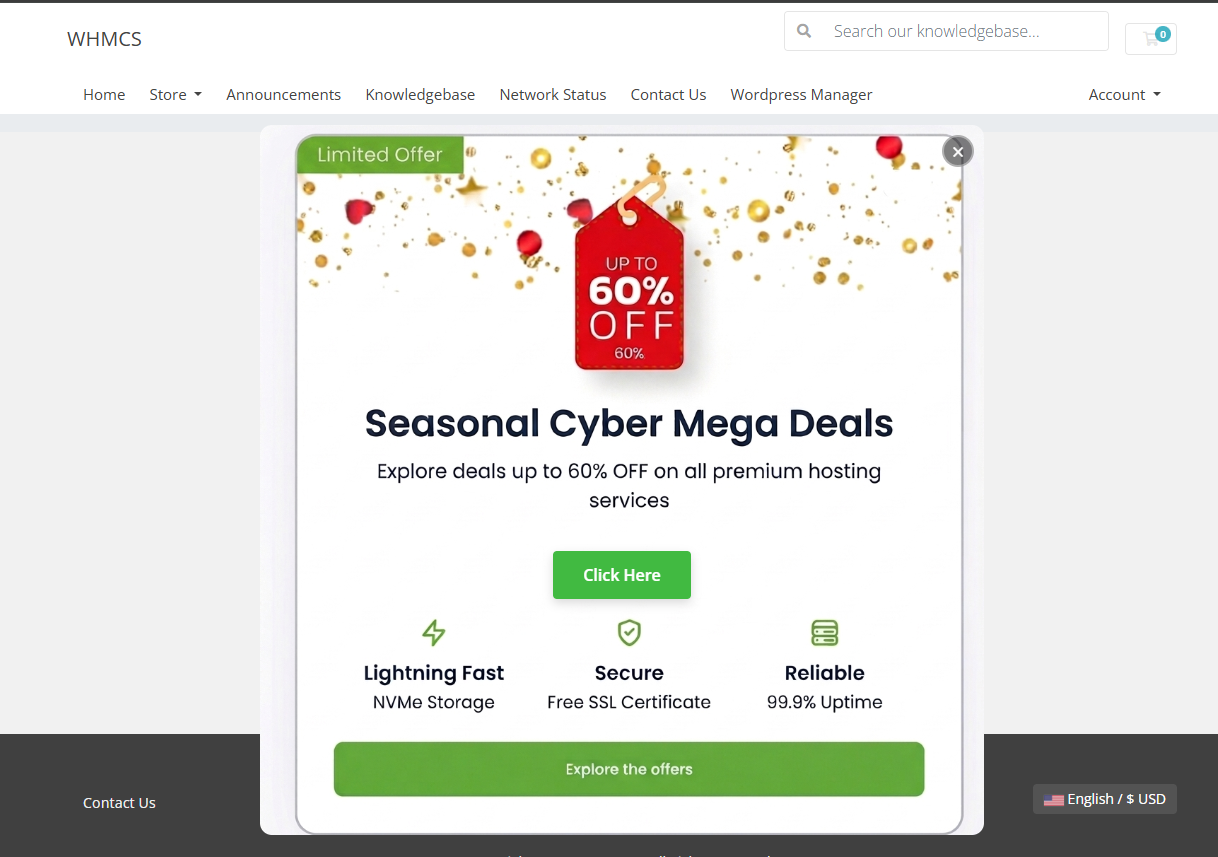
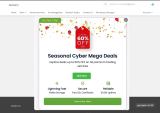
Provonic Popup Banner for WHMCS is a WHMCS popup module that displays announcements, promotions and important messages as a popup banner in the WHMCS client area, with no changes to WHMCS core files. It is a WHMCS announcement popup, promotion popup and modal banner in one: create popup rules, target all client area pages or only selected pages, and control exactly when and how each popup appears.
Every popup is configurable: set the popup size (width and height), screen position, display delay and content alignment, and choose whether it shows on every page reload or once per session. Upload custom banner images with their own width, height and spacing, make banners clickable, add HTML description content, and include a call-to-action button with your own text, link, background colour and text colour, so a holiday sale banner, service notice or maintenance announcement always matches your brand.
Whether you search for a popup banner for WHMCS, a WHMCS popup, a client area popup, a WHMCS announcement banner or a WHMCS promotion popup, this module covers it.
Show The Right Message On The Right Page
Key Features:
General Info:
Available Pricing Models:
The best place to start if you need help with a specific product is to contact the developer. All WHMCS Marketplace developers have both a website and support URL listed.
Improved pop-up display settings for selected client area pages Added customizable call-to-action button options Enhanced banner image layout and screen position controls
cPanel DNS Manager for WHMCS is an addon module which allows customers who have only domain names without a hosting package to manage DNS zones of their domain names.


CyberESXI is a module designed for hosting companies using the WHMCS system. With Esx Addon, you can enable your clients to manage the virtual servers you created with Vmware ESX, ESXi software.

This hook will let your customers know what is your nameservers on their client area at services page.
Enhanced Support System brings you an alternative support experience with clear department layout and ticket counts for each ticket status in every department.


Plame Nick @plame1451
This module is really useful. It’s easy to set up and makes it simple to show announcements and promotions directly in the client area.
The control over display timing and placement is great. Overall, it’s a solid and effective tool that works exactly as expected.