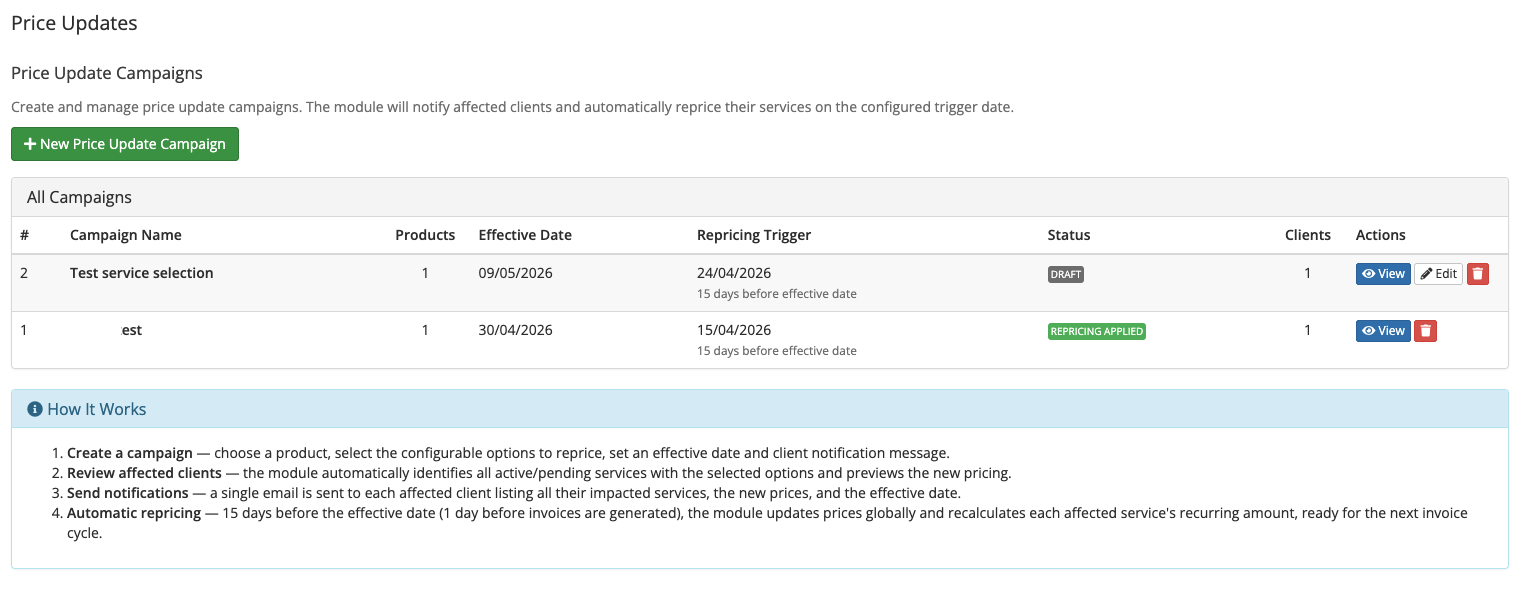
Streamline price increases with automated client notifications and zero-disruption repricing.
Managing a price increase across hundreds of client services is time-consuming and error-prone. Price Updates gives you a structured, auditable campaign workflow - from building the change list to notifying clients and applying new prices automatically - all without touching a single service manually.
1. Create a Campaign
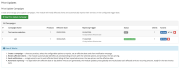
Define a named campaign with an effective date and a client-facing description explaining the change. Add as many price change items as needed - product base prices and/or configurable options, across any billing cycle - all in a single campaign.
2. Scan Affected Services
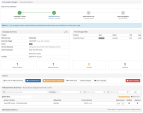
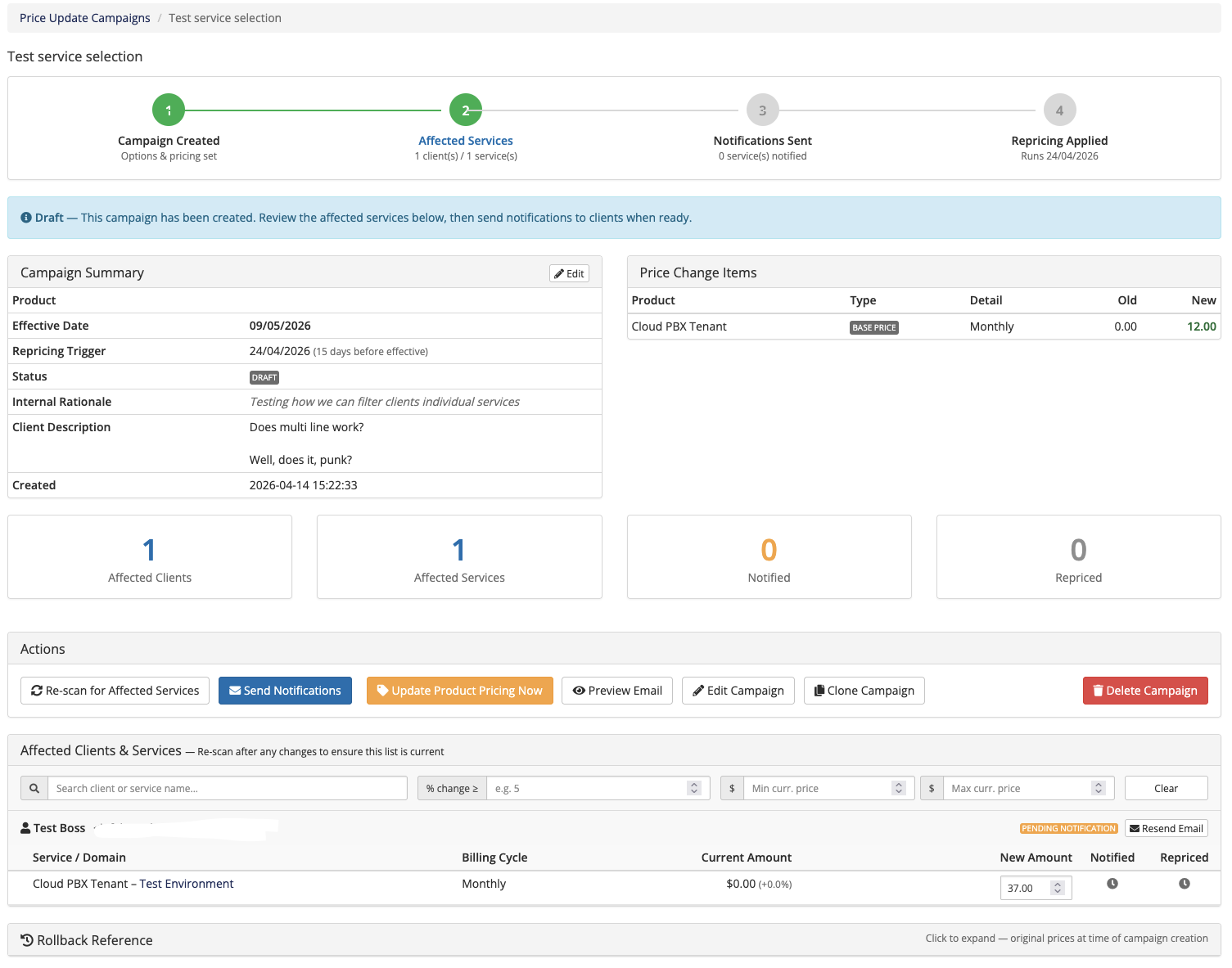
With one click, the module scans your entire client base and identifies every active or pending service that will be affected. Each service is listed with its current amount, the calculated new amount (including any quantity multipliers and recurring promo code discounts), and a per-service override option if you need to set a custom price for specific clients.
3. Preview & Send Notifications
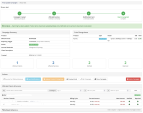
Preview exactly what the notification email will look like before sending. When ready, send a single grouped email to each affected client listing all their impacted services, the new prices, and the effective date. Clients with multiple affected services receive one email - not one per service.
4. Automatic Repricing
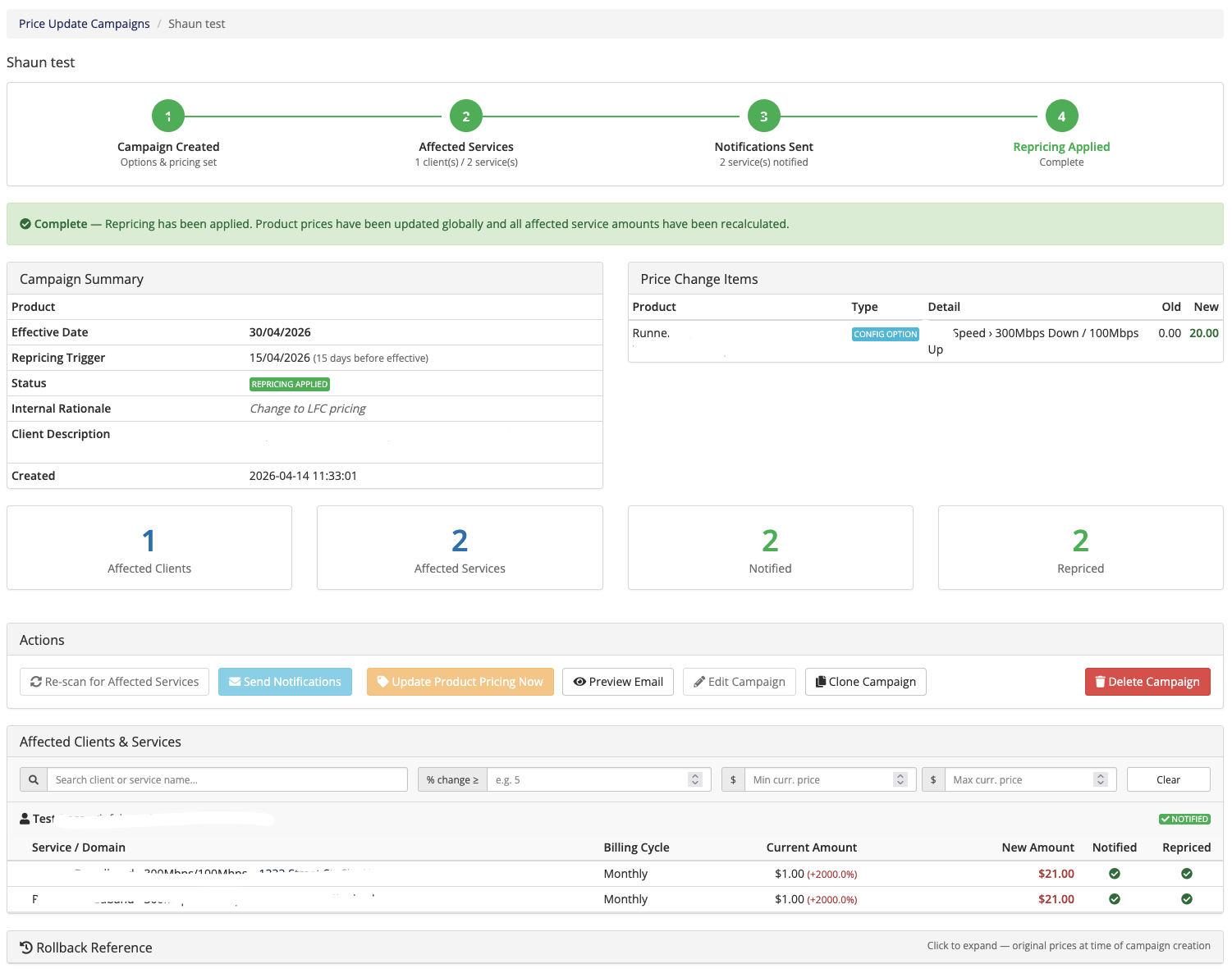
The module hooks into WHMCS's daily cron and automatically applies the new prices on the configured trigger date (one day before WHMCS generates invoices for the effective date). Product and configurable option prices in WHMCS are updated globally, and every affected service's recurring amount is recalculated - so the next invoice cycle is correct without any manual intervention.
Be the first to review Price Updates.
The best place to start if you need help with a specific product is to contact the developer. All WHMCS Marketplace developers have both a website and support URL listed.
Initial release.
Requirements WHMCS 8.0 or later PHP 8.1 – 8.4 IonCube Loader (included with most web hosting control panels)



Integrate your financial data stored in WHMCS into QuickBooks Online.