Cloudflare DNS Manager

Cloudflare DNS Manager

Developed By WHMPress

Compatible with WHMCS v9.0

WHMPress Cloudflare Server Module

Automated Cloudflare Zone Management Inside WHMCS

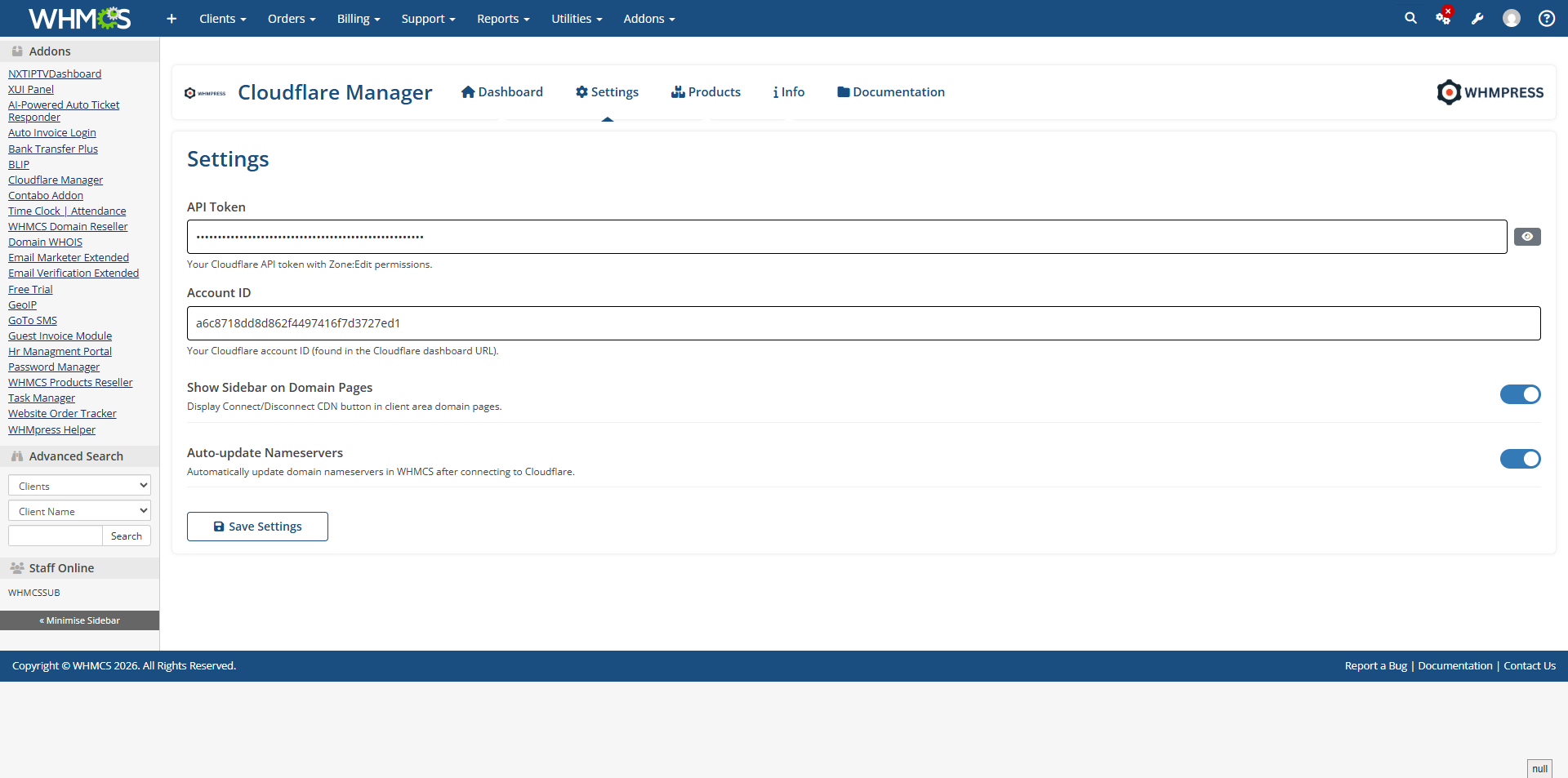
The WHMPress Cloudflare Server Module integrates Cloudflare zone management with WHMCS, enabling hosting providers to automatically provision and manage Cloudflare zones for their clients' domains directly from their WHMCS admin and client areas. The module uses the official Cloudflare API v4 with Bearer token authentication to deliver full zone lifecycle management, DNS control, security configuration, cache management, firewall rule management, and analytics, all from within WHMCS.

Admins configure products with pre-set zone settings (account ID, zone type, SSL mode, security level, cache level). Clients can optionally override these at order time through auto-generated WHMCS configurable options. Once provisioned, clients manage their zones through a feature-rich tabbed interface within the WHMCS client area. WHMPress Cloudflare Server Module for WHMCS is an alternative to Cloudflare modules by other developers, offering full API v4 integration, comprehensive client management tabs, and automated zone provisioning.

Key Features

Provisioning & Lifecycle

  • Automated Cloudflare zone creation on account provisioning
  • Suspend (pause) and Unsuspend (unpause) zone via WHMCS
  • Zone termination (deletion) on service cancellation
  • Auto-point nameservers using WHMCS LocalAPI DomainUpdateNameservers if the domain exists in WHMCS tbldomains
  • Pending zone warning banner until nameservers are pointed at Cloudflare
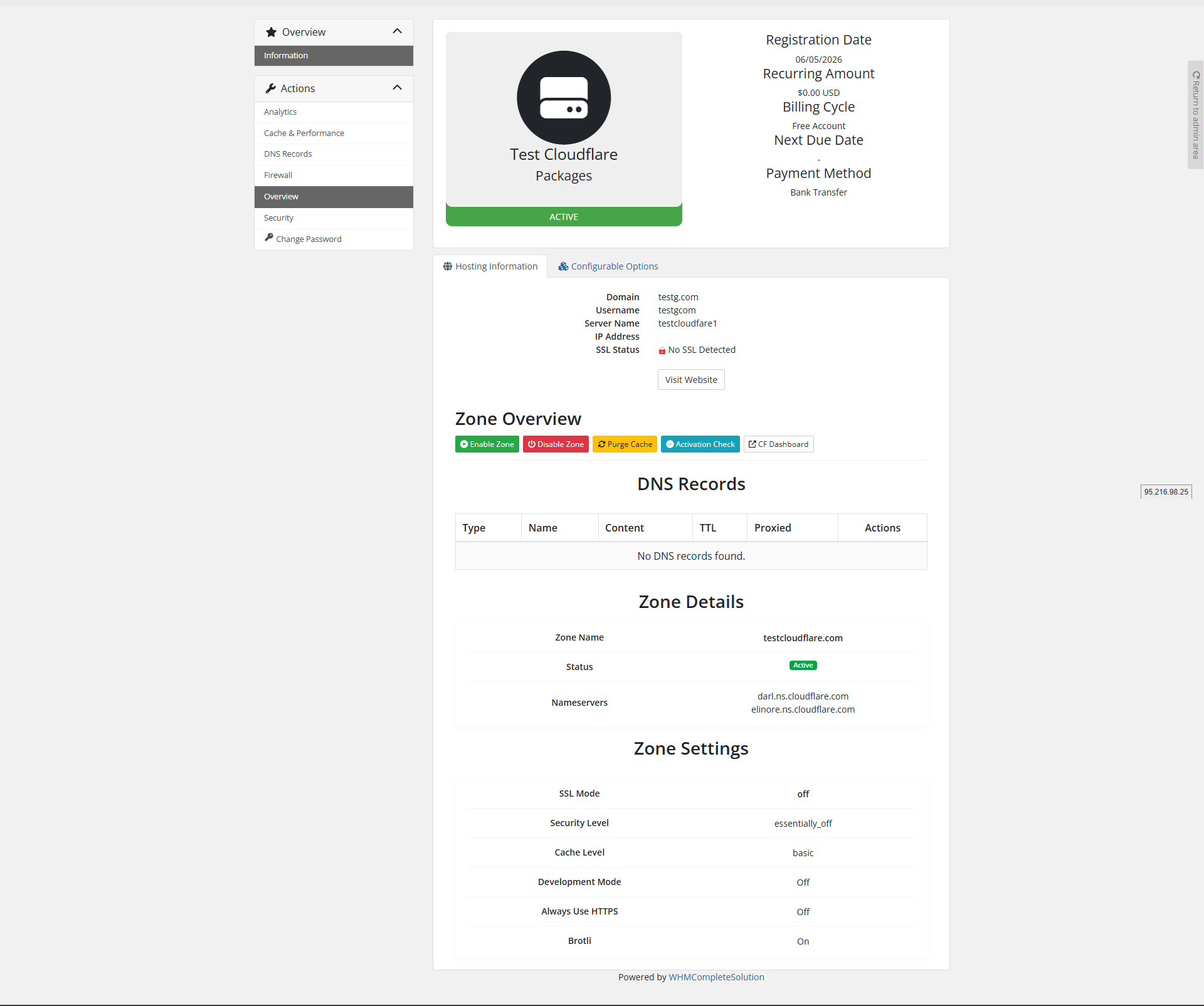
  • Check Zone Activation action to refresh zone status on demand

Admin Configuration

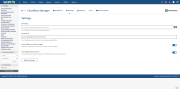
  • Per-product zone creation settings: Account ID, Zone Type, Jump Start, Default SSL Mode, Security Level, Cache Level, Auto-point Nameservers
  • Toggle client area tab visibility per product
  • Auto-generated WHMCS configurable options for client-selectable values
  • API connection test from server settings
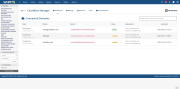
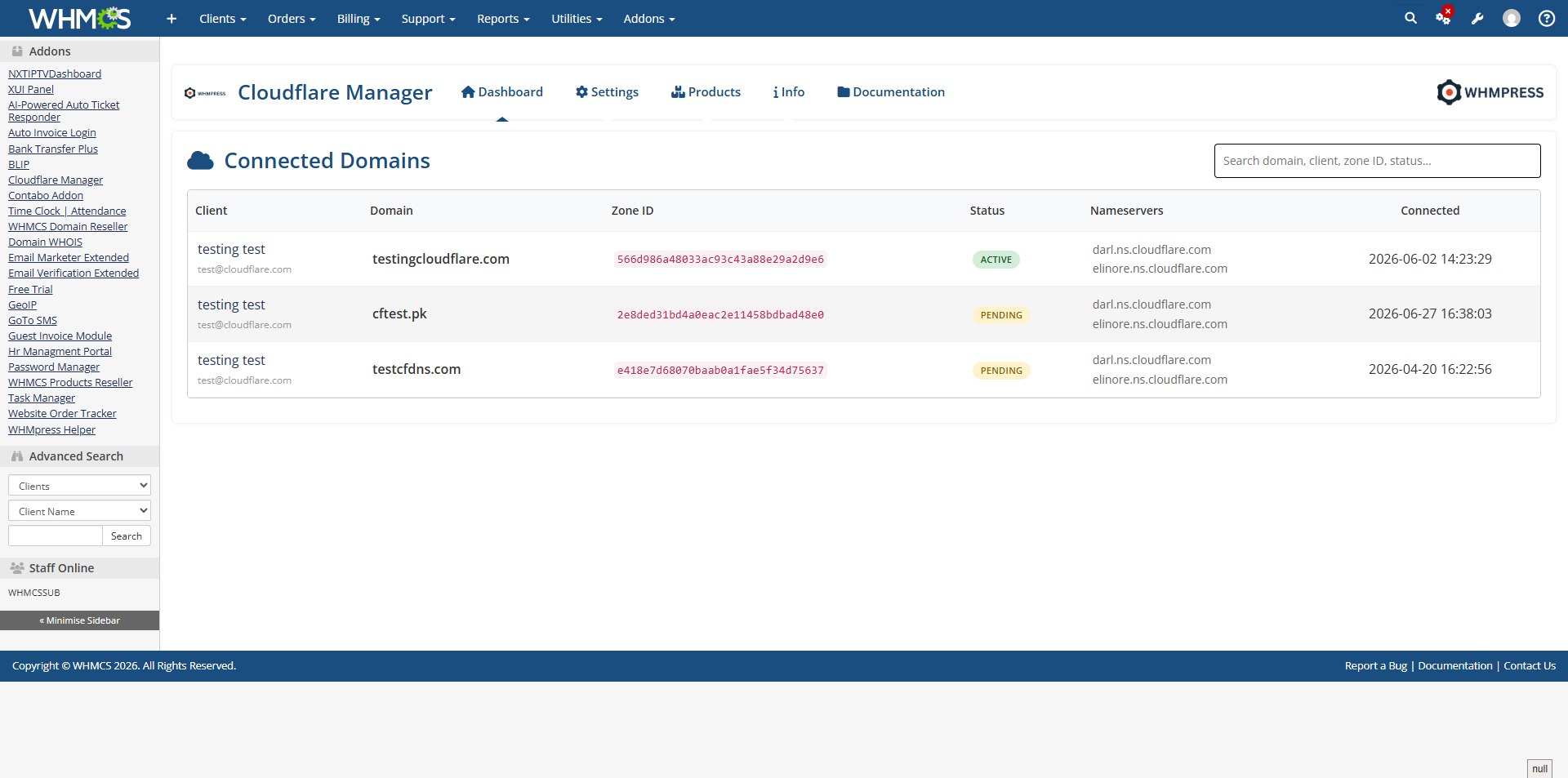
  • Admin Services tab with zone summary: name, status badge, nameservers, DNS record count, and quick-action buttons (Pause, Purge Cache, Check Activation)

Client Area Management Tabs

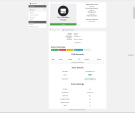
  • Overview: Zone status, nameservers, quick actions (Pause/Unpause, Purge Cache, Activation Check)
  • DNS Records: List, add, edit, and delete DNS records (A, AAAA, CNAME, MX, TXT, etc.) with proxy toggle
  • Security: Configure SSL/TLS mode, HTTPS rewrites, HSTS, minimum TLS version, opportunistic encryption, and other security settings
  • Cache & Performance: Configure cache level, browser cache TTL, Always Online, development mode, and purge cache by URL or all
  • Firewall: Manage WAF custom firewall rules with Wirefilter expression syntax; add, toggle, reorder, and delete rules
  • Analytics: View DNS query analytics, Argo Smart Routing latency data, and Spectrum traffic analytics

Why Choose WHMPress?

With the Cloudflare Server Module, WHMPress gives you complete automation for Cloudflare zone provisioning and management inside WHMCS. Whether your clients need DNS management, security configuration, cache control, firewall rules, or analytics, this module handles zone creation, lifecycle management, and comprehensive self-service controls. No more manual Cloudflare setup — just automated, secure, and scalable zone management powered by Cloudflare API v4.

General Compatibility

  • WHMCS Versions: Fully compatible with versions 9.0.3 to 8.7

  • PHP Versions: Supports PHP 8.4, 8.3, 8.2, and 8.1

  • Themes Supported: Works with WHMCS themes such as Six, Twenty-One, and Lagom WHMCS Client Theme

  • System Requirement: Requires ionCube Loader v13 or later

Module Price

One-Time Price: $39.00

OPEN-SOURCE VERSION $199 One-Time Price


There are no reviews yet!

Be the first to review Cloudflare DNS Manager.

Version Compatibility


Compatible with WHMCS v9.0

Full Version Compatibility


  • All versions of WHMCS v9.0
  • All versions of WHMCS v8.13
  • All versions of WHMCS v8.12
  • All versions of WHMCS v8.11
  • Selected versions of WHMCS v8.10
        8.10.0
  • Selected versions of WHMCS v8.9
        8.9.0
  • Selected versions of WHMCS v8.8
        8.8.0
  • All versions of WHMCS v8.7

Support for this product

The best place to start if you need help with a specific product is to contact the developer. All WHMCS Marketplace developers have both a website and support URL listed.
Developed By WHMPress

Changelog

v1.0.0 Released May 6th, 2026

Latest Version


  • Zone management (create, delete, pause, unpause, activation check)
  • DNS record management (CRUD, scan, template application)
  • DNS templates with admin CRUD and default template support
  • Security settings (SSL, security level, bot fight mode, hotlink protection, etc.)
  • Cache management (cache level, browser cache TTL, brotli, rocket loader, minification)
  • Cache purge (everything, by URLs, by tags, by hosts)
  • Firewall rules (WAF rules CRUD)
  • IP access rules (block, challenge, whitelist)
  • Analytics dashboard with Chart.js visualizations
  • Admin area with tabbed interface (Zones, Settings, DNS Templates, Info)
  • Client area sidebar integration for services and domains
  • License verification system (WHMPress pattern)
  • Responsive design with cf- prefixed CSS classes


See also

cPanel DNS Manager Module for WHMCS

cPanel DNS Manager for WHMCS is an addon module which allows customers who have only domain names without a hosting package to manage DNS zones of their domain names.


Commercial
Project Management Addon

Track and Bill for your Projects using WHMCS

Commercial
CyberESXI

CyberESXI is a module designed for hosting companies using the WHMCS system. With Esx Addon, you can enable your clients to manage the virtual servers you created with Vmware ESX, ESXi software.

Commercial
Nameserver details widget hook by SparrowHost

This hook will let your customers know what is your nameservers on their client area at services page.
Free
Enhanced Support System

Enhanced Support System brings you an alternative support experience with clear department layout and ticket counts for each ticket status in every department.


Free