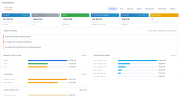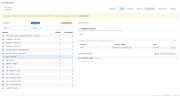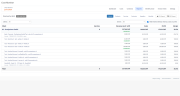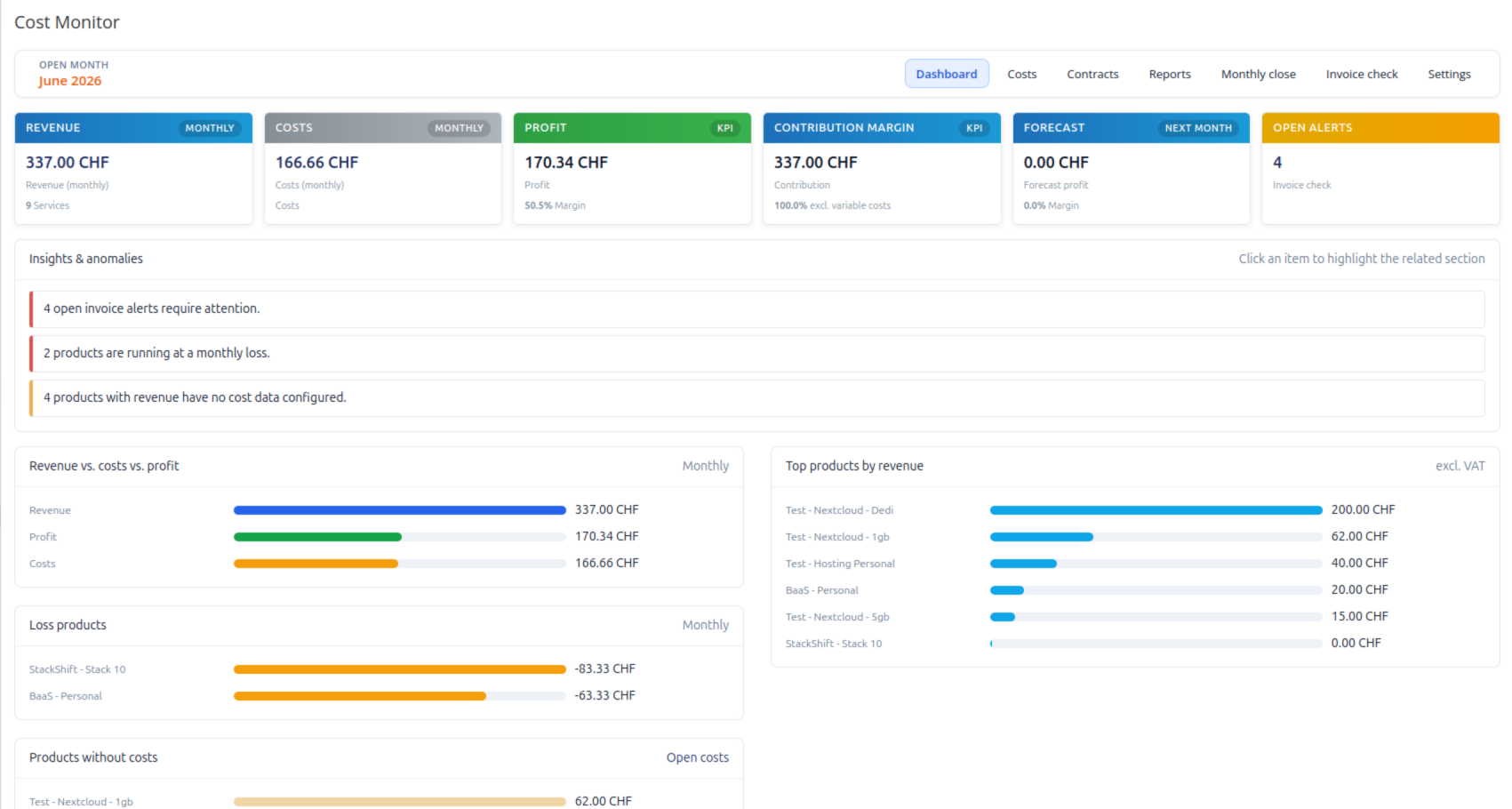
Cost Monitor adds financial controlling to the WHMCS admin area. It combines revenue from your existing WHMCS data with supplier, infrastructure and operating costs, giving you a clear view of the actual profitability of your customers, products and services.
Instead of looking at revenue alone, Cost Monitor shows what remains after the associated costs are taken into account. Dashboards, detailed reports and rule-based insights help identify loss-making services, missing cost assignments, billing issues and supplier costs that continue after a customer contract has ended.
All reporting stays inside the familiar WHMCS admin area.
Recurring revenue and costs are normalized to monthly values, regardless of whether they are billed monthly, quarterly, semi-annually, annually, biennially or triennially. Custom service prices and invoice discounts are taken into account, while a configurable base currency provides consistent reporting across different supplier currencies.
Get an immediate overview of:
Cost Monitor highlights issues such as loss-making products, missing cost assignments, invoice problems and residual supplier costs.
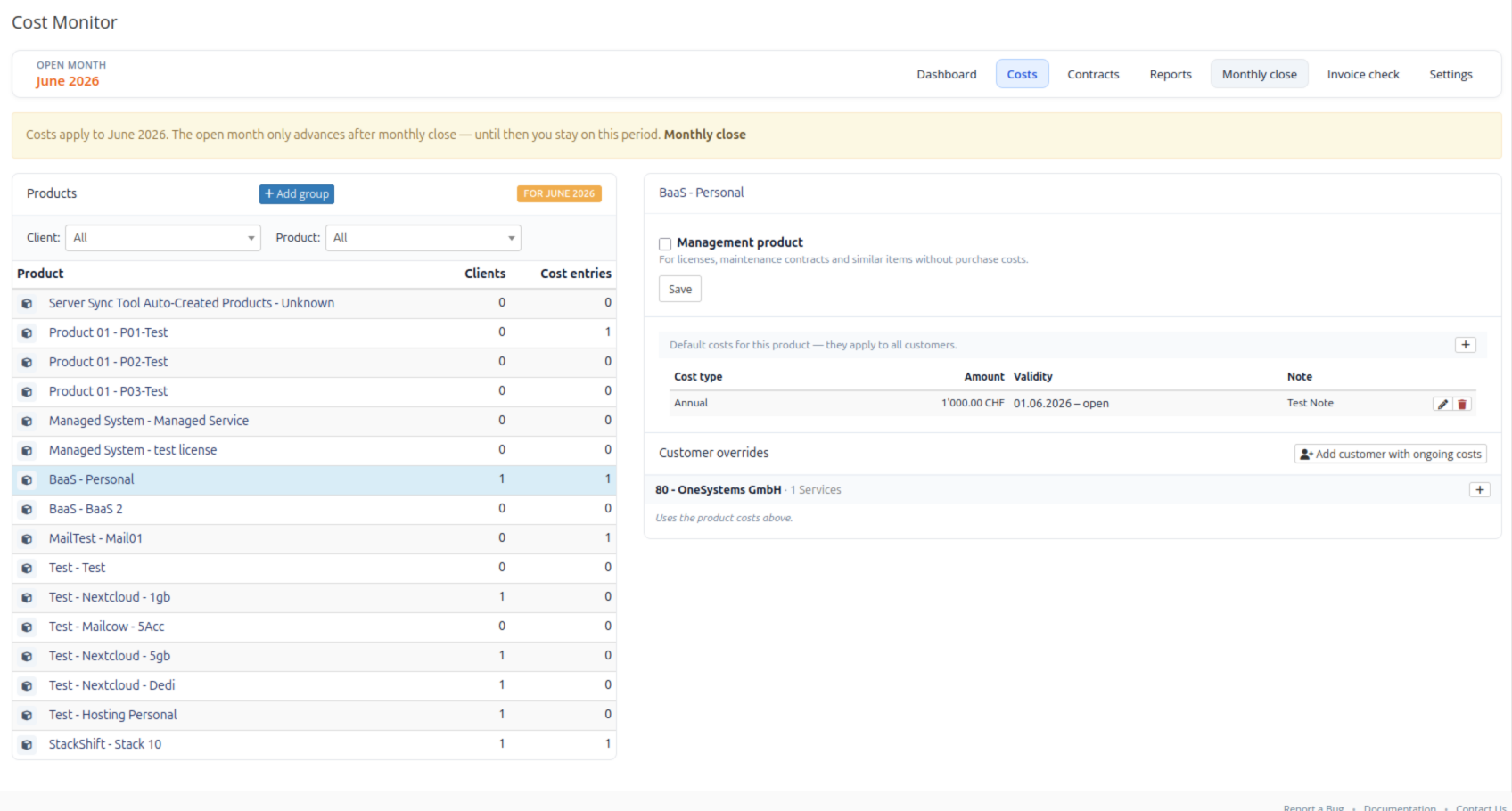
Assign costs where they actually occur:
Costs can be monthly, annual, one-time, variable, supplier-related or internal, with optional validity periods.
Products such as management fees, licenses or maintenance items that intentionally have no purchase cost can be marked accordingly so they do not generate unnecessary missing-cost alerts.
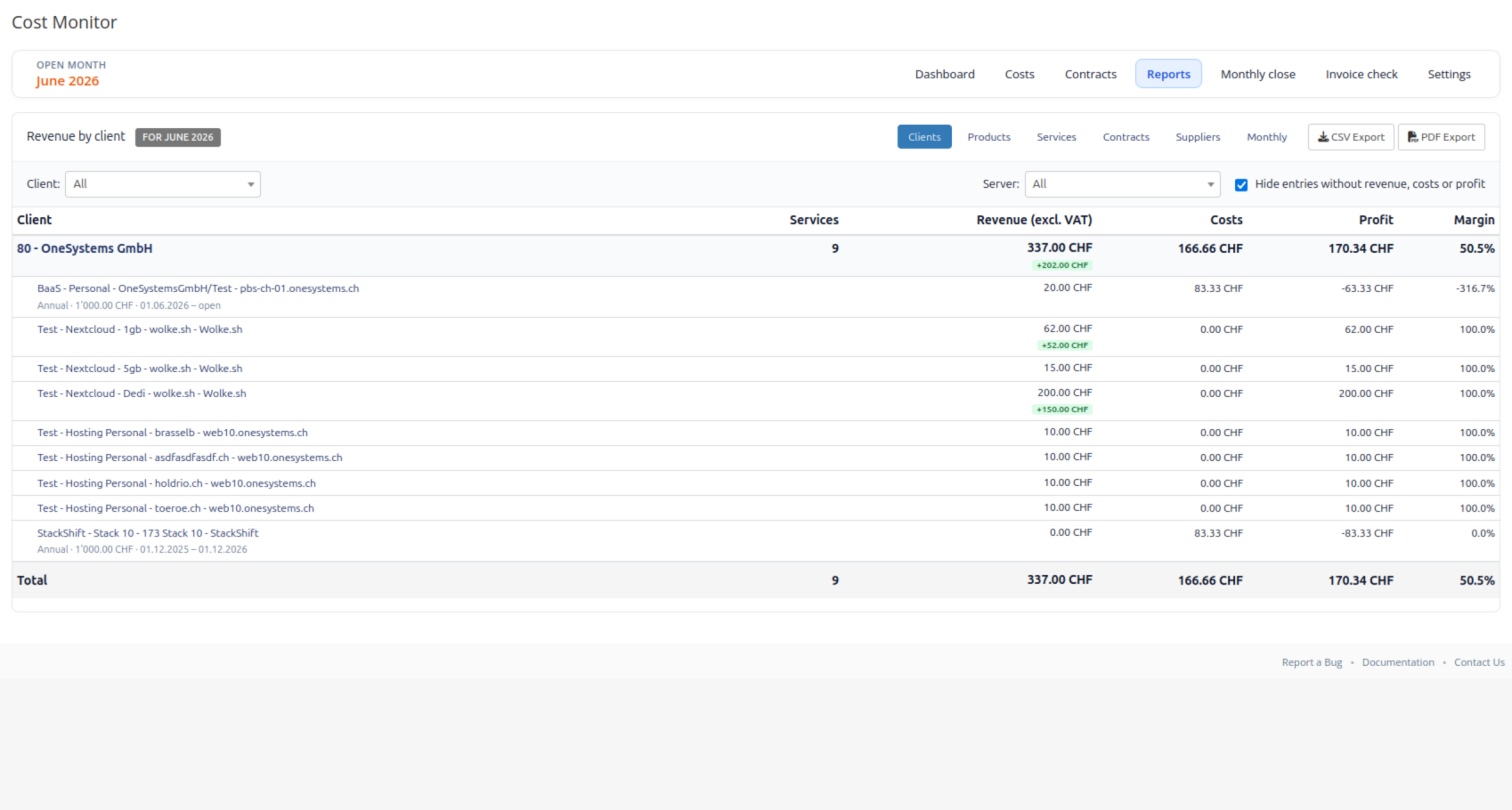
See revenue, costs, profit and margins for individual customers, products and services.
Cost Monitor also tracks residual supplier costs when a customer contract ends before the corresponding supplier commitment, making costs visible even after the WHMCS service itself has been terminated.
Supplier costs can be entered in currencies such as EUR or USD while reporting remains in your configured base currency.
Exchange rates can use monthly averages based on ECB data or manually maintained rates.
Store contract information directly against WHMCS services, including:
This provides visibility into upcoming contract expirations alongside the financial data of the service.
Detailed reports are available for:
Reports include filters, hide-empty options and CSV export.
The monthly close stores a snapshot of revenue, costs and profit for the period. Cost entries are carried forward into the next open month. The latest closed month can be reopened for corrections and closed again afterwards.
Cost Monitor can detect active services that:
This helps identify situations where services continue to generate costs while billing is incomplete or missing.
External systems can provide service costs through REST APIs.
Cost Monitor accepts JSON data containing:
service_id, cost, currency, description
API sources can be synchronized individually or together, allowing supplier or infrastructure costs to be updated automatically.
Different WHMCS administrators can be assigned responsibility for areas such as:
The interface is available in German and English.
Compatible with PHP 8.2 and PHP 8.3.
Cost Monitor is an admin-area addon. It does not provide a client-area interface and does not modify WHMCS billing or invoices.
Revenue is read from existing WHMCS services, domains, addons, configurable options and invoice data. Costs, contracts and monthly closes are maintained separately by Cost Monitor.
PDF export and sending reports through the Operations mail API require the OneSystems Operations addon. CSV export, dashboards, reports and all core Cost Monitor functionality work independently.
Does Cost Monitor change billing or invoices in WHMCS?
No. Cost Monitor uses existing WHMCS data for financial reporting but does not modify billing or invoices. Costs, contracts and monthly closes are maintained separately by the addon.
How is revenue calculated?
Revenue is calculated from active WHMCS services and related items and normalized to monthly values. Custom service prices and proportional discounts from the latest paid invoice are taken into account. Reports can display amounts excluding VAT.
Can supplier costs be entered in EUR or USD while reporting in CHF?
Yes. Supplier currencies are configured independently of WHMCS billing currencies. Cost Monitor converts them into the configured reporting currency using month-to-date or monthly average ECB rates, or manually entered exchange rates.
What happens during monthly close?
Revenue, costs and profit for the open month are stored as a snapshot. Cost entries are copied into the next open month. The latest closed month can be reopened for corrections and closed again afterwards.
Can costs be imported automatically?
Yes. REST API sources can provide service costs as JSON. Sources can be synchronized individually or all at once.
Be the first to review Cost Monitor.
The best place to start if you need help with a specific product is to contact the developer. All WHMCS Marketplace developers have both a website and support URL listed.
Maintenance release after production use.
Added
Improved
Fixed
Initial release.
Financial controlling for WHMCS: combine revenue from existing WHMCS data with supplier and operating costs to see profit and margins across customers, products and services.



Integrate your financial data stored in WHMCS into QuickBooks Online.