TimeDesk for WHMCS
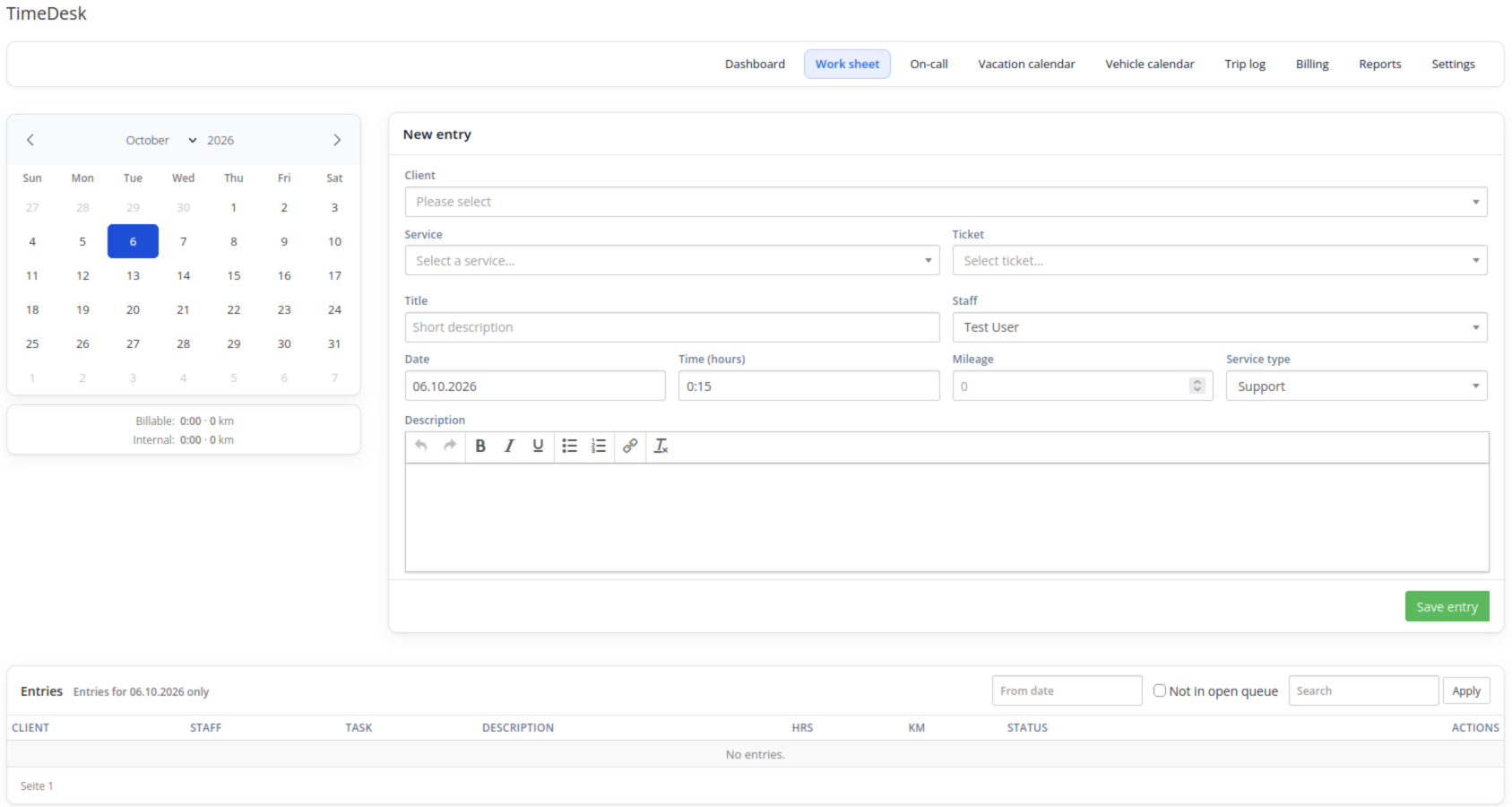
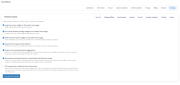
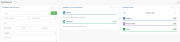
TimeDesk is time tracking for the WHMCS admin area. Staff log support and project time on a worksheet, on the support ticket, or from the admin home page. Released, billable entries become a draft invoice per client. Vacation, on-call and the trip log live in the same add-on.
All data stays in the WHMCS database. No external time-tracking system is required.
Features
- Worksheet with calendar, list, filters and staff visibility (own entries, same admin role, or everyone)
- Log time directly on the support ticket, with the time already booked on that ticket
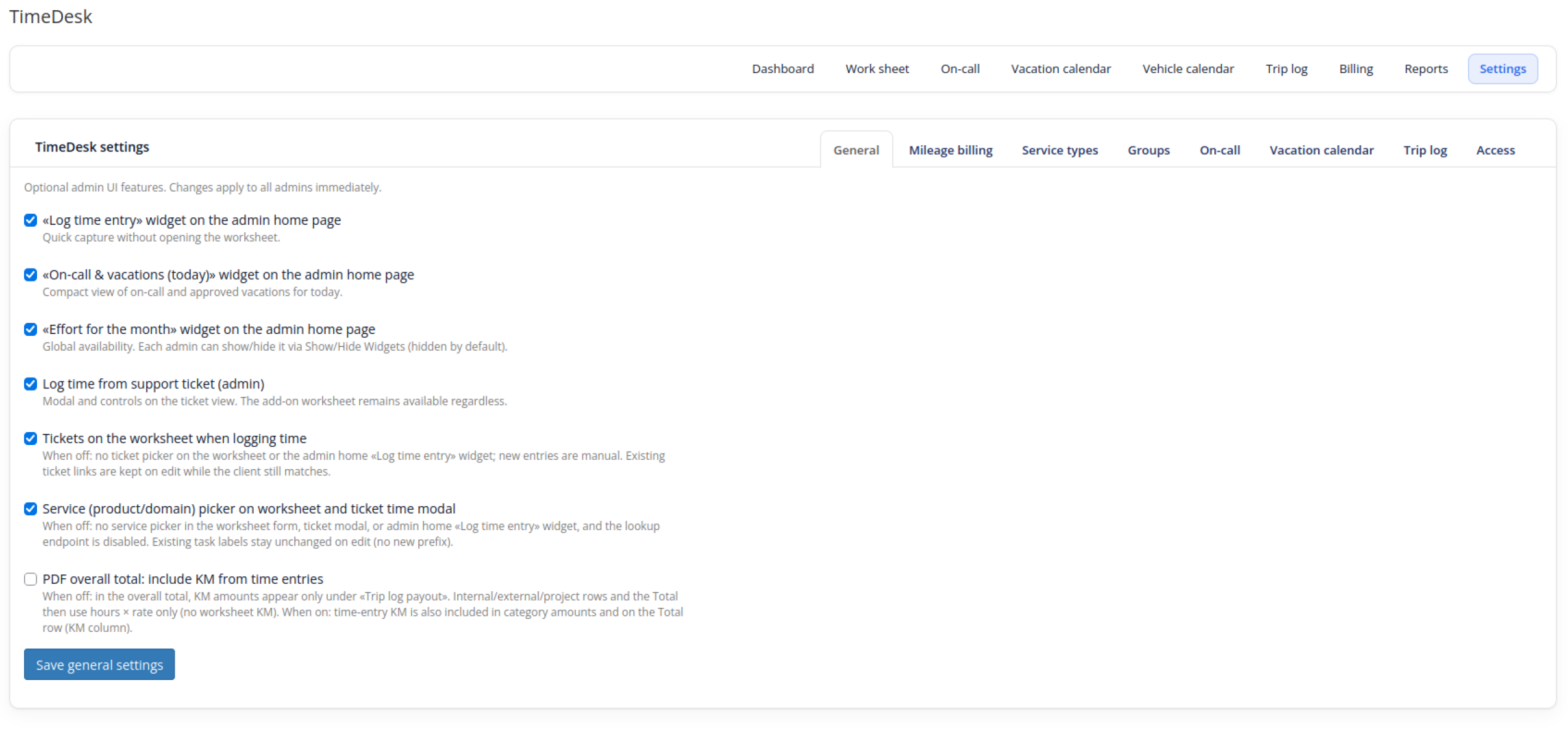
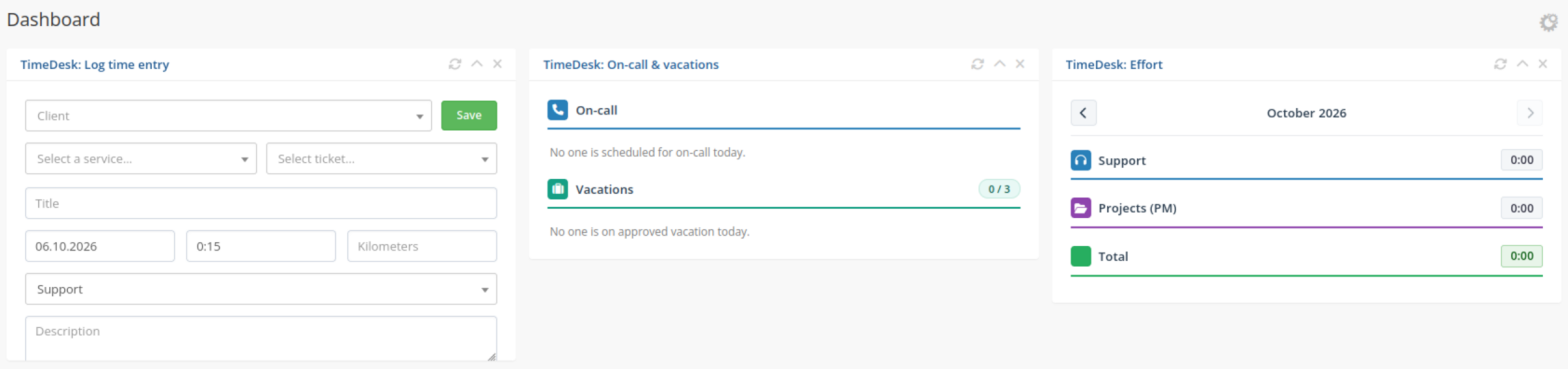
- Admin home widgets: quick entry, today’s on-call and vacations, monthly effort
- Service types with client and agent hourly rates, a billable flag, and an optional required WHMCS service
- Group overrides for rates, including Project Manager internal and external rates
- Kilometre tracking with a global price or a rate per service type; the rate is stored on the entry
- Rounding to 5, 10 or 15 minutes and a configurable minimum duration
- Billing queue: review open time, release it, and create one WHMCS draft invoice per client (not sent automatically)
- Reports by staff, group or client, by booked hosting/domain, with PDF
- Optional Project Manager time in the same report
- Vacation calendar with approval, quotas, company and school holidays, and year-end carryover
- On-call planning with weekday service windows, hourly or flat compensation, and email notices
- Trip log with an odometer chain, vehicle reservations, and PDF/CSV export
- Permissions per WHMCS admin role
- German and English interface, following the admin language
- Significant actions written to the WHMCS activity log
How it works
- Staff log time on the worksheet, on a ticket, or from the admin home widget. Duration is raised to the minimum and rounded up. Billable service types require a client.
- Billing reviews open entries and releases the selection. TimeDesk creates one draft invoice per client, with hours and kilometres on the lines.
- Reports evaluate a period for a staff member, a group or a client, and can add on-call, trip-log and Project Manager time.
- Vacation requests go to the configured approvers. On-call assignments and the trip log are planned in their own calendars.
Released and billed entries are locked on the worksheet. Resetting a billed entry in TimeDesk does not change the WHMCS invoice.
Requirements
- WHMCS 8.x
- PHP 8.1–8.3
- A running WHMCS cron (vacation email digests, on-call notices, update check)
- A OneSystems license key, configured under System Settings → Addon Modules
Optional: the Project Manager add-on, if project time should appear in TimeDesk reports.
FAQ
Do customers use TimeDesk?
No. TimeDesk runs in the admin area. Clients see the time on the draft invoice created from Billing.
Is the invoice sent automatically?
No. TimeDesk creates a draft and does not send it.
Can existing Project Manager time be included?
Yes, as an option on the report, when the Project Manager add-on is installed. Rates are set per group.
What happens without a license?
Without an active OneSystems license, TimeDesk cannot be used. Enter the key in the add-on configuration.