ADAD Quick Pay

ADAD Quick Pay

Developed By ADAD Design

Compatible with WHMCS v9.0

Mark Paid, the right way

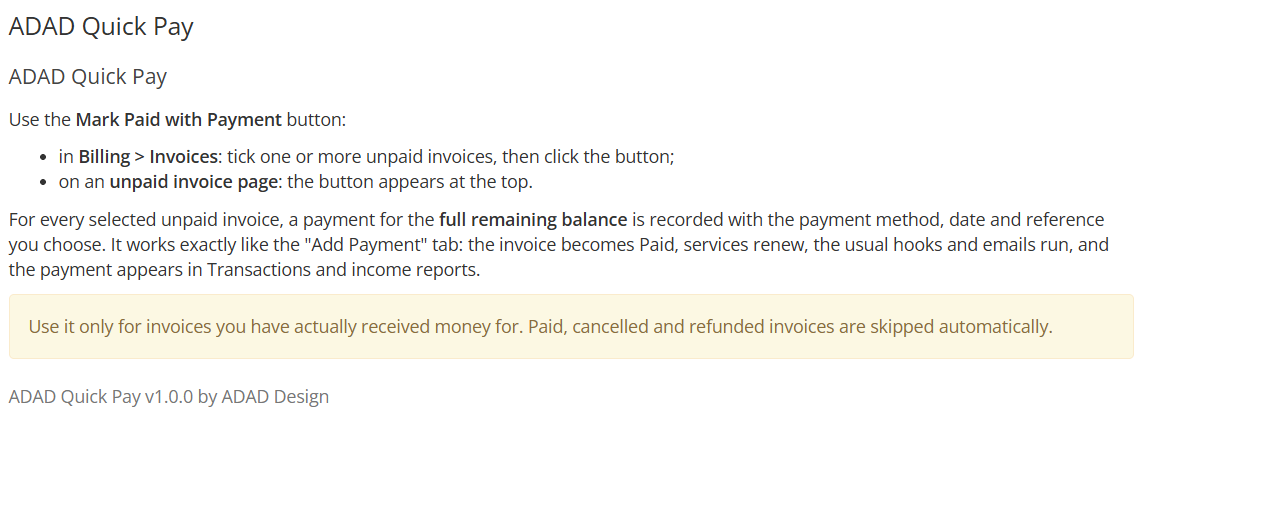
In WHMCS 9, the Mark Paid action settles an invoice with a credit note. No payment transaction is created, so the payment is missing from Transactions, from the invoice ledger and from your income reports.

ADAD Quick Pay fixes that. It records a real payment for the remaining balance, exactly like the Add Payment tab, but for as many invoices as you want, in one click.

How it works

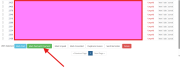
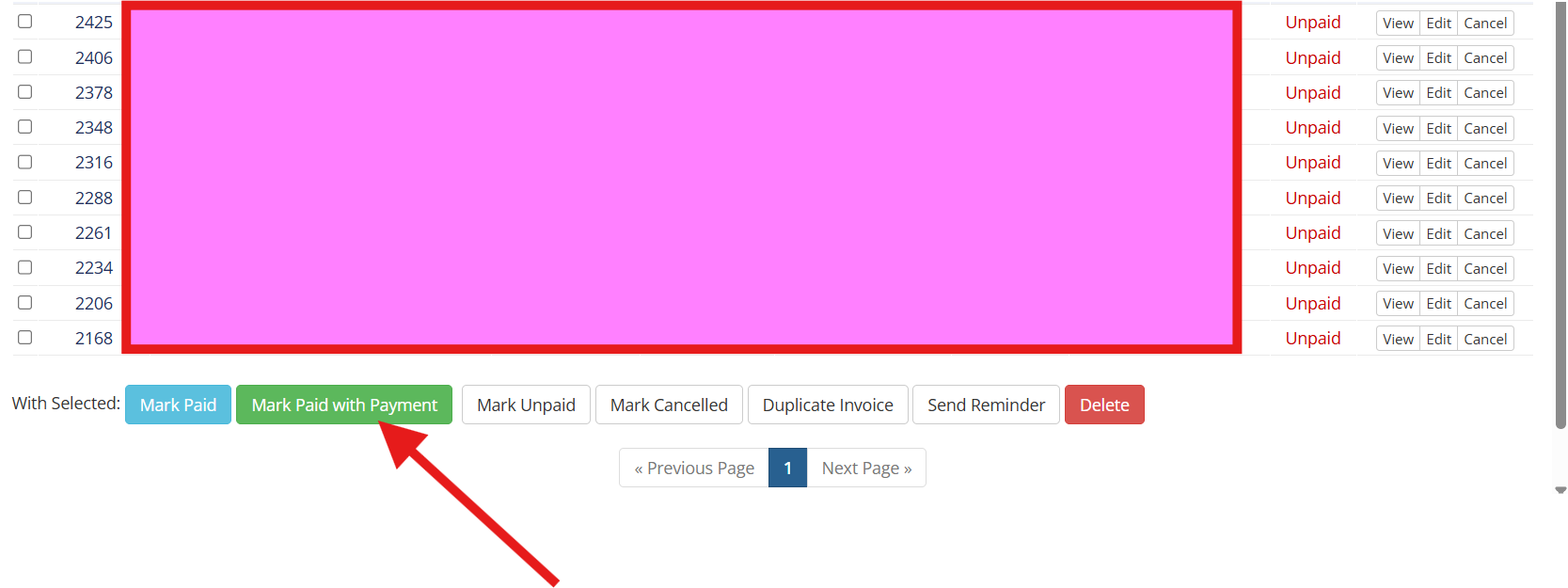
  1. Tick the invoices you have received money for in Billing > Invoices
  2. Click Mark Paid with Payment, right next to Mark Paid
  3. Choose the payment method, the payment date and an optional reference
  4. Click Record payment

The same button is also available on every unpaid invoice page.

What happens for each invoice

  • A payment for the full remaining balance is recorded with the method, date and reference you chose
  • The invoice becomes Paid and services renew as usual
  • The standard hooks and the payment confirmation email run, like with Add Payment
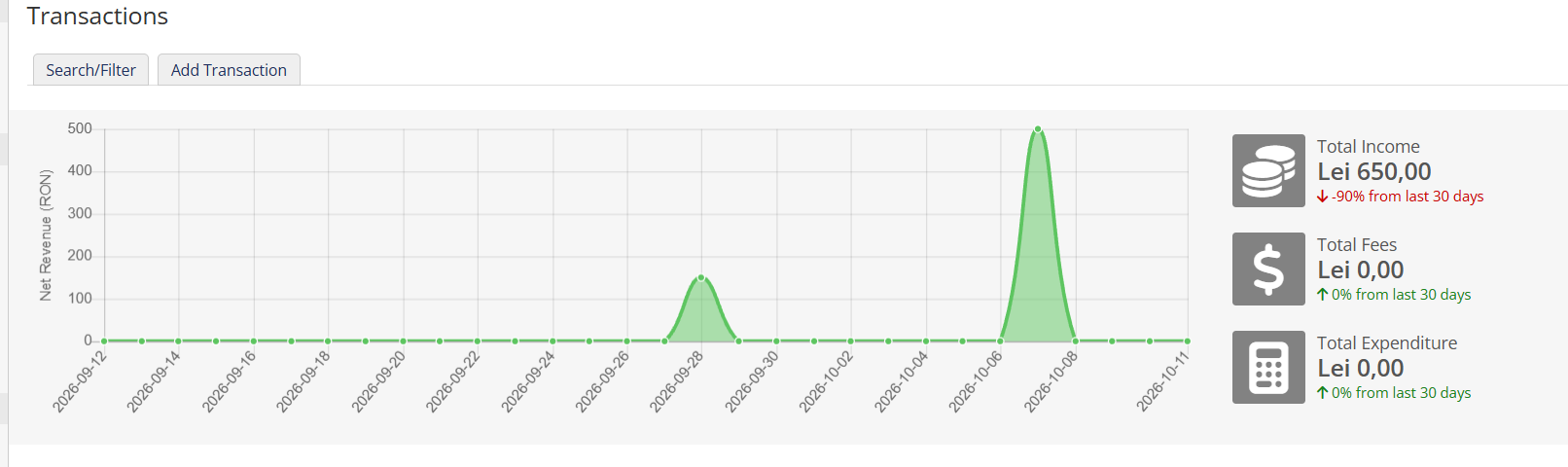
  • The payment appears in Transactions, in the invoice ledger and in income reports

Safe by design

  • Uses only the official WHMCS AddInvoicePayment API, no direct database changes
  • Paid, cancelled and refunded invoices are skipped automatically
  • Payment dates in the future are rejected
  • A results page shows exactly what was recorded for every invoice

Settings

  • Default payment method (for example Bank Transfer)
  • Your own button label
  • Send or skip the payment confirmation email

Installation

  1. Upload the modules folder to your WHMCS root directory
  2. Go to System Settings > Addon Modules and activate ADAD Quick Pay
  3. Grant access to the admin roles that should use it and choose the default payment method

Requirements

  • WHMCS 8.x or 9.x
  • PHP 8.1 to 8.3

Free to use on any number of WHMCS installations. Please test it on a single invoice first.


There are no reviews yet!

Be the first to review ADAD Quick Pay.

Version Compatibility


Compatible with WHMCS v9.0

Full Version Compatibility


  • All versions of WHMCS v9.0
  • All versions of WHMCS v8.13
  • All versions of WHMCS v8.12
  • All versions of WHMCS v8.11
  • Selected versions of WHMCS v8.10
        8.10.0
  • Selected versions of WHMCS v8.9
        8.9.0
  • Selected versions of WHMCS v8.8
        8.8.0
  • All versions of WHMCS v8.7
  • All versions of WHMCS v8.6
  • All versions of WHMCS v8.5
  • All versions of WHMCS v8.4

Support for this product

The best place to start if you need help with a specific product is to contact the developer. All WHMCS Marketplace developers have both a website and support URL listed.

Developed By ADAD Design

Changelog

v1.0.0 Released October 11th, 2026

Latest Version


Version 1.0.0 - October 2026 Initial release.

Bulk "Mark Paid with Payment" button on the invoice list Same button on every unpaid invoice page Records a real payment transaction for the remaining balance using the official AddInvoicePayment API Choose payment method, payment date and an optional reference Skips paid, cancelled and refunded invoices; rejects future payment dates Results page with the outcome for every invoice Settings: default payment method, button label, payment confirmation email on/off Compatible with WHMCS 8.x and 9.x, PHP 8.1 to 8.3


 

See also

w2x for Xero

Synchronise your invoices, Contacts, Products and Payments with Xero

Commercial
Services Fee

Transfer the fees to your client

Commercial
QuickBooks Online For WHMCS

Integrate your financial data stored in WHMCS into QuickBooks Online.

Commercial
KashFlow Accounting

Automatically transfer your billing & transaction history to KashFlow

Free
Zero Invoice Management

Avoid sending notifications or creation of 0€ Invoices

Free