Ticket Spam Checker

Ticket Spam Checker

Developed By CodeForgeX Studio

Compatible with WHMCS v9.0

WHMCS Ticket Spam Checker Module

A WHMCS addon module that automatically detects and flags spam tickets based on configurable frequency rules and patterns, helping you maintain a clean support ticket system.

Features

  • Automatic spam detection based on ticket submission frequency
  • Real-time monitoring of ticket creation and replies
  • Configurable spam thresholds and time limits
  • Automatic ticket status flagging for suspected spam
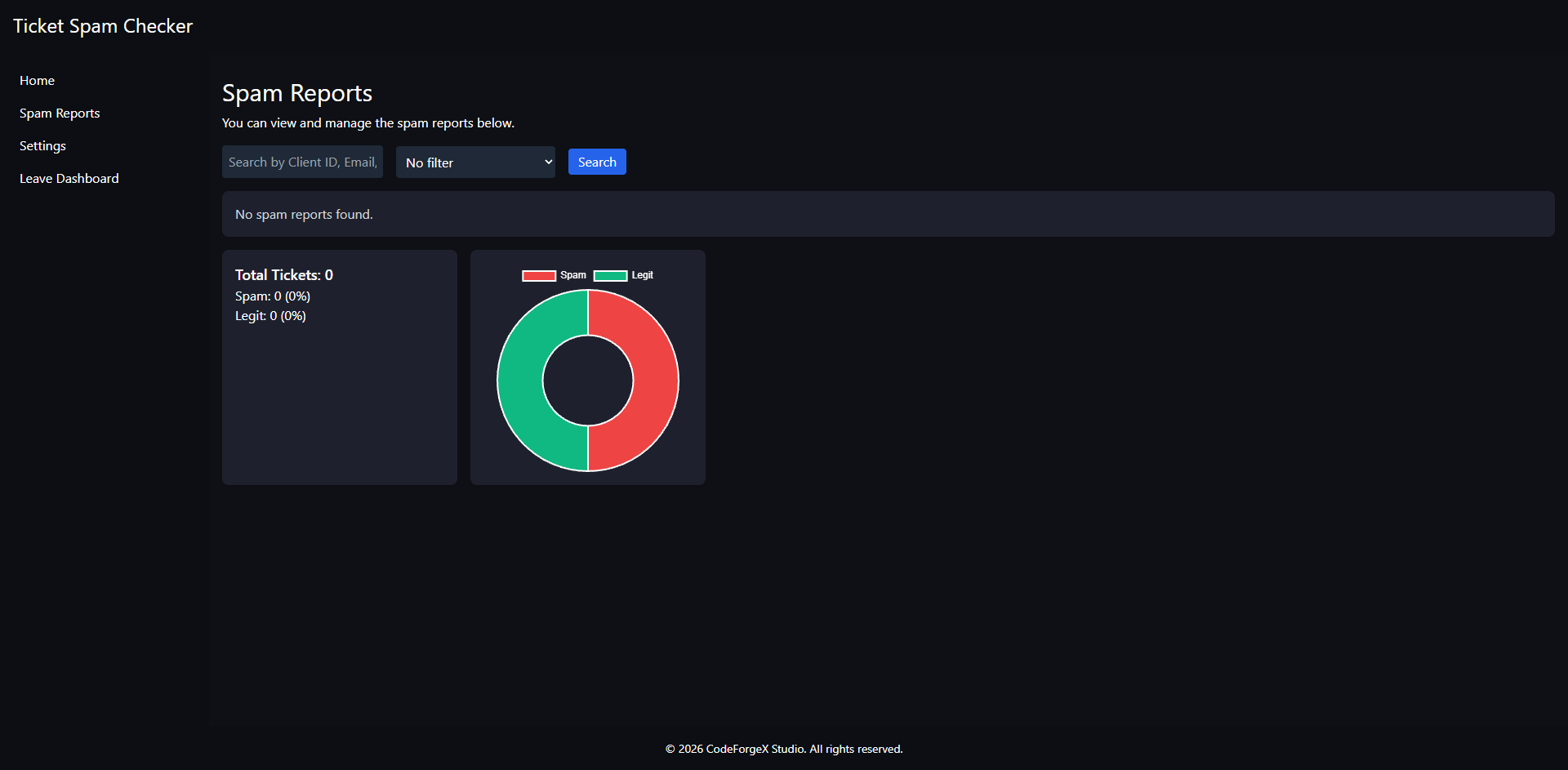
  • Comprehensive dashboard with analytics and statistics
  • Detailed spam reports with client information
  • Multi-language support (English, Dutch, German)
  • Bulk actions for managing flagged tickets
  • Visual analytics with charts and graphs
  • Customizable favicon for dashboard branding
  • Client-side notifications for flagged tickets

Requirements

  • WHMCS 8.x or newer
  • PHP 7.4 or higher

Installation

  1. Download or clone this repository.
  2. Navigate to your WHMCS installation directory.
  3. Create the following folder manually:
    /modules/addons/ticketspamchecker
    
  4. Upload all files from this repository into:
    /modules/addons/ticketspamchecker
    

Important: The ticketspamchecker directory does not exist by default and must be created manually in the /modules/addons/ directory.

Module Activation

  1. Log in to the WHMCS admin area.
  2. Go to:
    https://yourwhmcsinstall.tld/admin/configaddonmods.php
    
    or
    http://yourwhmcsinstall.tld/admin/configaddonmods.php
    
    (depending on whether SSL is enabled)
  3. Locate Ticket Spam Checker in the addon modules list.
  4. Click Activate.
  5. Configure the admin path setting (e.g., admin).
  6. Click Save Changes.

Configuration

After activating the module, you can configure the following settings:

Admin Path

Enter your WHMCS admin directory name (e.g., admin or custom admin path).

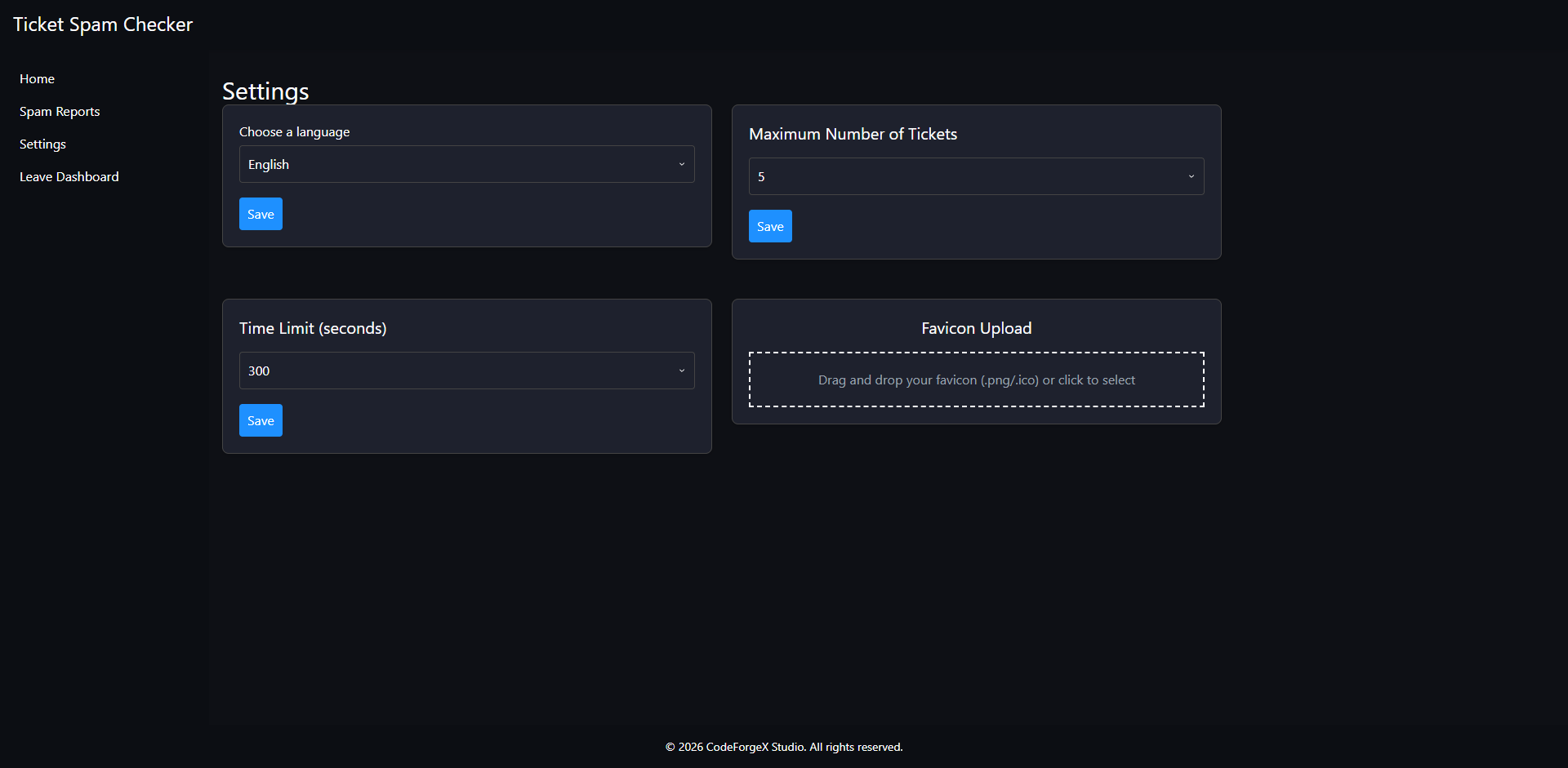
Dashboard Settings

Access the module dashboard to configure:

  1. Language: Choose from English, Dutch, or German
  2. Max Tickets: Maximum number of tickets allowed within the time limit (default: 5)
  3. Time Limit: Time window in seconds for spam detection (default: 300)
  4. Custom Favicon: Upload a custom favicon for the dashboard

How It Works

The module uses two primary spam detection methods:

  1. Frequency-based Detection: Flags tickets when a client opens more than the configured maximum number of tickets within the specified time limit.

  2. Rapid Reply Detection: Flags tickets when a client sends 5 or more replies within 60 seconds.

When spam is detected:

  • The ticket status is automatically changed to "Flagged as Spam"
  • A spam report is created with the reason and timestamp
  • The client is prevented from replying to flagged tickets
  • Administrators can review and manage flagged tickets from the dashboard

Dashboard Features

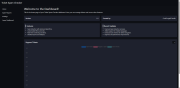
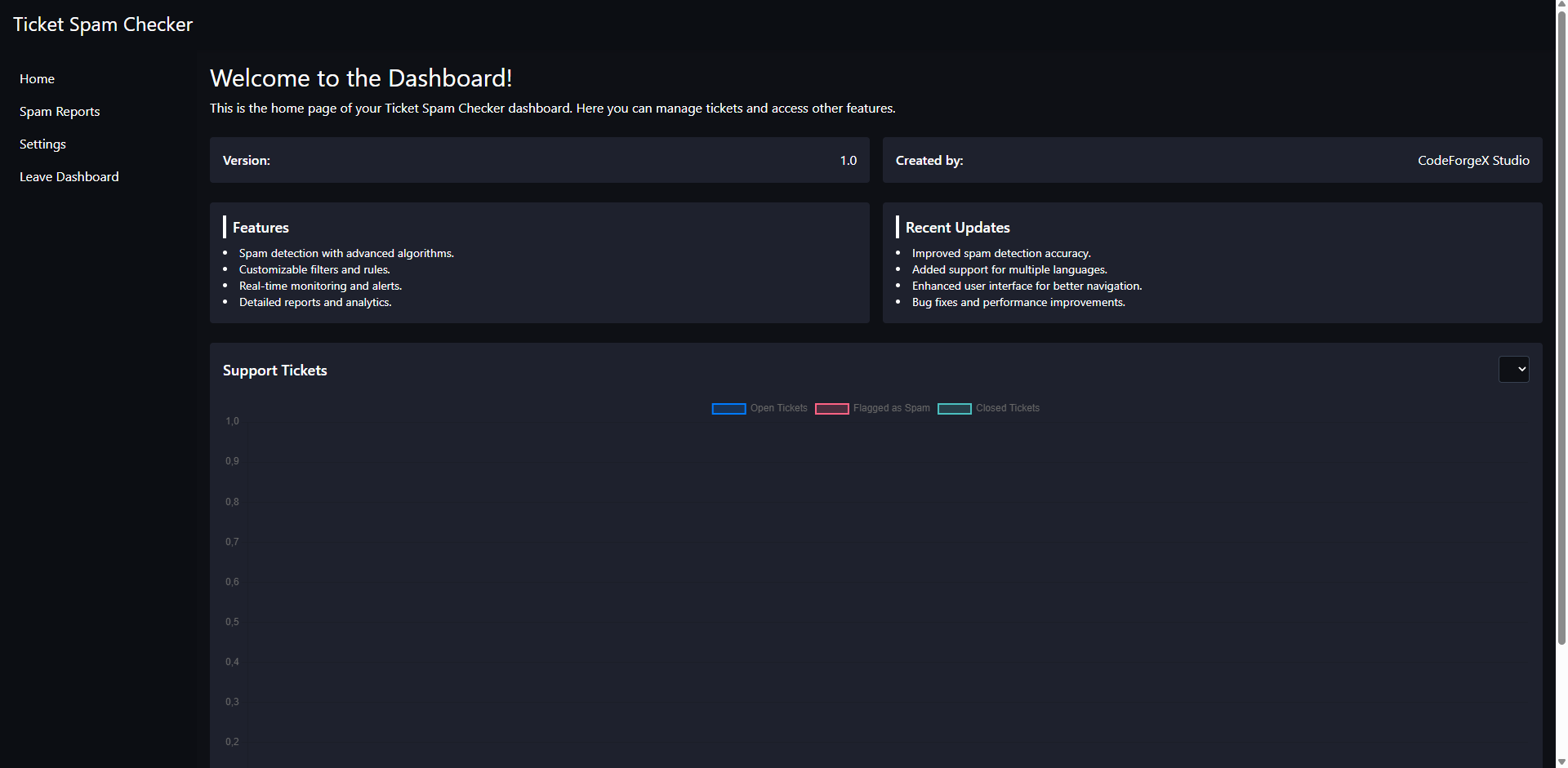
Home Page

  • Module version information
  • Feature overview
  • Recent updates
  • Support ticket statistics with visual charts
  • Historical ticket data visualization

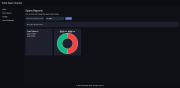
Spam Reports

  • Comprehensive list of all flagged tickets
  • Client and ticket information
  • Spam detection reasons
  • Bulk actions for managing multiple reports
  • Search and filter functionality
  • Statistics showing spam vs legitimate tickets
  • Visual analytics with pie charts

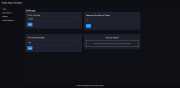
Settings

  • Language selection
  • Spam detection threshold configuration
  • Custom favicon upload
  • Time limit adjustments

Database Tables

The module creates the following tables:

  • tblticketspamcheckdashboardsettings: Stores dashboard configuration
  • tblticketspamcheckspamreports: Records all spam detections

A custom ticket status "Flagged as Spam" is also added to tblticketstatuses.

Troubleshooting

Module Not Showing

  • Confirm folder path is correct:
    /modules/addons/ticketspamchecker
    
  • Ensure file permissions are correct (755 for directories, 644 for files)
  • Check WHMCS module logs for errors

Spam Detection Not Working

  • Verify the module is activated
  • Check the configured thresholds in settings
  • Ensure WHMCS hooks are functioning properly
  • Review module debug logs

Dashboard Access Issues

  • Verify admin path is configured correctly
  • Ensure you're logged into WHMCS admin area
  • Check file permissions for dashboard files

API Endpoints

The module includes internal API endpoints for:

  • /modules/addons/ticketspamchecker/api/tickets/statuscheck.php: Checks ticket spam status

Logging & Debugging

You can enable module debugging in WHMCS:

  • Go to Utilities → Logs → Module Log
  • Enable logging
  • Retry the action to capture relevant information

Disclaimer

This is an independent WHMCS addon module and is not officially affiliated with or endorsed by WHMCS. Use at your own risk. Always test in a staging environment before deploying to production.


There are no reviews yet!

Be the first to review Ticket Spam Checker.

Version Compatibility


Compatible with WHMCS v9.0

Full Version Compatibility


  • All versions of WHMCS v9.0
  • All versions of WHMCS v8.13
  • All versions of WHMCS v8.12

Support for this product

The best place to start if you need help with a specific product is to contact the developer. All WHMCS Marketplace developers have both a website and support URL listed.

Developed By CodeForgeX Studio

Changelog

v1.0 Released February 8th, 2026

Latest Version


This is the first stable release of the WHMCS Module Ticket Spam Checker, providing comprehensive spam detection capabilities for WHMCS support tickets.


Added

  • Advanced spam detection algorithms for accurate identification of spam tickets
  • Customizable filters and rules to match your specific requirements
  • Real-time monitoring with instant alerts for detected spam
  • Detailed reports and analytics dashboard for spam tracking
  • Multi-language support for international WHMCS installations
  • Intuitive user interface for easy configuration and management
  • Comprehensive documentation and setup guide

Features

  • Automatic ticket scanning upon submission
  • Configurable sensitivity levels for spam detection
  • Whitelist and blacklist management
  • Email notifications for administrators
  • Historical spam tracking and statistics
  • Integration with WHMCS notification system


See also

The SSL Store™ WHMCS SSL Reseller Module

Sell 110+ SSL and website security products in WHMCS

Free
Client Password Changer

Easily generate and change passwords for your clients without the need to send an email

Free
Abuse Manager Pro

Creating & managing abuse reports just got easier!

Commercial
CSF Unblocker v4

Give your customers the power to unblock themselves from the CSF Firewall! Lessen your staff support ticket load


Commercial
Phone Verification

Automated Phone Verification. Protect your business and your users

Commercial